
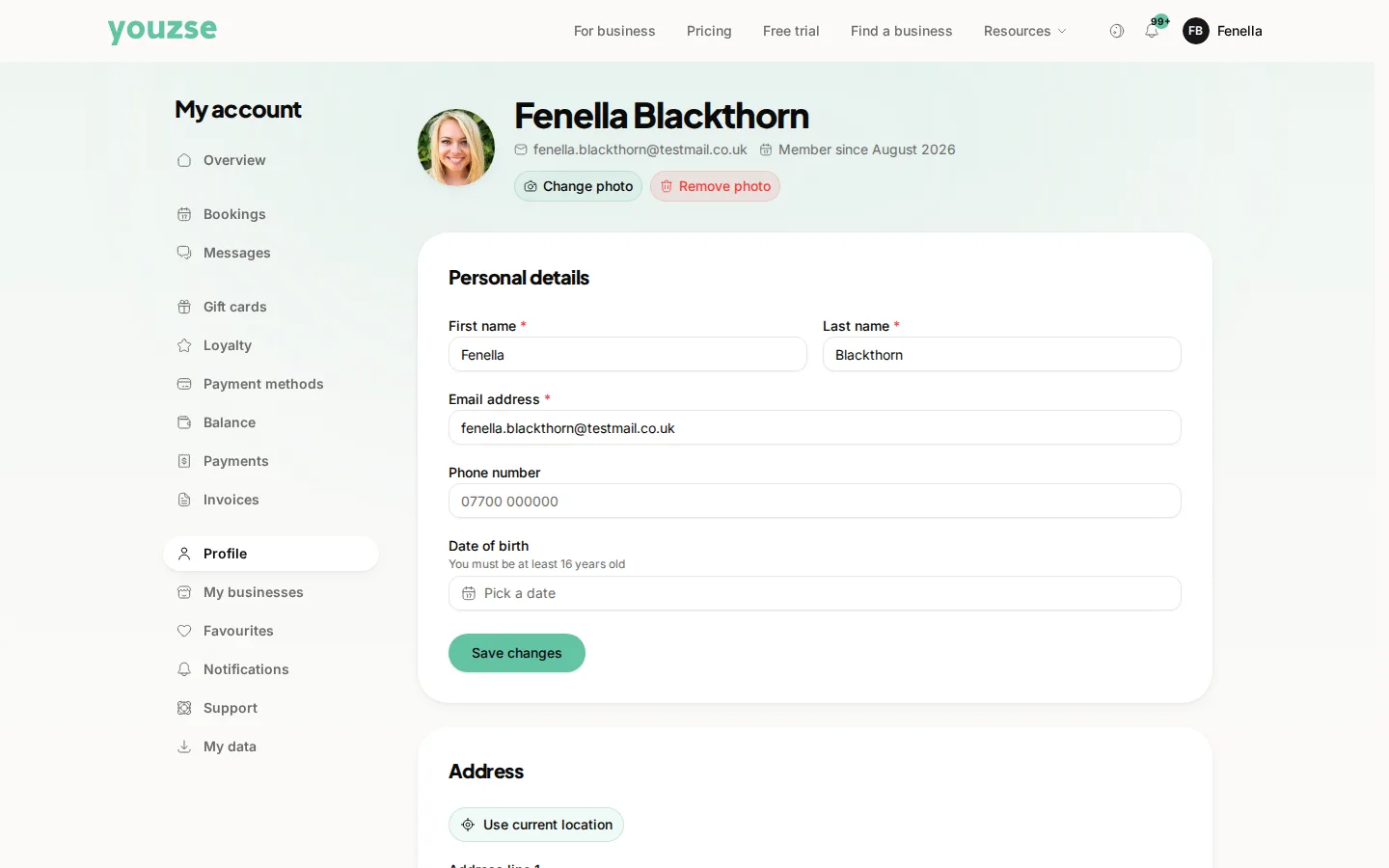
Open Profile in your account. The section is called Personal details, and the button is Save changes. Go to your account and open Personal Details. Change what you need and save.
Keep your contact details current
Reminders go to the email address and mobile number on your account. An old address is the single most common reason somebody misses an appointment.
What you can change
Your name, email address, phone number and address. Businesses you have booked with see the details relevant to serving you.
Changing your email address
You may be asked to confirm the new one. Do it promptly, because your sign-in and your reminders both depend on it.
Notification preferences
What you receive and how is set separately in your account. If reminders are useful but marketing is not, you can have one without the other.
Common questions
Will businesses see my new details automatically?
Your account details are what they contact you on, so keeping them current is enough.
Can I have different details for different businesses?
Your account holds one set of details. Anything specific to one business is best mentioned to them directly.
I have moved. Does my booking history change?
No. Your history stays exactly as it is.