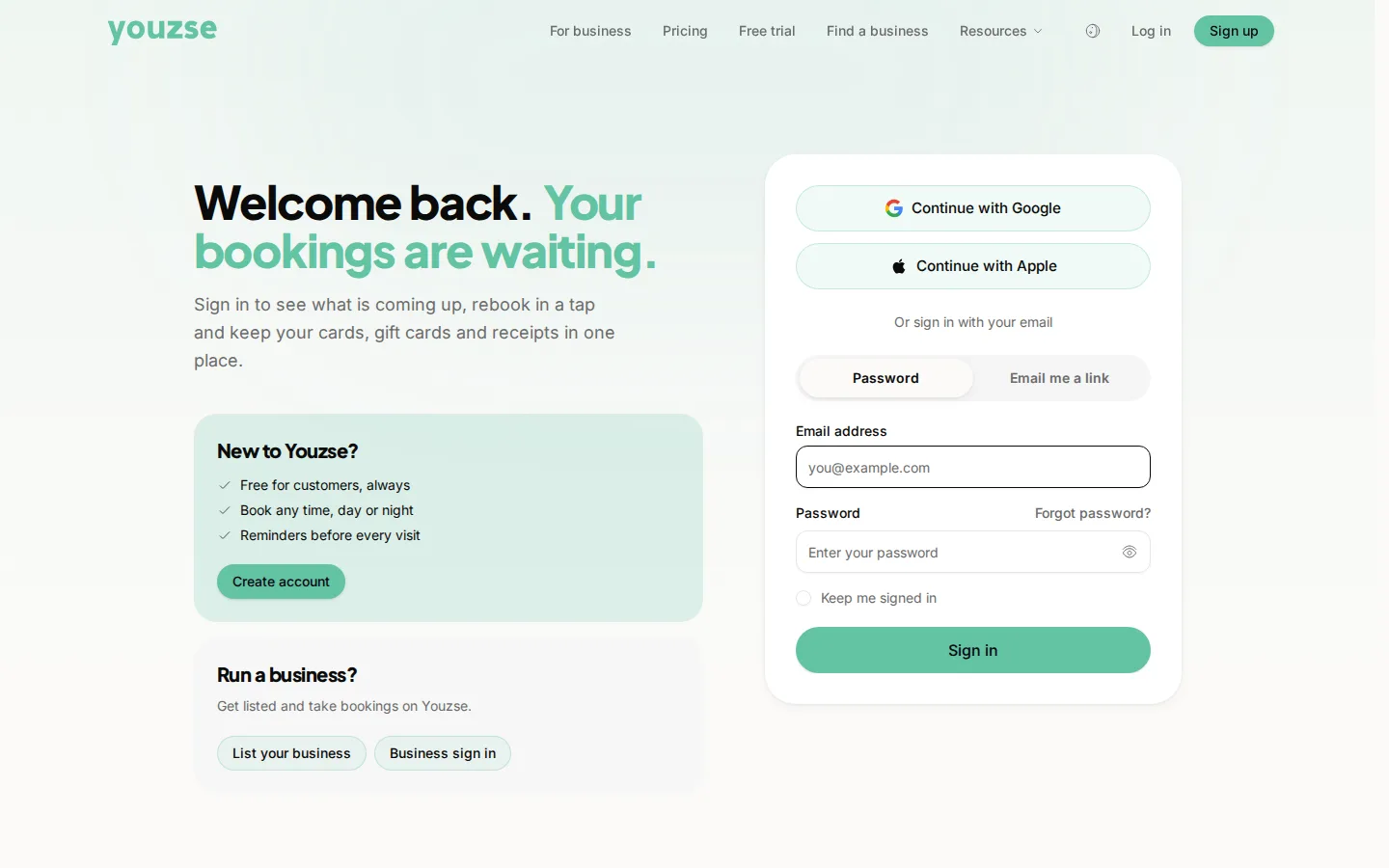
Use a password you have not used anywhere else, and never read out a code sent to your phone to somebody who has rung you.
Passwords
The risk is not somebody guessing yours, it is a different website being breached and your password being tried here. A unique password removes that entirely. A password manager makes it easy.
Codes sent to your phone
Nobody legitimate will ever ring and ask for one. Not your bank, not a business you booked with, not Youzse. Anyone asking is trying to get into your account.
Signing in with Apple or Google
A good option, because there is no separate password to be reused or leaked.
On a shared device
Sign out when you have finished, particularly on a family tablet or a work computer.
If something looks wrong
A booking you did not make, or a change you did not ask for, means changing your password immediately and contacting the business.
Common questions
Will Youzse ever ask for my password?
No, and neither will any business using it. Anyone who does is not who they say they are.
Is it safe to save a card?
Card details are held by the payment provider rather than by the business, and are not visible to staff.
What if I forget my password?
Reset it from the sign-in page. The link goes to your email address, which is what makes it safe.