
Notifications in your account is the list of updates you have been sent, with Mark all read, and Enable push or Push on for this device. Booking messages and marketing are separate, so you can stop one without losing the other.
The two kinds of message
- Service messages, like confirmations, reminders and receipts, which are part of the appointment you booked
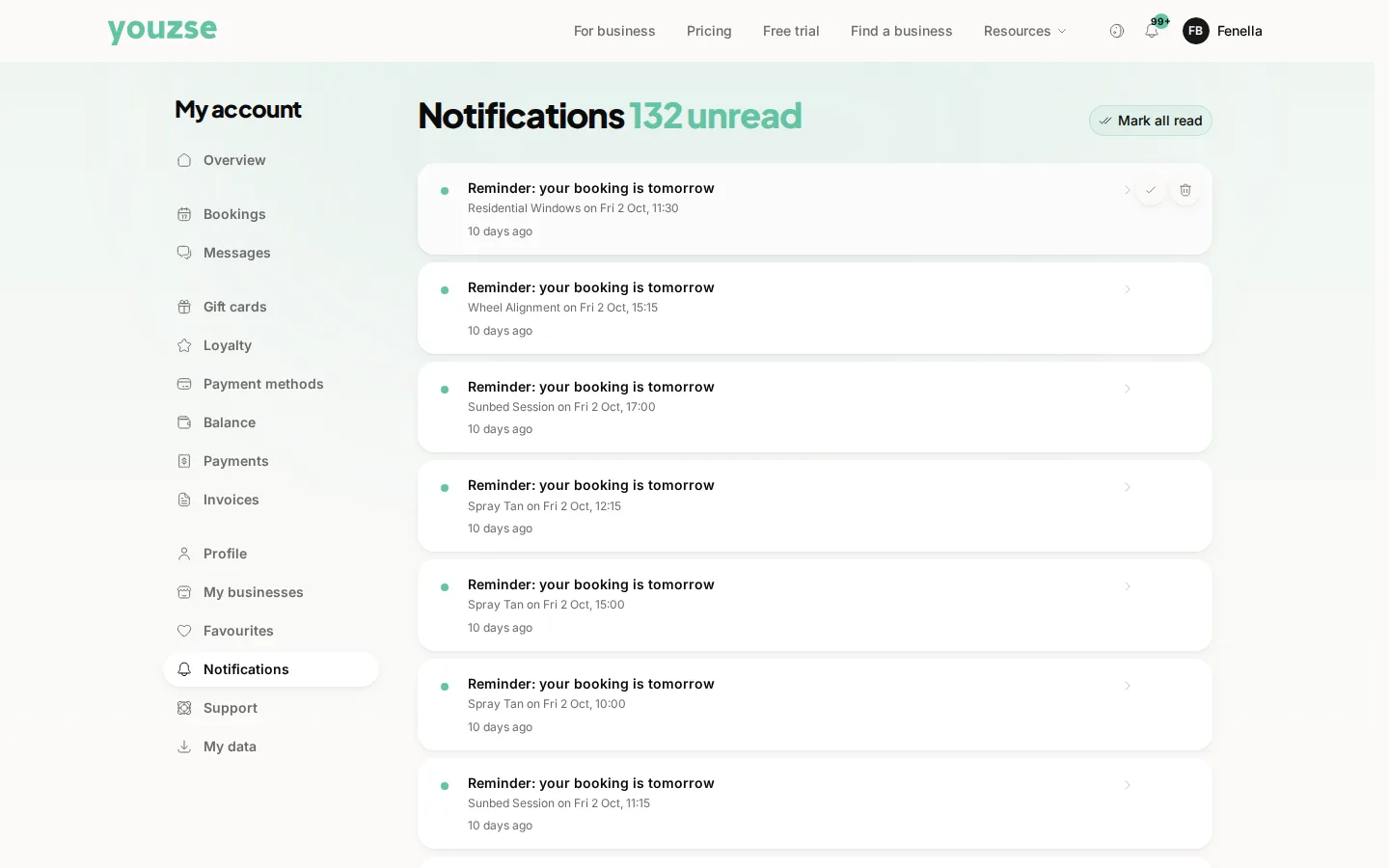
- Marketing, like offers and newsletters, which only arrive if you have agreed to them
Opting out of marketing
Use the unsubscribe link in the message. It takes effect immediately and it does not affect your bookings.
Turning reminders off
You can, though most people find them the most useful message they get. There is no reminder switch in your account. Reminders stop when you have no bookings.
A business you no longer use
Unsubscribe from their marketing. Your booking history stays, which you may want for your own records.
Common questions
I unsubscribed but still get reminders. Why?
Reminders are about appointments you booked rather than marketing. They are different, and they stop when you have no bookings.
Can I choose email instead of text?
Where a business offers a choice, it is set with them. Notifications in your account turns push on or off for this device.
How do I stop everything from one business?
Unsubscribe from their marketing and cancel any upcoming bookings. Contact them directly if you want your details removed entirely.