
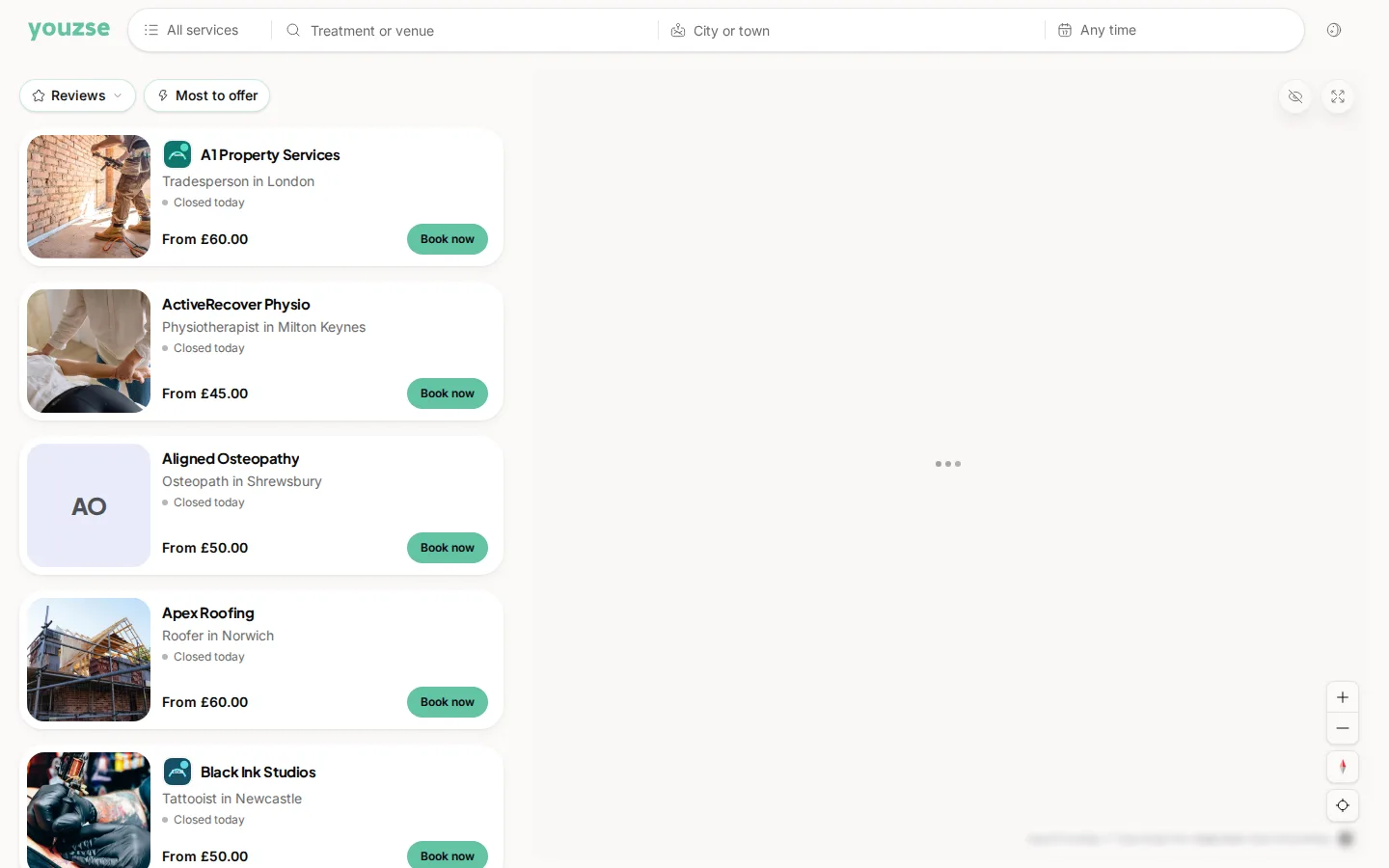
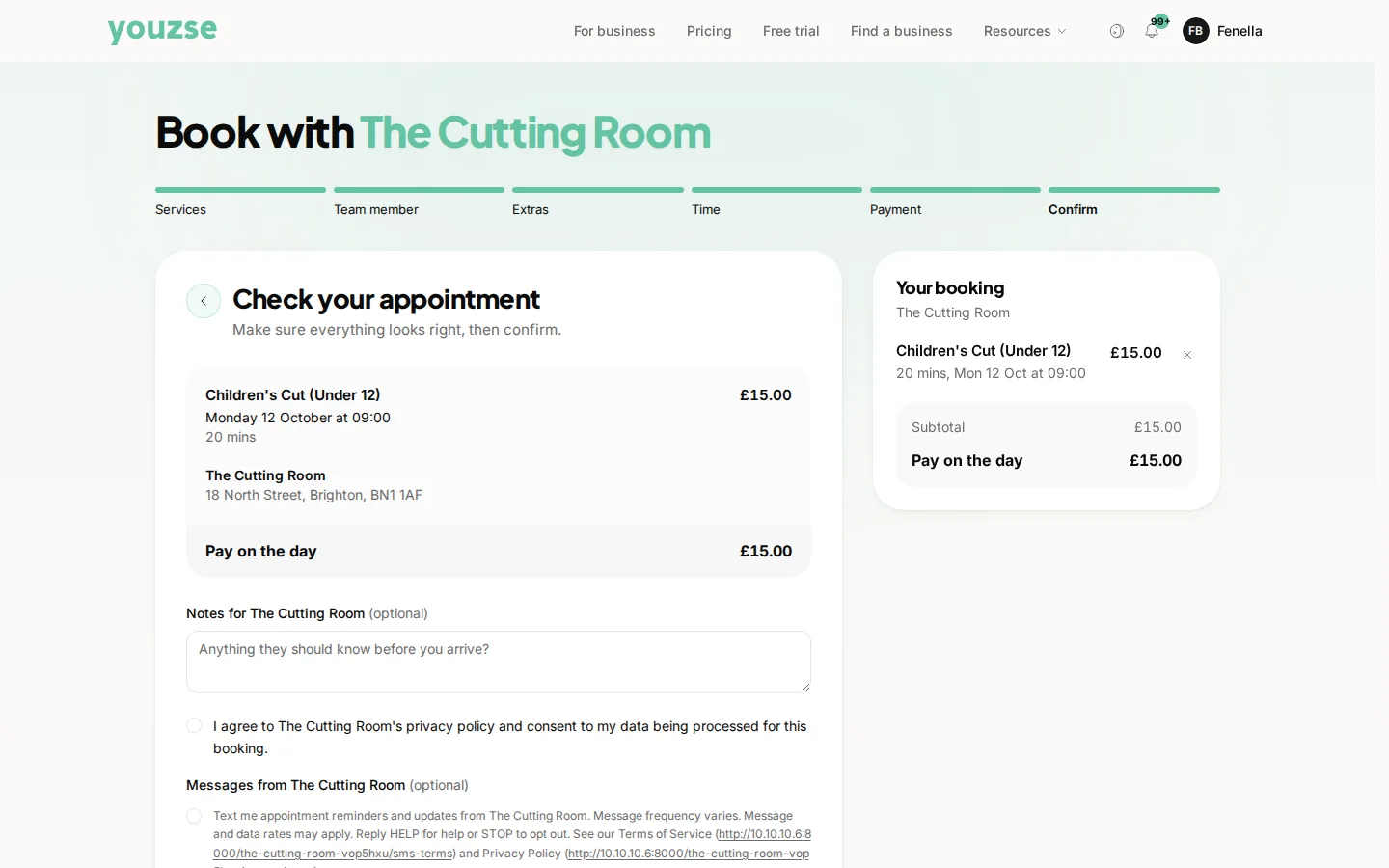
Booking takes under a minute. Find a business is the link in the header. Find the business, choose your service, pick a time and confirm.
Step by step
- 1Find the business, either through Discover or by opening a link they have given you
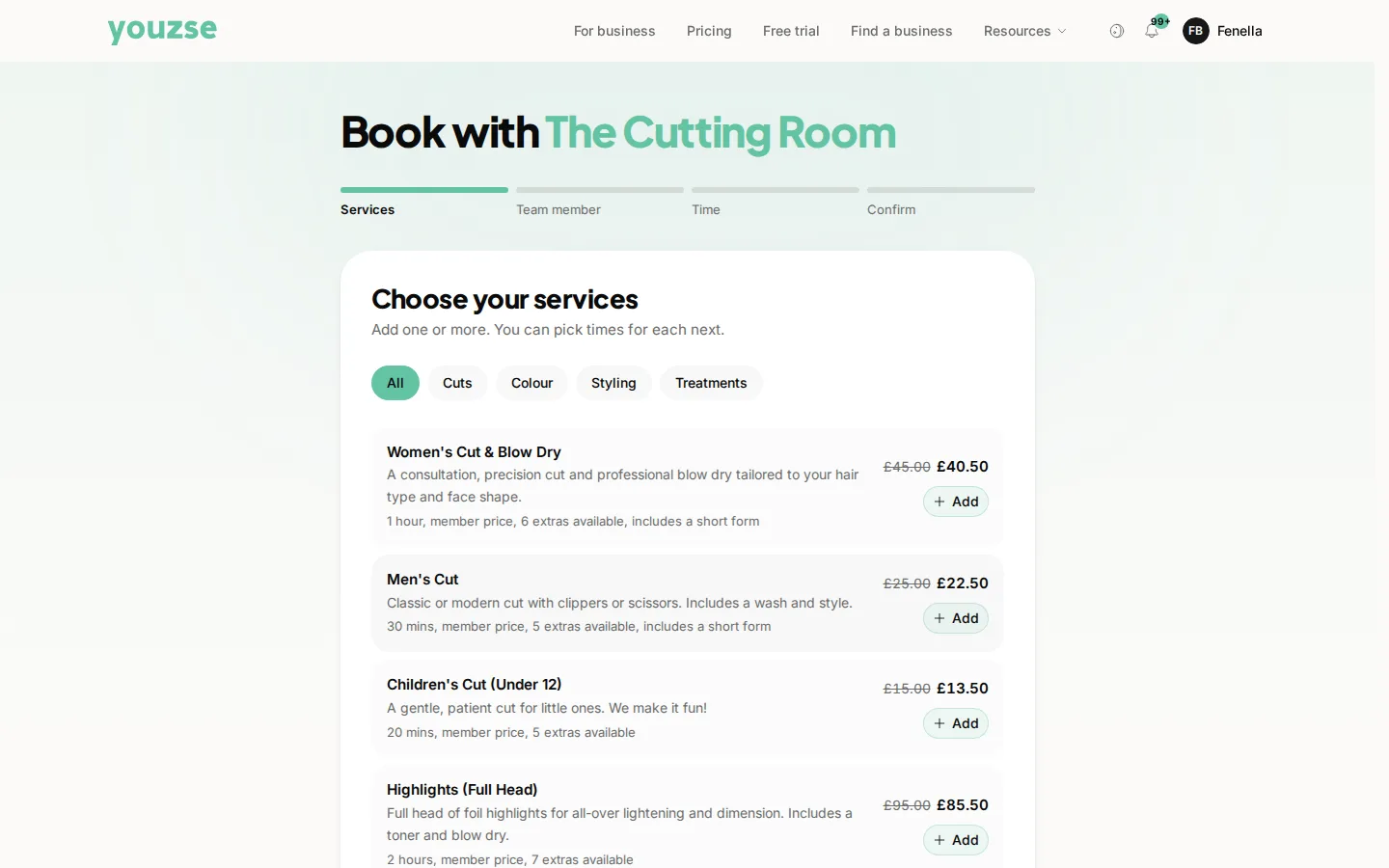
- 2Choose the service you want, where you will see the price and how long it takes
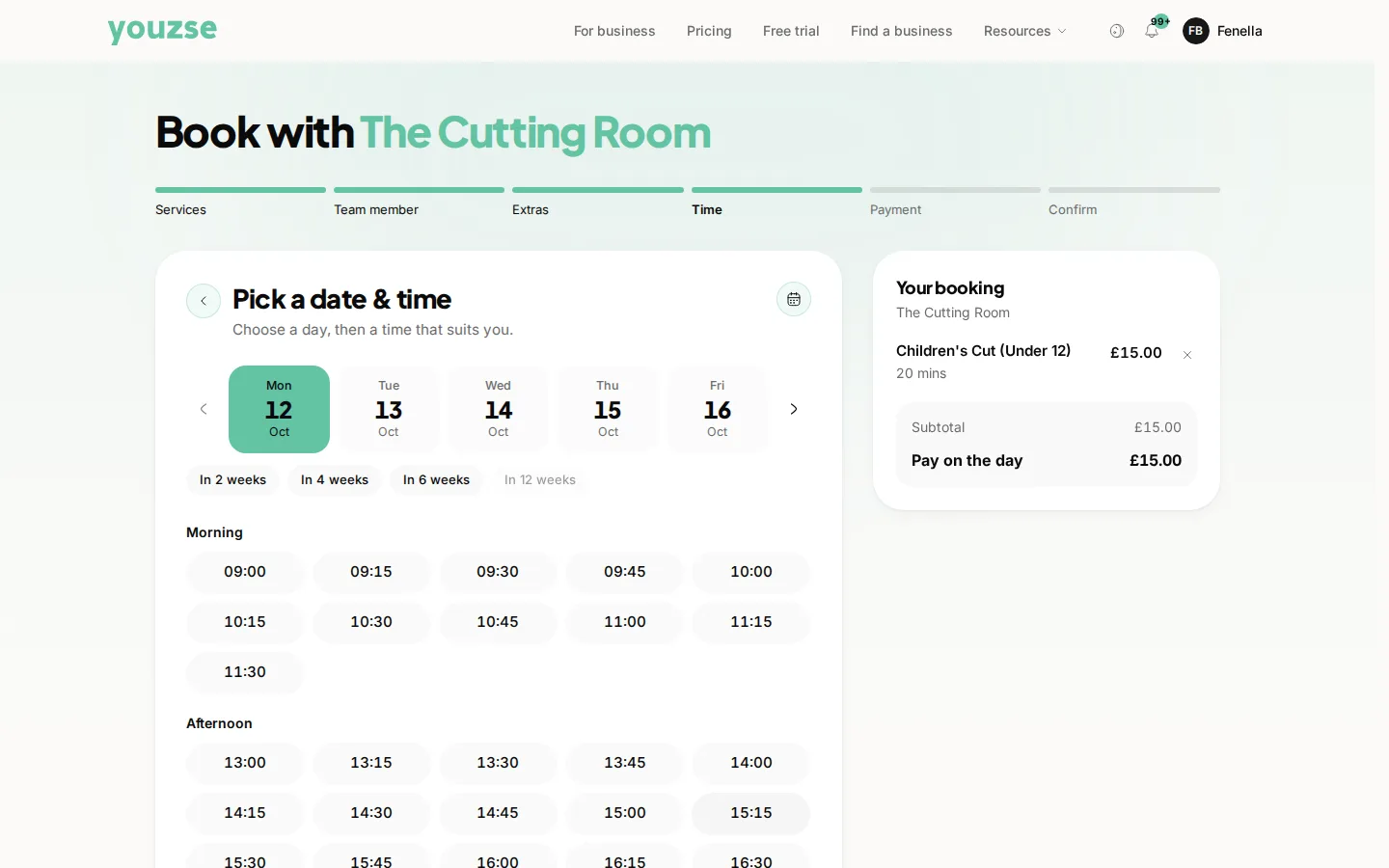
- 3Pick a time from the slots available
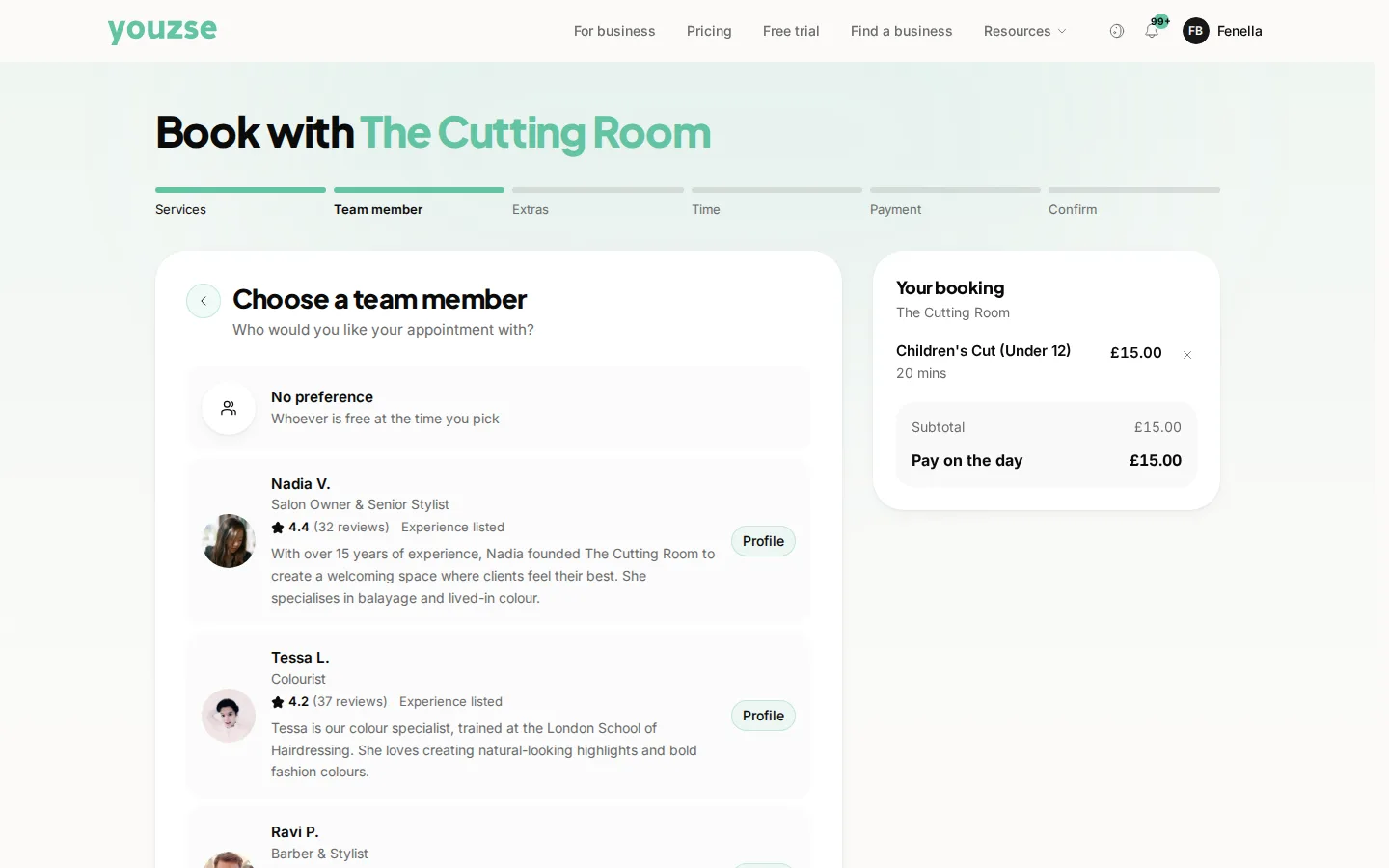
- 4Choose a particular person if you have a preference, or leave it to whoever is free
- 5Confirm
What you will need
Your name and a way to be contacted. Some businesses ask for a deposit or for payment at the time of booking, which is shown before you confirm.
Choosing a person
Where a business lets you choose, you can pick somebody you have seen before. Leaving it open usually gives you more times to choose from.
Confirmation
You will get a confirmation with the date, time and where to go. If it does not arrive, check your spam folder before assuming the booking failed.
Common questions
Do I need an account to book?
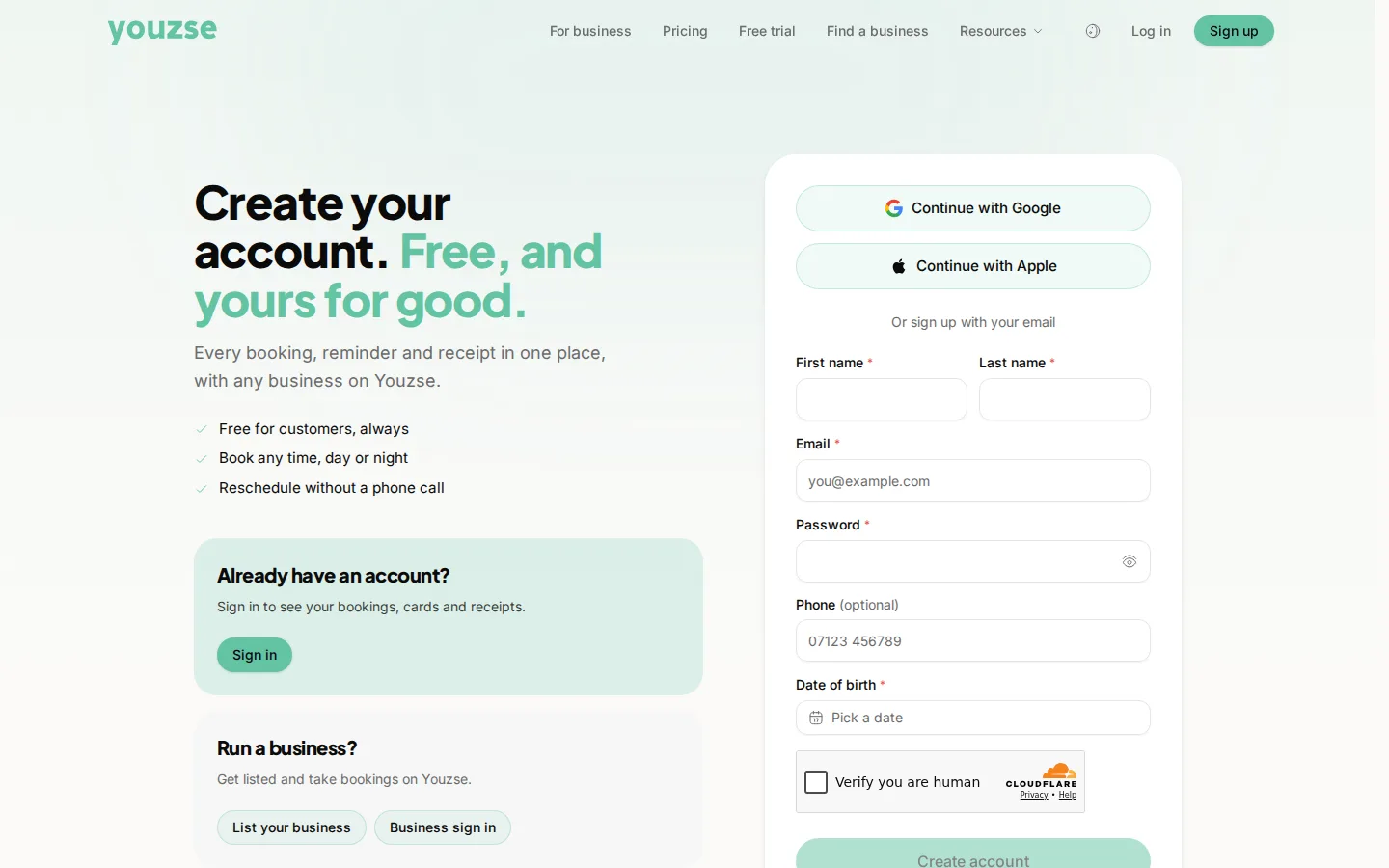
Having one keeps your bookings, receipts and rewards together and makes booking again much quicker.
Why can I not find a time that suits me?
The business may be fully booked, or may need a minimum amount of notice. Try looking further ahead, or ask to go on their waitlist.
Will I be charged when I book?
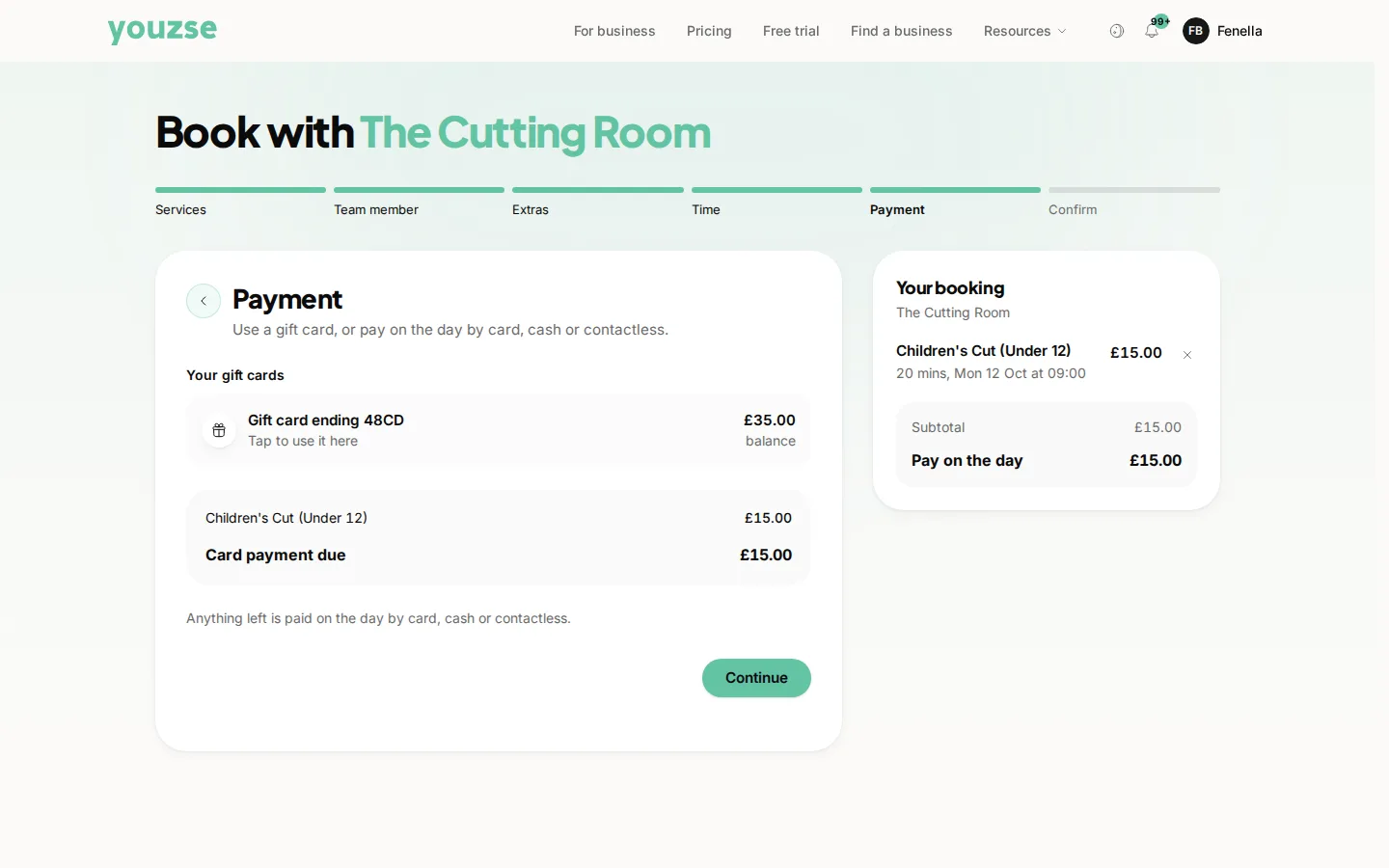
Only if the business asks for a deposit or for payment up front, and that is shown before you confirm.