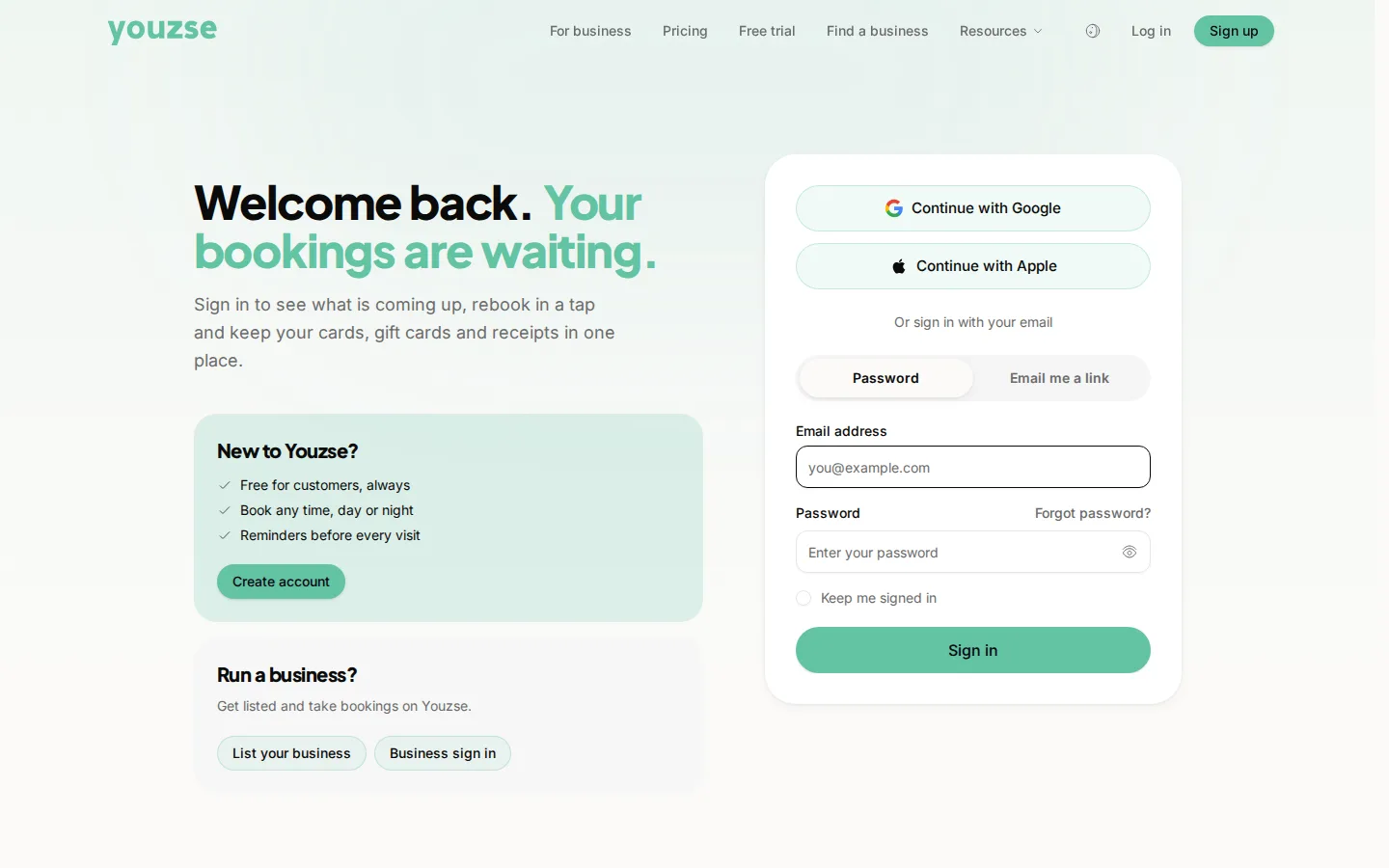
The page is called Bookings. The buttons are Reschedule and Cancel booking. Go to My Bookings in your account, open the appointment and choose to reschedule or cancel. Do it as early as you can.
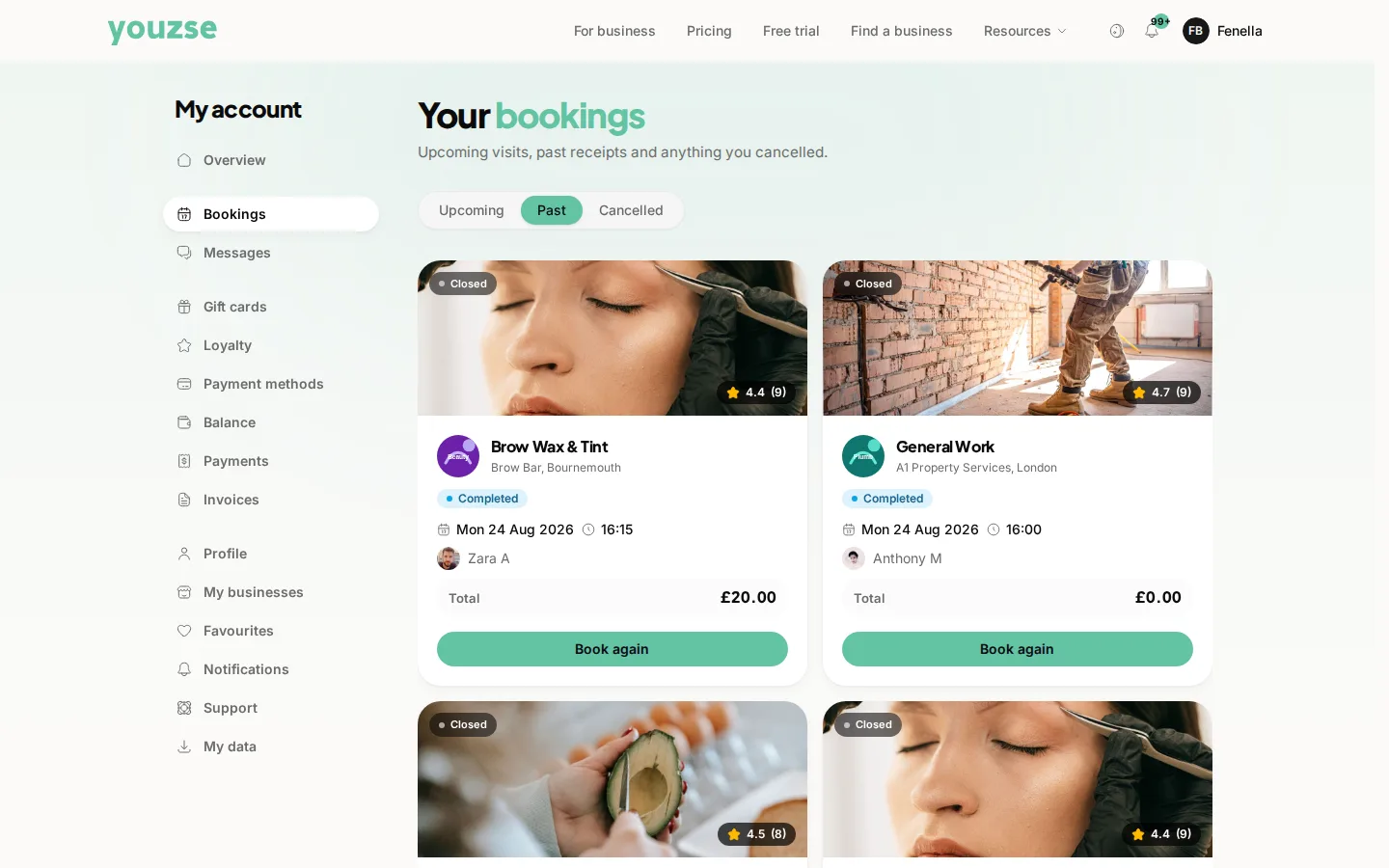
Rescheduling
Choose a new time from what is available. The business is told, so you do not need to ring as well.
Cancelling
Cancel from the same place. Some businesses set a cancellation window, so cancelling with plenty of notice avoids a charge and lets somebody else have the slot.
Why notice matters
A slot cancelled the day before can be filled. A slot cancelled an hour before is usually lost, which is why late cancellations sometimes carry a charge.
Deposits
Whether a deposit is returned depends on the business's policy and how much notice you gave. Their terms are shown when you book.
If you cannot cancel online
Contact the business directly. Some appointments are too close to their start time to change without speaking to somebody.
Common questions
Will I be charged for cancelling?
That depends on the business's policy and your notice. Cancelling early almost always avoids it.
Can I change who I am seeing?
Rescheduling lets you pick from what is available, which may include a different person.
I cannot find the booking. Where is it?
Check you are signed in with the same email address you booked with.