
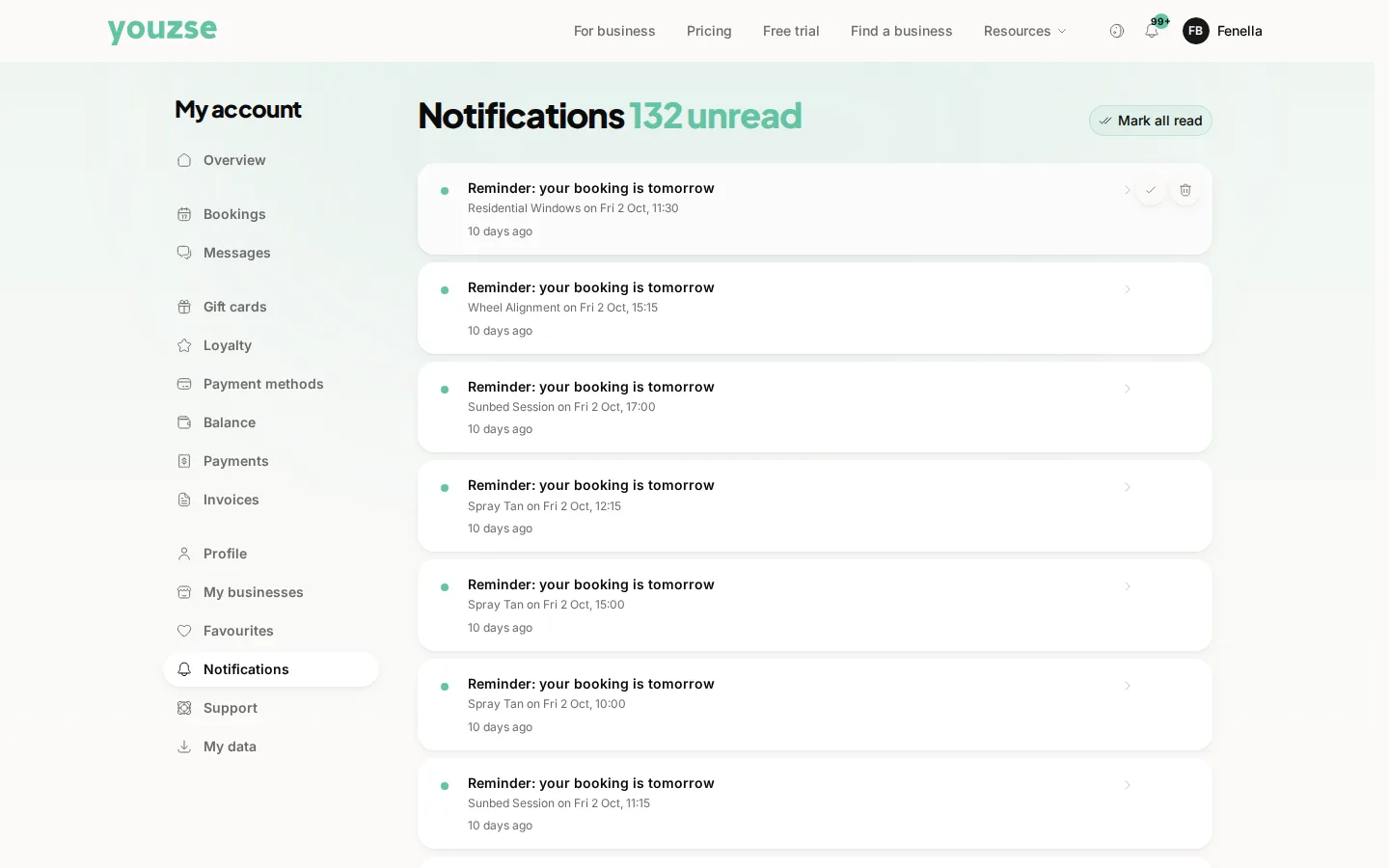
A confirmation arrives straight away with the date, the time and where to go. Most businesses also send a reminder before the appointment.
Your confirmation
Keep it. It has the address, the time and how to change the booking if you need to.
Reminders
Usually the day before, by email or text depending on the business. Some also send a notification to your phone if you have the app.
If nothing arrives
Check your spam folder first. Then check Bookings in your account, which is the real record. If the appointment is there, you are booked whether the email arrived or not.
Making sure reminders reach you
Keep your email address and mobile number up to date in your account. A reminder sent to an old address helps nobody.
Before you go
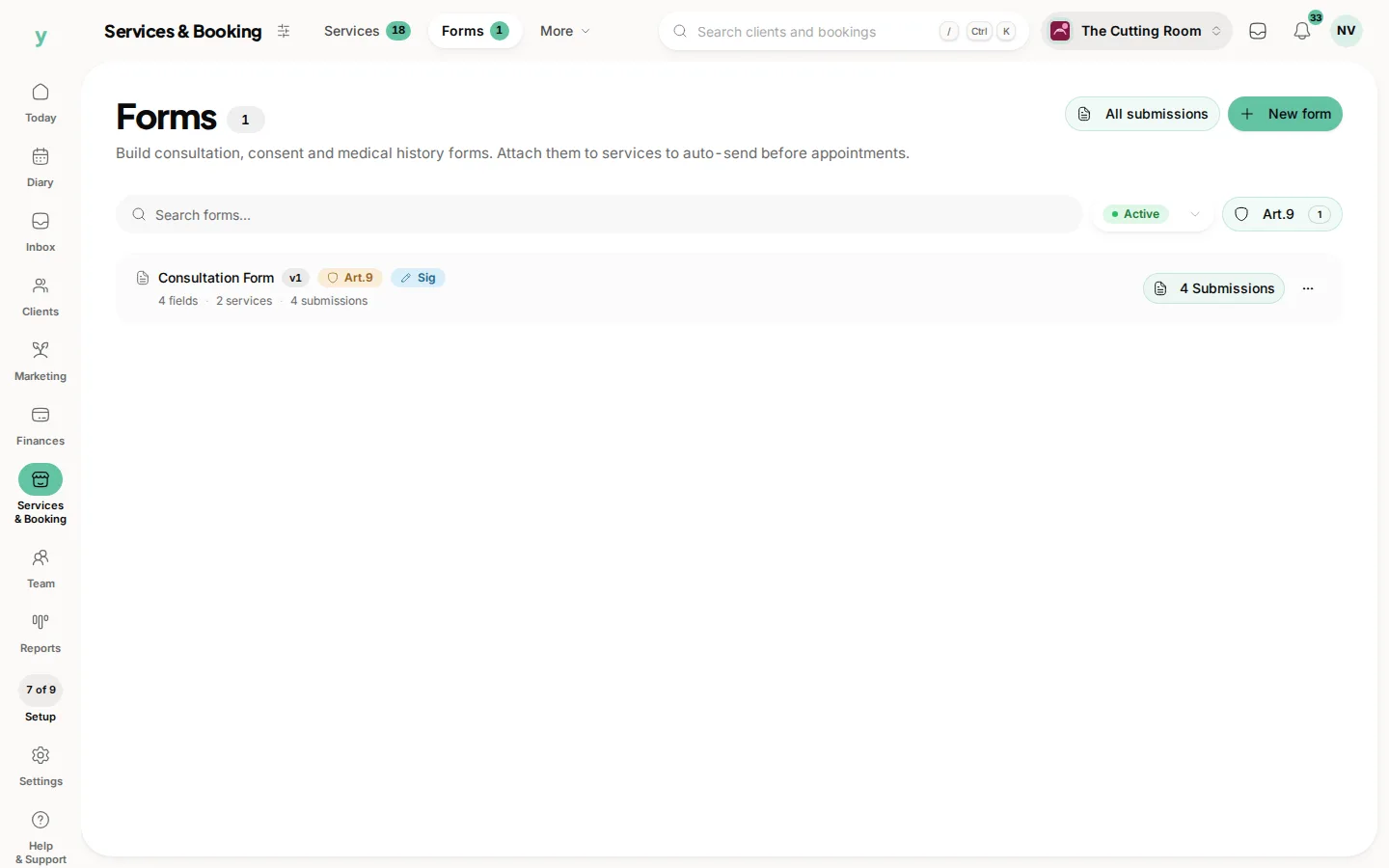
Some businesses send a form to complete beforehand, particularly for treatments. Filling it in before you arrive saves time when you get there.
Common questions
I did not get a confirmation. Am I booked?
Check Bookings. If the appointment is listed, you are booked.
Can I turn reminders off?
Reminders are part of the booking. Notifications in your account turns push on or off for this device. Marketing stops from the unsubscribe link in the message.
Do I need to arrive early?
Follow whatever the business says in the confirmation. A few minutes early is usually appreciated.