
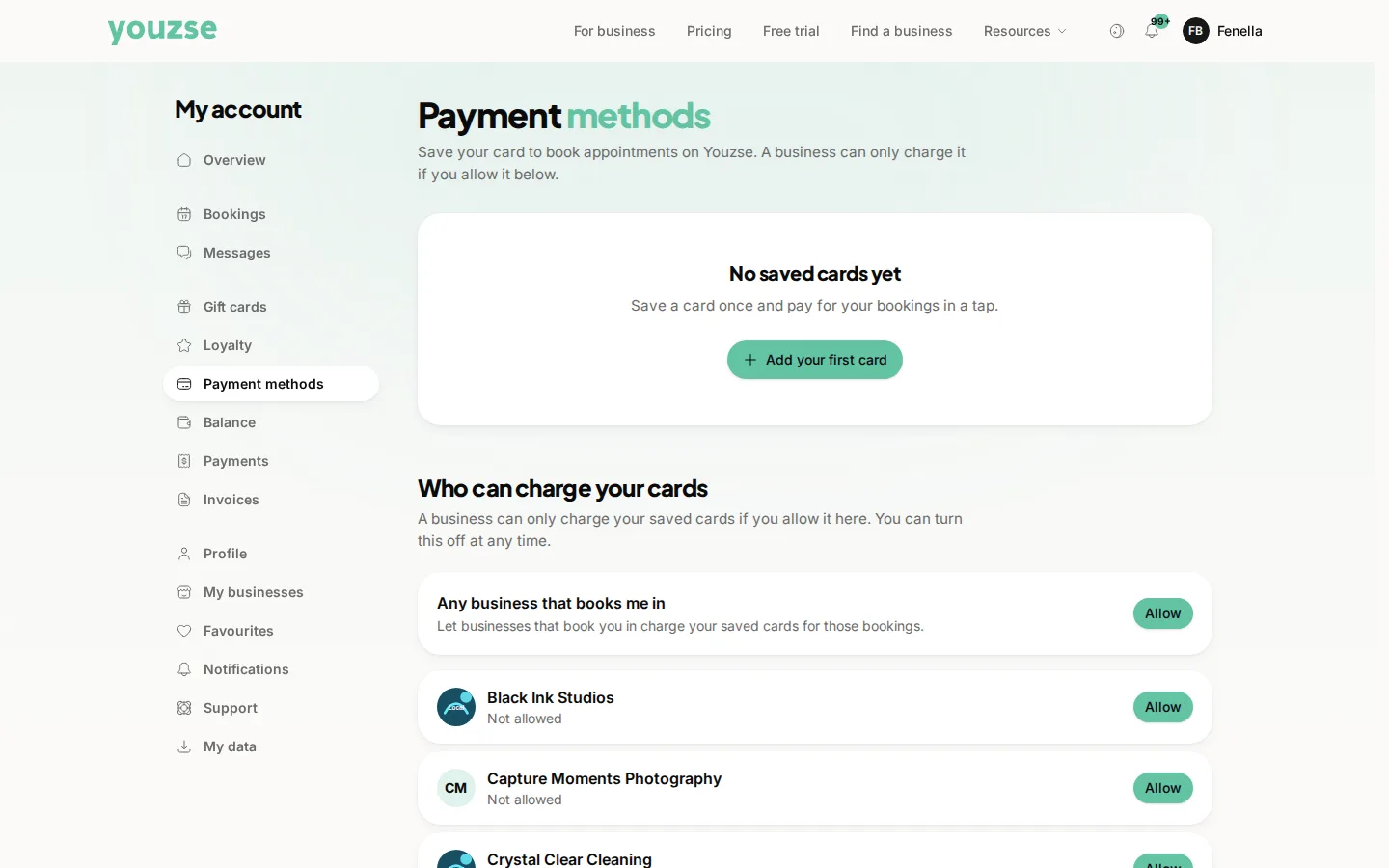
Go to your account and open Payment Methods. Add a card there or use Apple Pay or Google Pay where they are available.
Where your card details actually go
To the payment provider, not to the business. Nobody at the business can see your full card number and they could not use it outside a payment you have agreed to.
Why save one
Paying becomes a tap. It also makes deposits and memberships work smoothly rather than needing your card each time.
Removing a card
Remove it from the same screen whenever you like. If you have a membership or a regular payment running, sort out a replacement first or the payment will fail.
An expired card
Cards expire and payments then fail. Updating the card before it expires avoids a failed membership payment and the awkward message that follows.
Common questions
Is my card shared with every business I book with?
No. A saved card is used for payments you make and businesses do not get your card details.
Can a business charge me without asking?
Only where you have agreed to it, such as a membership or a cancellation policy you accepted when booking.
What if my card is lost or stolen?
Cancel it with your bank, then remove it here and add the replacement.