
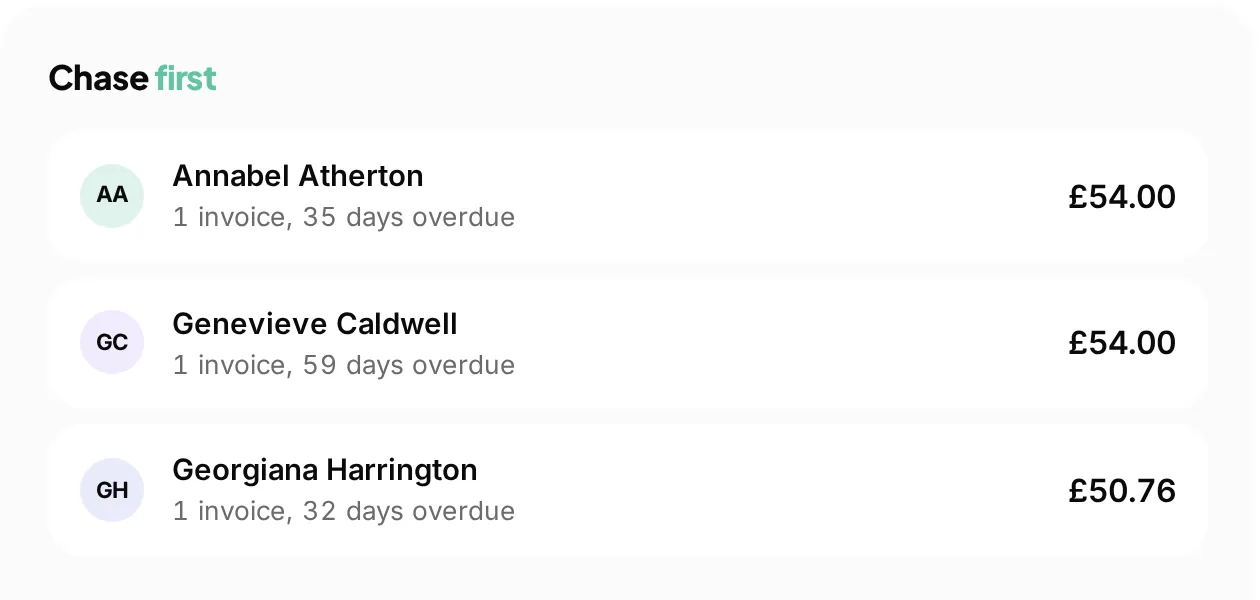
 Who to chase first
The Sunday evening job, done for you
Overdue invoices and unused payment links are chased automatically, and what is left is ranked by what it is worth.
A quote the customer accepts on its own link, an invoice that comes out of it without being retyped and a card payment on the end of both.
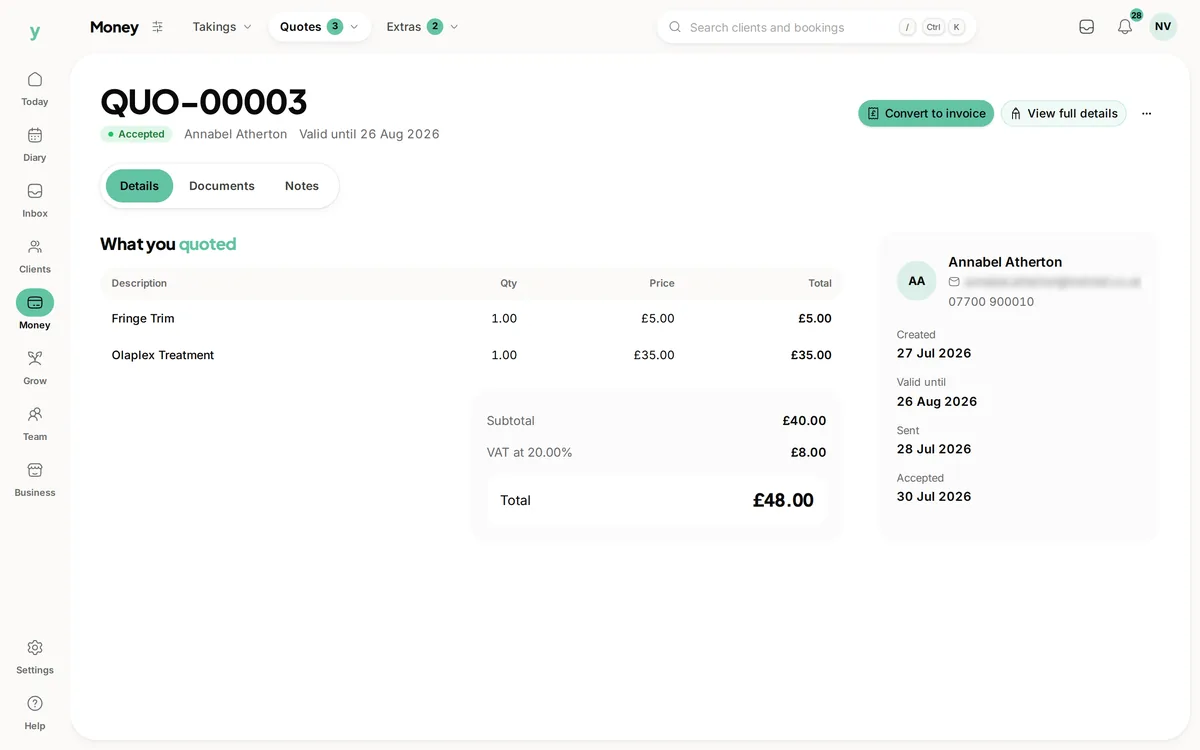
Real screens from The Cutting Room, our demo salon, with the numbers it shows today.
Who to chase firstOverdue invoices and unused payment links are chased automatically, and what is left is ranked by what it is worth.
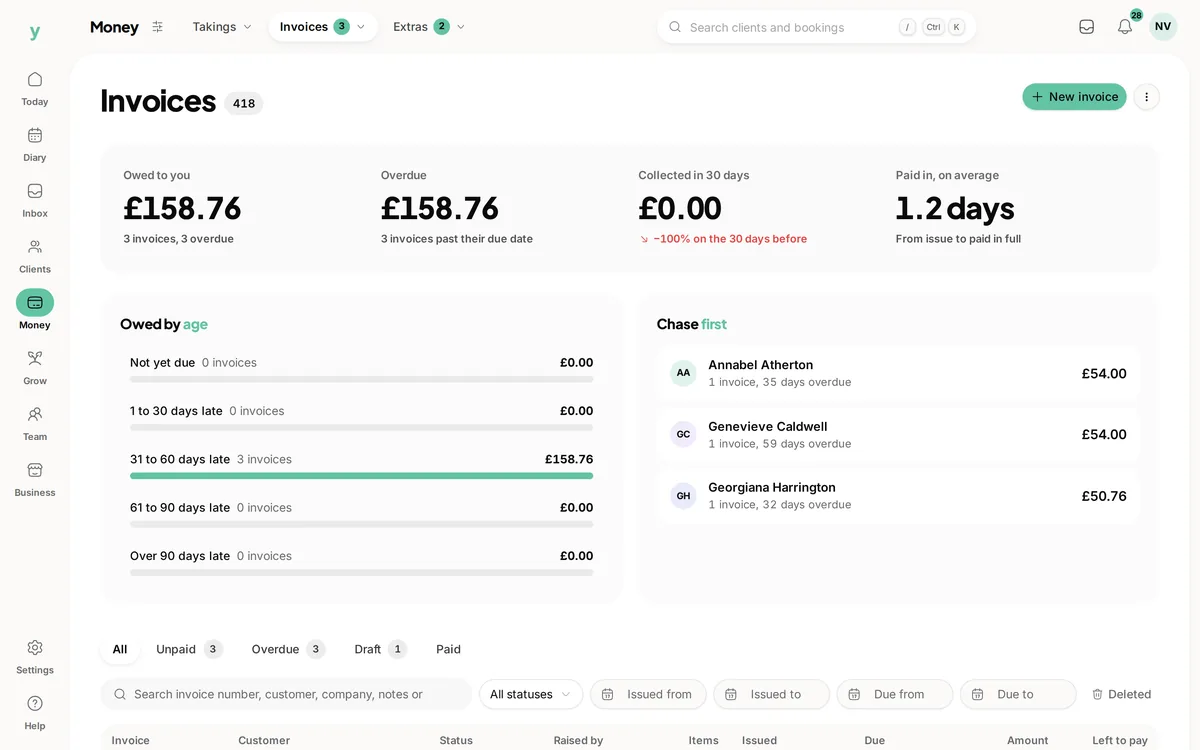 Owed, grouped by age
Every invoice with what has been paid against it, so a part payment is a balance rather than an unpaid flag.
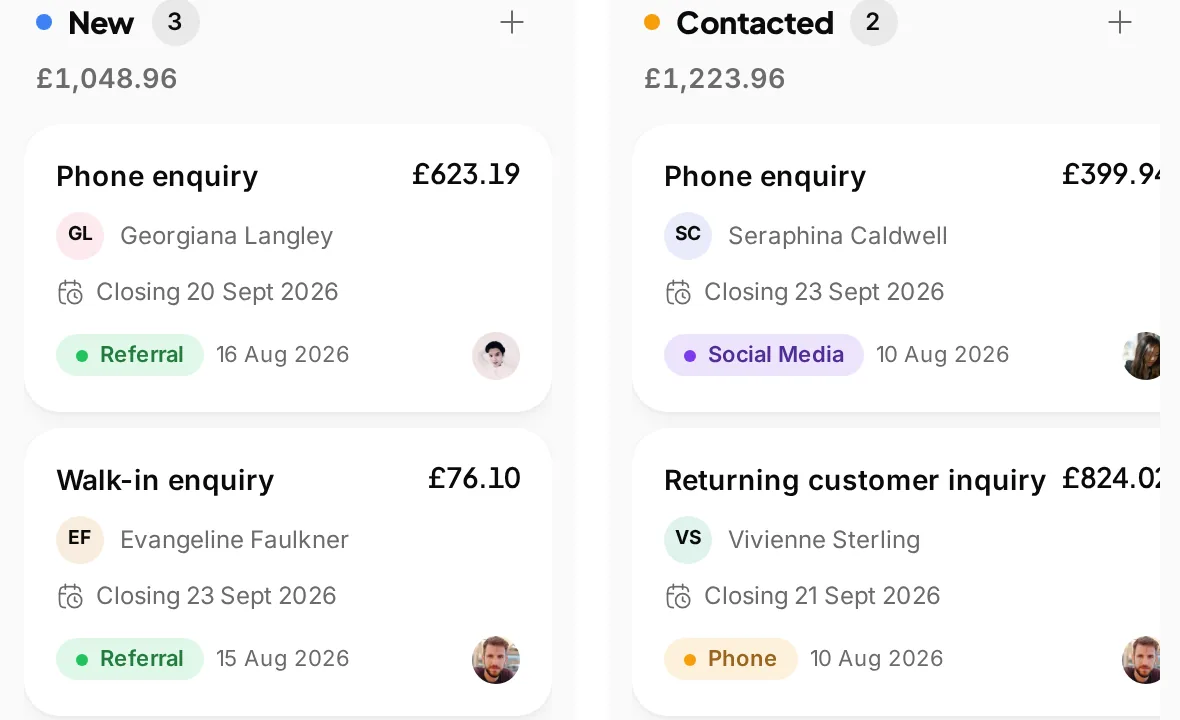 Where a quote starts
A quote raised against the enquiry that prompted it keeps the trail, so the job and the invoice are one story.
Most quoting software is really a document generator. You type the job into it, it makes a PDF, you email the PDF and then you wait, and chase, and eventually retype the whole thing into something else to invoice it. The useful version closes the loop: the customer answers the quote where it lives, the invoice comes out of the quote rather than out of your memory, and the payment lands against it. This page covers how that runs in Youzse, including what it does not do.
Line items with their own descriptions and prices, a discount if you are giving one, the VAT and the total. A reference number, a date it is valid until and your payment terms. A site address where the work happens, which is not always the address you bill, and that distinction matters on a job that moves between the two.
A quote can be attached to the thing it came from: a customer, a company, an enquiry, a lead, an appointment, a vehicle. That is what stops a quote being a loose document. Six weeks later the quote, the job, the invoice and the customer's history are one chain rather than four searches.
Internal notes stay internal. There is a set of notes the customer sees and a set only your team does, because the reason you priced a job high is not something to put in front of the person being quoted.
A quote gets its own link. The customer opens it, reads it, downloads the PDF if they want one, and then does one of three things: accepts it, declines it with a reason, or asks you a question on the quote itself.
They do not need an account and they do not need to find an old email attachment. The decision is recorded against the quote with the time it happened, which is the bit that matters when somebody says six weeks later that they never agreed to the second radiator.
A declined quote with a reason is also the most useful piece of sales information most small businesses never collect. Price, timing, went elsewhere: three words on a declined quote is more than any report will tell you.
| Stage | What happens | What you do |
|---|---|---|
| Quote raised | Line items, VAT, valid-until date, payment terms, site address. | Price the job. |
| Quote sent | The customer gets a link to their own copy. | Nothing. |
| Answered | Accepted, declined with a reason, or a question asked on the quote. | Answer the question if there is one. |
| Converted | An invoice comes out of the quote, linked back to it. | Confirm it rather than retype it. |
| Invoice sent | Invoice number, issue date, due date, a link to pay. | Nothing. |
| Paid | Card payment, in part or in full, with the balance tracked. | Nothing. Unpaid ones are chased for you. |
An invoice carries its own number, an issue date, a due date and the terms. It can be paid by card from a link, in full or in part, and the amount paid and the amount still due are tracked separately rather than being an all or nothing flag. A deposit already taken comes off it. A tip is recorded as a tip rather than being folded into the total.
An invoice that goes past its due date is chased for you, and so is a payment link that nobody has used. That is the half of invoicing that eats a Sunday evening, and it is the half most quoting tools leave to you.
An invoice can be voided rather than deleted, which is what you want when the numbers have to stay explicable to somebody later.
If you are VAT registered, quotes and invoices carry the rate, the VAT amount and your VAT number, and they keep a copy of your VAT position as it was when the document was issued rather than as it is today. That is the thing that goes wrong when a business registers mid-year and old invoices start claiming a status they never had.
Youzse also shows you the revenue and VAT figures that come out of your own invoices, broken down by rate, with a CSV you can hand to whoever does your books.
What it does not do is file the return. Youzse is not accounting software, there is no Making Tax Digital submission and there is no live sync to an accounting package. The return still goes to HMRC through your accountant or your accounting software. Figures from an existing package can be brought in as a CSV at setup, which is not the same thing as an integration. Anyone telling you a booking system files your VAT is selling you something it does not have.
Most quotes do not start as quotes. They start as an enquiry from your website, a phone call somebody wrote down, a lead from somewhere, or a job you were already on site for. A quote raised against the thing that prompted it keeps that trail, so the enquiry from three weeks ago and the invoice from last Friday are the same story.
Photographs and documents attach to a quote. On a job priced from what you found rather than from a price list, the picture of the consumer unit is the quote: it is what you both look at when somebody asks six weeks later why it came to that.
Where a job needs parts, a purchase order can go to the supplier with its own link, so the supplier confirms it rather than you chasing a reply to an email. What you paid and what you charged then sit on the same job, which is the only way to know whether the work made money.
Quoting and invoicing are part of the subscription rather than an add-on, and plans start at £19 a month. There is no charge per quote, per invoice or per document.
Where an invoice is paid by card, standard UK cards are 1.5% plus 20p, all of it Stripe's own rate with nothing added by Youzse, and there is 0% commission on the work itself.
The trial is 30 days with no card, which is enough to quote a real job, win it and invoice it before you decide.
The same run, written for the way an electrical job is priced and billed.
The fields a UK invoice has to carry, VAT registered or not.
What to do when the automatic reminders have run out of patience.
Quotes, certificates and invoices against the job rather than in three places.
The limits and the detail, answered before you spend an afternoon testing for them.
Yes. The quote gets its own link, and from it the customer can read the quote, download the PDF, accept it, decline it with a reason or ask a question on the quote itself. They do not need an account, and the answer is recorded against the quote with the time it happened.
We value your privacy
Cookies keep Youzse running, improve the platform and help deliver relevant content. Read our privacy policy and cookie policy.