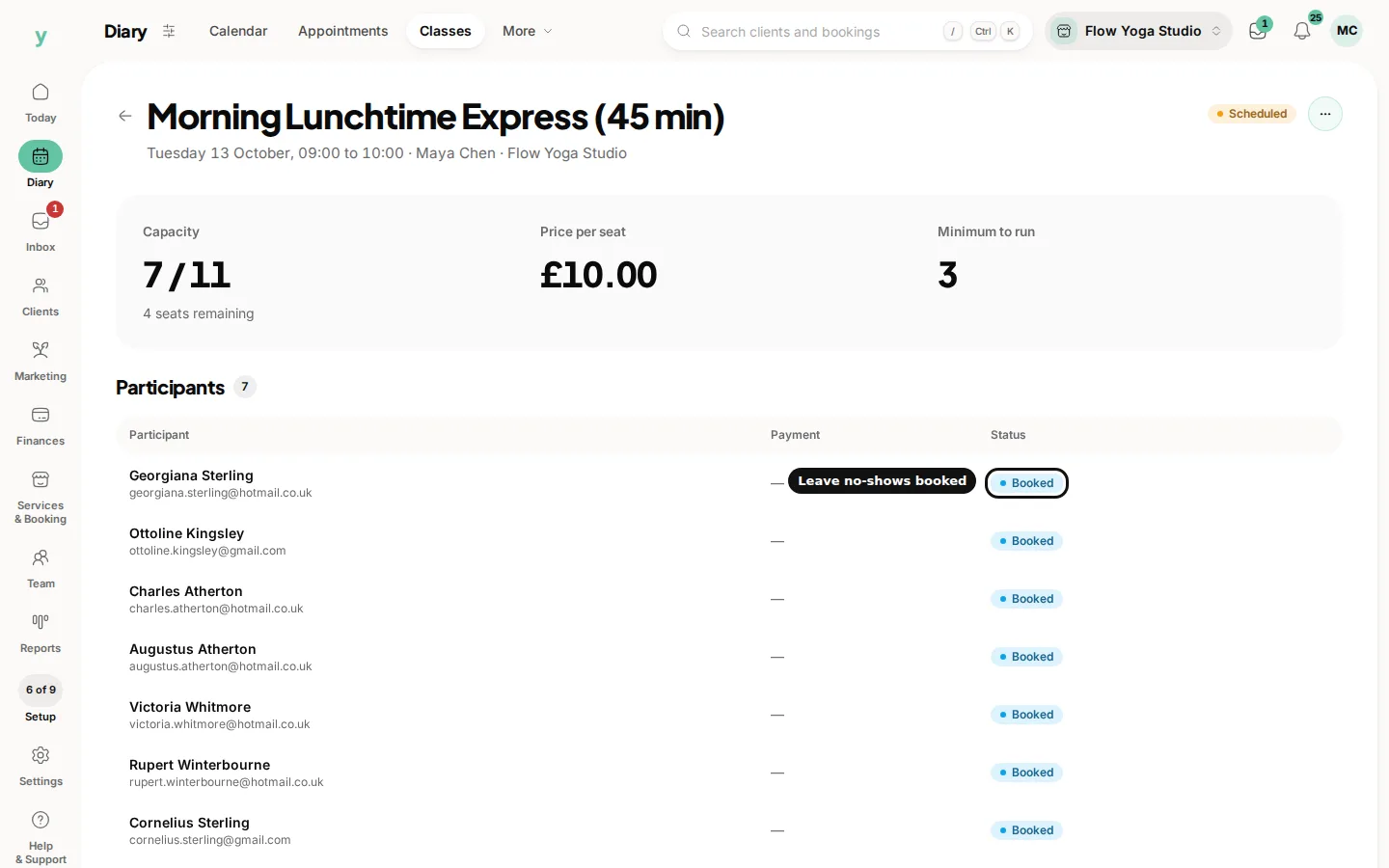
Open the session and choose Scan tickets, then Check in as each person arrives. It takes seconds at the door and it is what makes everything downstream accurate.
Why bother marking attendance
- You know who actually came rather than who said they would
- Repeat no-shows become visible instead of being a vague feeling
- Class packages are drawn down against real attendance
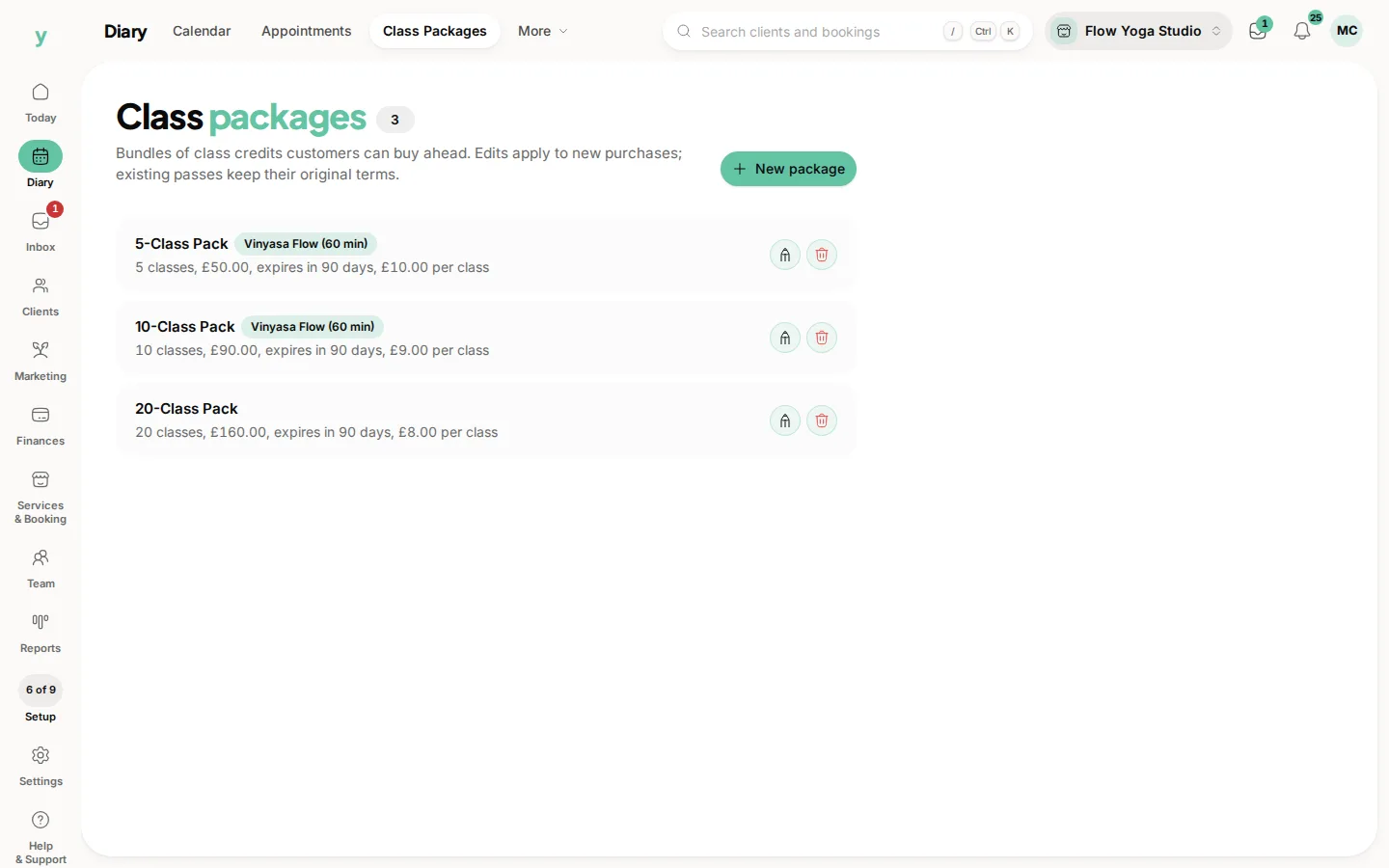
- Your figures on how well a class is doing mean something
Doing it at the door
Check people in on a phone or tablet as they come in. Trying to remember afterwards produces a list that is roughly right, which is the same as wrong.
People who did not come
Leave them unmarked. That is the record. It is what tells you whether a full class is genuinely full or booked by people who never arrive.
Persistent no-shows
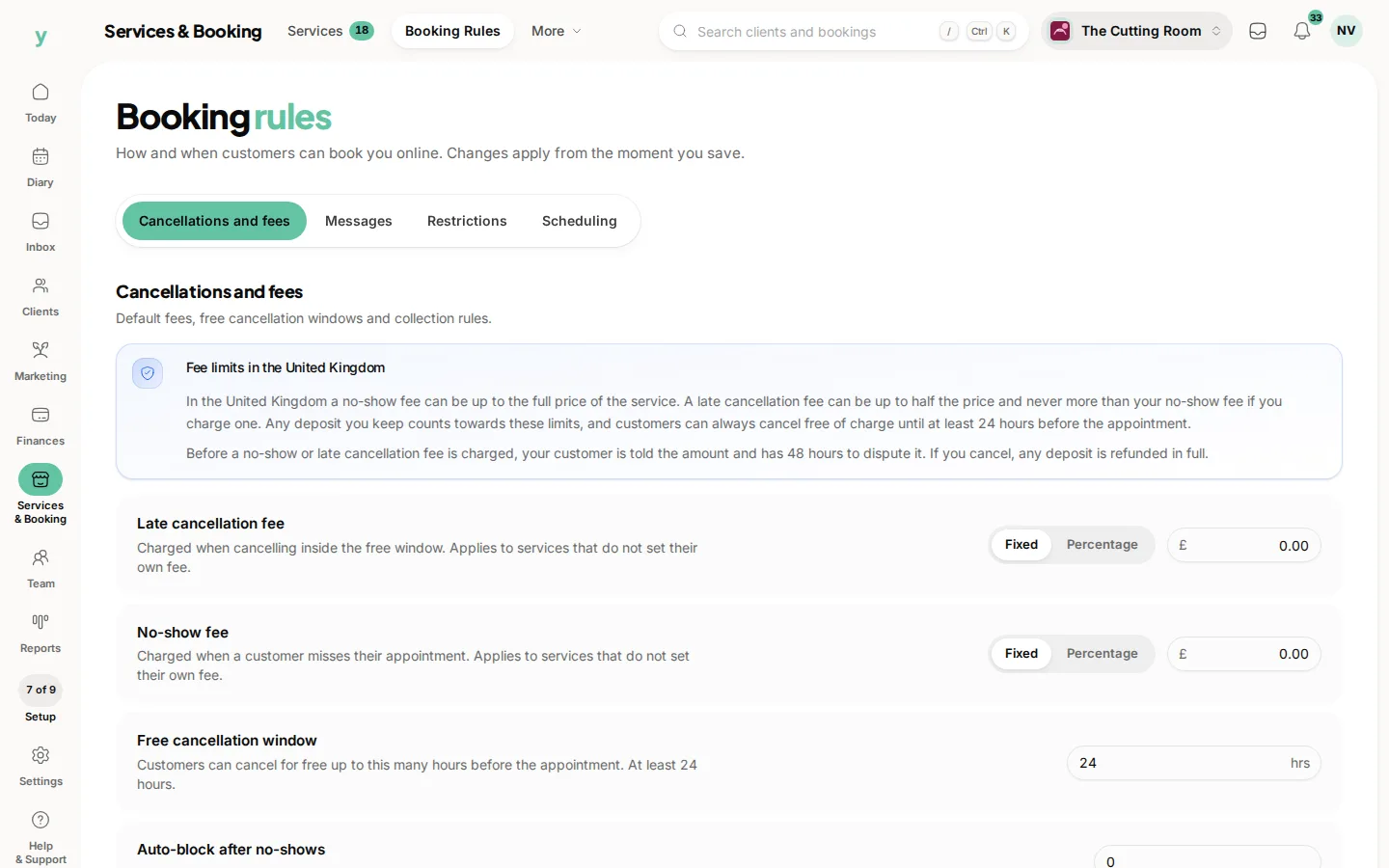
A booking that is never attended is a place somebody else wanted. Where it becomes a pattern, a deposit or a cancellation policy is the answer rather than removing the person.
Common questions
Does check-in have to happen at the exact time?
No. Mark people in as they arrive or shortly after. What matters is that it reflects who was there.
What if I forget to check anyone in?
Update the session afterwards. Later is better than never, though the same day is better than the following week.
Does a no-show still get charged?
That depends on your cancellation policy. Set one under Services & Booking, then Booking Rules.