
Go to Diary, then Classes and choose Schedule a class. A class is a session several people book onto at once, with its own capacity, waitlist and price.

How a class differs from an appointment
An appointment is one customer in one slot. A class is many customers in the same slot with a limit on how many. That difference is why classes are their own thing rather than a service booked repeatedly.
What to set
- The name, as customers will see it
- When it runs and how long for
- How many people can attend
- Who teaches it
- What it costs
Who it suits
Fitness and yoga studios, training providers, workshops, group grooming sessions, anything where the room rather than the person is the limit.
If Classes is not in your menu
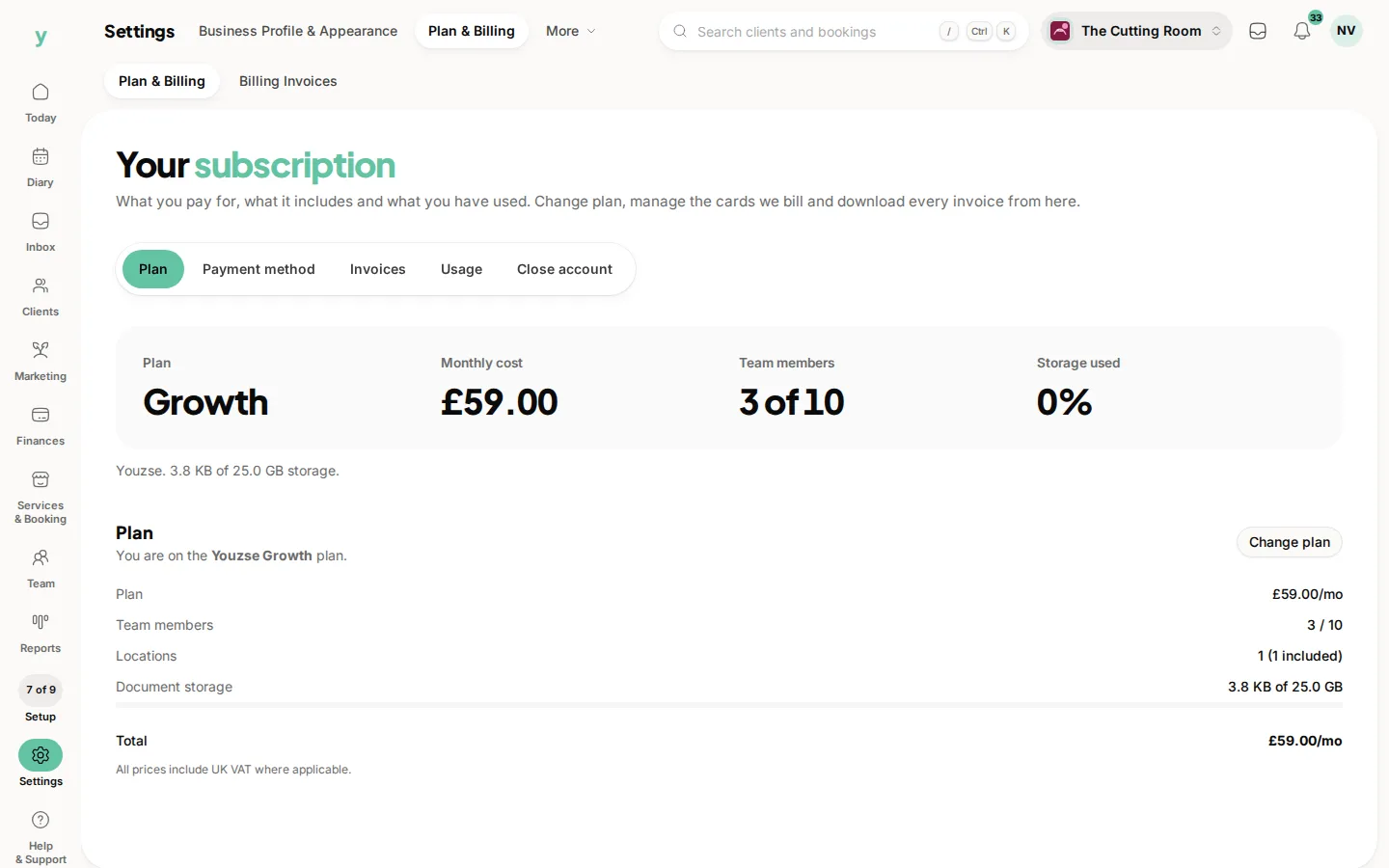
Classes are part of the group bookings feature. Check Settings, then Plan & Billing, to see whether your plan includes it.
Common questions
Can a class have more than one instructor?
Assign the person leading it. Where two people run a session together, the class is still one bookable session.
Do classes show on my calendar?
Yes, alongside your appointments, so you can see the whole day in one place.
Can customers book a class online?
Yes, from your public page, subject to the capacity you set.