
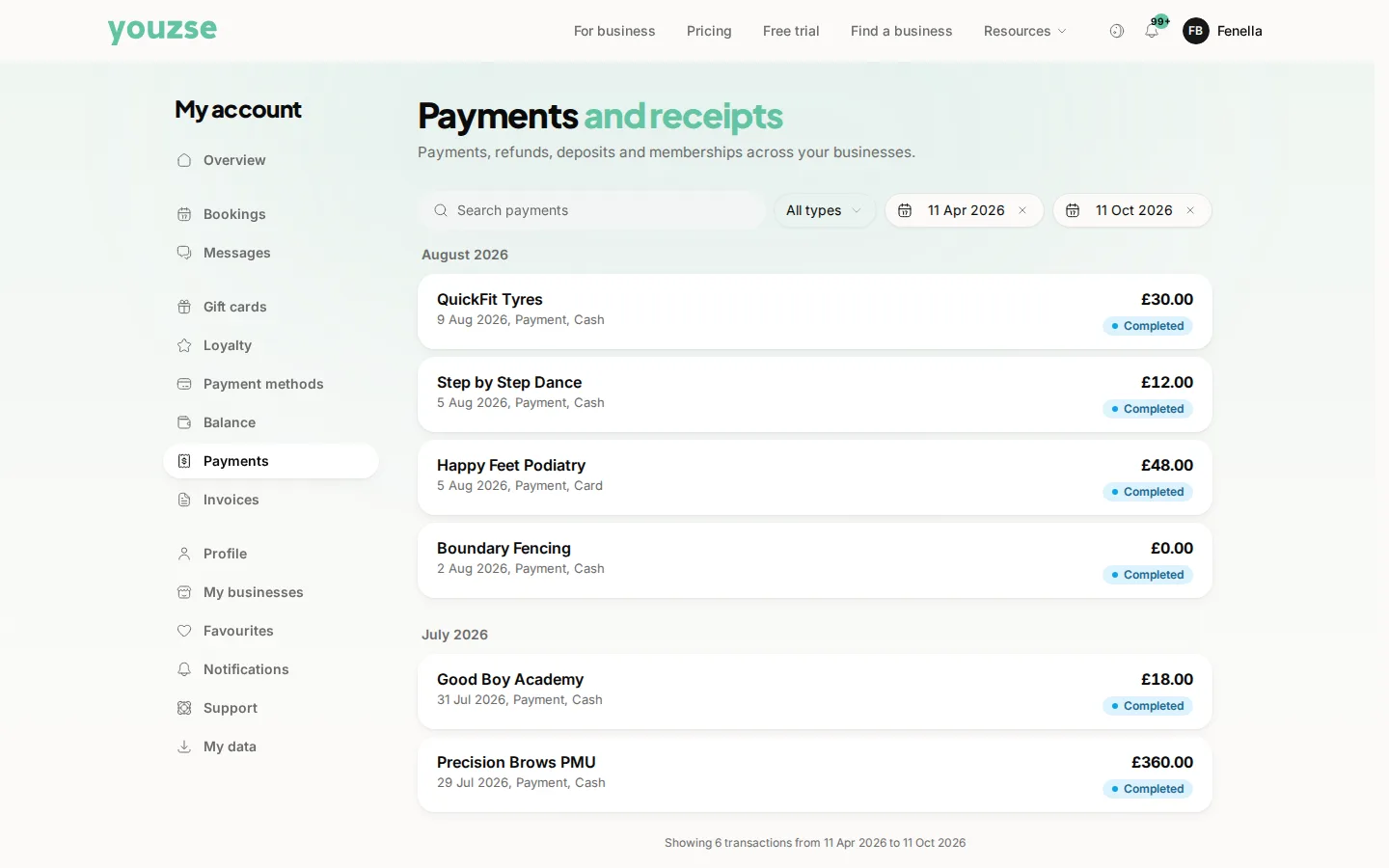
The page is called Payments. Go to your account and open Transactions. Everything you have paid is listed there. Each one has a receipt you can open or share.
What you will find
Payments, deposits and refunds, with the business, the date and the amount. Open any of them for the receipt.
Why it is useful
Claiming something back, checking what you paid last time or settling an argument about whether a deposit was taken. It is all in one place rather than scattered across email.
Sharing a receipt
Open the transaction and share the receipt. Handy for expenses or for insurance.
Something you do not recognise
Check the business name and date first, since trading names sometimes differ from the name over the door. If it is still not yours, contact the business, then your bank.
Common questions
How far back does my history go?
Everything paid through your account is listed.
Can I get a VAT receipt?
The receipt shows what the business charged, including VAT where they charge it. Ask them directly if you need something specific for accounts.
A refund is not showing in my bank. How long does it take?
Refunds usually take a few working days to appear, depending on your bank.