
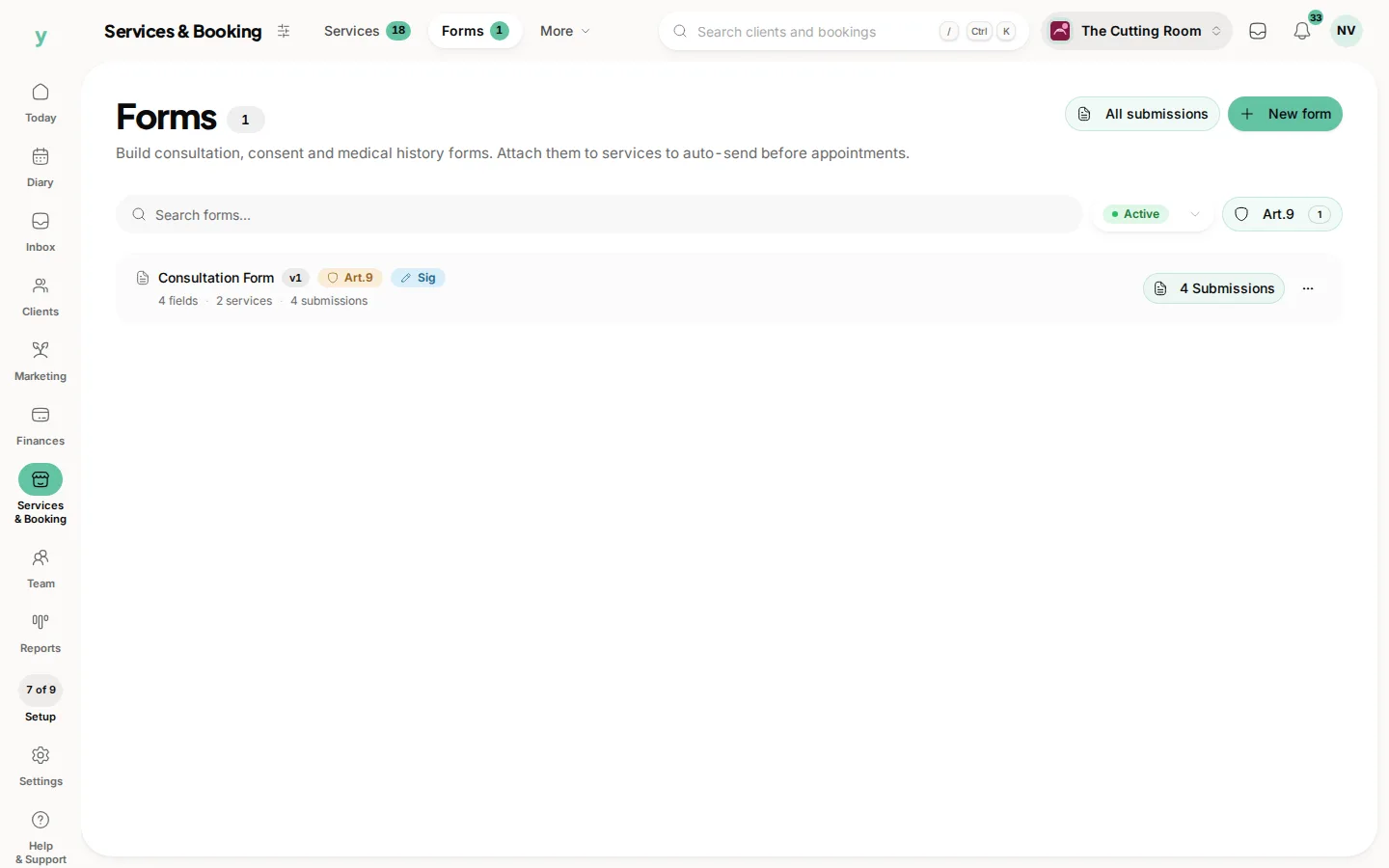
 The template and its submissions
Keep the right form available
Review the template version, assigned services and the submitted records.
Ask the questions you need, keep the answers together and give the team time to read them.
Screens from The Cutting Room, our demo salon, showing forms and the service records around them.
The template and its submissionsReview the template version, assigned services and the submitted records.
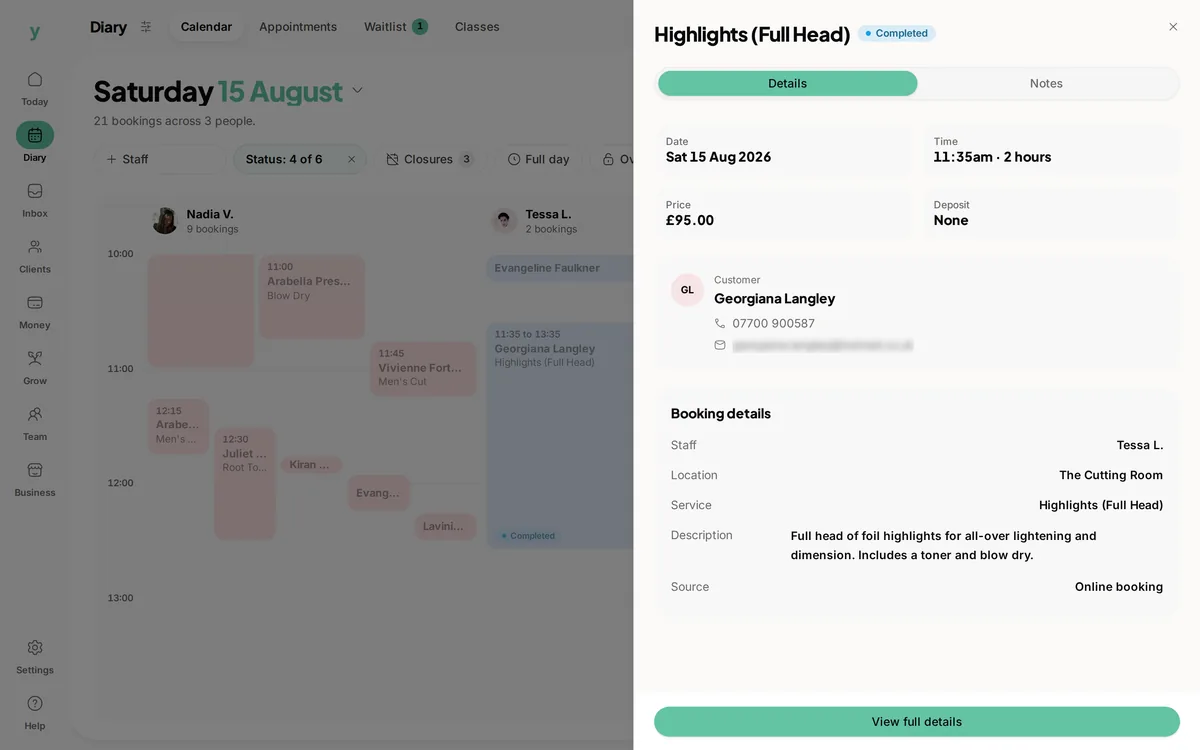 Know which service is booked
Check the appointment and service when reviewing which form the workflow needs.
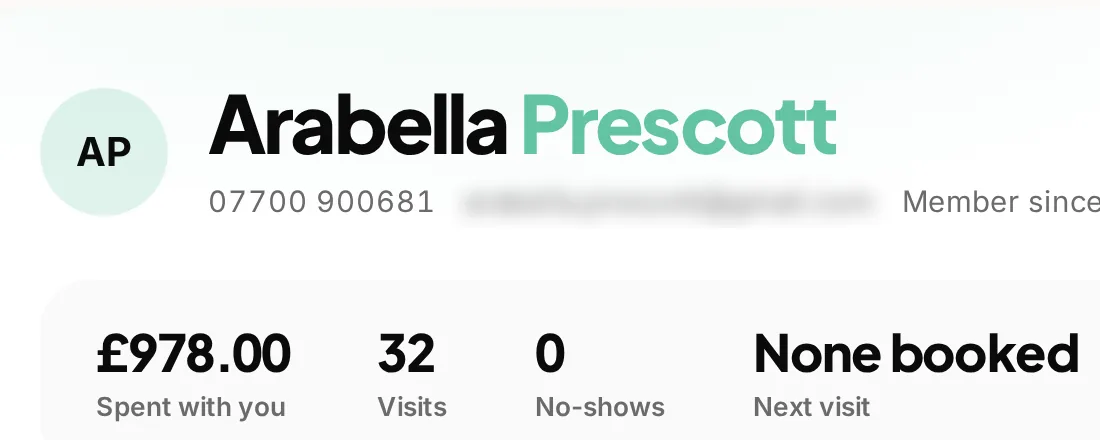 The customer behind the answers
Use the customer record as context while reviewing the information supplied for the service.
The details a customer supplies before a service can make the visit easier to prepare for. Youzse customer forms software keeps reusable questions, service assignments and submitted answers in the business workspace. Build a form for the information you genuinely need, connect it to the appropriate service and make the answers available to authorised staff doing the work.
Write down the questions that help the team prepare or deliver the work. A useful form has a clear purpose, not a field for every detail the business might one day want. Keep wording specific enough that a customer understands what to provide and a colleague understands how the answer will be used.
Use the available starter templates where they fit, then review the questions for your actual service. A template is a starting point for the business, not proof that every field belongs in your process. Remove unnecessary questions and keep specialist procedures separate from a generic software promise.
Organise the form into sections with clear labels and the supported field types. Use required fields for the information you truly need before proceeding. Where the builder supports options or guidance, make the choices understandable without requiring a separate conversation to interpret them.
Read the form on a phone before making it part of your service. Check long labels, the order of questions and anything that is easy to misunderstand. A short, considered form is more useful than one that collects a large amount of information nobody has time to read.
| Part of the form | What it should help with | A useful check |
|---|---|---|
| A section heading | Explain what the next questions concern. | Can the customer follow the order without extra instructions? |
| A field label | Ask for a recognisable piece of information. | Would two people interpret the question the same way? |
| A required answer | Collect information needed for the service. | Does the team genuinely need this before proceeding? |
| A choice field | Offer the supported options clearly. | Is there an appropriate option for the situations you expect? |
| A staff section | Record the relevant part of the service workflow. | Is responsibility for completion clear to the team? |
| A submission record | Keep the answers that were actually supplied. | Can an authorised colleague find and understand the completed record? |
Service assignments connect a template to the work it is intended to support. Review which services use the form and the available completion and timing settings. A question that belongs before a longer consultation may not be useful for every short follow-up appointment.
Check the actual booking journey after making an assignment. The form list shows the templates you maintain, but the working test is what the customer and team encounter around the selected service. Keep the setup clear enough that reception knows which form should be completed and when to check it.
Supported form workflows can distinguish sections for customers and staff. Use that distinction when the customer provides information and a member of the team records a separate part of the service. A staff observation should not be presented as though the customer supplied it.
Review the completion settings and the actual role used by each person. Viewing answers, completing a staff section and changing a template are different responsibilities. Check the available controls before asking the whole team to rely on a form as part of a handover.
Use the submission view to review what was supplied, not just whether a form is marked complete. An answer may need clarification, and a customer may have misunderstood a question. The record supports a conversation; it does not replace the judgement needed to provide the service.
Keep the answers close to the relevant customer and work records through the supported workflow. If a colleague takes over, they should be able to find the submission and understand which questions it answered rather than relying on a copied note with no context.
Youzse keeps template versions when the schema or signature requirement changes. That history helps distinguish the form you use now from an earlier set of questions. Review the saved version information when dealing with a query about what was asked at a particular time.
A new question in the current template should not be assumed to have an answer in an older submission. Check the recorded questions and responses before drawing that conclusion. When updating wording, review the whole form so the order and guidance remain understandable.
A customer books a service that needs information in advance. The relevant form asks for the details the business has chosen, and an authorised team member reviews the submission before the visit. If an answer needs clarification, the customer can be asked about that specific point rather than being made to repeat every detail at reception.
When another colleague provides the service, the submission is useful because it preserves what the customer actually supplied. Keep any subsequent clarification with the appropriate record and make responsibility for the next step clear. A completed form is the beginning of preparation, not proof that every service decision has already been made.
Personal information deserves care even when it is easy to add another field. Review why each question is needed and who should see the answer. Available fields and the handling of sensitive information depend on the supported setup and applicable product restrictions.
Use the consent, acknowledgement and retention controls relevant to your form, and review the wording for your own service. A signature or tick box is not a promise that every professional or regulatory obligation has been met. The form tools support the record; the business remains responsible for choosing an appropriate process.
Use an enquiry when the customer needs a conversation about possible work. Use a service form when you need structured answers to a defined set of questions. Use a relevant note to record the context of a conversation or clarification. Keeping those purposes clear makes the records easier for the team to follow.
Do not add a long intake form merely because a customer has a simple question. Equally, do not rely on a brief note to stand in for the structured record your service needs. Choose the tool around the work rather than asking one screen to do every job.
Give templates names that explain the service or purpose and review old versions before duplicating a form. The template list supports search and active or archived views, which helps the team distinguish current forms from ones no longer in use.
When a service changes, review its assignments as well as the questions. A carefully written form still causes confusion if it is attached to the wrong booking journey. Try the customer and staff steps together before treating the revised process as ready for everyday use.
The service and booking journey around the form assignment.
The customer history and context around the submitted answers.
Use a conversation when a customer needs an answer rather than a structured service form.
Keep the records supporting the service in the same business workspace.
The limits and the detail, answered before you spend an afternoon testing for them.
Forms can be assigned to the relevant services. Review the assignment, timing and completion settings and test the actual booking journey before relying on the setup.
We value your privacy
Cookies keep Youzse running, improve the platform and help deliver relevant content. Read our privacy policy and cookie policy.