
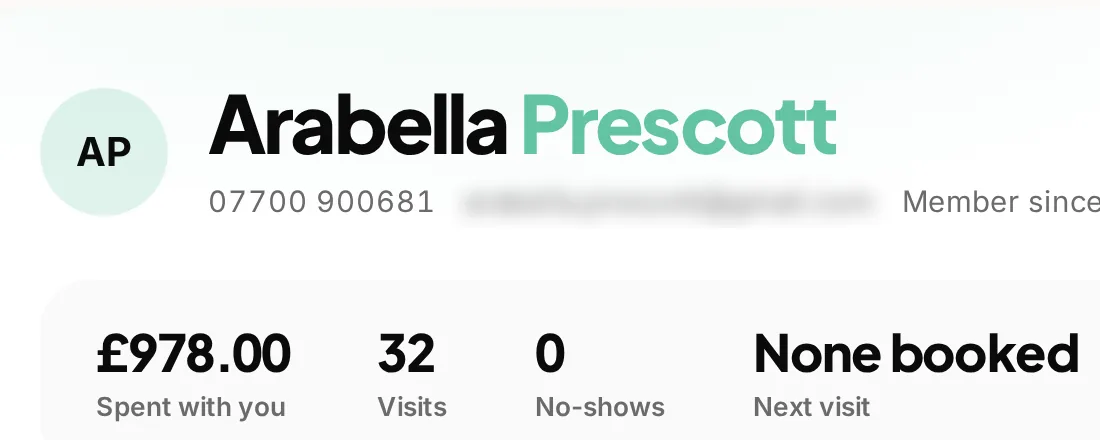
 History on the customer record
Pick up the conversation
Review visits, bookings and money without starting another search.
Remember the last conversation, find the agreed quote and see what is booked next.
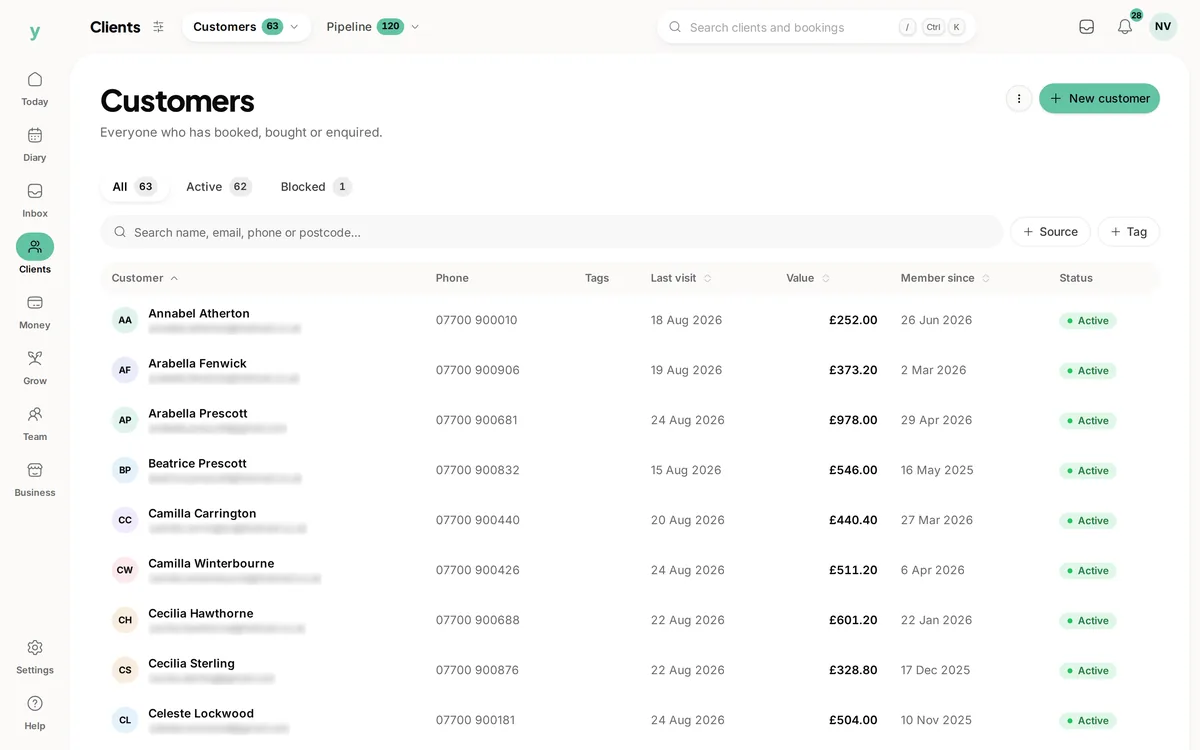
Real screens from The Cutting Room, our demo salon, with the numbers it shows today.
History on the customer recordReview visits, bookings and money without starting another search.
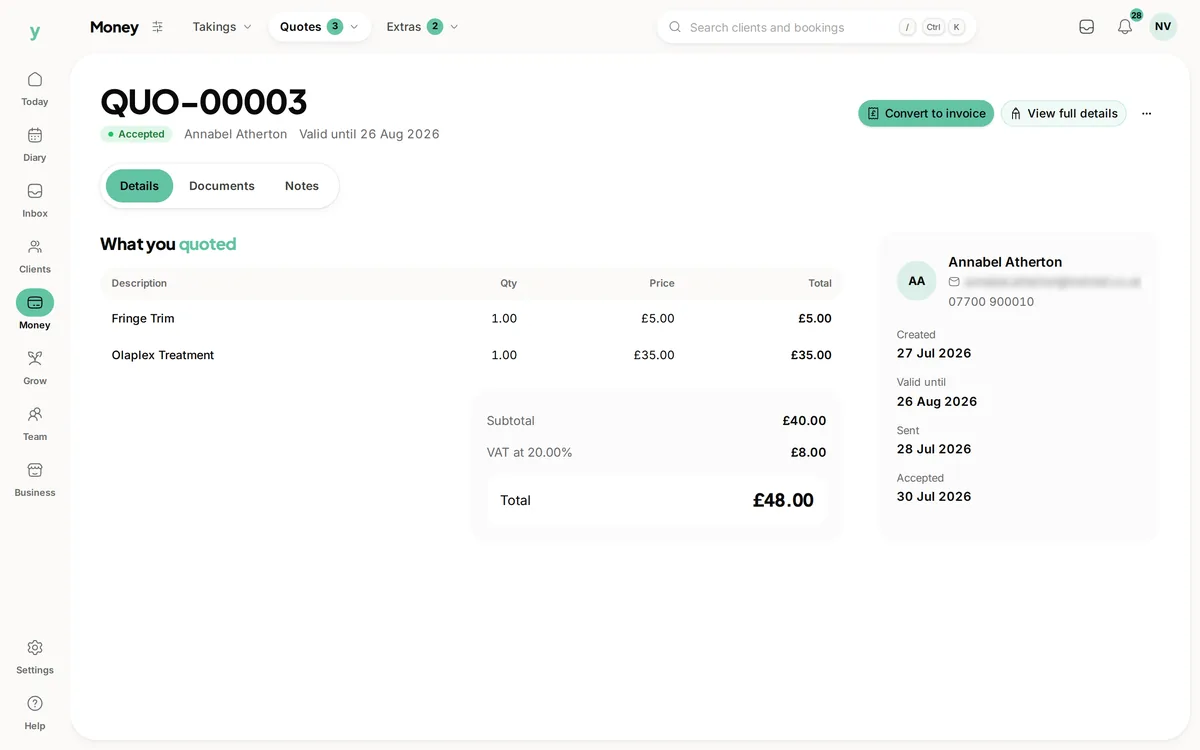 The agreed work in writing
Keep the quote and customer details connected.
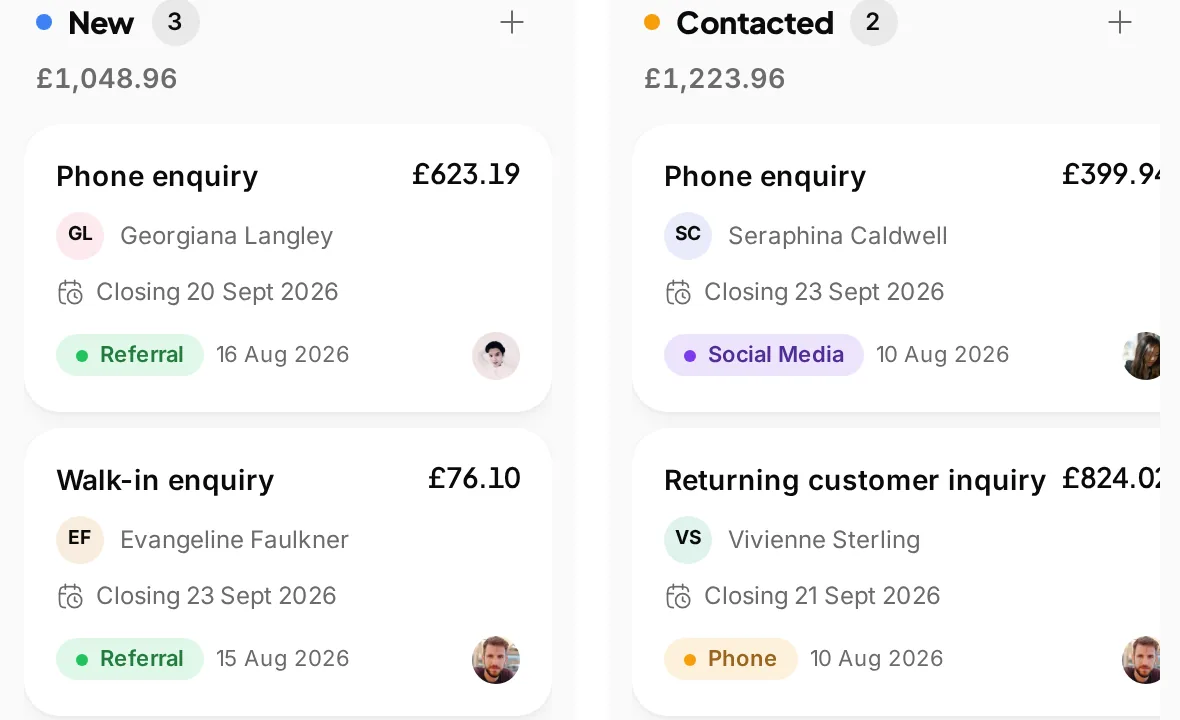 From first contact to the next step
Keep leads, their source and progress visible alongside your customer records.
Good service often starts with remembering a detail. Youzse small business CRM keeps customer contact details, notes and history with the bookings, quotes and invoices they relate to. You can answer a question without searching through separate systems.
Find a customer and review their bookings, money and files from the record. Keep notes for the next visit and use tags to organise your customer list. Staff access follows permissions, so keeping information together does not give everyone access to everything.
A hairdresser can check visit history before the next appointment. A tradesperson can find the customer behind a quote and check the work already agreed. The record helps with both, without making every business work like a salon.
Youzse also keeps enquiries, leads and company records. When a conversation becomes work, link the quote to the customer, company or enquiry it came from. The invoice can then follow from the quote.
Marketing campaigns and loyalty tools sit alongside customer management. Check consent, the audience and your plan limits before sending a campaign. A customer record is useful context for a message, not permission to send one.
Import supported exports or map a CSV to the available fields. Review the preview and any row errors before completing an import. What you can bring depends on what your previous provider lets you export.
During your trial, add a customer you know well and follow their record through a booking, quote or invoice. That is a more useful check than a long feature list: can you find the details you need for the next conversation?
A regular customer calls while the person who normally serves them is busy. A colleague needs to find the right record, check the next booking and understand the last conversation. Contact details alone are not enough. The booking history, notes and related money records provide the context for a useful answer.
Keep notes specific and relevant to the service. Record what was agreed rather than an instruction only the writer understands. Use tags consistently so the same kind of customer does not end up under several similar labels. Youzse provides the record and the organisation tools; the team still decides what belongs in them.
For a business serving companies, distinguish the person making the enquiry from the company being billed. A quote can link to the company and customer context. That helps you find the agreement again when an accounts contact asks about an invoice they did not arrange themselves.
Customer history gives you a better starting point than a message to everyone. Review the relevant visits and use available tags and segments to organise a campaign audience. The point is a useful reason to get in touch, such as an appropriate service reminder, rather than sending more messages because the list is there.
Check marketing consent and the selected recipients before sending. Campaign allowances depend on your plan, while SMS and WhatsApp use separate usage billing. A customer appearing in a booking record does not mean every channel is enabled or that every kind of marketing message is appropriate.
Loyalty programmes can reward completed visits through points, stamps or cashback balances. Those are different offers from a purchased gift card. Pick the one you can explain clearly and check the earning and redemption process. The CRM keeps the context close to the customer, without promising that a reward guarantees another visit.
Before switching systems, identify the information you use every day. That may be a phone number, a service note, a company contact or an unpaid invoice. Compare that list with the fields in your export and the import preview. Keep a copy of your original export so you can check a question about what was supplied.
Try records that represent different situations. Check a regular customer with several visits, a company customer and a new enquiry. Search for each one the way the team normally would, then open the related work. If the same person appears twice, review the records carefully before using the available merge tools.
Ask a colleague to find the last agreed quote and the next booking from the customer record. Check access using their role, not just the owner account. A useful CRM should make that handover easier while keeping permissions clear. Use the trial to test those everyday tasks before relying on the system for the whole customer list.
| Record | Why it helps | A useful check |
|---|---|---|
| Customer | Keeps the person and their service history together. | Can a colleague find the right person and check the next booking without creating another record? |
| Company | Keeps the organisation involved in the work clear. | Is the company being billed the one named in the agreement, even when the day to day contact is someone else? |
| Enquiry | Preserves the original request before it becomes agreed work. | Can you distinguish what the customer asked for from the scope you eventually quoted? |
| Quote | Sets out the proposed work and its prices and terms. | Can you find the customer and site address, then see whether the quote has been accepted? |
| Invoice | Records the bill and the payments against it. | Can you explain the remaining balance from the payment history rather than relying on a separate note? |
| Consent record | Helps the team check communication choices. | Have you reviewed the recipient and channel before using customer information for marketing? |
The AI assistant works alongside your CRM. You can ask about bookings and invoice records rather than opening a separate report for every question. Access follows the permissions in the business. Check the returned record and the scope of the answer when you need to make a decision.
The assistant is not a promise to infer every customer need or contact people on its own. Supported actions are proposed for review and wait for confirmation. Automated notification sequences have their own configured rules. Keep those two routes clear when deciding how the team will follow up with a customer.
Use the record to support a conversation, not replace it. A note about the work already agreed helps a colleague ask a better question. A tag helps organise a list but does not describe everything about the customer. Agree what the team should record and keep unnecessary personal details out of general notes. Review the available access controls before storing information that only some staff should see.
Follow potential work through its owner, stage and next conversation.
Keep the first request, replies and next step connected.
Use history and audience segments to plan useful follow ups.
Keep customer records connected to the rest of your work.
Ask about the business records you have permission to see.
Give regular customers a clear reason to return.
The limits and the detail, answered before you spend an afternoon testing for them.
No. Youzse serves appointment businesses, trades and other service businesses. Customer records connect to the bookings, enquiries, quotes and invoices your business uses.
We value your privacy
Cookies keep Youzse running, improve the platform and help deliver relevant content. Read our privacy policy and cookie policy.