
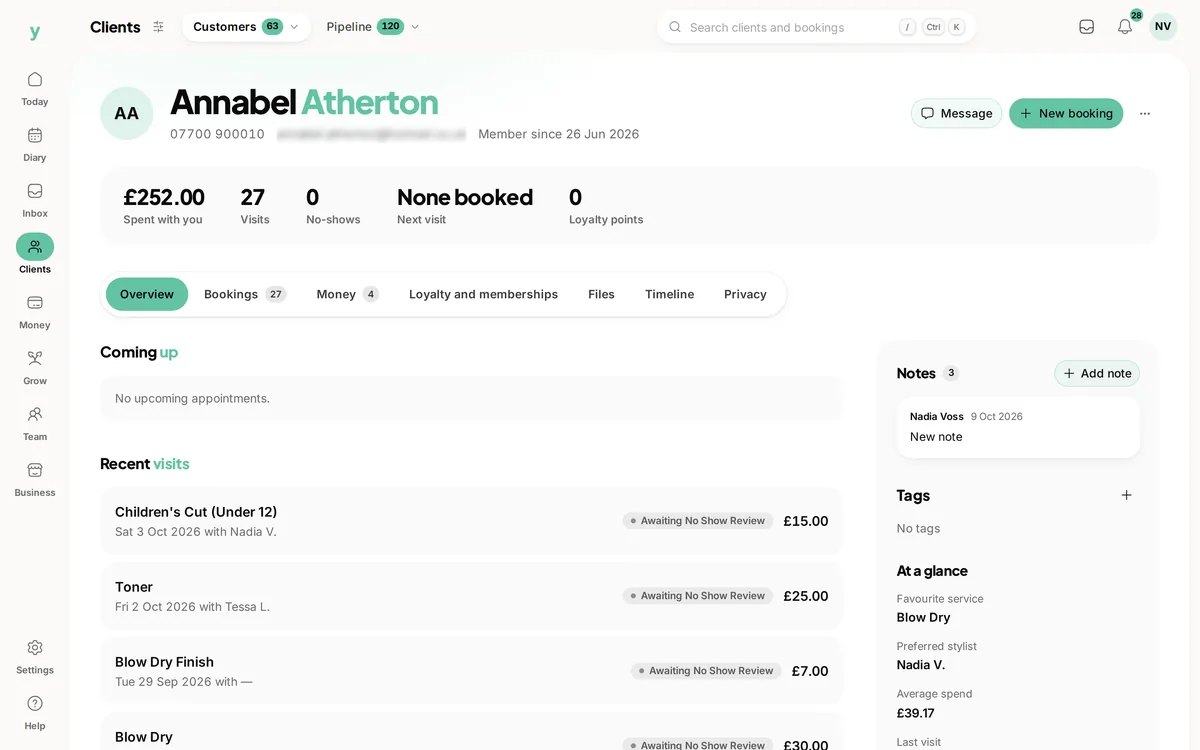
Open any customer record and you get their whole story with you in one place. It saves digging through emails or paper diaries and helps you give a more personal service.
What the record shows
- Appointments, past and upcoming, with the service and team member
- Invoices and quotes raised for them
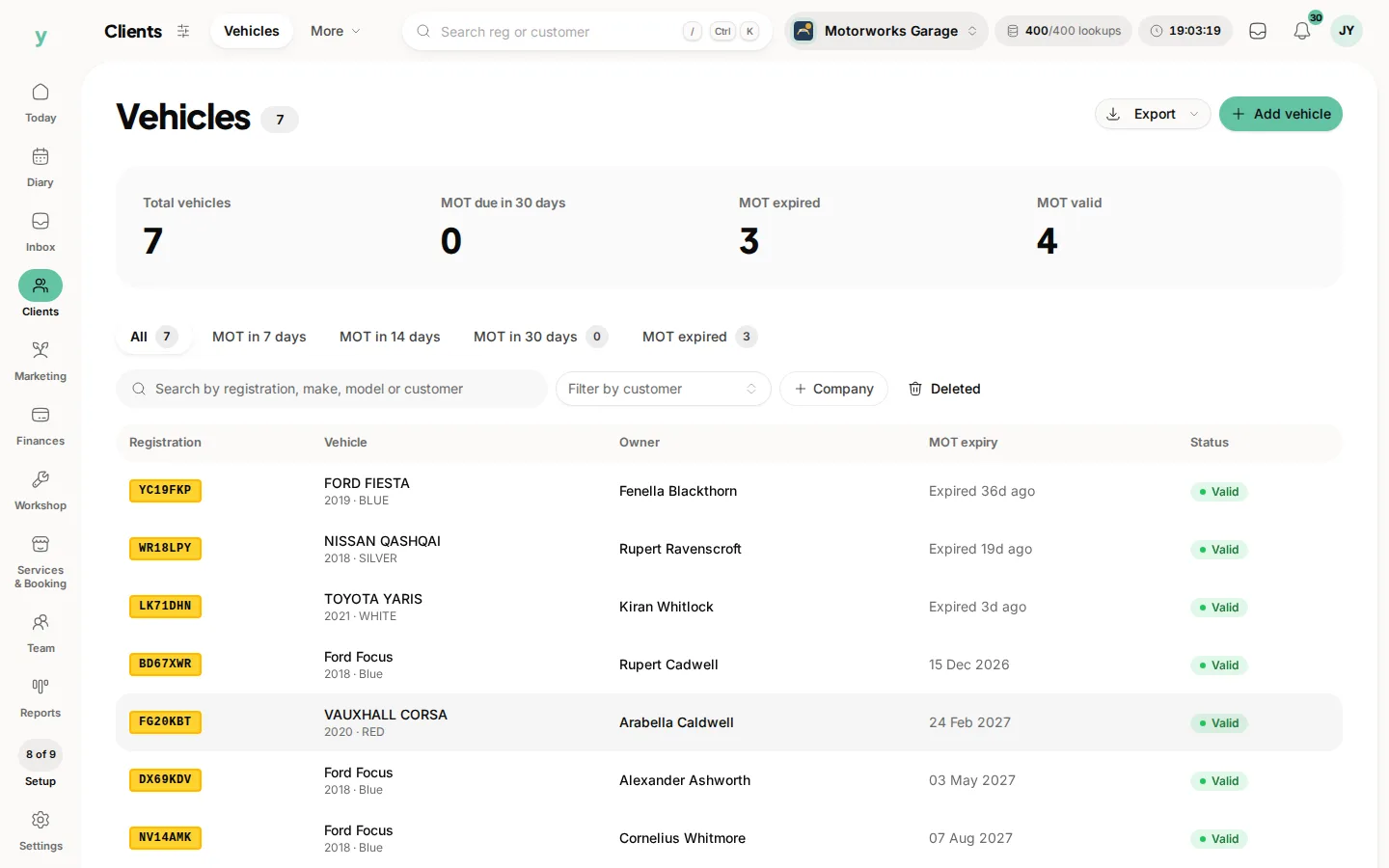
- Vehicles on file, for garages and similar trades
- Leads and enquiries linked to them
- Memberships and loyalty activity where you use those features
- Lifetime value, so you can see what they have spent overall
Adding notes
Notes are for anything worth remembering
a preference, an allergy, how they take their coffee or what was agreed last time. Add as many as you like. Each note records who wrote it and when, so the team always has context.
Pinning the important ones
Pin a note to keep it at the top of the record. Use this for the things someone needs to see straight away, like a key preference or a standing instruction. Pinned notes stay put until you unpin them.
The activity timeline
Each record keeps an activity log showing what has happened
when it was created or updated, when a note was added, when an email was sent and so on. It is a plain history of who did what, which is handy for keeping your team accountable and for answering customer queries.
A note on privacy
Notes can hold sensitive information, so treat them with care. Only record what you genuinely need, keep it factual and remember the customer may ask to see the data you hold. Sensitive fields like notes are stored securely.
Common questions
Who can see the notes I write?
Anyone whose role gives them access to customer records, so write them as though the customer might read them.
Should I record health information in a note?
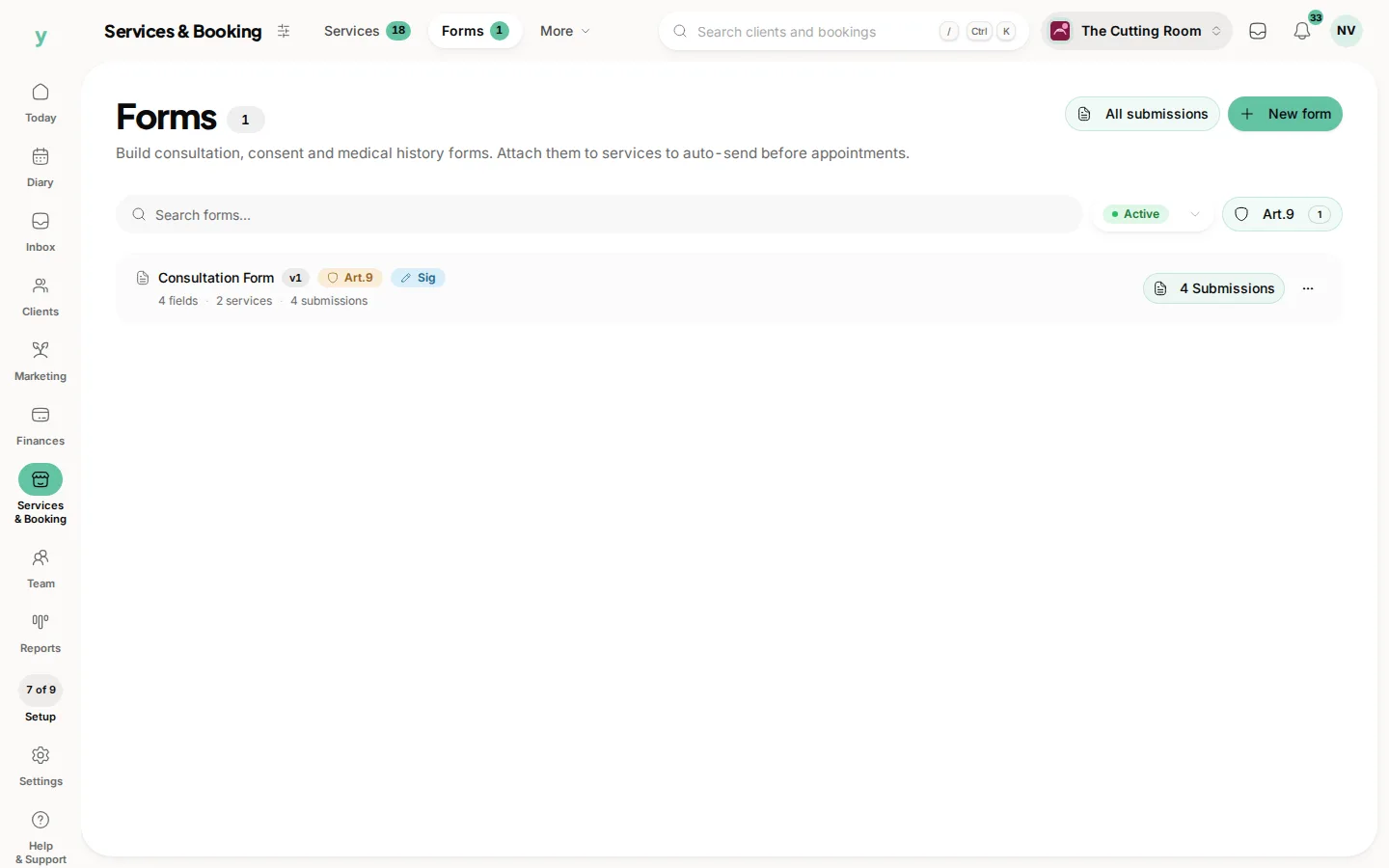
Health details are sensitive data with extra obligations. Use a form designed for it rather than a free-text note.
Does history follow a customer between staff?
Yes. The record holds everything, so whoever sees them next has the full picture.