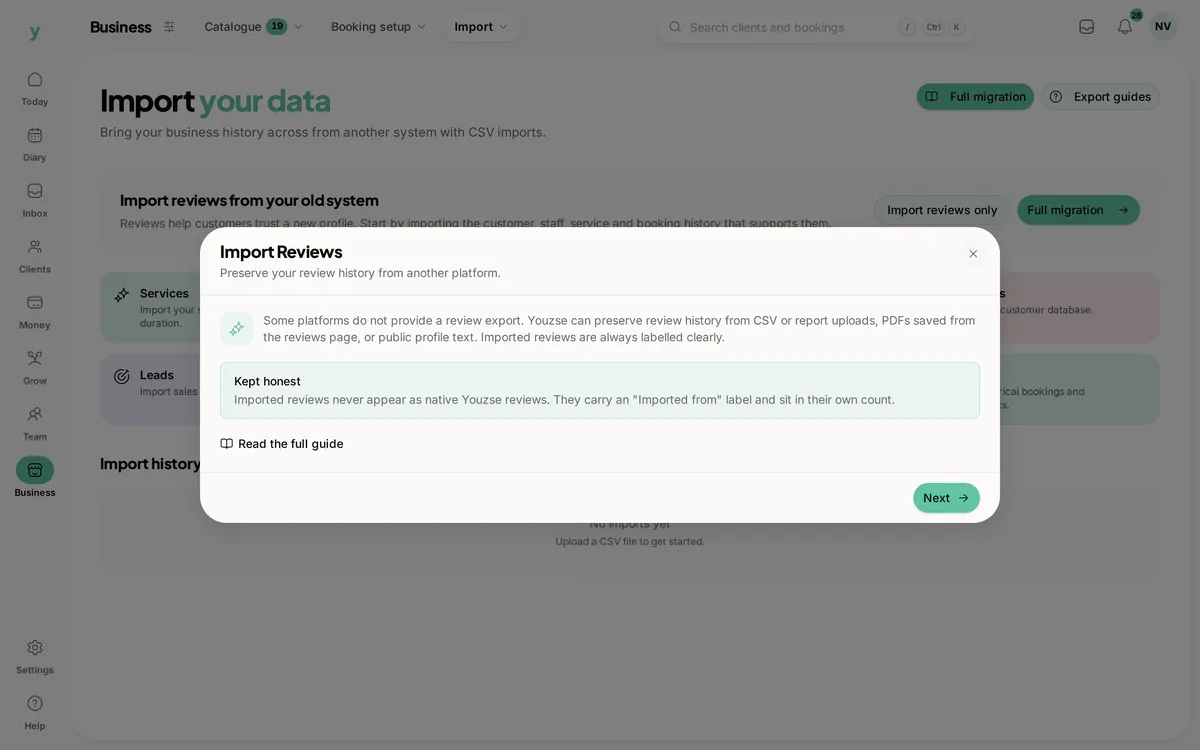
Reviews build trust with new customers and tell you what is going well. Youzse collects them in a way that is tied to real appointments, so the feedback you gather is genuine.
How reviews are collected
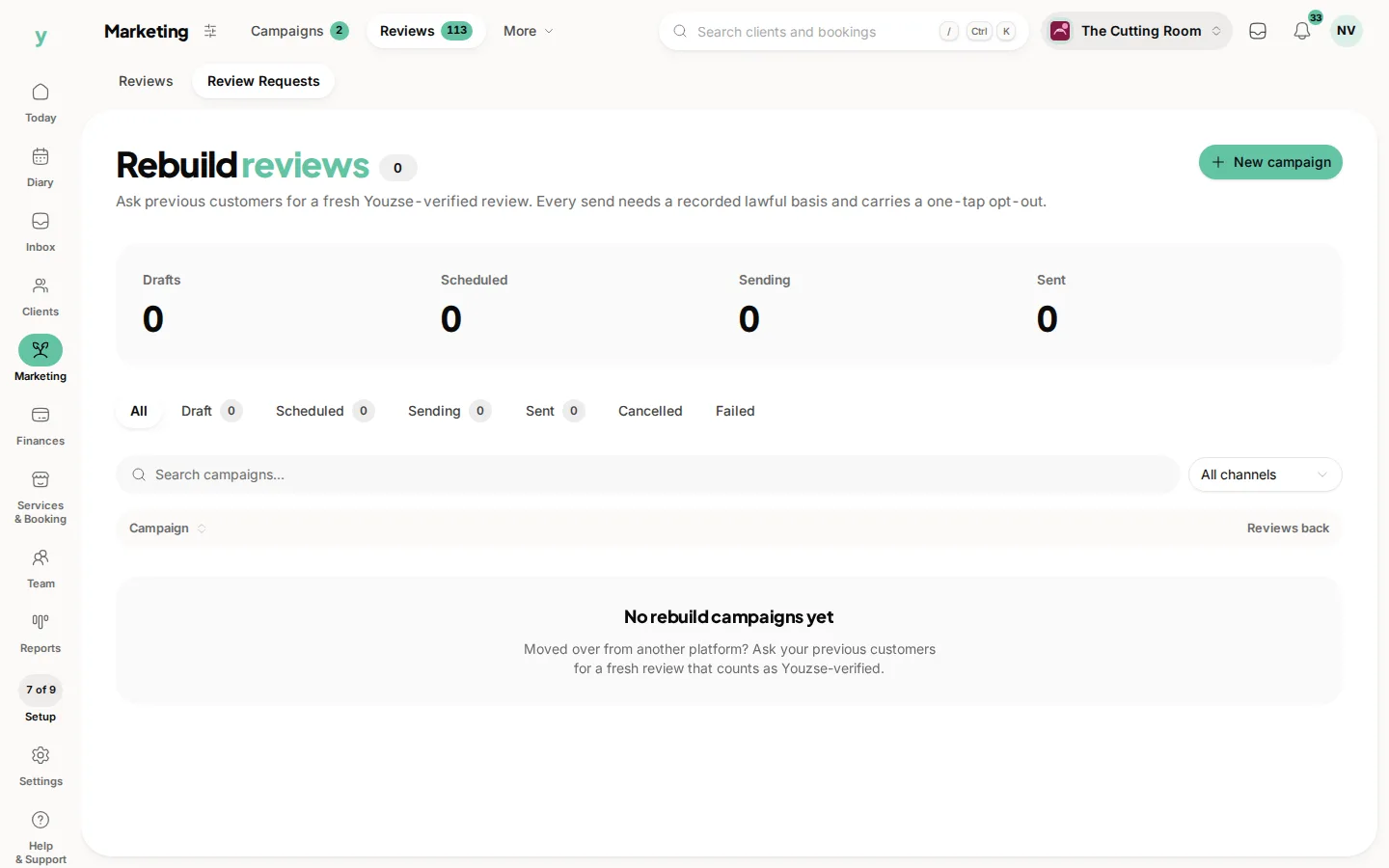
After an appointment a review request can be sent to the customer with a secure link. They leave a star rating and an optional comment. Because each request is linked to a real booking, you can be confident the reviews come from people you have actually served.
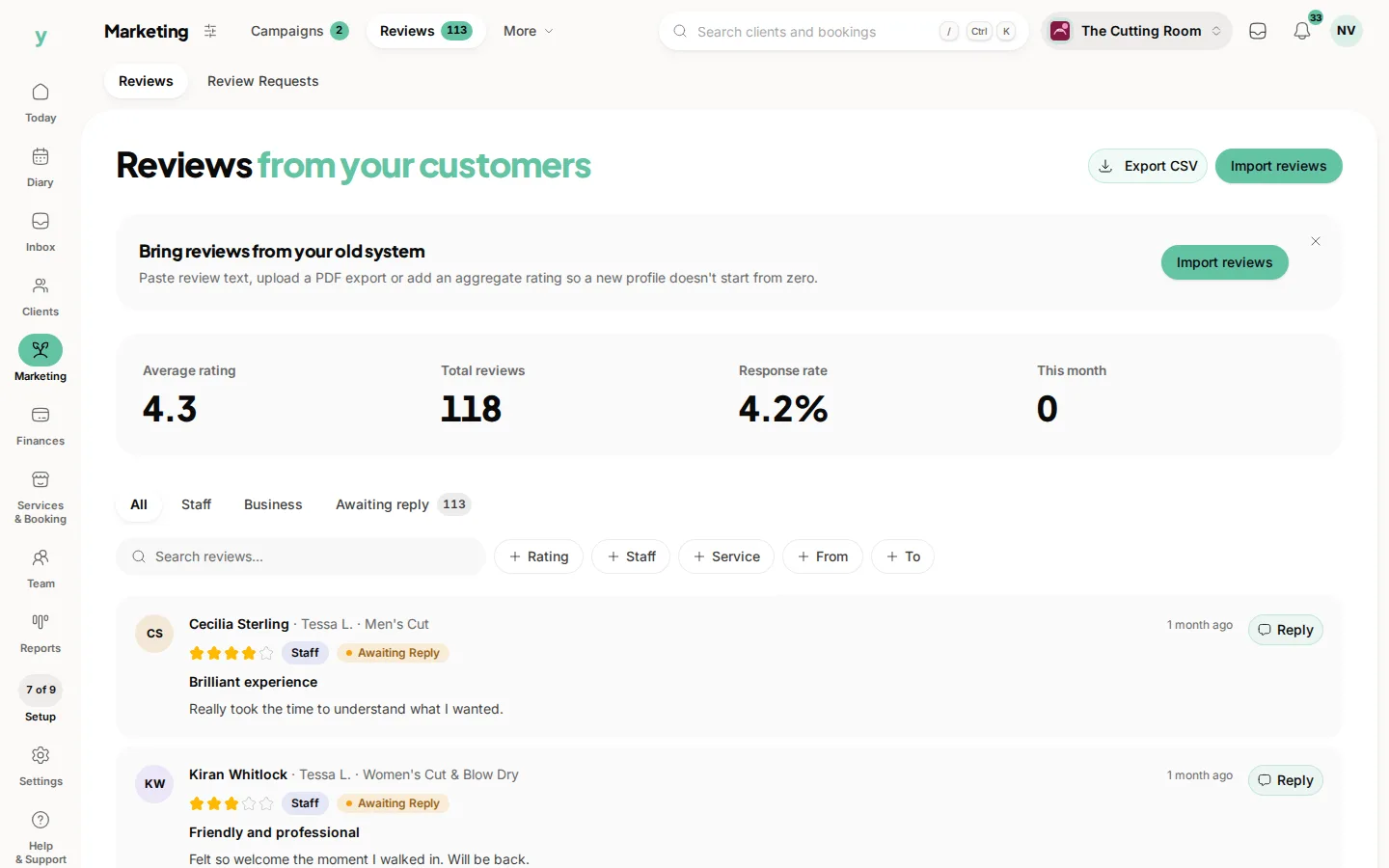
Replying to feedback
You can reply to a review from the Reviews area. A thoughtful reply to a happy customer shows you care. A calm, professional response to a less glowing one shows future customers how you handle things. Permissions decide who on your team can reply and whether they can reply to all reviews or only their own.
Ratings on your booking page
Reviews can feed into your overall business rating and appear on your public booking page, which helps win new bookings. You can control visibility, including how reviews for different types of team members are treated and whether they show on the booking page. This keeps your public rating fair and representative.
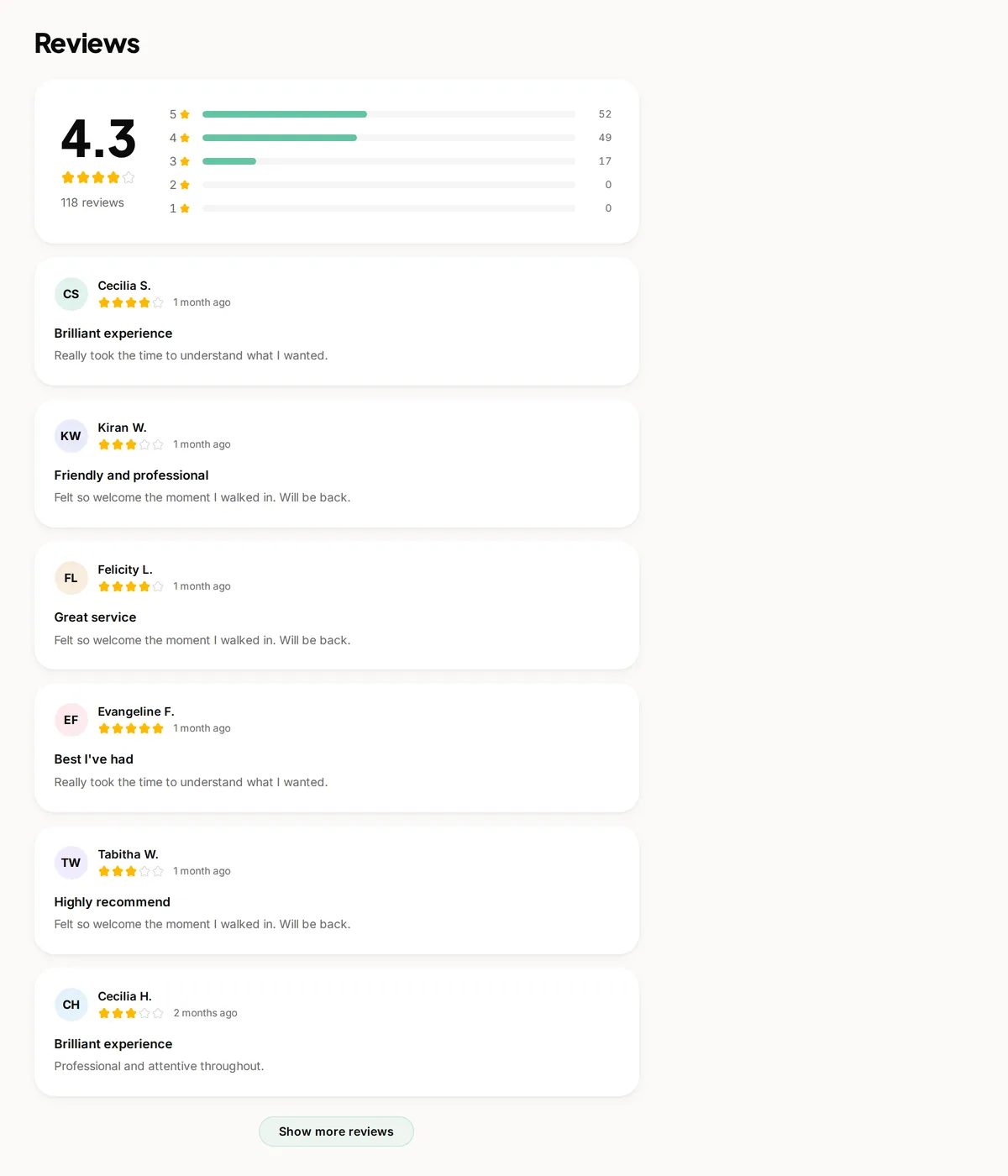
Your overall rating
Youzse summarises your reviews into stats so you can track how you are doing over time. Watch the trend rather than any single review and use the detail to spot what to improve.
Making the most of reviews
- Send a request soon after the appointment while it is fresh
- Reply to as many reviews as you can, good and bad
- Use recurring themes to guide training and small improvements
- Never offer incentives in exchange for a positive review
Common questions
Should I reply to bad reviews?
Yes, calmly and briefly. Your reply is read by everyone deciding whether to book, not just the reviewer.
Can I only ask happy customers?
You should not. Filtering breaches most platform rules and produces a rating nobody believes.
Can I bring reviews from another platform?
Yes, through the review import. See bringing your reviews across.