
The less time you spend on the phone rearranging appointments, the more time you have for the work itself. Youzse lets customers handle the routine bits themselves.
Managing a booking from an email link
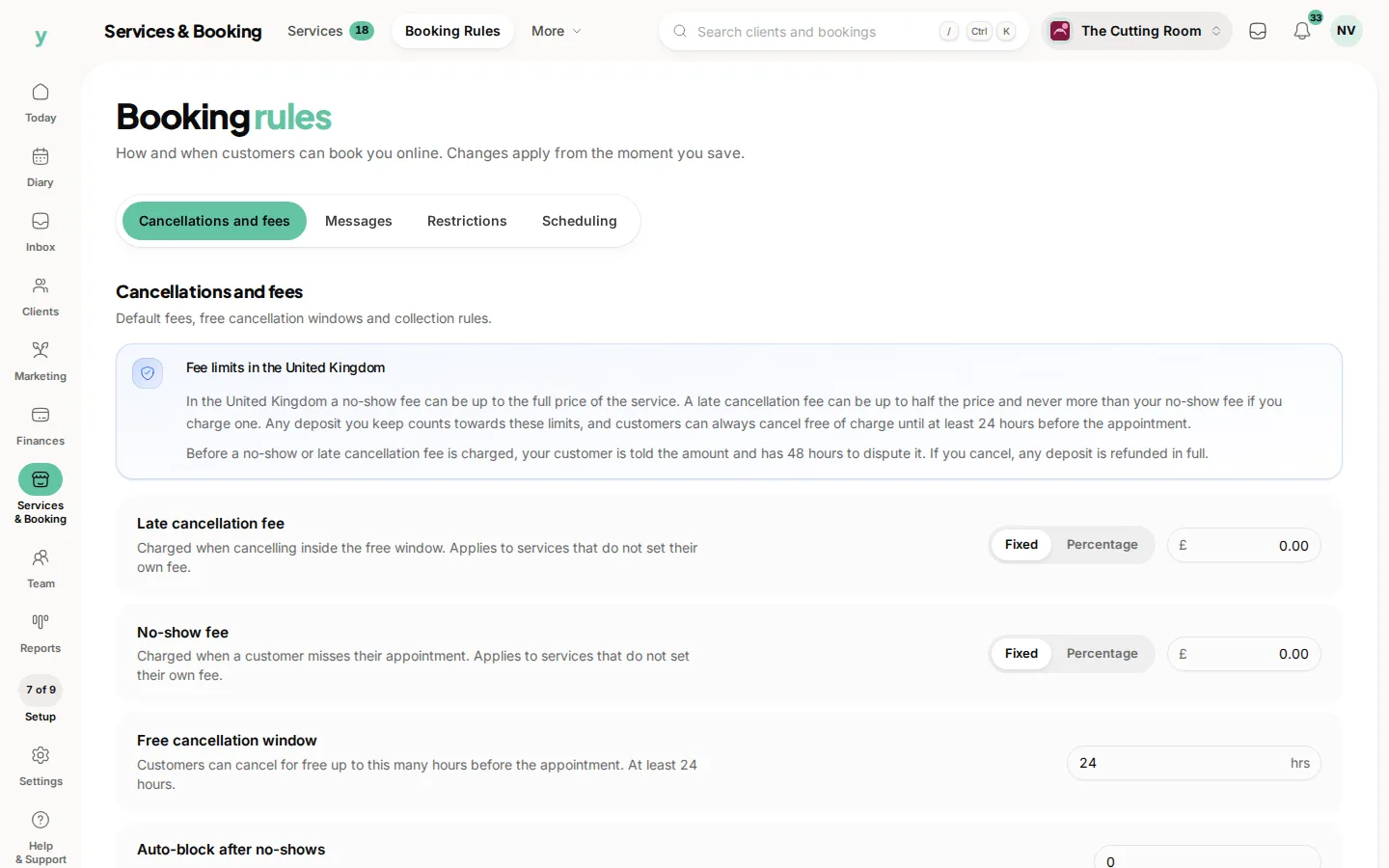
Every booking confirmation includes a secure link to manage that appointment. Without signing in, a customer can view the details and cancel if they need to. Cancellations respect the free window you set, so someone cannot cancel at the last minute outside your rules.
The customer account
Customers who create a Youzse account get a portal across all the businesses they book with. From there they can
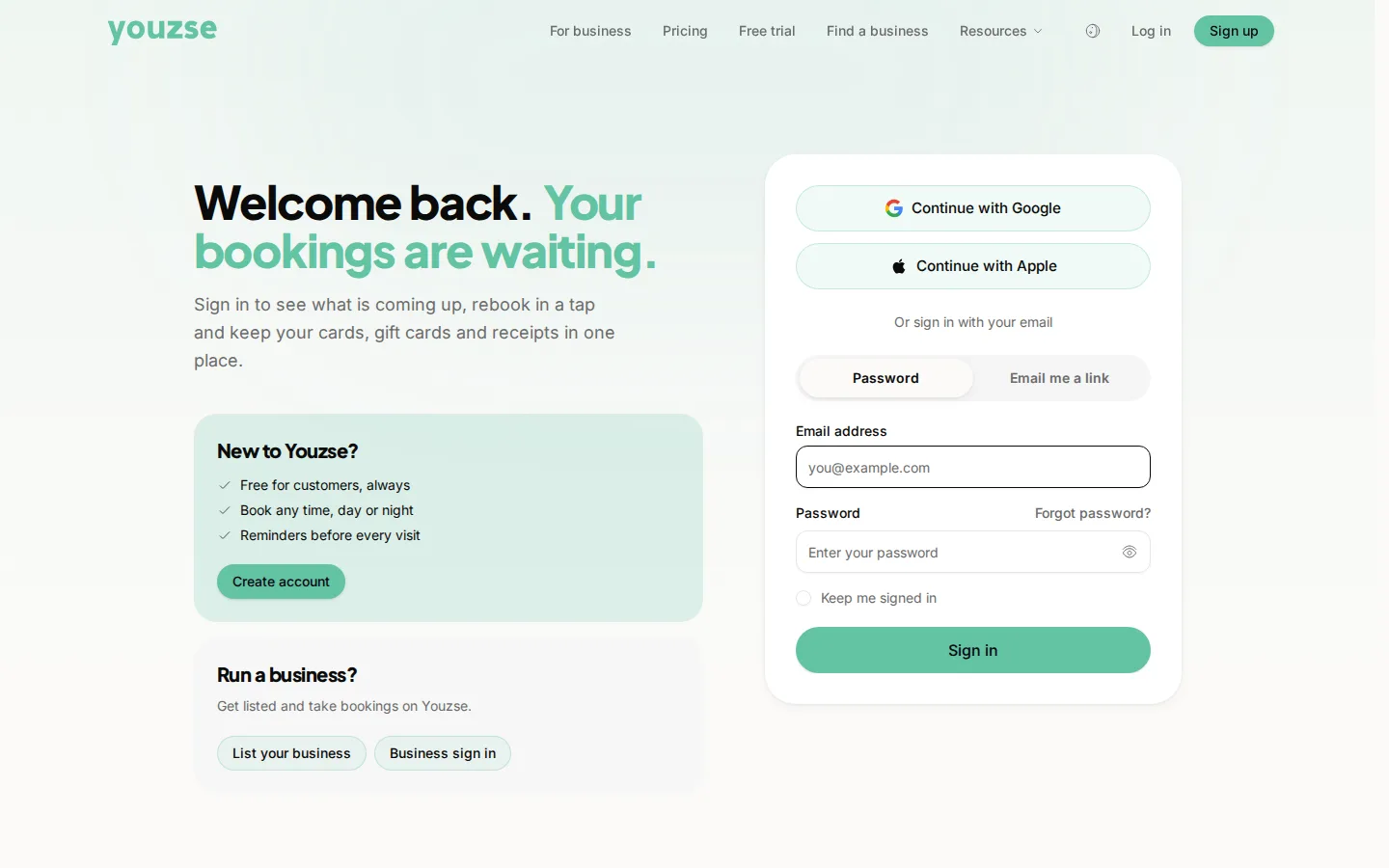
- See upcoming and past bookings, plus cancelled ones
- Reschedule a booking to a new available slot
- Cancel a booking within your rules
- Update their own profile and contact details
- Manage saved cards for faster checkout
- View loyalty points and gift cards
Rescheduling
When a customer reschedules, Youzse only offers slots that are genuinely free, using the same availability rules as your own booking page. That means self-service never creates a clash in your diary.
Privacy controls
The portal also gives customers their own privacy tools. They can update their marketing preferences, download a copy of the data you hold and request to close their account. This helps you meet your data protection duties without extra admin.
Why offer it
Self-service reduces no-shows and missed calls and customers like the convenience of sorting things in their own time. Your diary stays accurate because every change flows straight back into Youzse.
Common questions
Does self-service mean losing control of my diary?
No. Customers can only do what your booking rules allow, within the notice period you set.
What can a customer do themselves?
View their bookings, reschedule or cancel where you allow it, pay invoices and update their own details.
Does it reduce phone calls?
Noticeably. It gets you more notice on cancellations because changing a booking is easier than ringing.