
Every customer you serve gets a record in Youzse. It holds their contact details, booking history, invoices, notes and more, so anyone on your team can pick up where someone else left off.
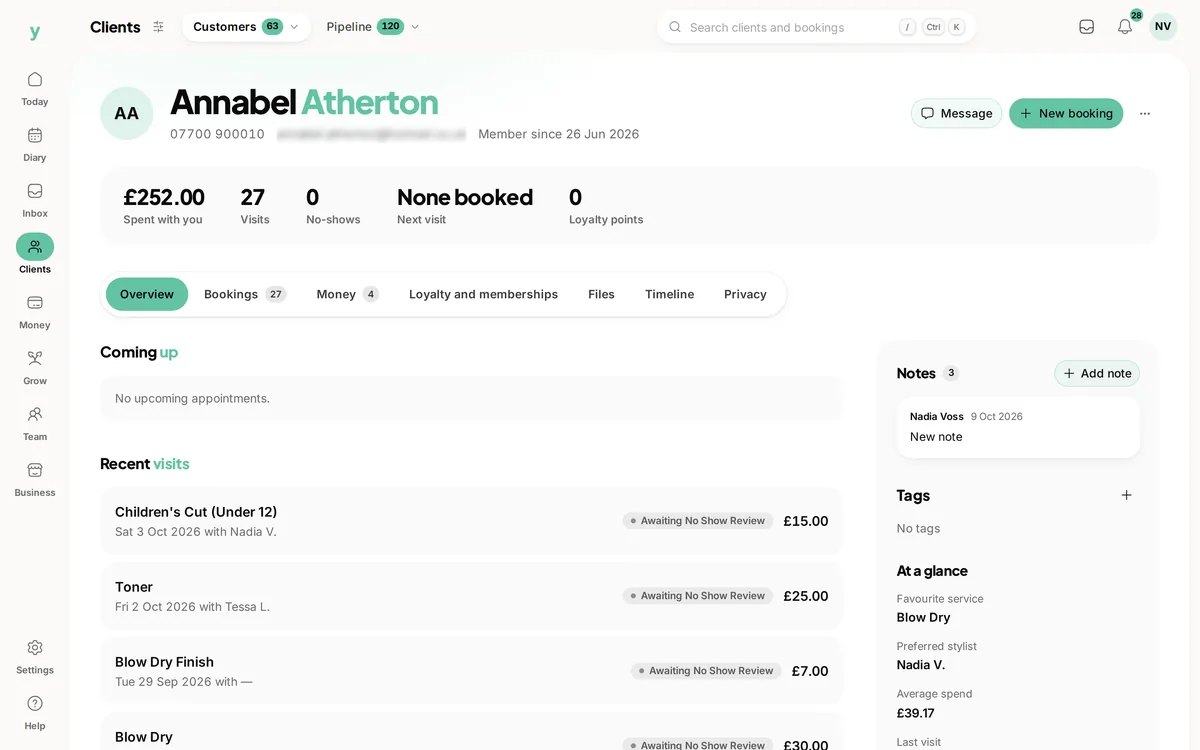
Go to Clients, then All Clients and use New customer. A record is also created the first time someone books online and when you import a list.
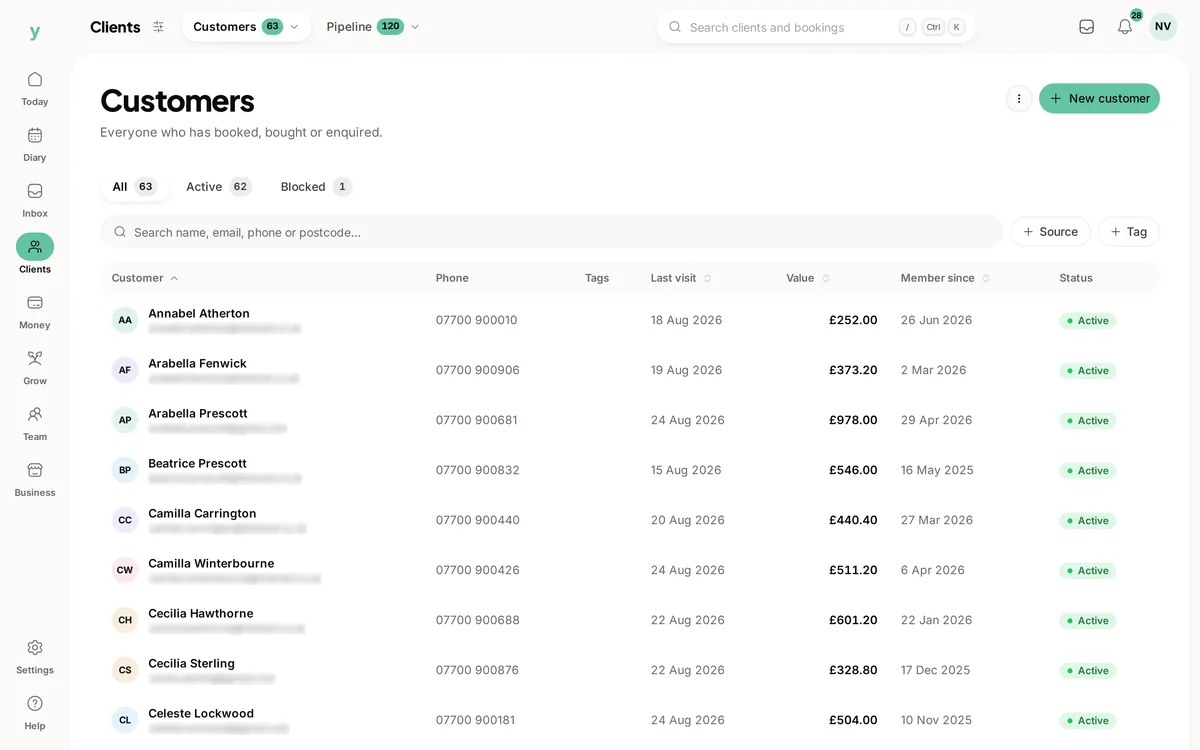
Adding a customer
New customer on that screen creates the record by hand. Capture as much or as little as you need to start. A name is enough, though an email or phone number lets you stay in touch later.
What you can store
- Name, email, phone and full postal address
- Date of birth and any VAT details
- A source so you know where they came from: walk-in, online, referral, import or added manually
- Tags to group and filter people
- Free-text notes for anything else worth remembering
Finding people
Use the search box at the top of the Customers list. It matches across name, email, phone, postcode, address and town, so a partial detail is usually enough. You can also filter by tag or by source and sort by name, when they were added or when they last visited.
Organising with tags
Tags are simple labels you create as you go, for example "regular", "new client" or "needs follow-up". Add up to ten per customer, then filter the list by one or more tags. Tags are the easiest way to build a working view of your customer base.
Blocking and merging
If someone repeatedly causes problems you can block them with a reason, which stops new bookings. If the same person ends up with two records you can merge them so their history sits in one place.
Common questions
How do I merge two records for the same person?
Keep the one with the fuller history, move anything useful across, then remove the other.
Can I delete a customer entirely?
Erasure is more involved than a delete button, because some records must be kept for tax. See deleting customer data.
How do customers get added?
They are created when somebody books, when you add them yourself or when you import your existing list.