
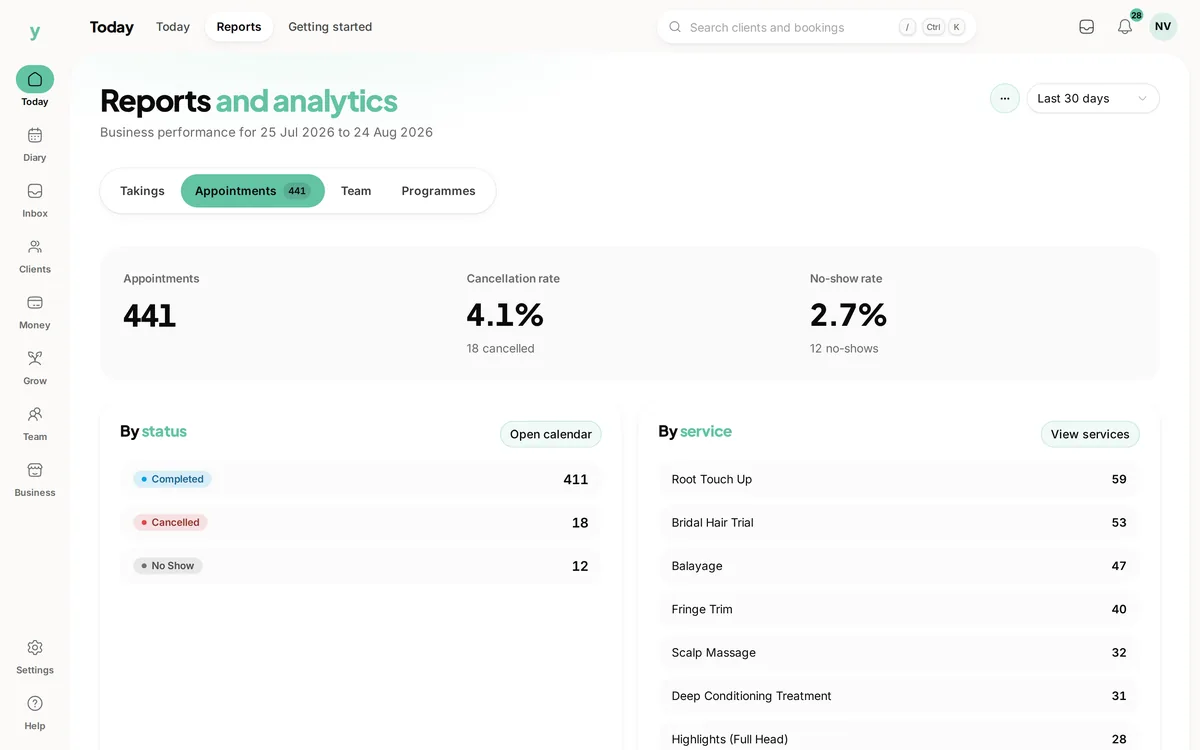
Go to Reports. It shows revenue, bookings and how the business is doing across a period you choose.
Where to start
Compare a period against the one before it. A revenue figure on its own means very little. The same figure next to last month tells you something you can act on.
What is worth looking at regularly
- Revenue for the period, against the period before
- Number of bookings, which tells you whether a revenue change came from volume or from price
- Which services are actually selling
- Which staff are busiest and who has gaps
Volume or price
This is the question most small businesses never ask. Revenue up with fewer bookings means you are charging better. Revenue up with far more bookings means you are working harder for it. Those need different responses.
Do not check it daily
Daily figures are noise. Weekly and monthly are where the pattern is and looking too often mostly produces anxiety.
Common questions
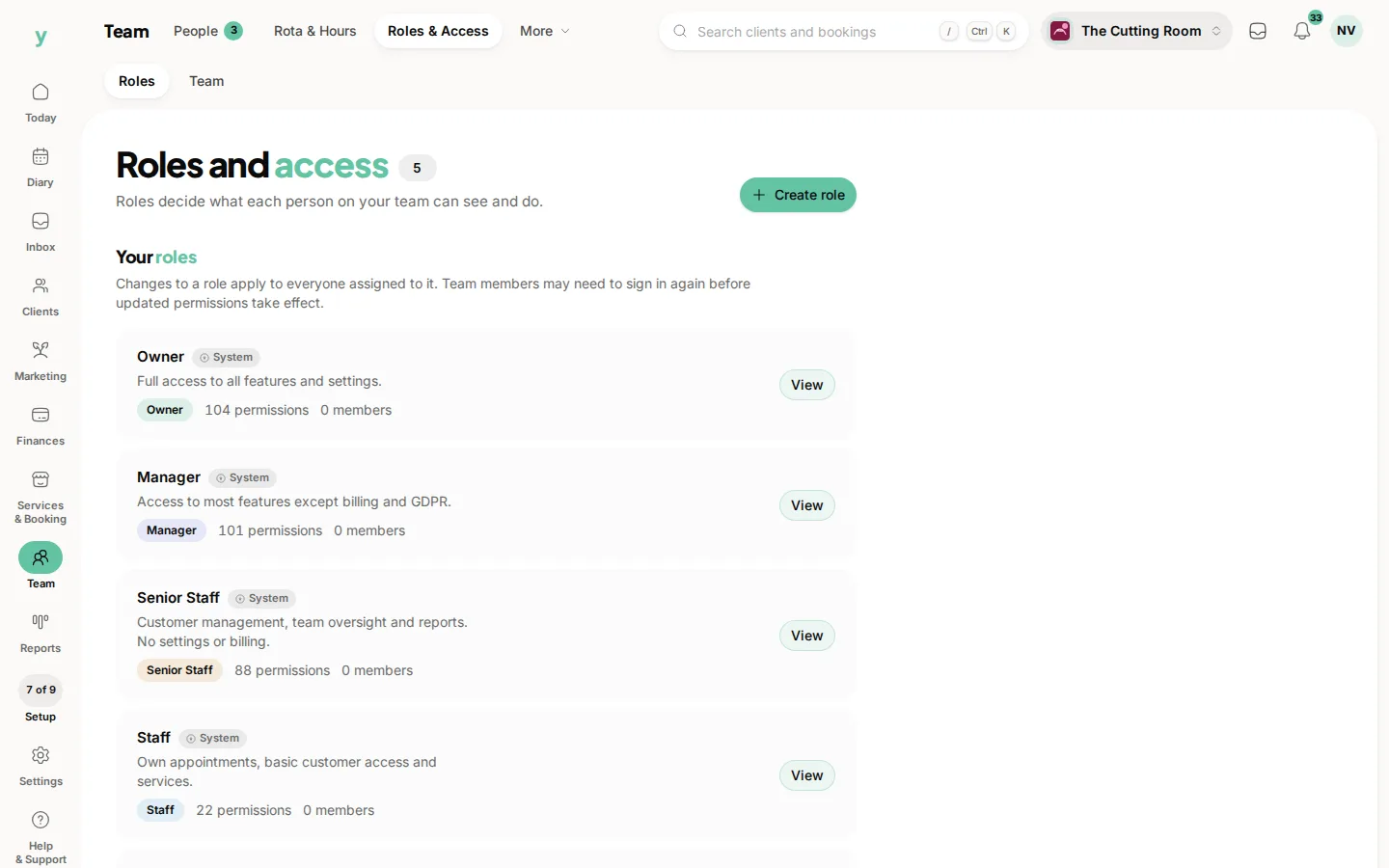
Who can see reports?
Anyone whose role includes the reports permission, which you set under Team, then Roles & Access.
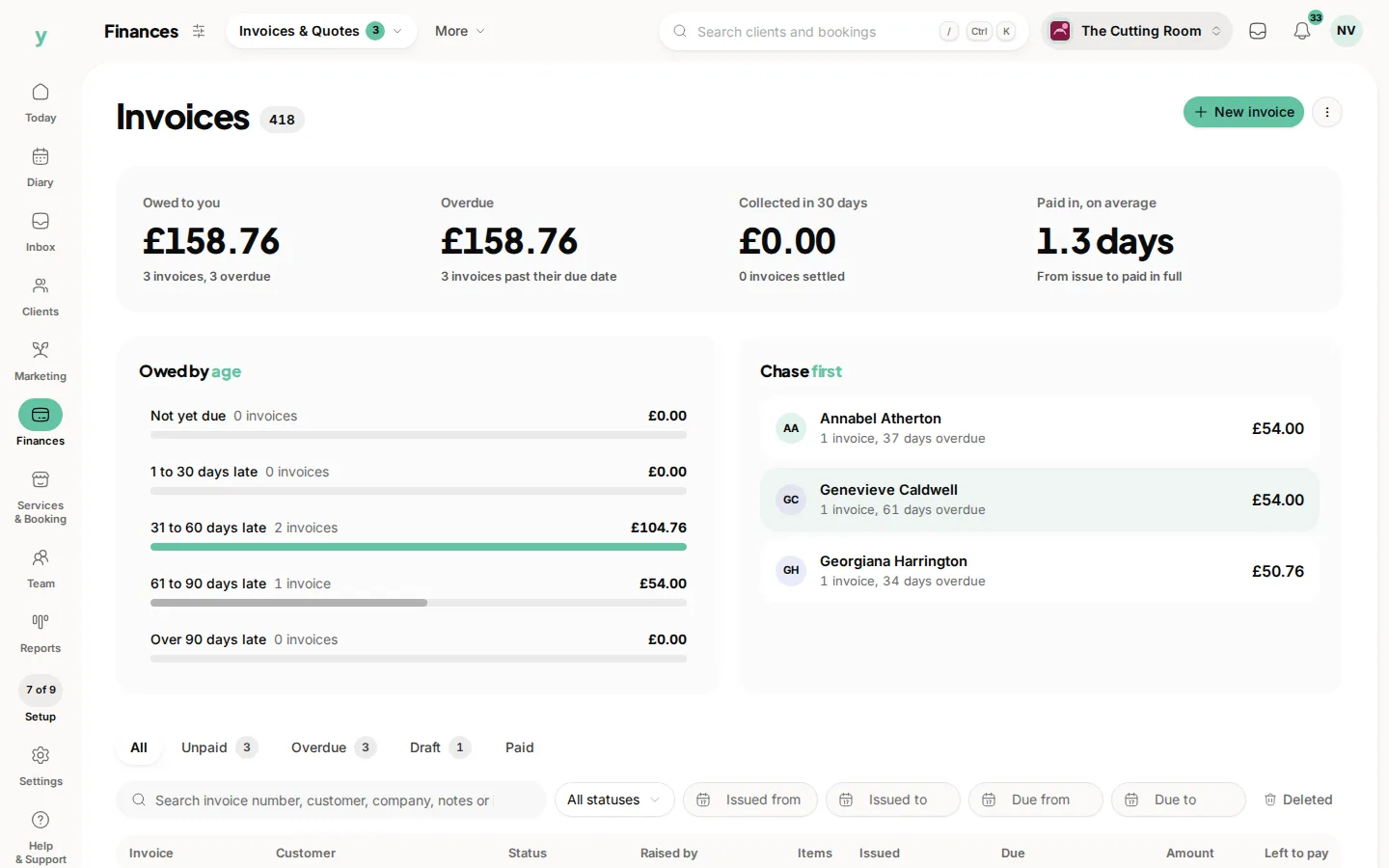
Do reports include unpaid invoices?
Look at what has been invoiced against what has been paid. An outstanding invoice is not money you have.
Can I get the underlying data?
Yes. Exports give you the detail behind the figures.