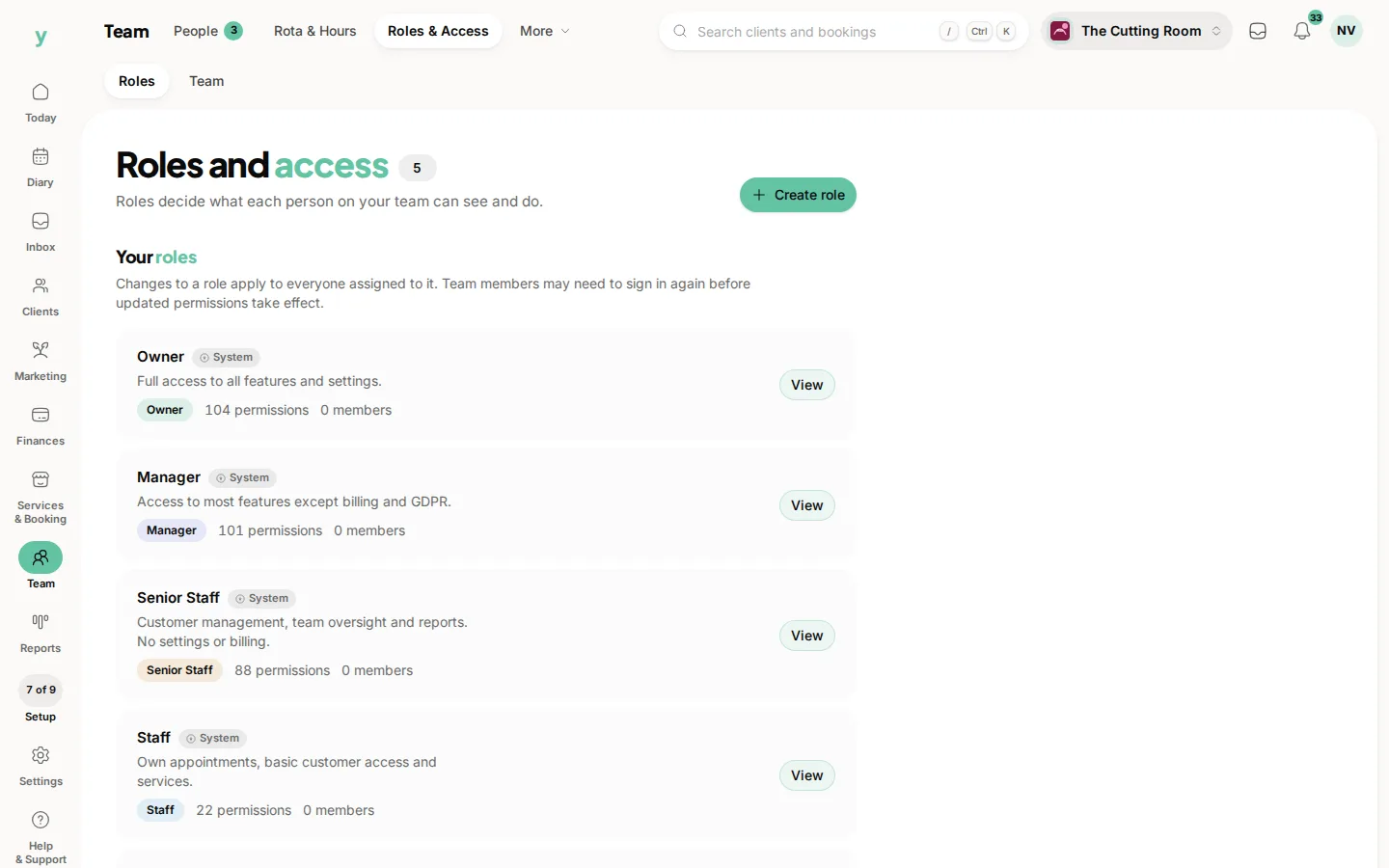
Exports give you the records behind the figures as a file you can open in a spreadsheet.
When you need one
- Your accountant wants the detail rather than a summary
- You want to analyse something reports do not cover
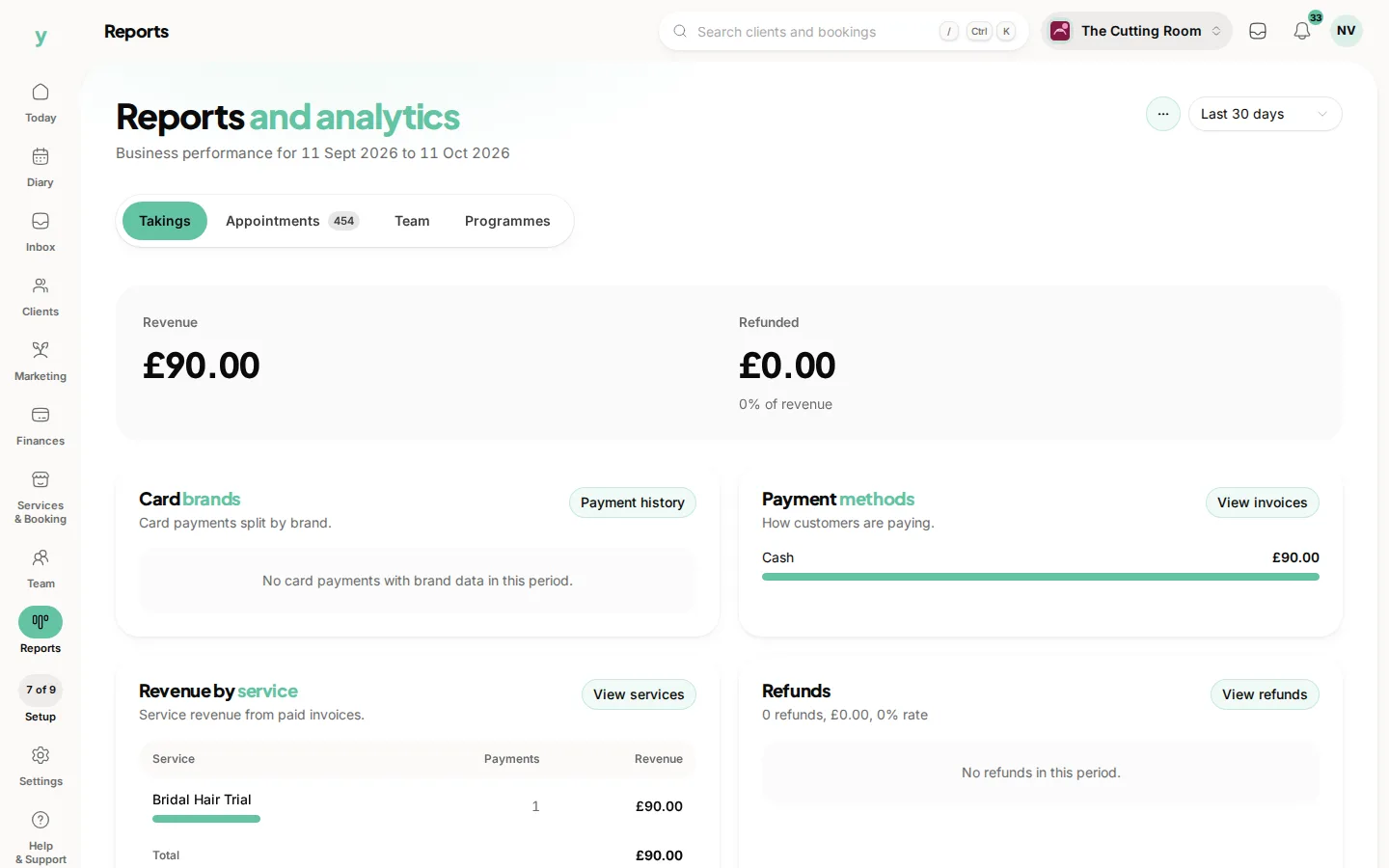
- You are asked for a copy of somebody's data
- You want your own backup
It is your data
Being able to get your records out whenever you want is not a favour. It is what stops any platform, including this one, holding you hostage. Take an export occasionally so you know you can.
Personal data in exports
An export of customers is a file full of personal data sitting on a laptop. Keep it somewhere sensible and delete it when you are done. The obligations that apply in the system apply to the copy on your desktop.
Responding to a data request
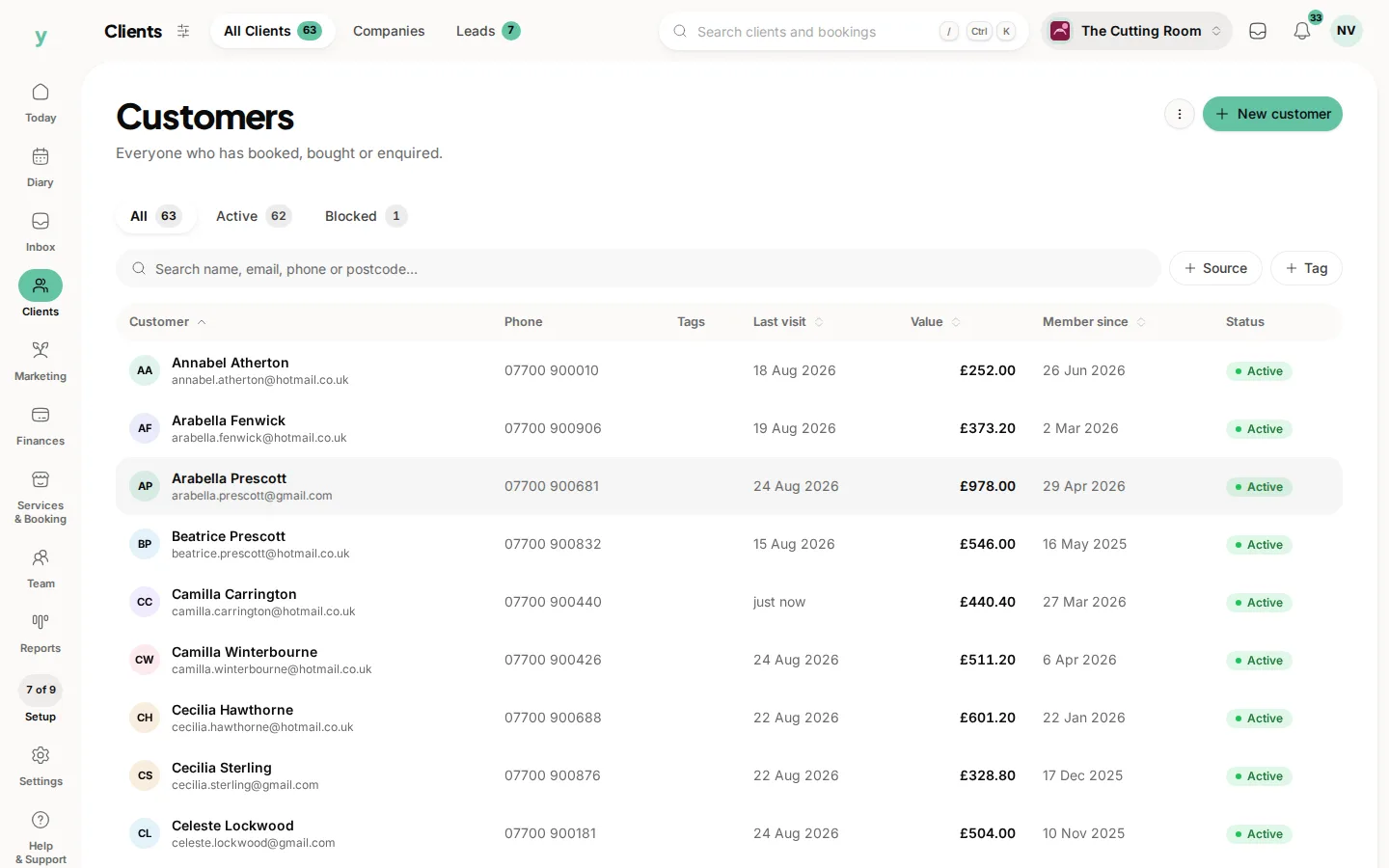
Where a customer asks for the data you hold about them, an export is part of how you answer. There is a separate article on doing that properly.
Common questions
What format do exports come in?
A spreadsheet-friendly file you can open in Excel, Numbers or Google Sheets.
Can I export everything at once?
Export the areas you need. Taking each type separately is also easier to work with afterwards.
Who can export?
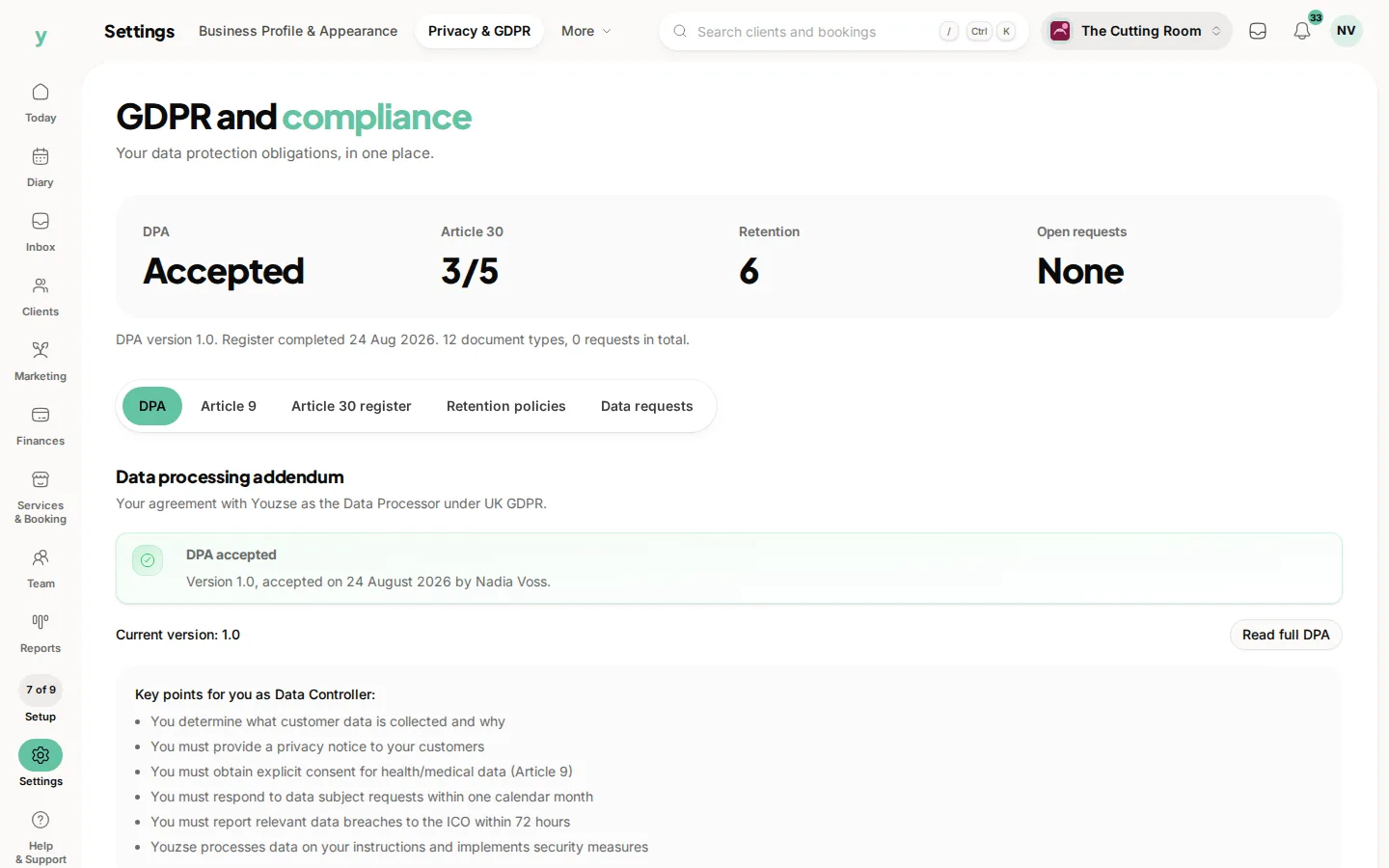
It is permission-controlled, because an export is a copy of your customer data.