
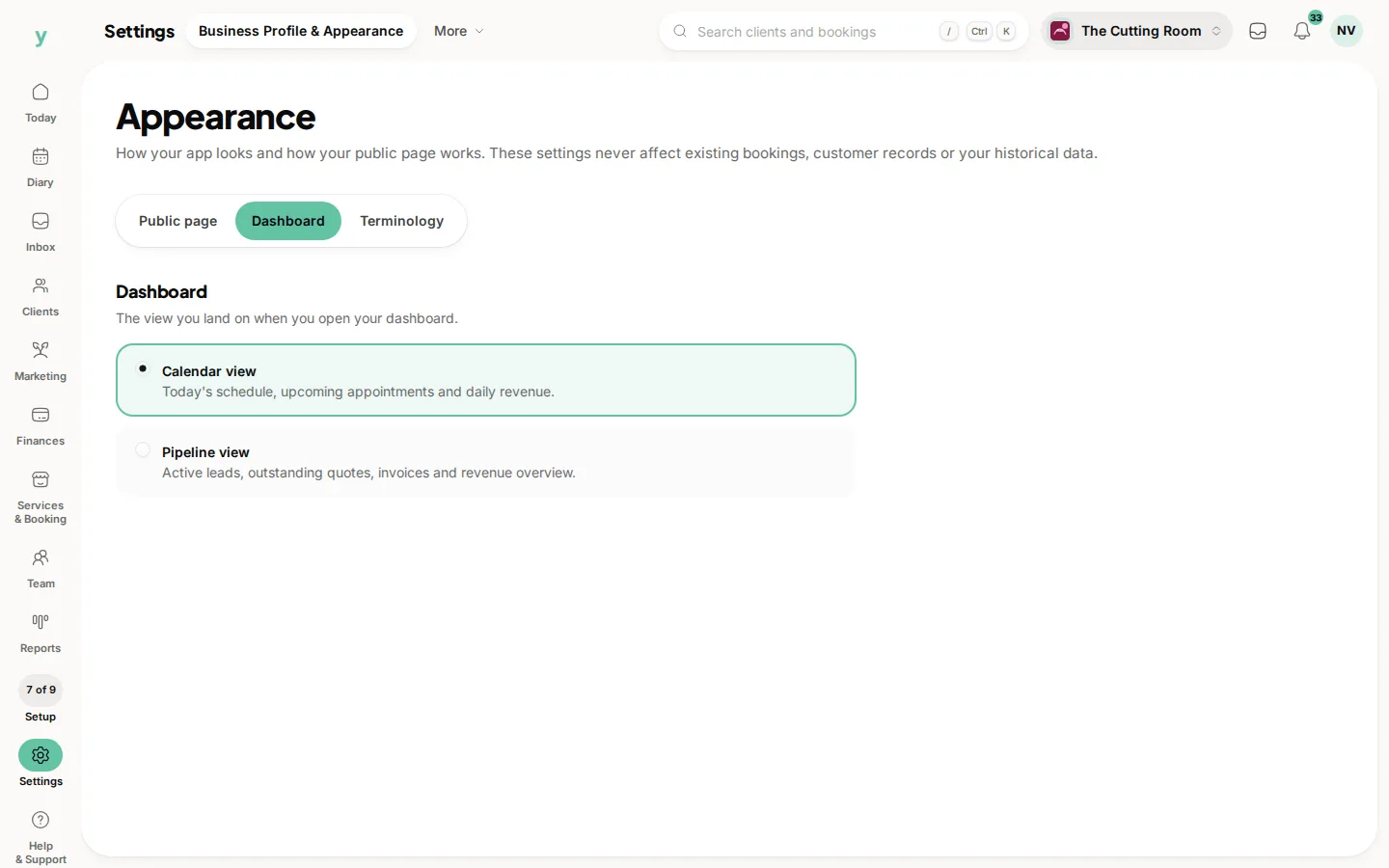
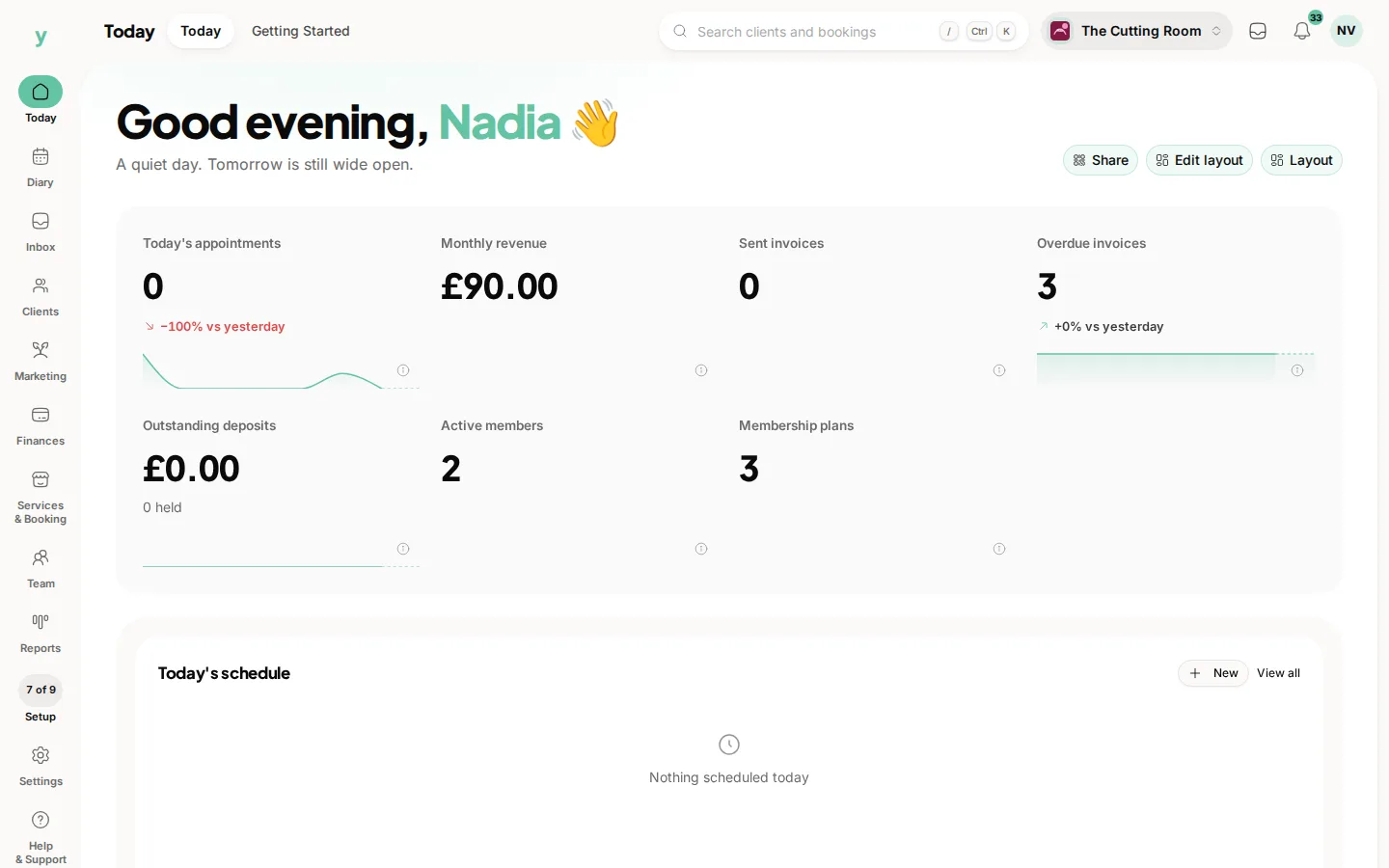
Today, on the rail, is what you land on when you sign in. It is built from widgets and which ones you see can be arranged to suit how you work.
What it is for
The five-second version of the business. What is happening today, what needs attention, what came in. It is a glance rather than a reporting tool.
Arranging it
Put what you act on at the top. For most businesses that is today's diary and anything needing a decision, not a revenue chart you look at once a month.
Different businesses need different dashboards
A garage wants today's jobs and what is waiting on parts. A salon wants the diary and the gaps. Somebody doing the books wants outstanding invoices. Arrange it for the job you actually do.
If it looks empty
A new account has nothing to show yet. It fills in as bookings and customers arrive.
Common questions
Can each staff member arrange their own?
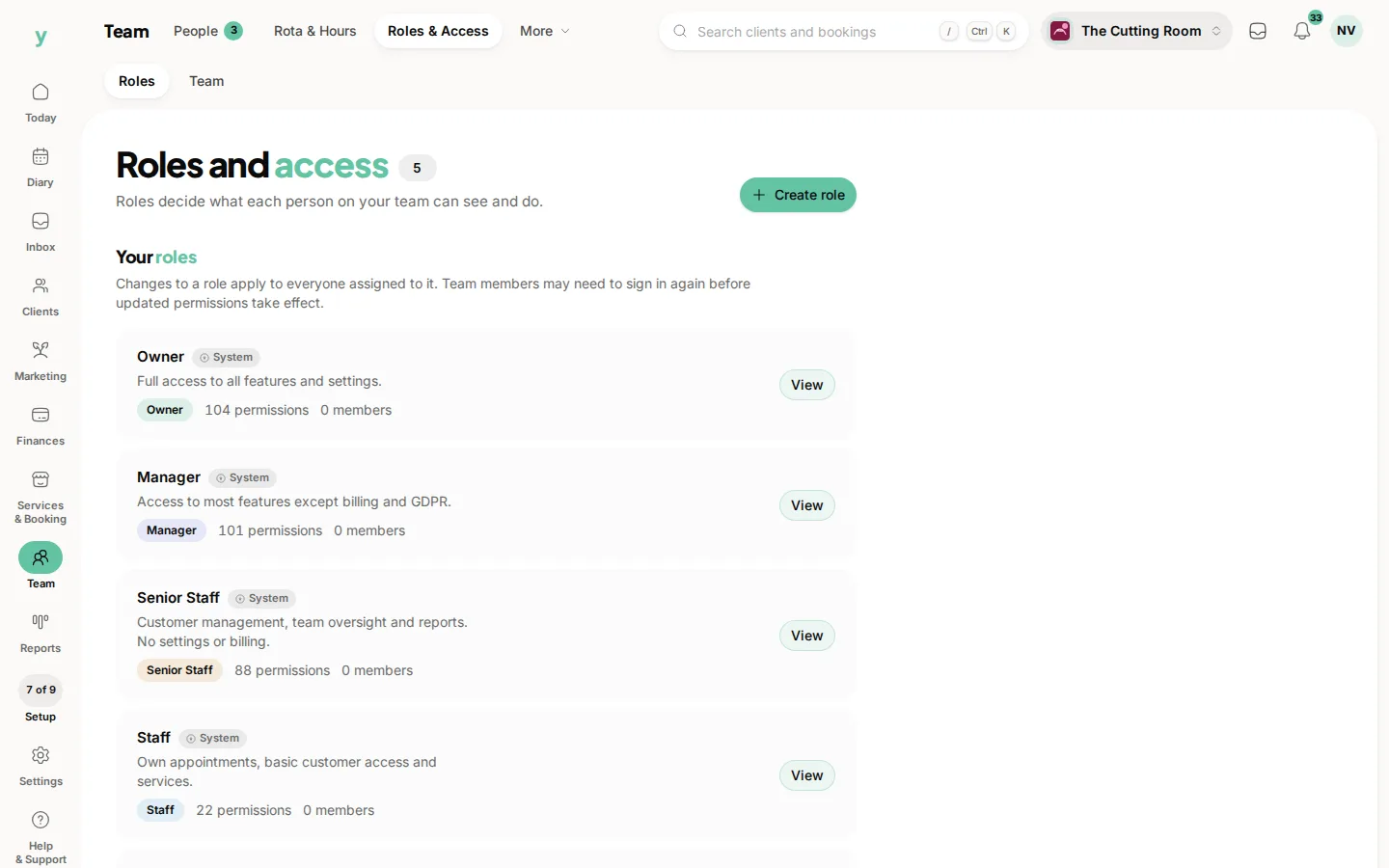
What people see is shaped by their role and their own layout, so a mechanic and an owner do not see the same screen.
Why is a widget missing?
Either your role does not include that area or the feature is not on your plan.
Does the dashboard update live?
It reflects the state when you load it. Refresh if you have been sitting on it for a while.