
Export what you need before you cancel. Access to a platform ends when the subscription does. That is true here as it is anywhere else.
What to take
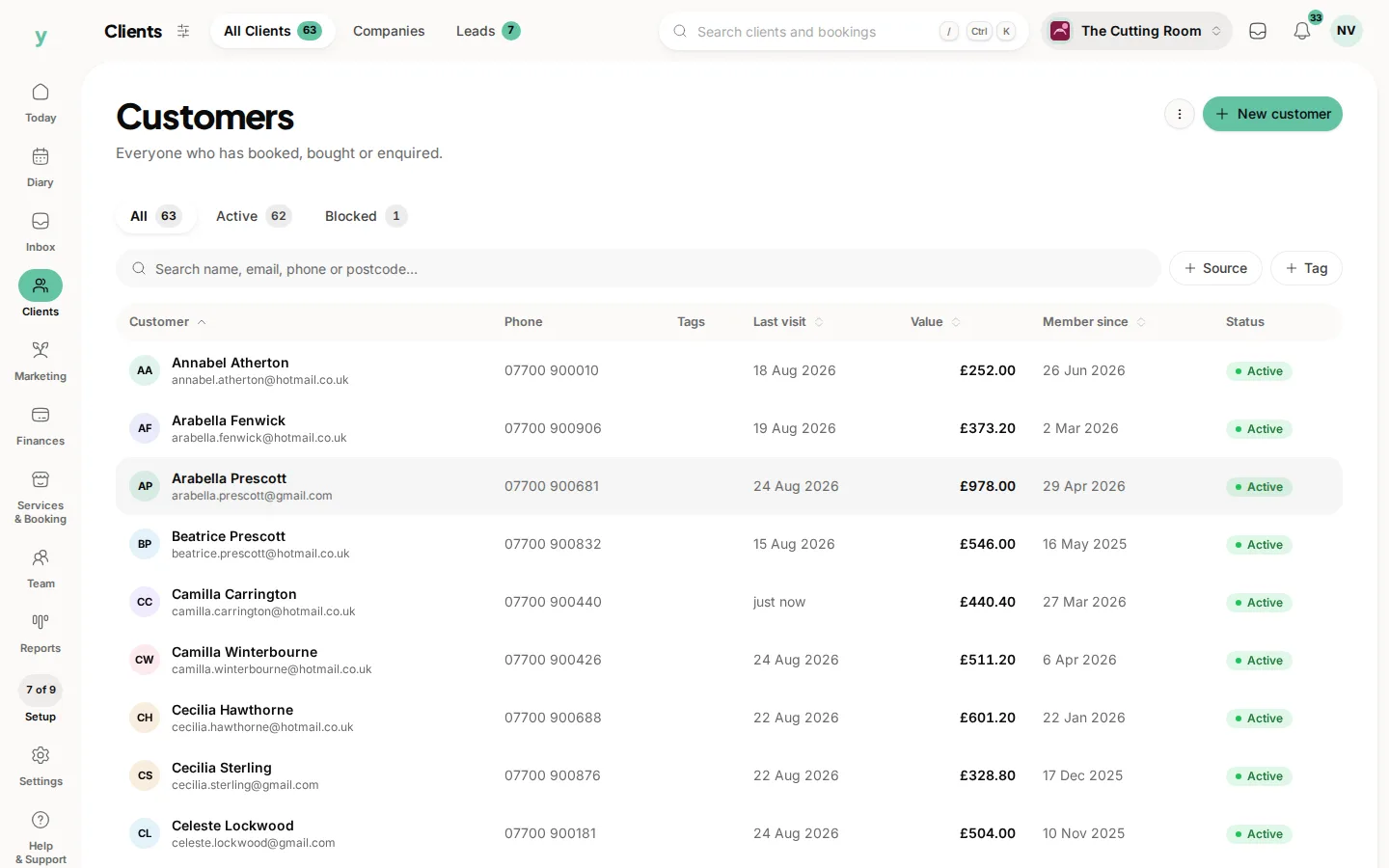
- Your customer list
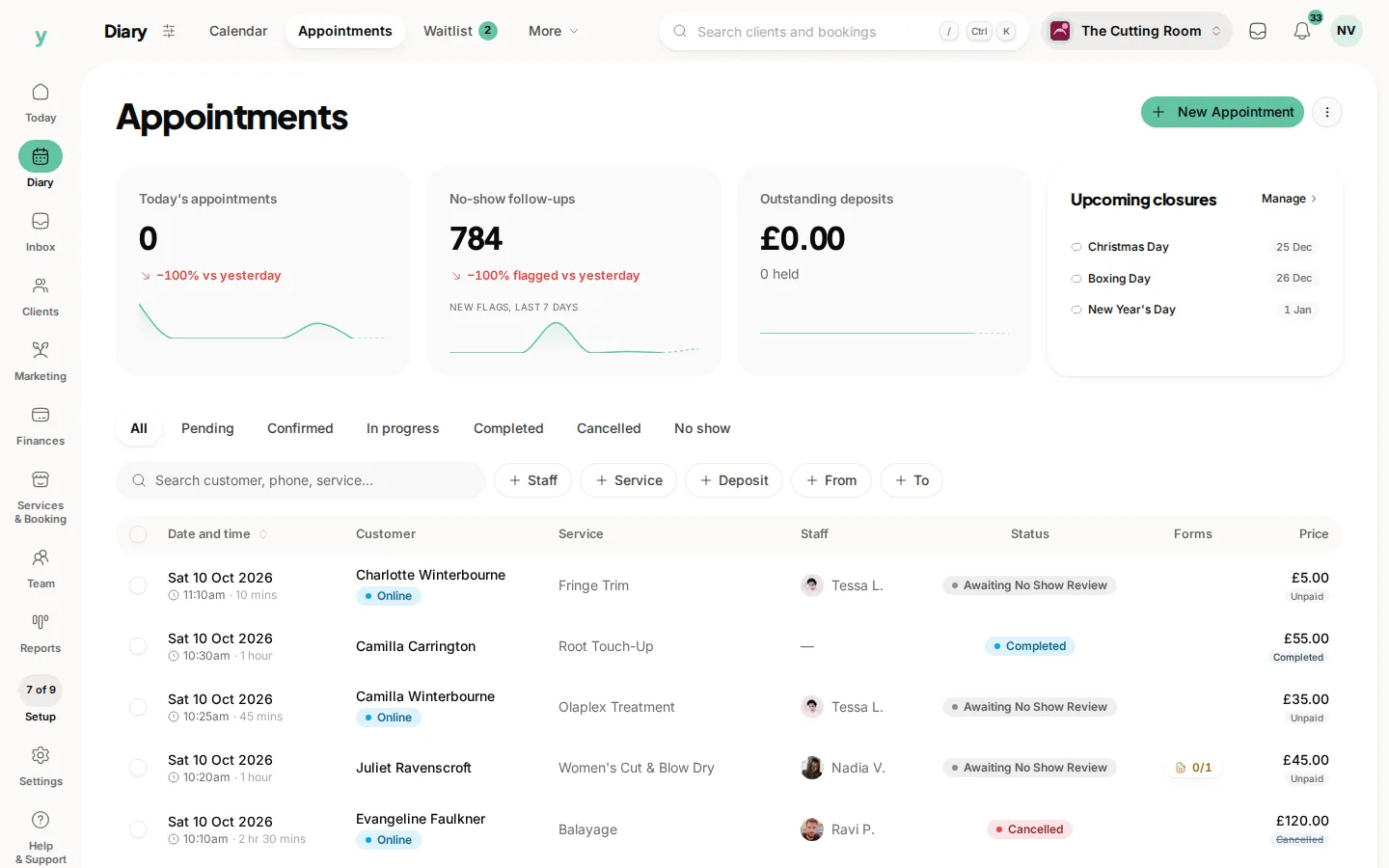
- Your booking history
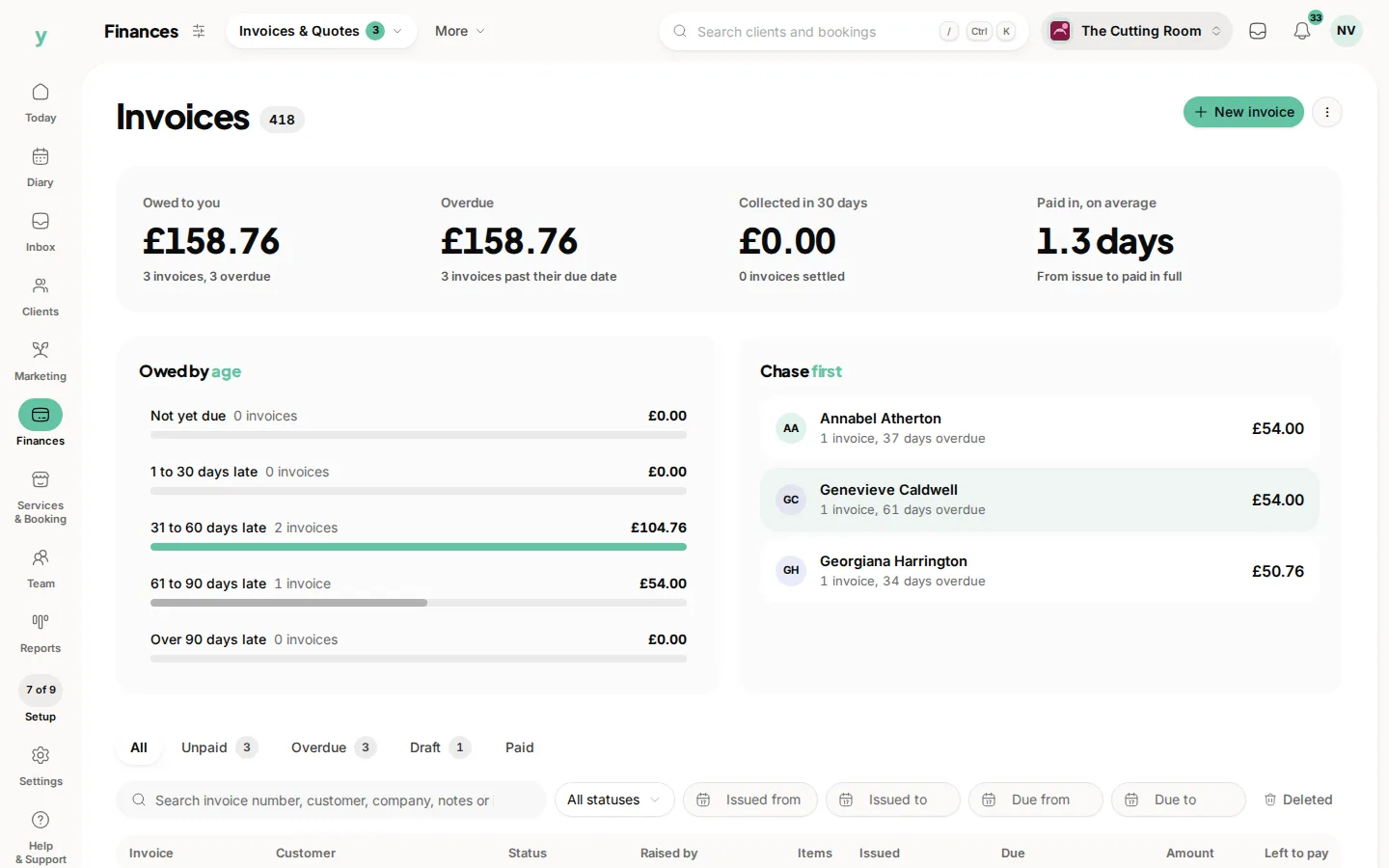
- Your invoices, which you are required to keep for tax purposes
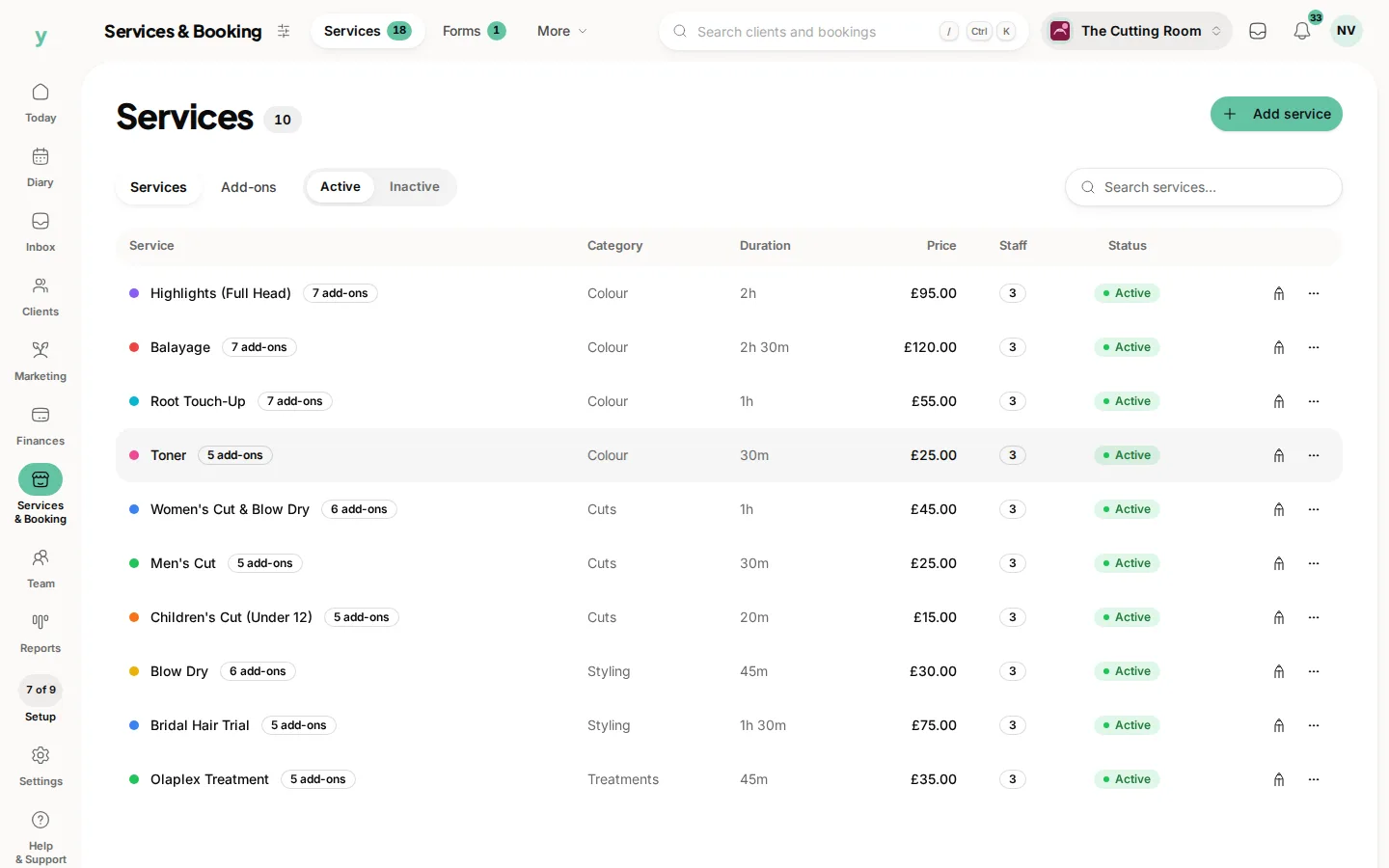
- Your services and prices
Why we say this plainly
Because a platform that makes leaving difficult is telling you something about how it expects to keep you. Your records are yours and being able to walk out with them is the point.
Do it before you cancel
Not after. Take the exports, open them and check they contain what you expect while you still have the account.
Your tax records
Invoices have to be kept for years after the work. Export them and store them properly rather than assuming you can come back for them.
If you are leaving because something is not working
Tell us first. A fair number of departures turn out to be a setting nobody found or a feature nobody knew existed.
Common questions
How long do I have after cancelling?
Do not rely on a window. Export everything before you cancel.
Will my customers be told?
No. What you tell them is your decision and worth planning if they book online with you.
Can I come back?
Yes. Your export is what you would import to pick up where you left off.