
Finances, then VAT & Tax Returns shows the VAT on your invoices across a period. Set your VAT details up first under Settings, then Finance & Tax Configuration.
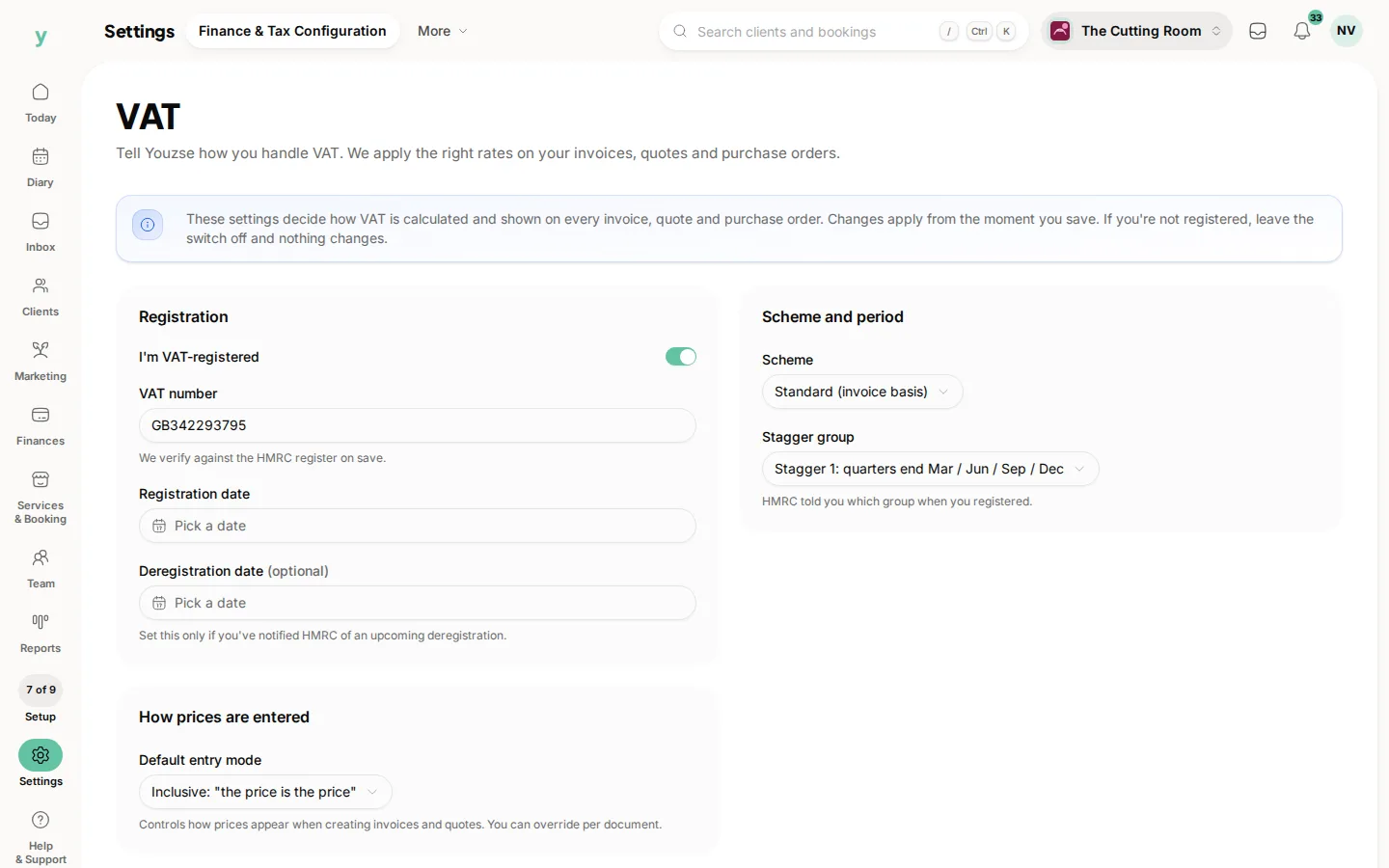
Set it up before you invoice
Your VAT number and rate belong on invoices from the first one you send. Correcting VAT on invoices already issued is a genuine nuisance, so do it before you go live rather than after.
What the area gives you
The VAT figures from your invoices for a period, which is what you or your accountant work from at return time.
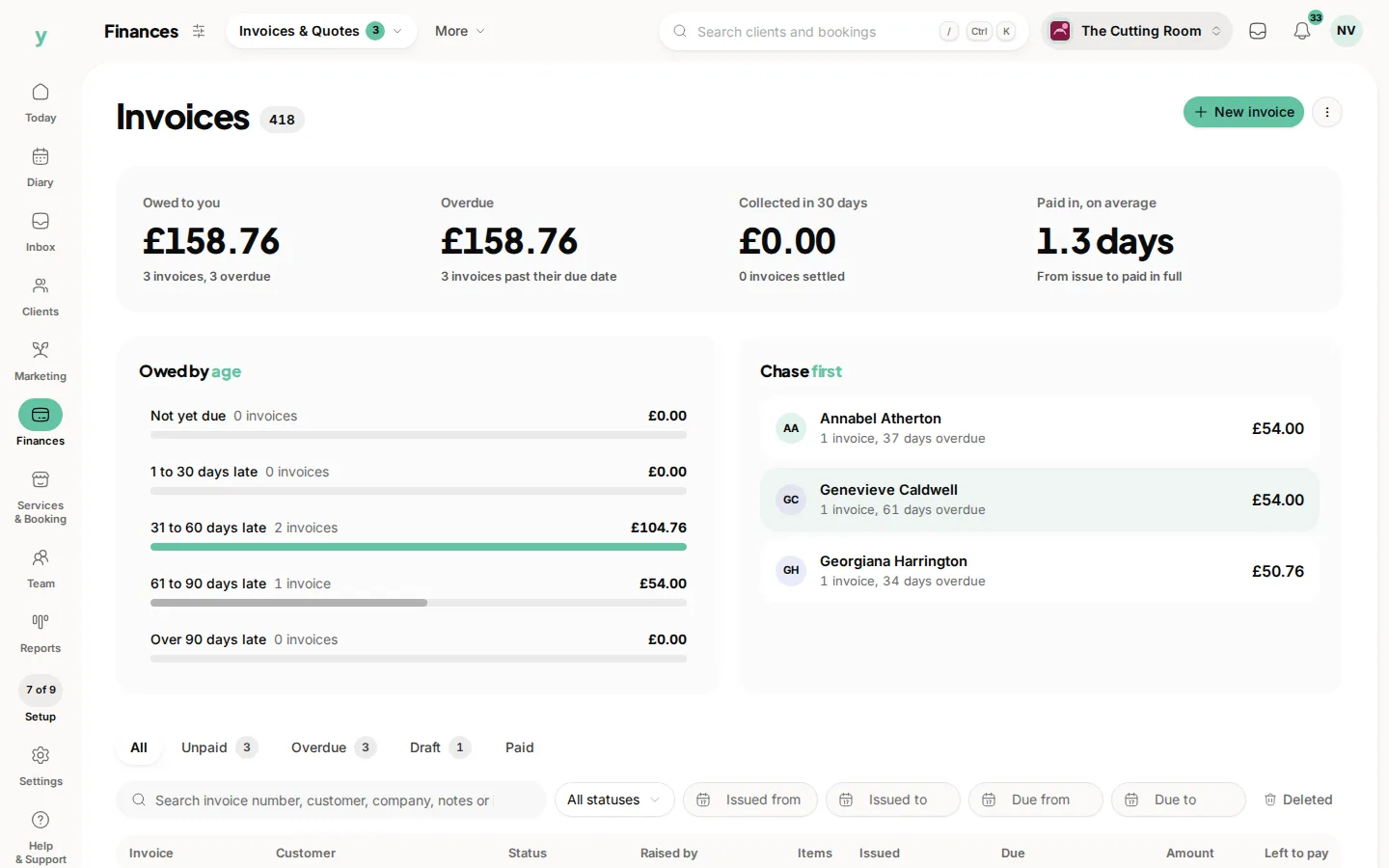
It is not a filing tool
Youzse shows you the numbers from your invoices. Filing your return is done with HMRC and how you do that is between you and your accountant.
Imported invoices
Historical invoices imported from another system carry their VAT figures. Check the changeover period carefully before filing, since that is where the overlaps happen.
If VAT & Tax Returns is not under Finances
It appears once VAT is enabled for your account. Check Settings, then Finance & Tax Configuration.
Common questions
I am not VAT registered. Do I need any of this?
No. Leave it alone until you register.
Can I change the VAT rate on one service?
Rates are set as part of your VAT configuration and applied to what you sell. Set it up under Settings, then Finance & Tax Configuration.
Does Youzse file my return?
No. It gives you the figures. Filing is with HMRC.