
Your VAT settings tell Youzse how to work out and show tax on your quotes and invoices. Get them right once and every document you raise follows them automatically.
Telling Youzse you are VAT registered
- 1Go to Settings, then Finance & Tax Configuration.
- 2Turn on VAT registered and enter your VAT number.
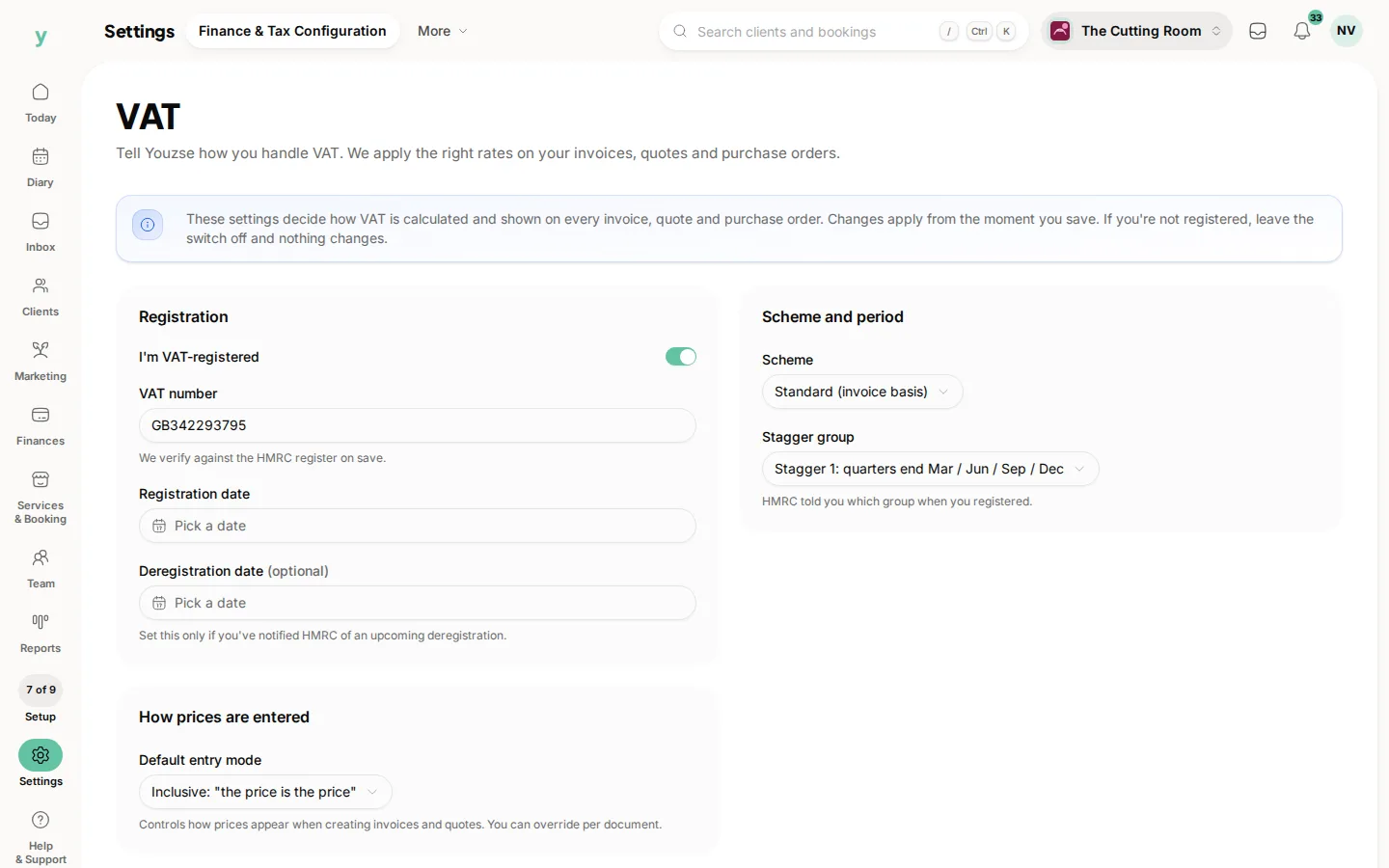
- 3Choose your VAT scheme, such as standard or flat rate.
- 4Set whether you enter prices with VAT included or excluded by default.
If you are not VAT registered, leave this turned off. Youzse then raises documents with no VAT charged, so you never accidentally bill tax you should not.
How VAT is applied
- VAT is worked out per line item, using the rate set against each service
- The usual UK rates are supported: standard, reduced, zero and exempt
- A customer marked as VAT exempt has VAT removed from their documents
- The breakdown on a document shows the net, VAT and gross for each rate used
When you send a quote or invoice, Youzse records your VAT status, number, scheme and rate as they stood at that moment. That snapshot stays with the document, so a later change to your settings never rewrites tax on something you have already issued.
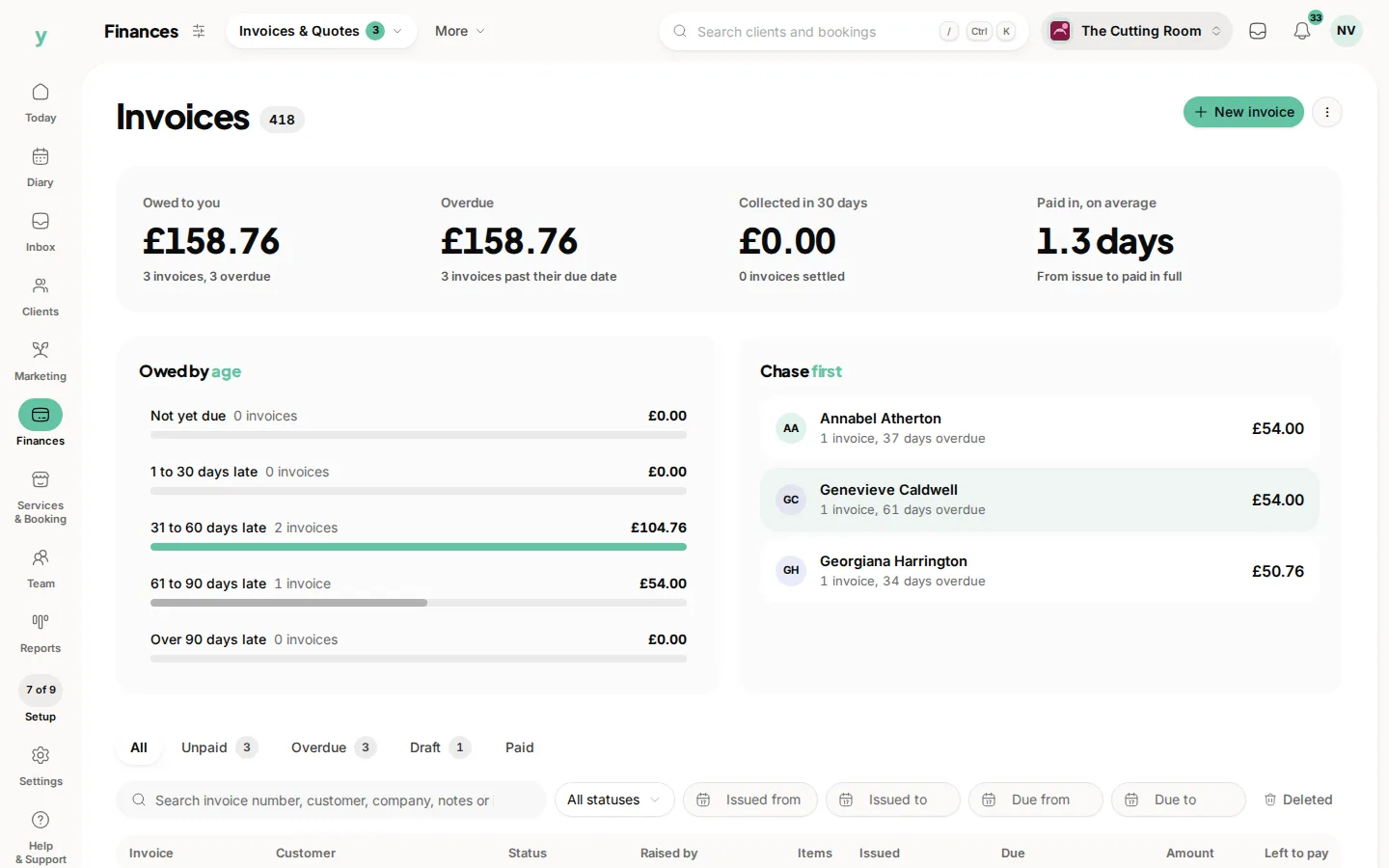
Your VAT views are kept deliberately plain and sober, with the figures laid out clearly so they are easy to check against your records and your VAT return. Only invoices in pounds appear on your UK VAT figures.
Common questions
I am not VAT registered. Do I need this?
No. Leave it until you register.
When should I set VAT up?
Before you send your first invoice. Correcting VAT on invoices already issued is a real nuisance.
Does Youzse file my return?
No. It gives you the figures from your invoices. Filing is with HMRC.