
Once you are set up, the screen itself tells you where you are. Here is how to read it.
How the menu works
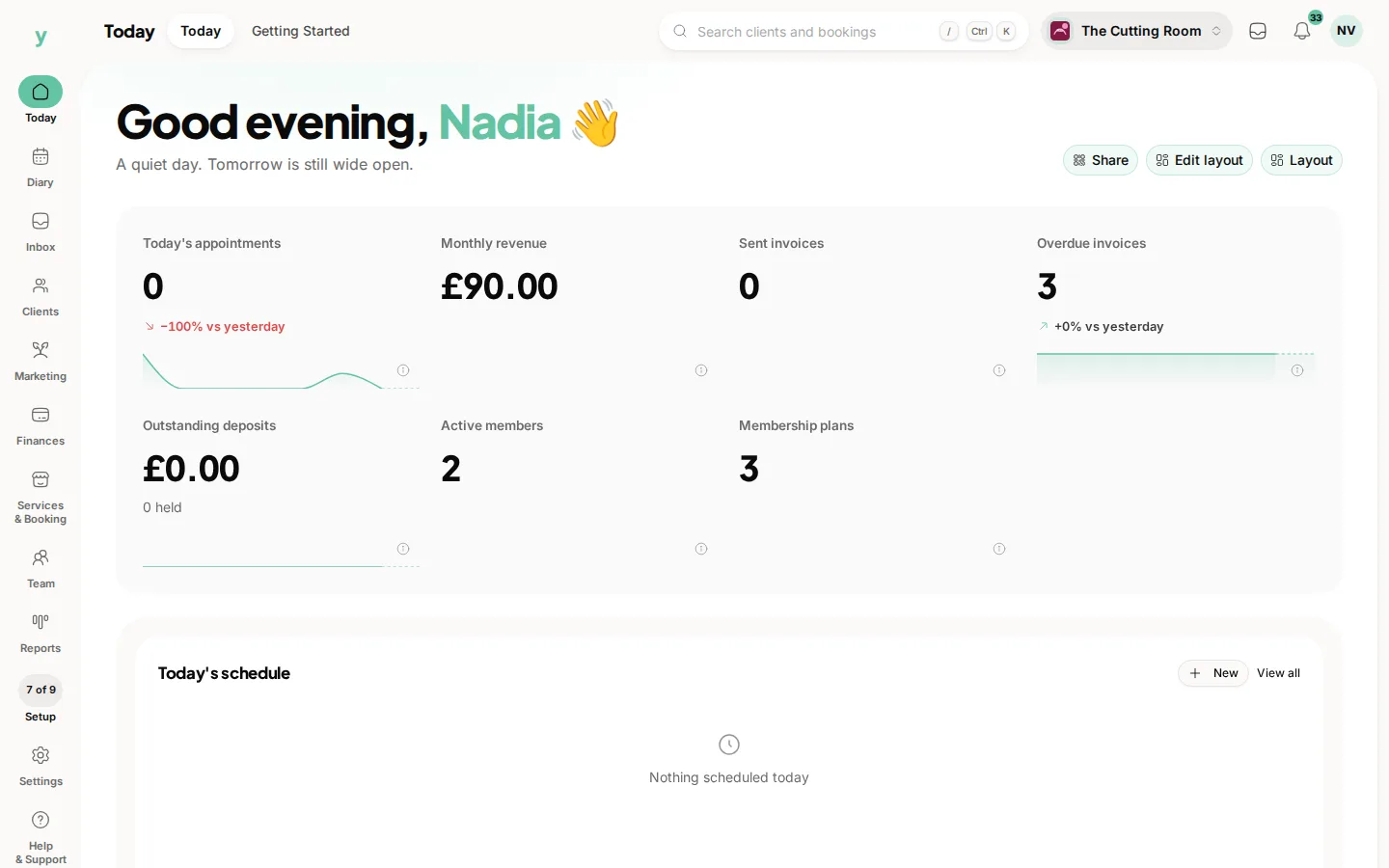
Down the left is a rail. Today, Diary, Inbox, Clients, Marketing, Finances, Services & Booking, Team and Reports run down it. The one you are in is filled in. A garage with the workshop switched on also gets Workshop. Settings and Help & Support stay pinned at the foot, with your setup progress just above Settings.
The top bar
The category name leads the bar. Its pages are pills. A pill with a chevron is a group and it keeps that group's name: open it and the page you are on is marked. Search sits in the same bar and jumps to a customer, a booking or a page. On the right are the business you are signed into, the inbox, notifications and your account.
The categories
- Today: the home screen and Getting Started
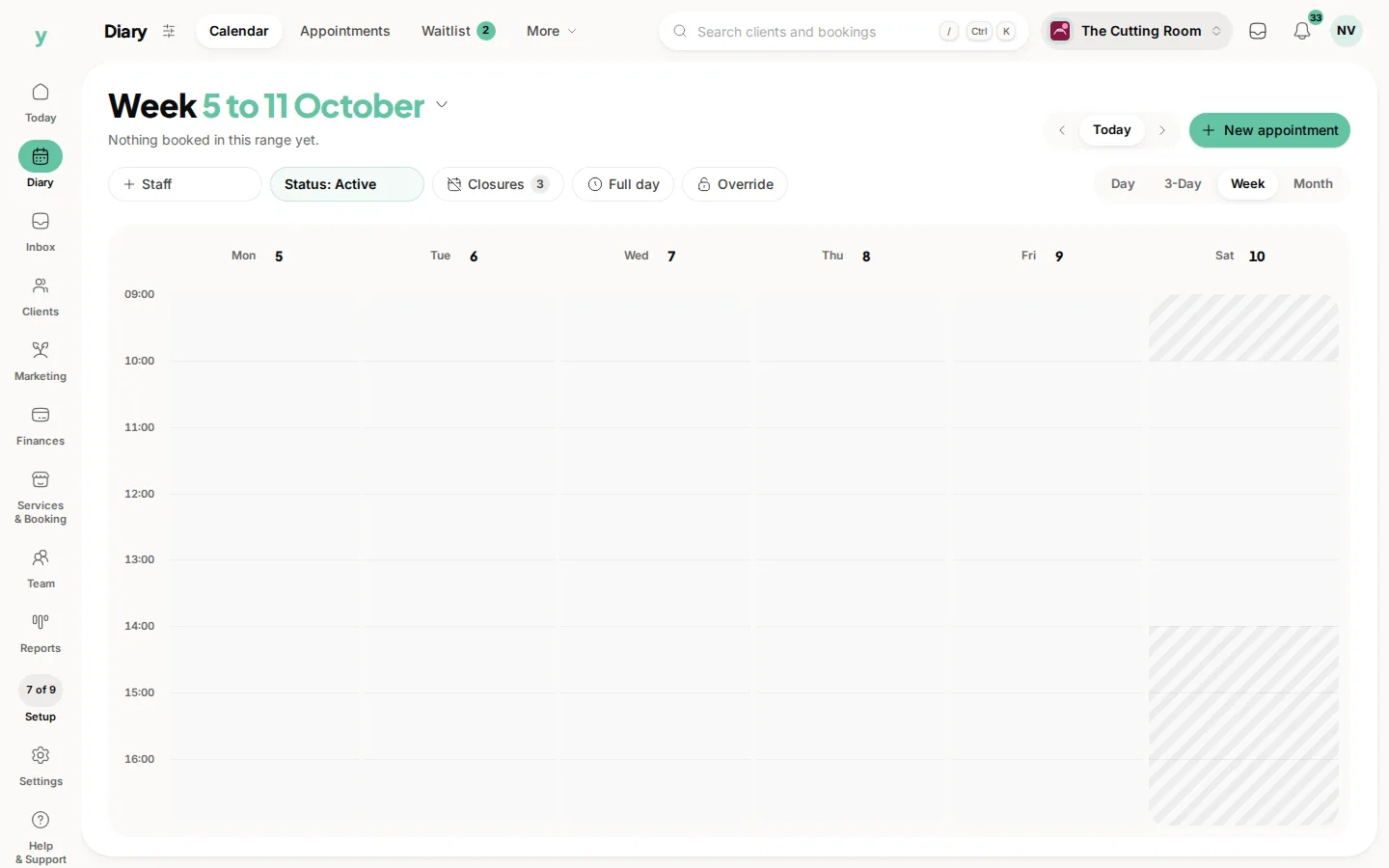
- Diary: Calendar, Bookings, Waitlist, Classes and Class Packages
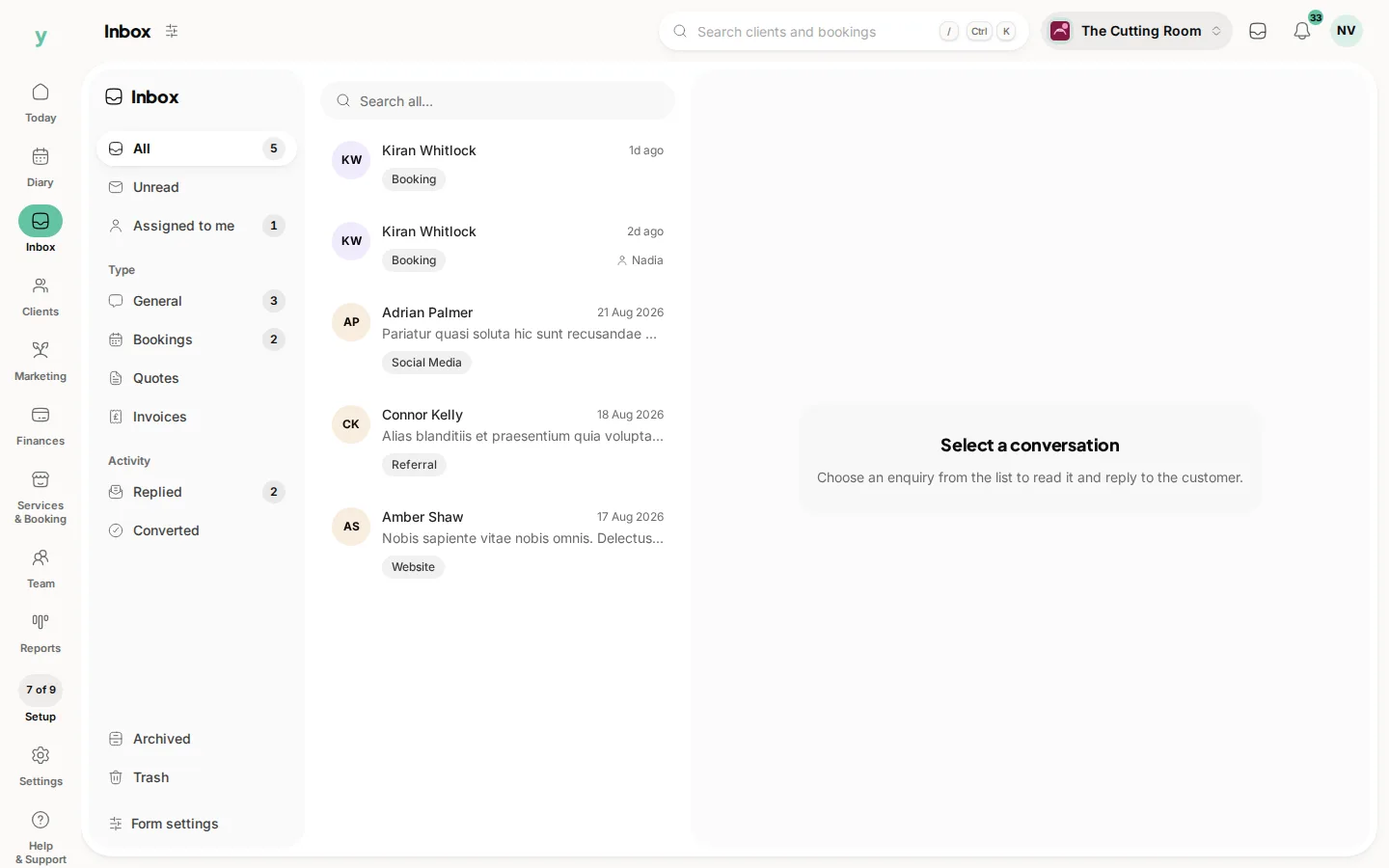
- Inbox: client conversations and enquiries
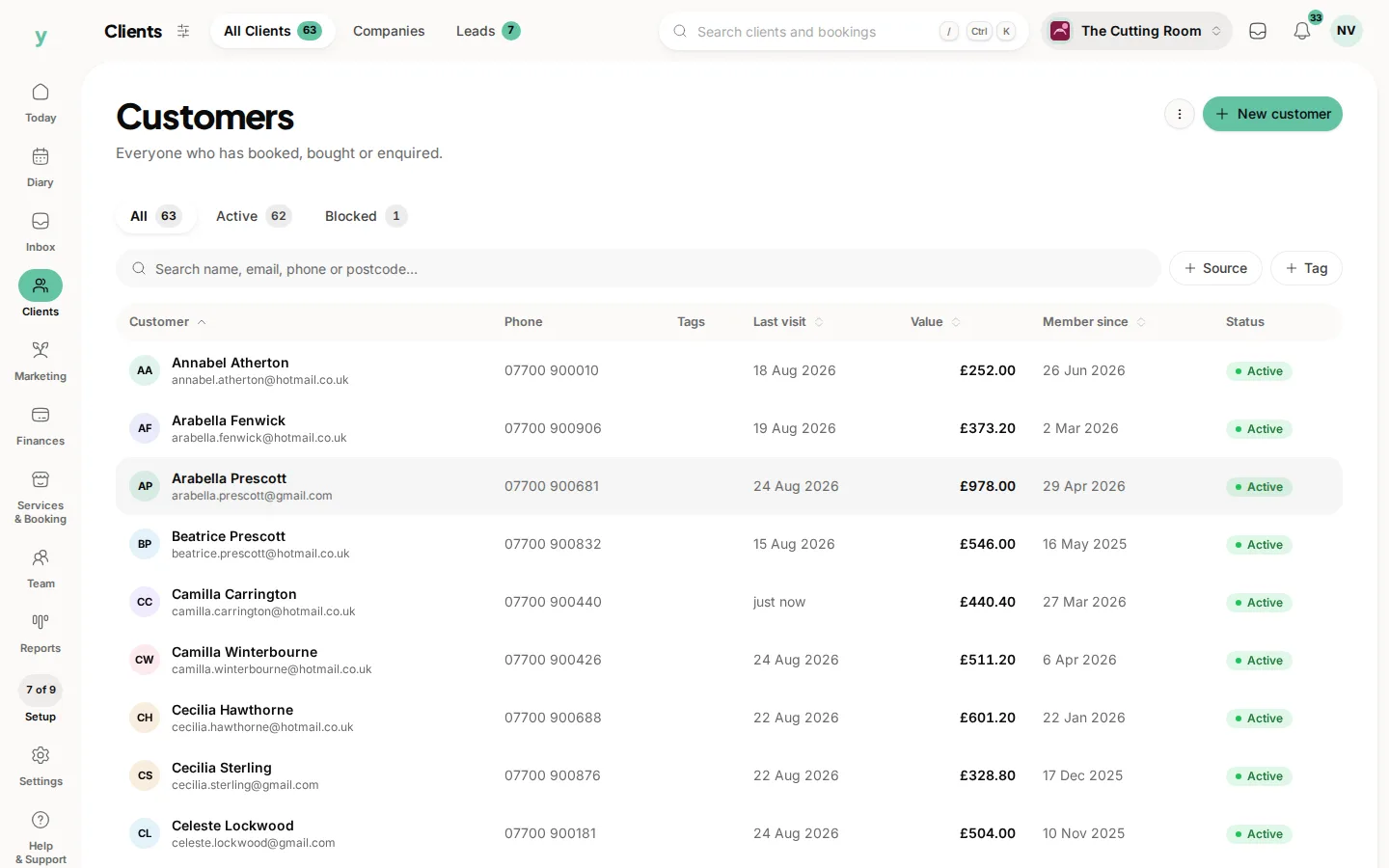
- Clients: All Clients, Companies, Vehicles and Leads
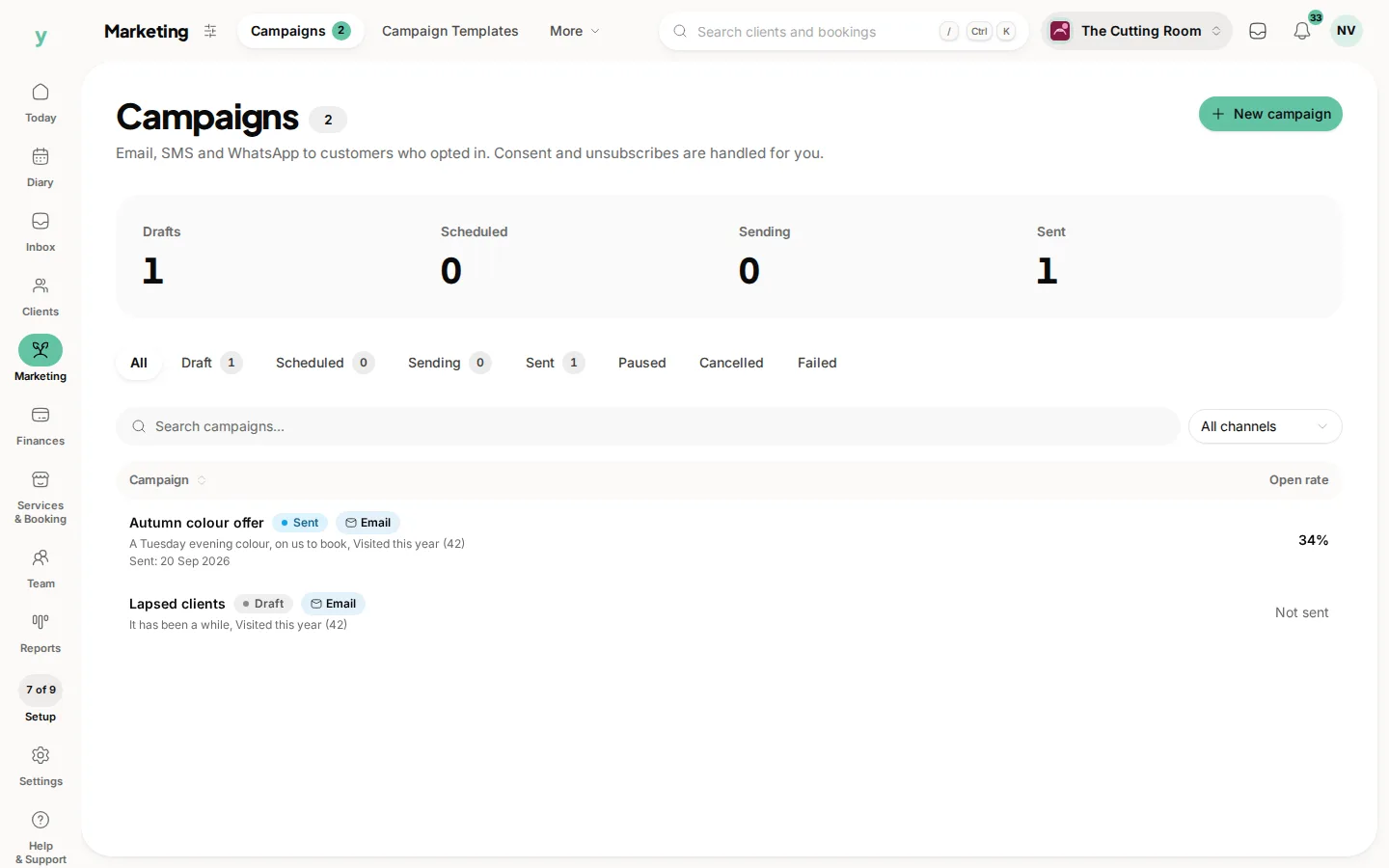
- Marketing: Campaigns, Campaign Templates, Automations, Reviews, Loyalty, Memberships, Referrals and Audiences
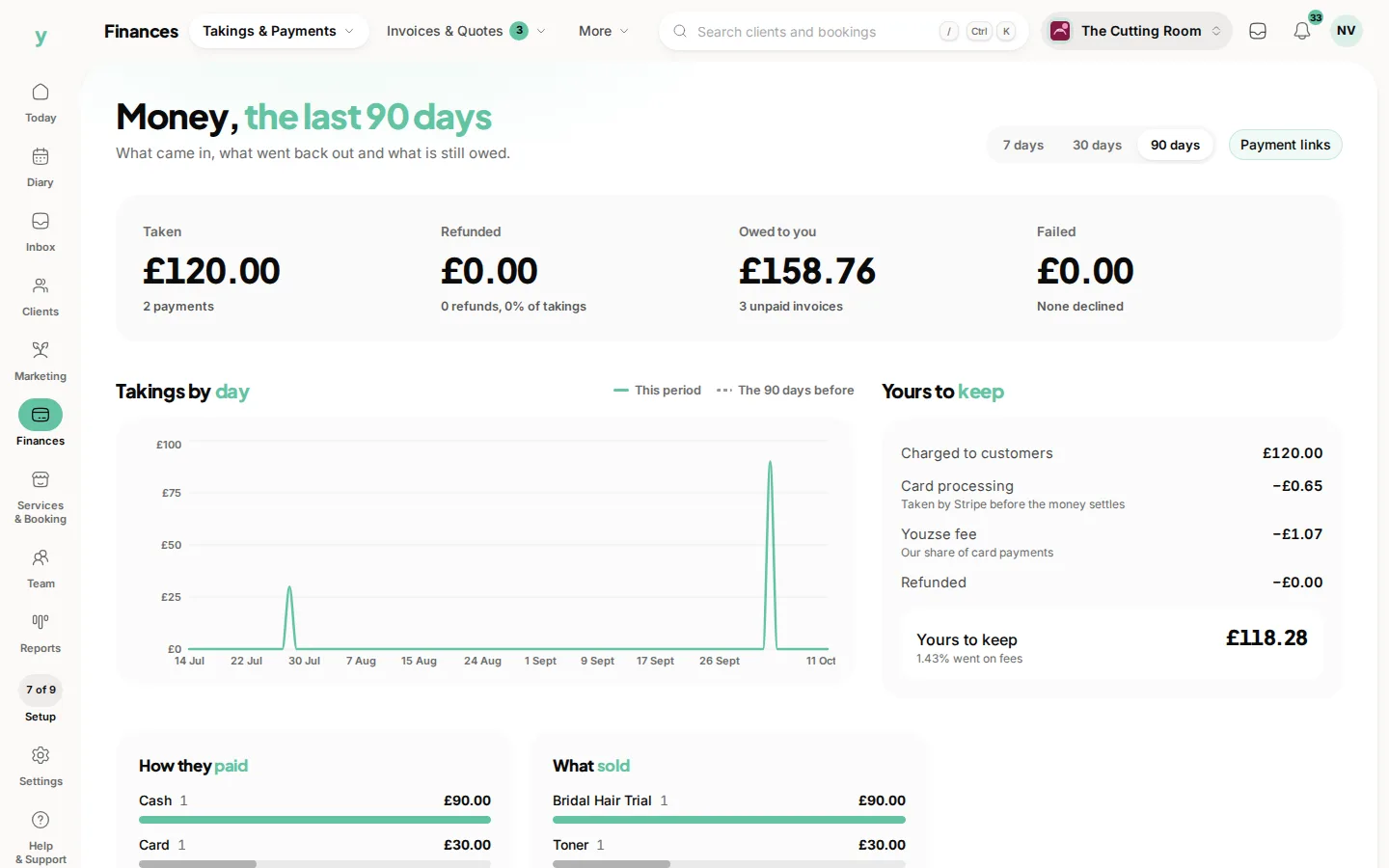
- Finances: Takings & Payments, Invoices & Quotes, Payment Links, Gift Cards, VAT & Tax Returns and for salons and trades Expenses, Other Income, Sites and Self Assessment
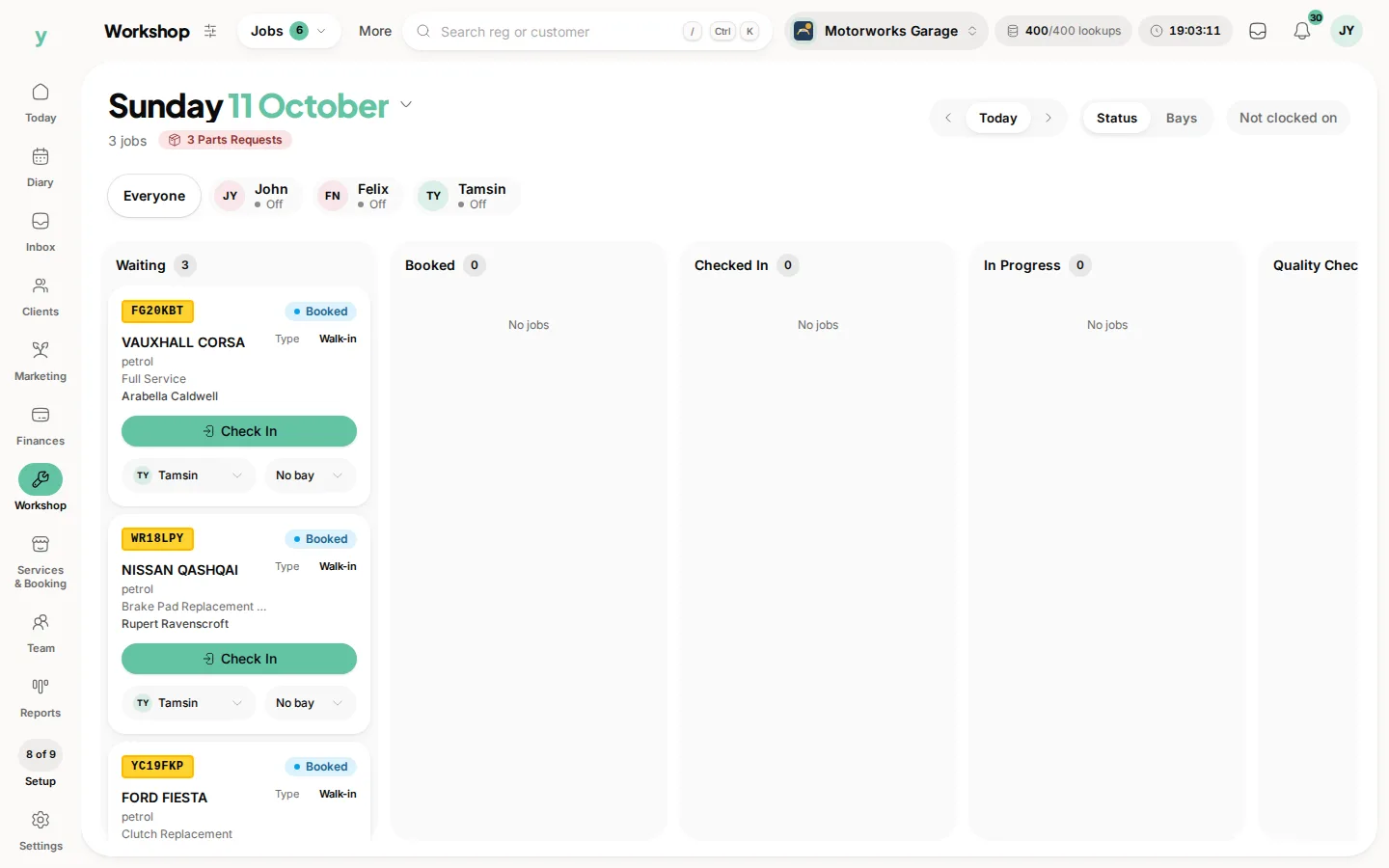
- Workshop: Jobs, Health Checks and Stock, for garages
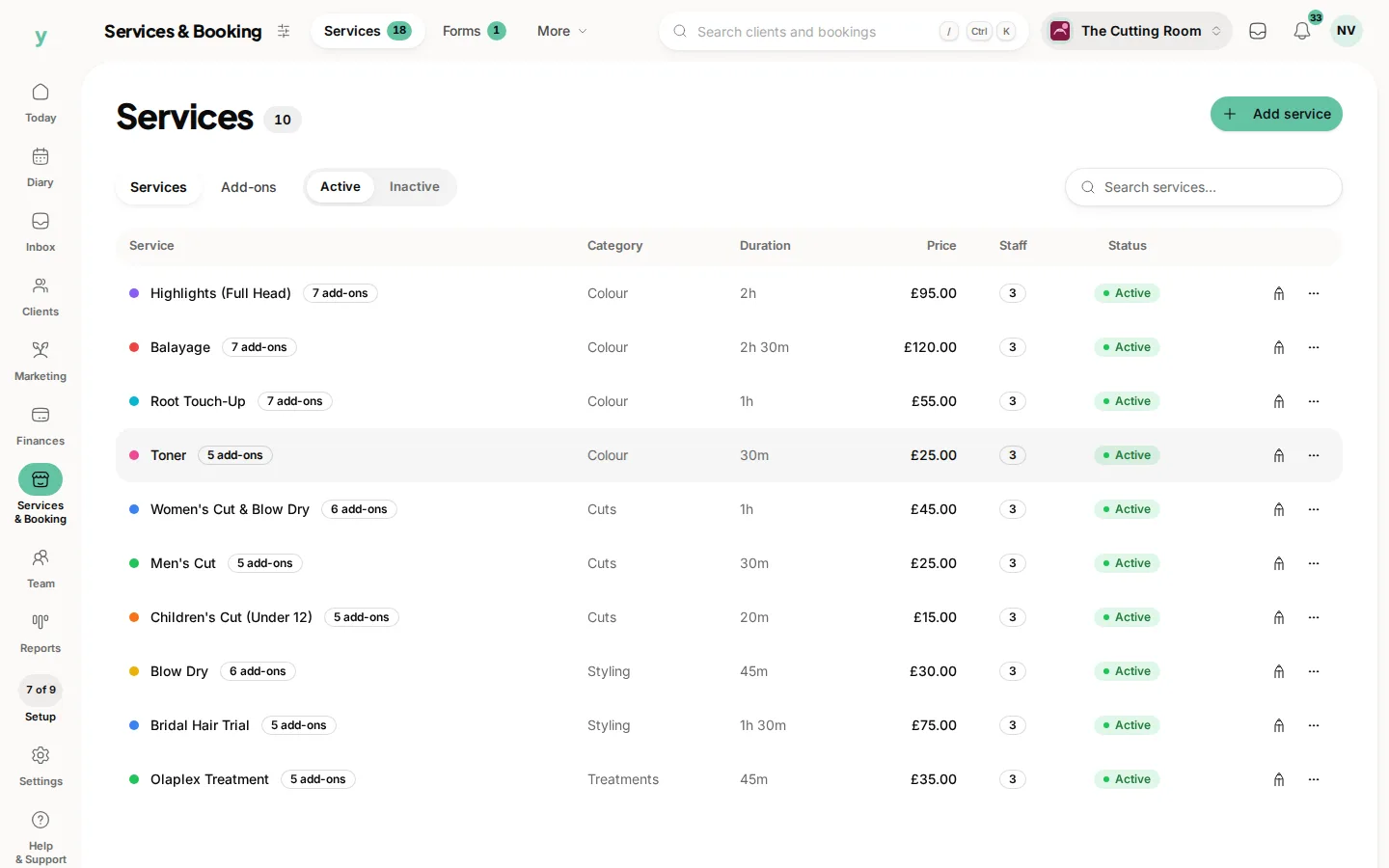
- Services & Booking: Services, Forms, Booking Rules, Locations & Hours, Holidays, Booking Page & Brand, Marketplace Listing and Import
- Team: People, Rota & Hours, Leave & Holidays, Approvals, Policies, Roles & Access and Chair Rentals
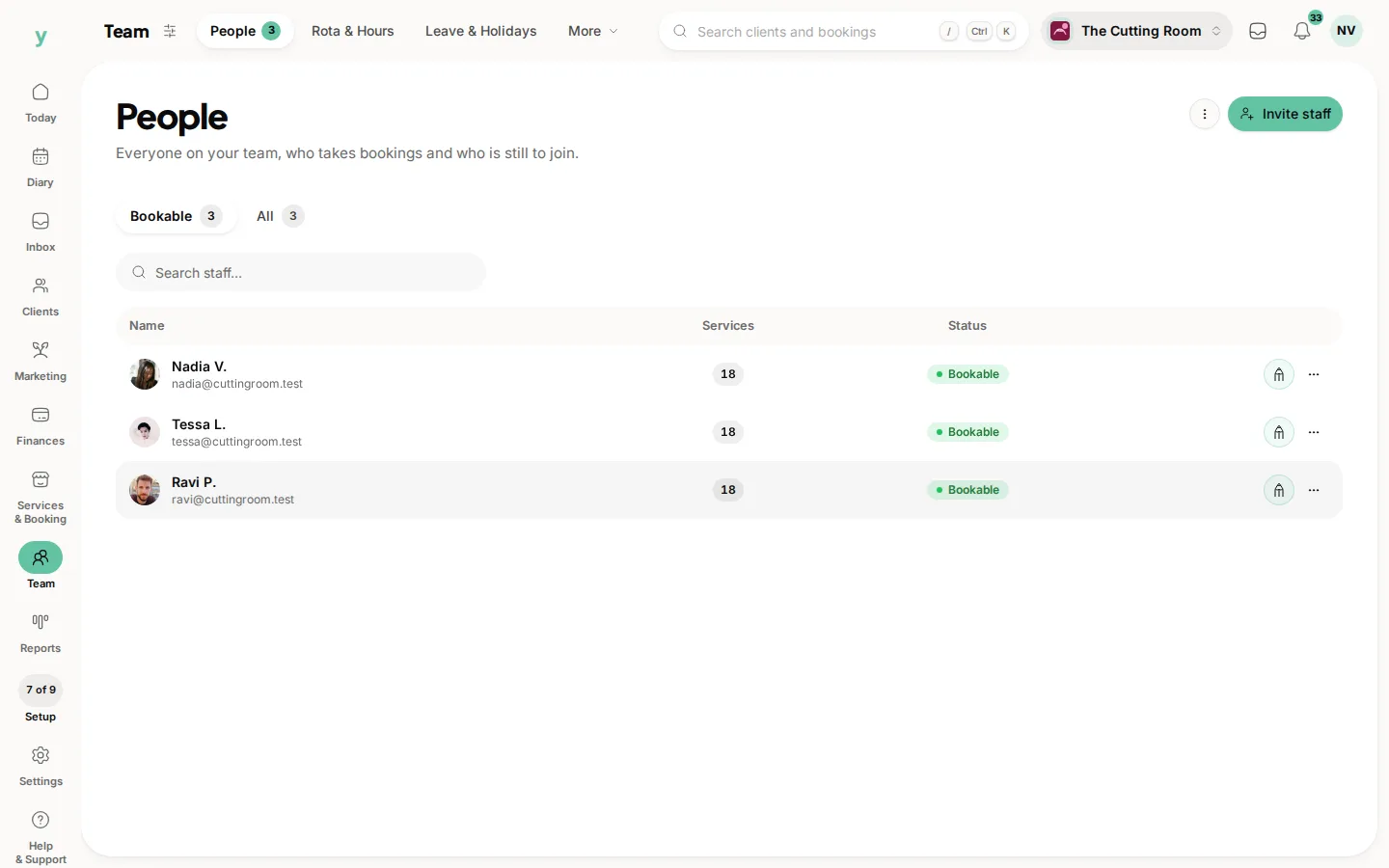
What you see depends on your plan, your trade and your role, so a garage will not see expenses or sites, a salon will not see Workshop and a colleague may see fewer pills than you.
Reports sits on the rail on its own. Its pages group takings, bookings, team and programmes.
At the foot of the rail
- Settings: Business Profile & Appearance, Documents & Templates, Communications & Email Delivery, Finance & Tax Configuration, Plan & Billing, Messaging Credit, Privacy & GDPR, Roles & Permissions, Integrations & Features and the Activity Log
- Help & Support: Help centre and Support Tickets
At the top right
- The search opens from anywhere, type a customer, a booking or a page name to jump straight there
- The inbox button and the notifications bell keep new messages and alerts in view
- The account menu (your picture or initials) holds My account, light or dark mode, Support, Help and Sign out
The Getting started screen under Today keeps your setup list handy while you are finding your feet.
One last thing on wording
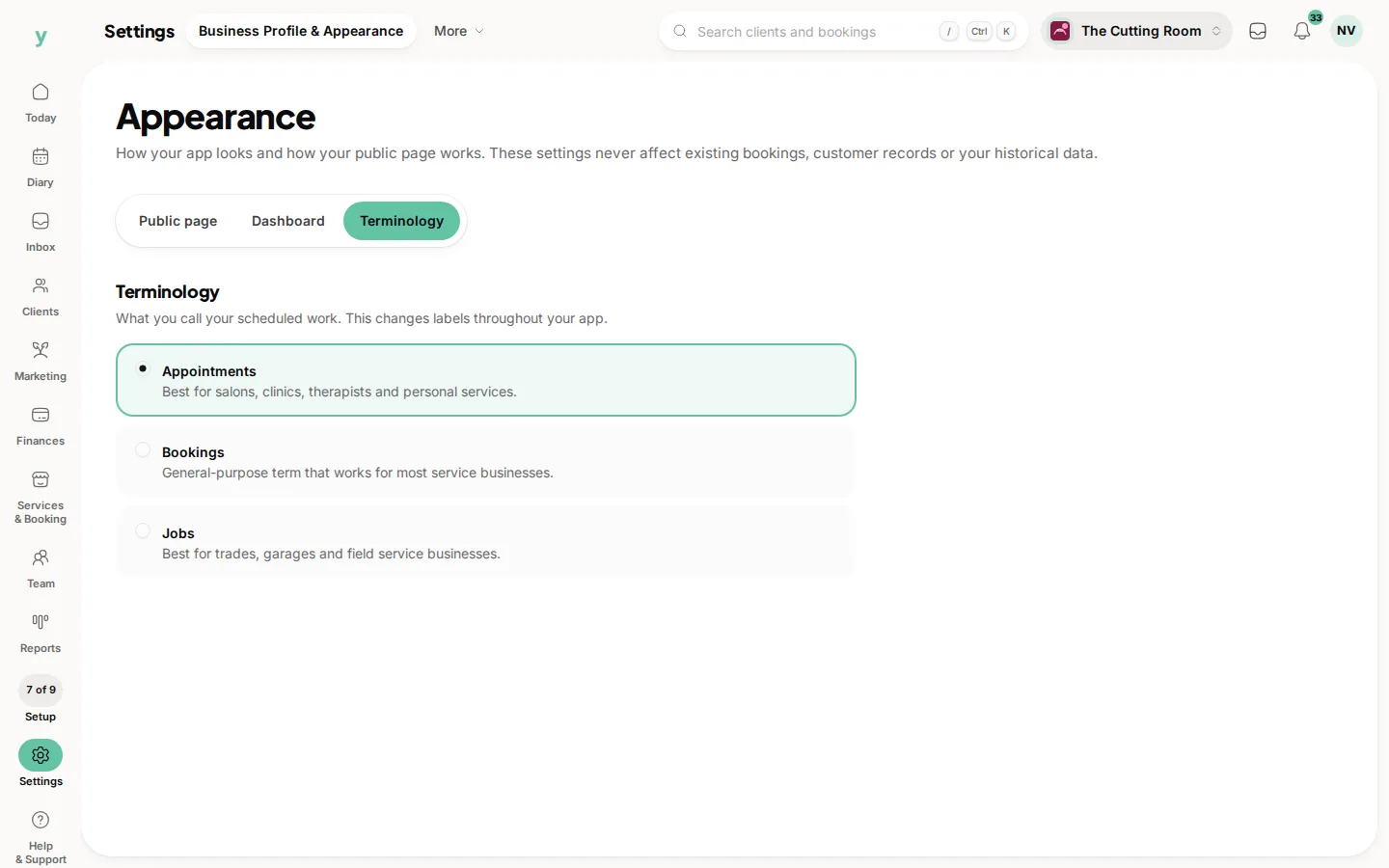
Youzse adapts its language to your trade, so what one business calls bookings another sees as jobs or appointments. You can change this under Settings, then Business Profile & Appearance, so the app speaks the way you do.
Common questions
Why can I see fewer menu items than a colleague?
What you see depends on your role and your plan. Some pages are permissions, others are features your plan includes.
Where do settings live?
Most setup sits with the area it belongs to. Your profile, hours and booking rules are under Services & Booking and payments are under Finances. Settings at the foot of the rail holds your plan, features, appearance and compliance.
Is there a search?
Yes. It jumps straight to pages, customers and records rather than making you navigate to them.