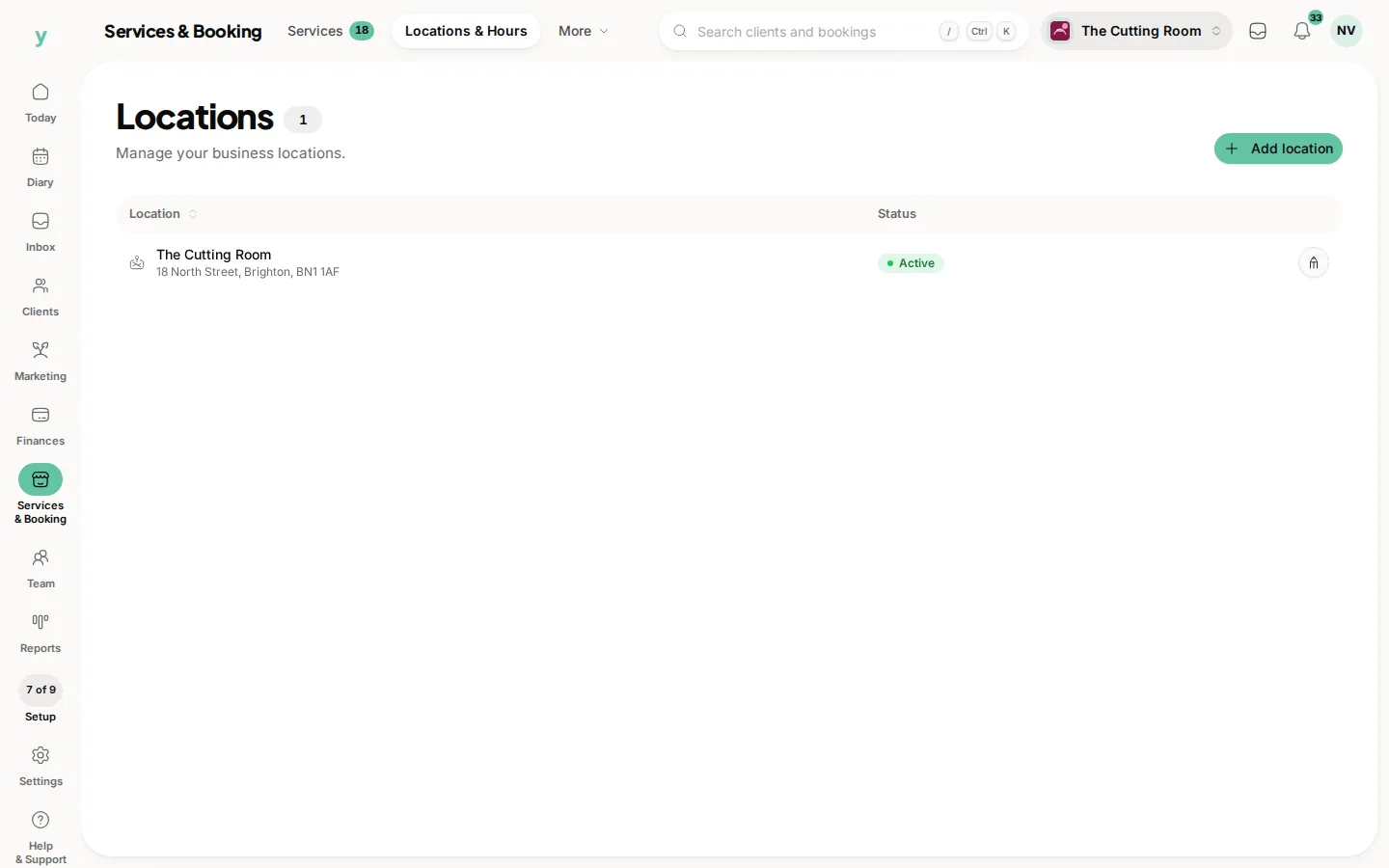
Your business profile is what customers see on your public page and across the things you send them. Getting it right makes you look established and helps people choose you with confidence.
You will find it under Services & Booking, then Booking Page & Brand. You need the View settings and Edit settings permission to open it, which owners and managers have by default.
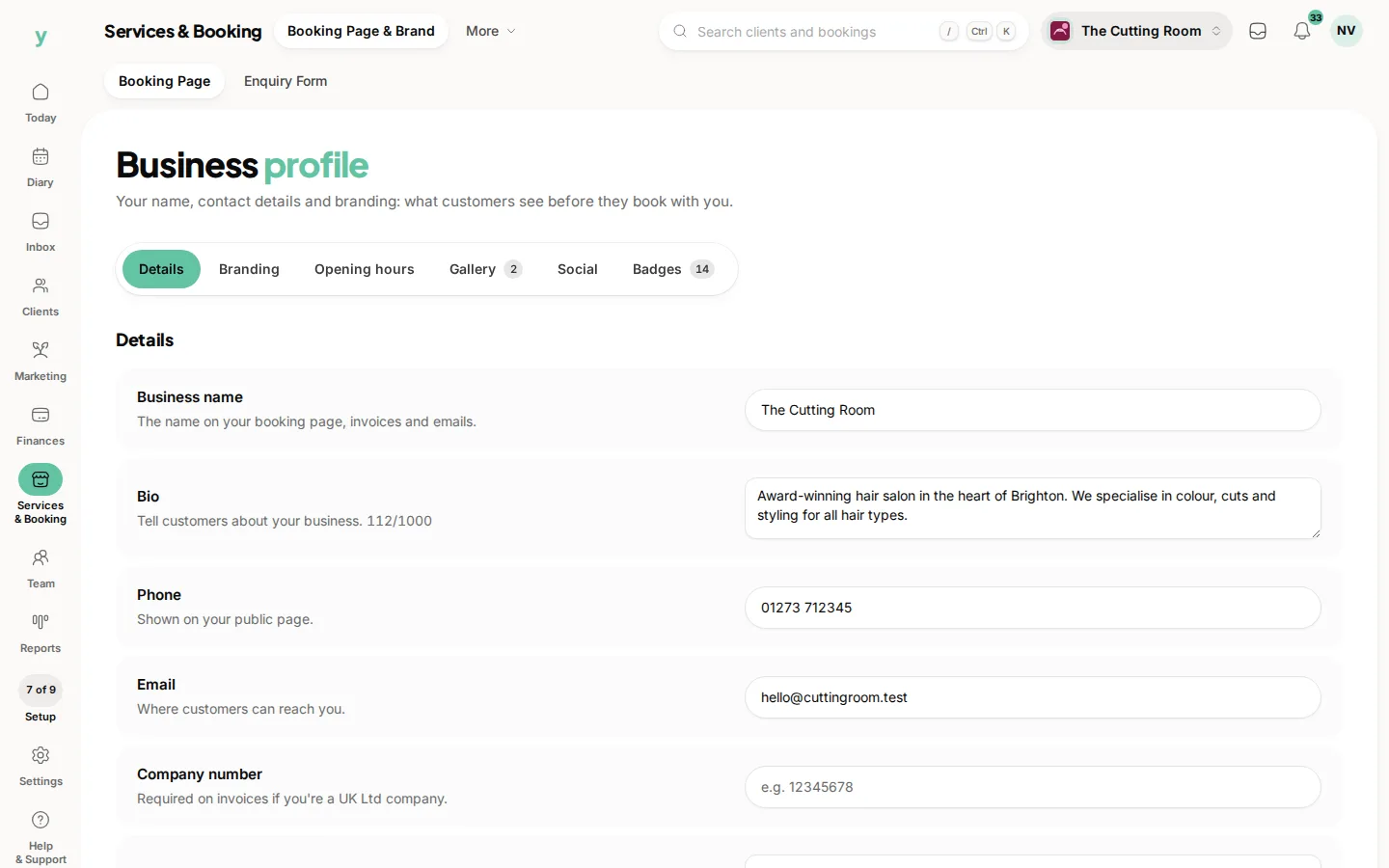
What you can set
Business name
The name shown on your public page, invoices and notifications. Keep it the name customers know you by.
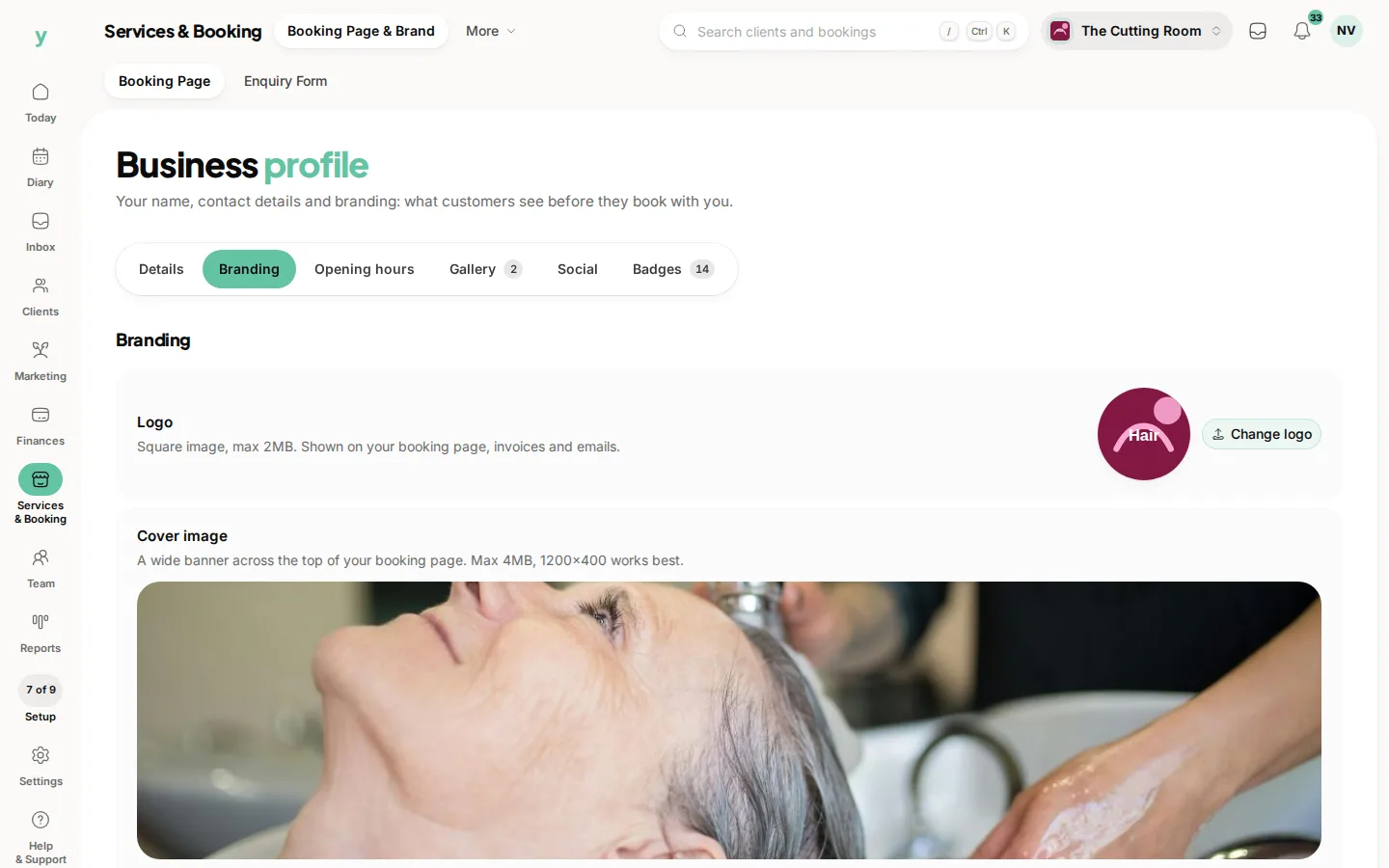
Logo and cover image
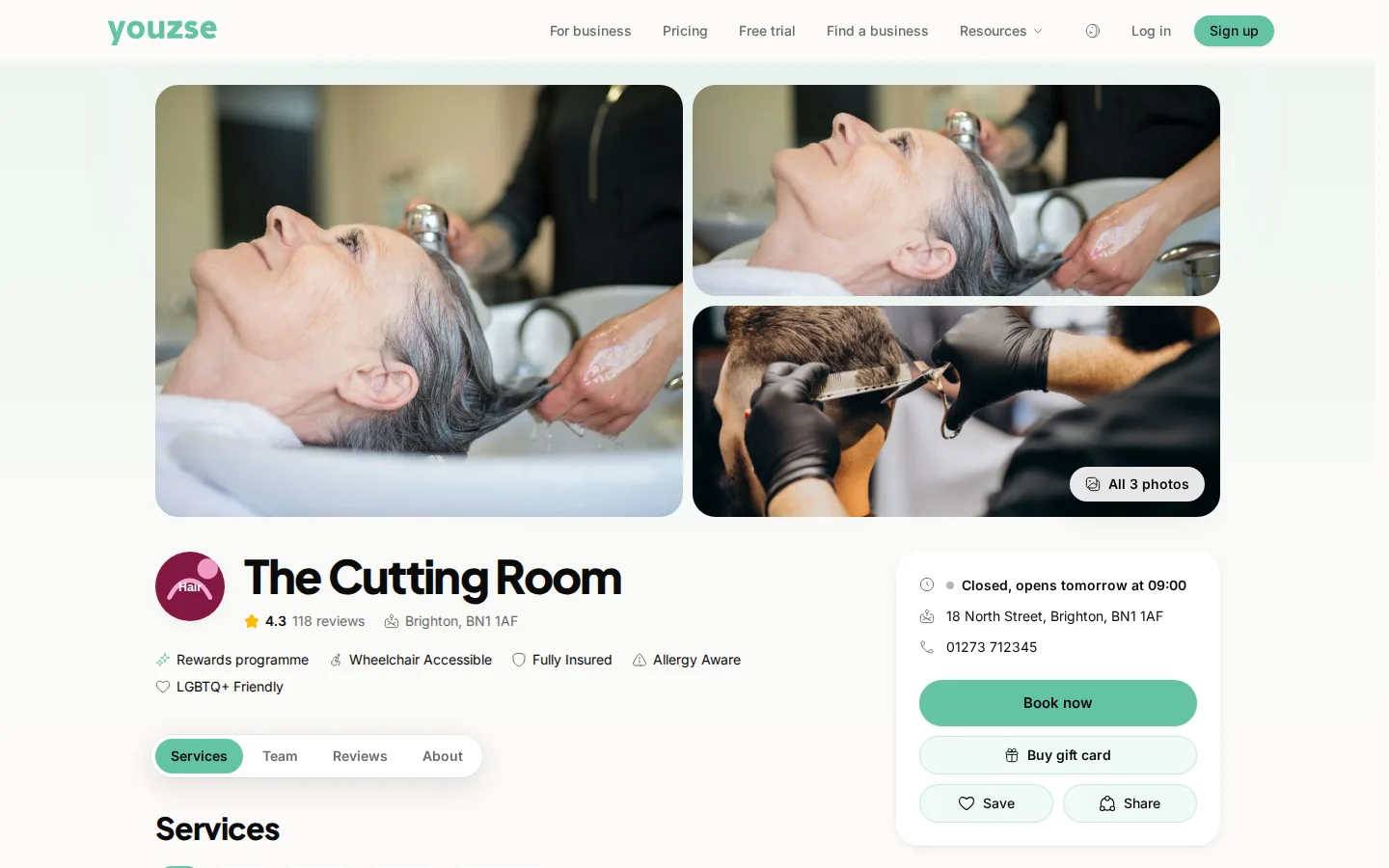
Upload a square logo and a wider cover image. The logo appears alongside your name and the cover sits across the top of your public page, so choose something clear and on brand.
Bio
A short, friendly description of what you do and who you are for. Write it the way you would talk to a customer.
Contact details
Add your public phone number and email so people can reach you.
Company details
If you are a registered company you can add your company number and registered office address. These keep your invoices tidy and compliant.
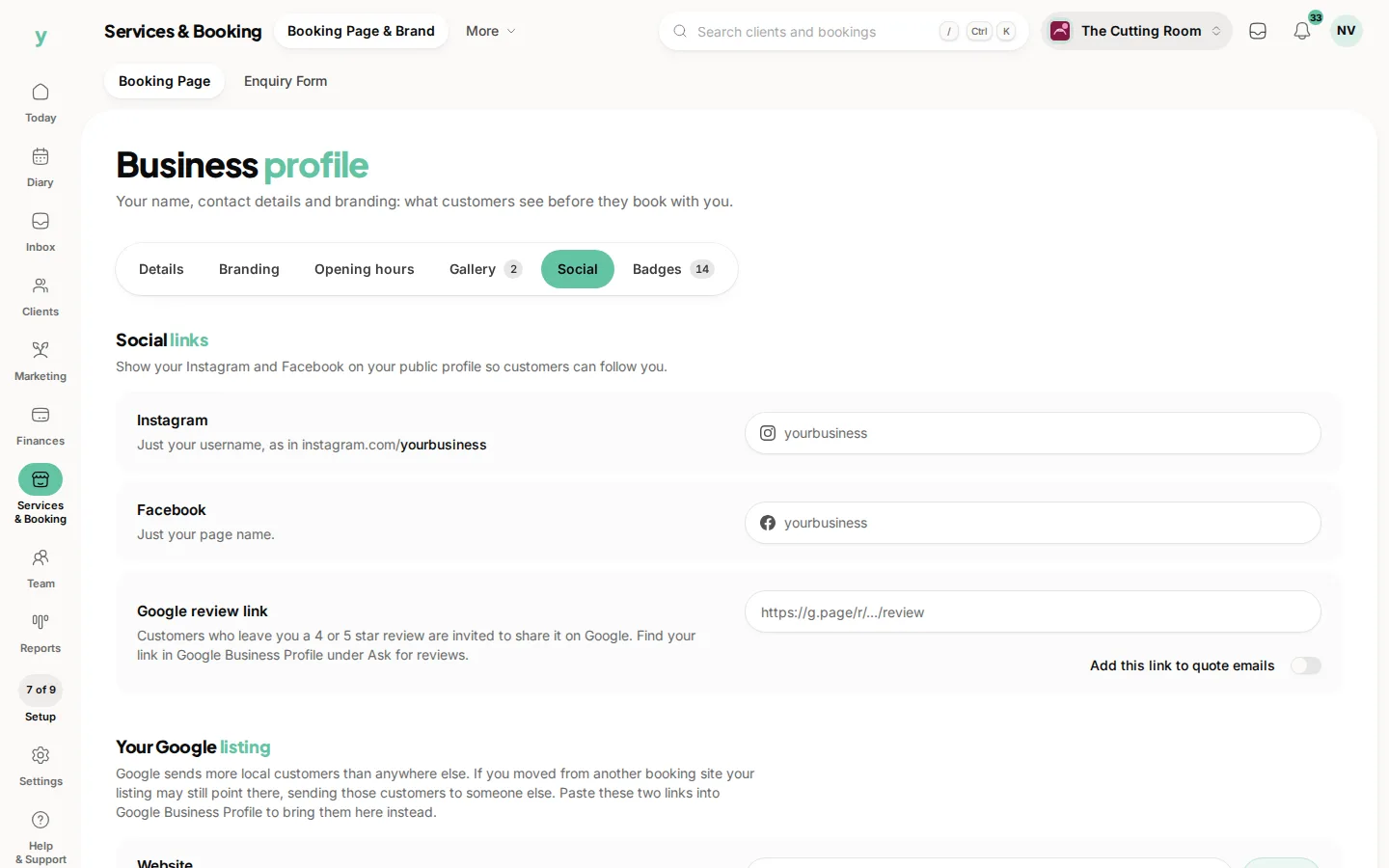
Social and reviews
Link your Instagram and Facebook so customers can find you and add your Google review link to point happy customers in the right direction.
Gallery
Upload photos of your work, your space or your team. A strong gallery does a lot of the selling for you.
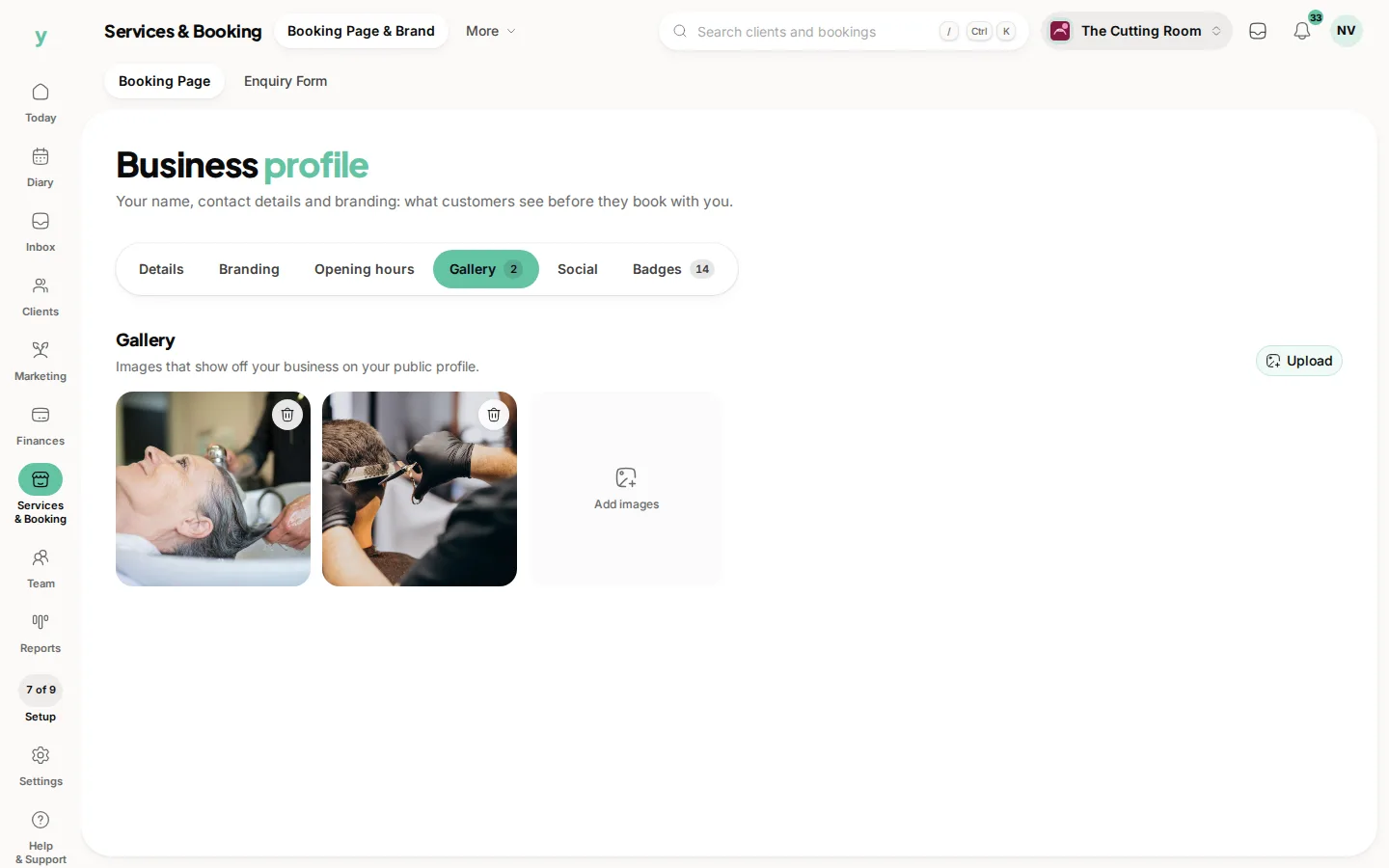
Changes save against your business and update your public page straight away. If you do not see them, refresh the page.
Common questions
Where does my logo appear?
On your public page and on the documents and confirmations your customers receive.
Can I change my business name later?
Yes, under Services & Booking, then Booking Page & Brand. It updates everywhere it is shown.
Where do my address and hours live?
Under Services & Booking, then Locations & Hours, so a business with more than one site can set each separately.