
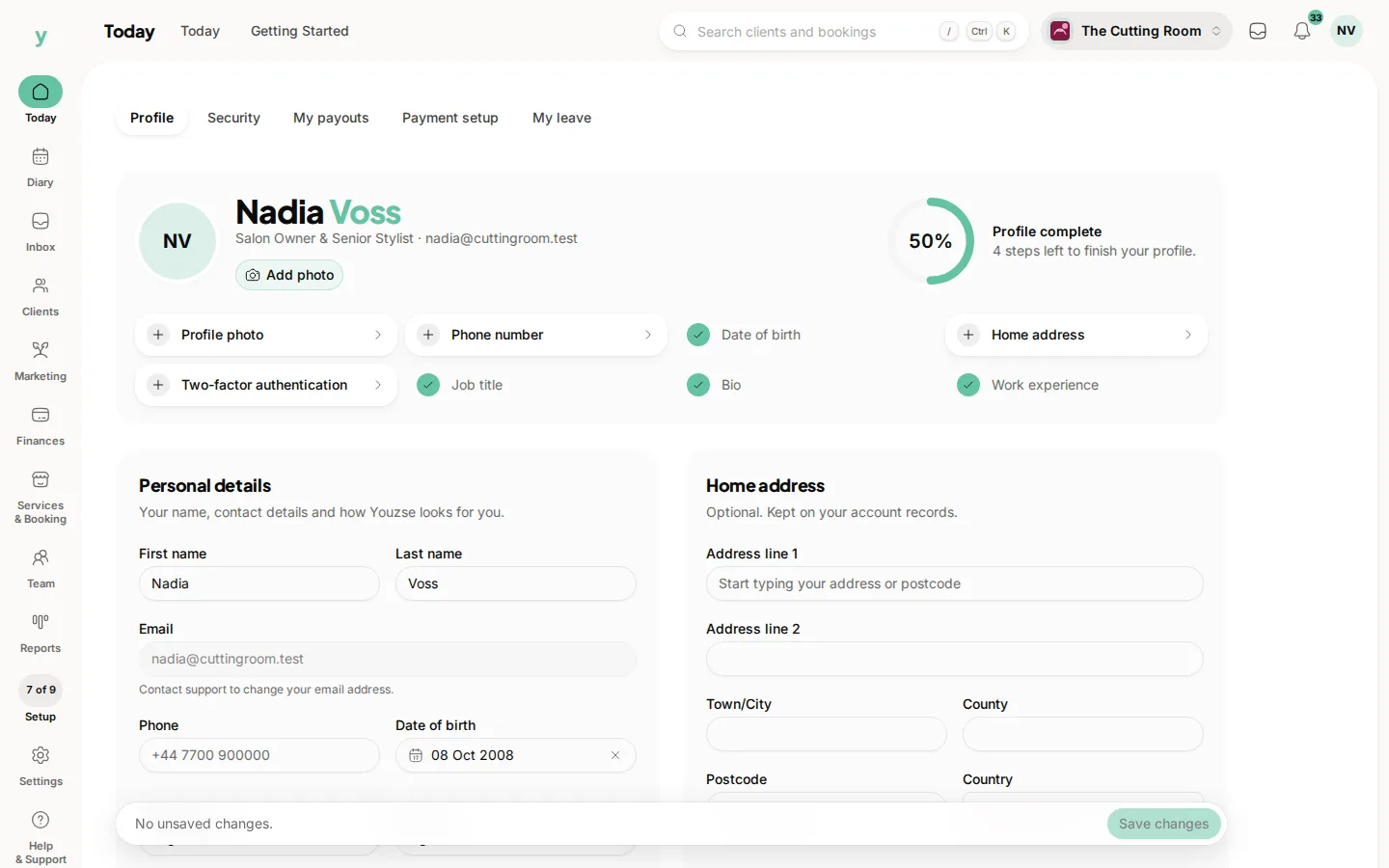
Two-factor authentication adds a second step when you log in, so even if someone learns your password they still cannot get in. We strongly recommend it for everyone, especially owners and anyone who can reach billing or customer data.
Open the account menu (your picture or initials at the top right), then My account, then Security.
How it works
You use an authenticator app on your phone, such as Google Authenticator, Microsoft Authenticator or Authy. The app shows a fresh six-digit code every thirty seconds and you enter that code after your password when you log in.
Setting it up
- 1Open My account, then Security and start two-factor setup.
- 2Scan the QR code with your authenticator app or type in the secret key by hand.
- 3Enter the six-digit code from the app to confirm and finish.
Recovery codes
When you set up, you are given a set of one-time recovery codes. Save these somewhere safe and offline, like a password manager. If you ever lose your phone, a recovery code lets you log in. Each one works once. You can regenerate a fresh set at any time by confirming a current code, which retires the old ones.
If you get it wrong
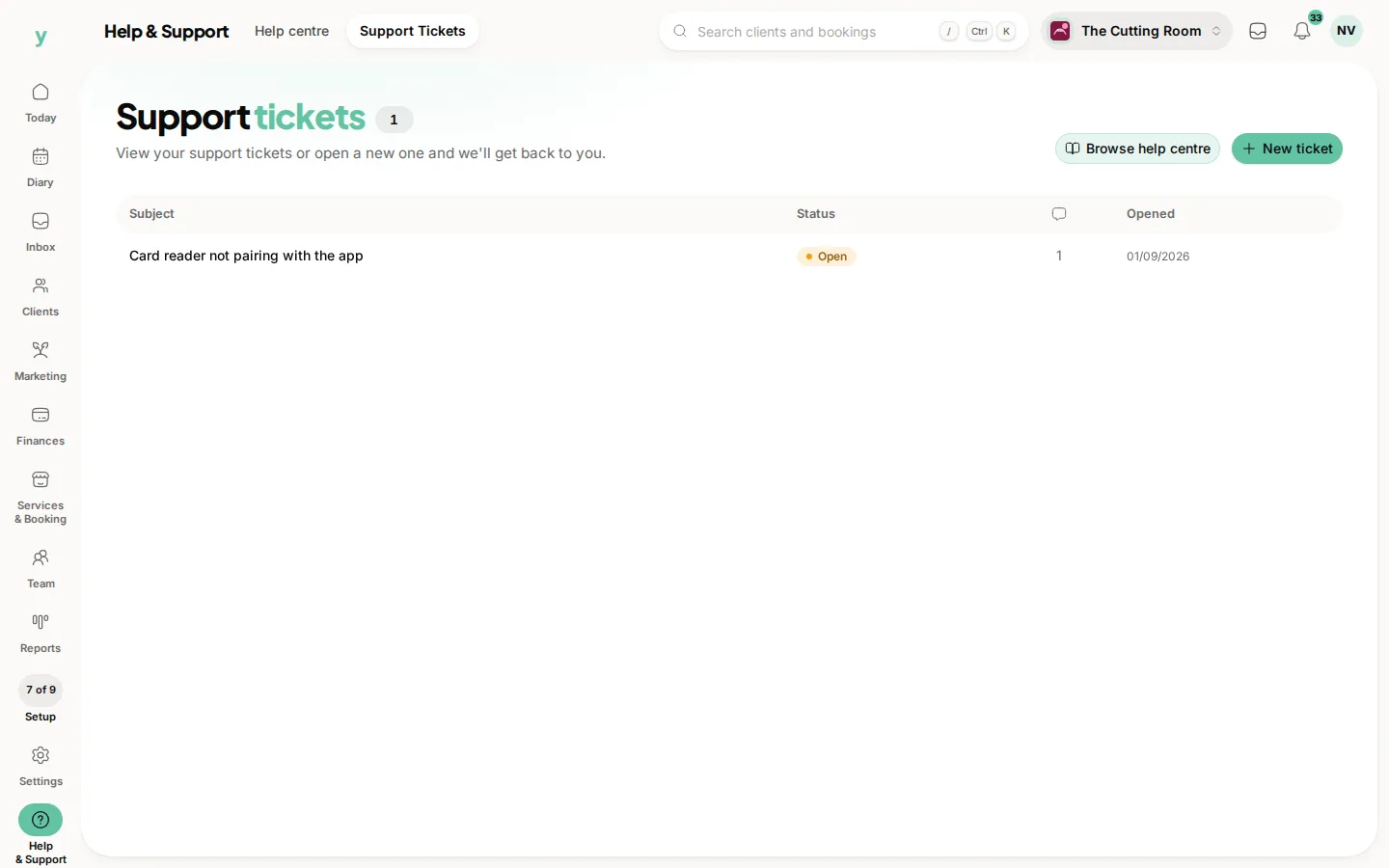
To protect your account, too many wrong codes will lock it. If that happens, contact support to unlock it.
Turning it off
You can disable two-factor by confirming your password. For your safety, doing so signs out your other sessions and removes any trusted devices, so everyone has to log in fresh.
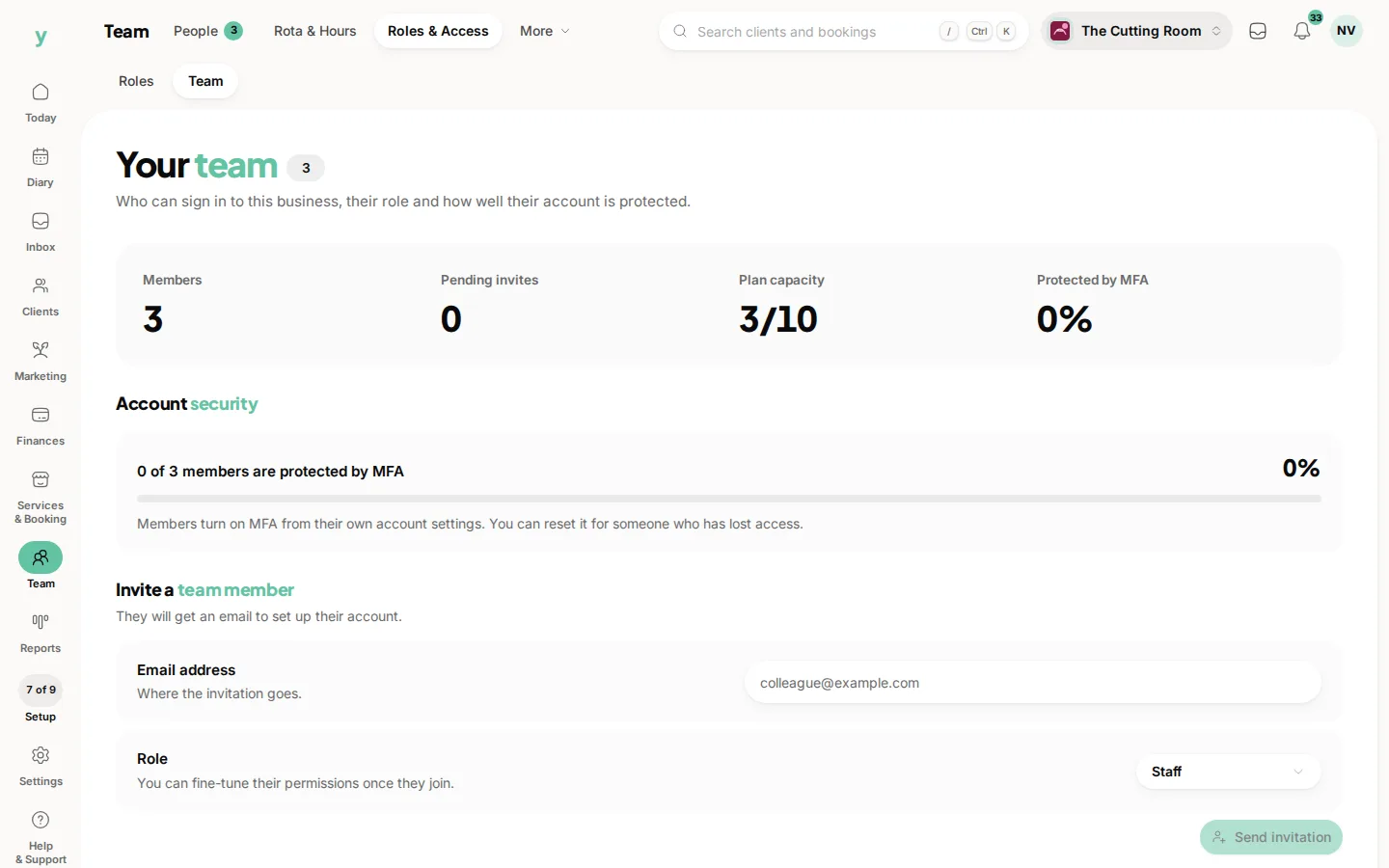
If a team member is locked out or has lost their device, an owner can reset their two-factor from Team, then Roles & Access, then Team so they can set it up again.
Common questions
What if I lose my phone?
Use one of your recovery codes. Save them somewhere safe when you switch two-factor on, not afterwards.
Do all my staff need it?
Anyone with access to customer data or money should have it. It is the single most effective account protection available.
I have no recovery codes and a new phone. What now?
Contact support and expect to prove who you are, because the alternative would make two-factor pointless.