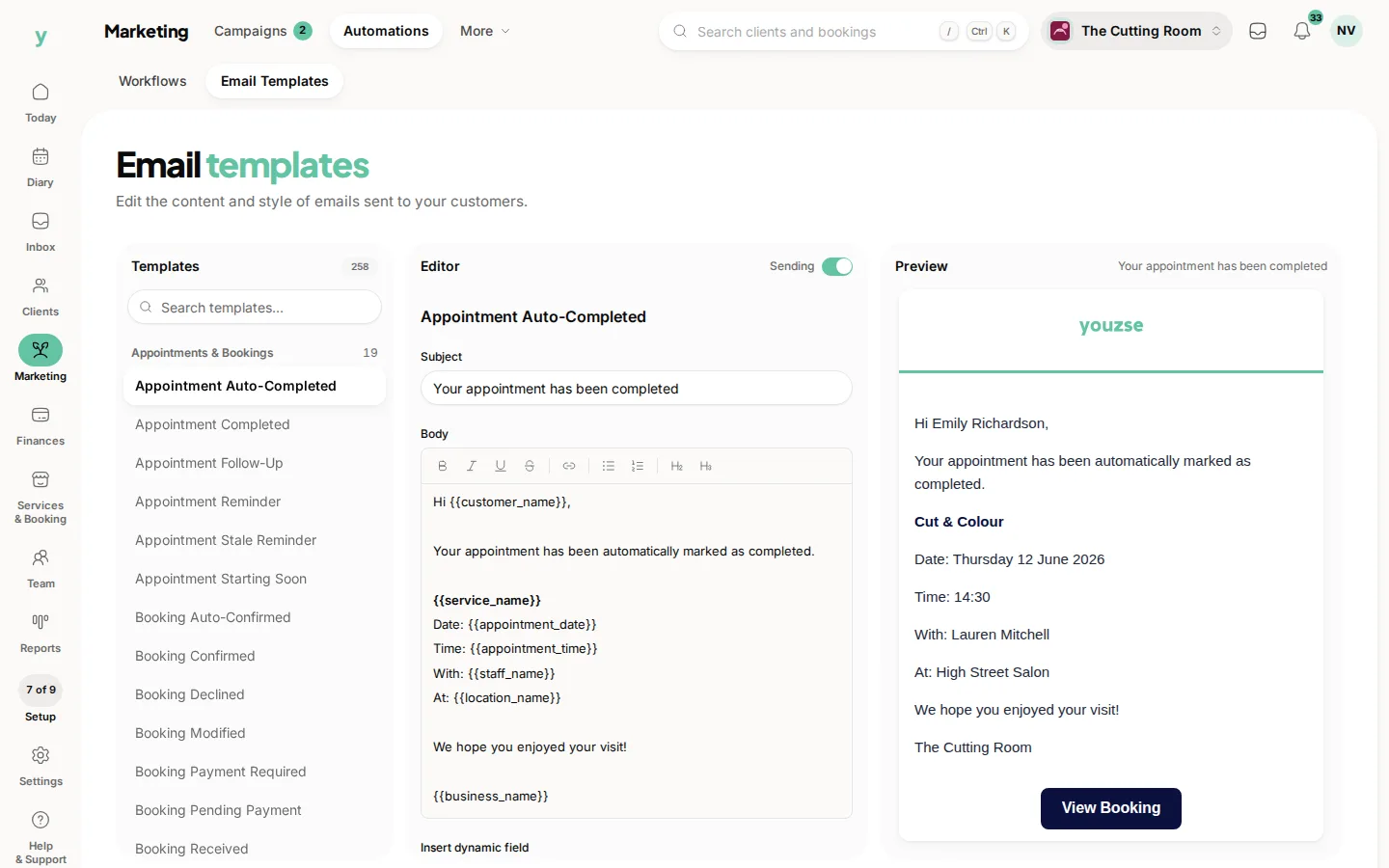
Youzse keeps your customers in the loop automatically, from booking confirmations to reminders. You decide which messages go out and on which channels.
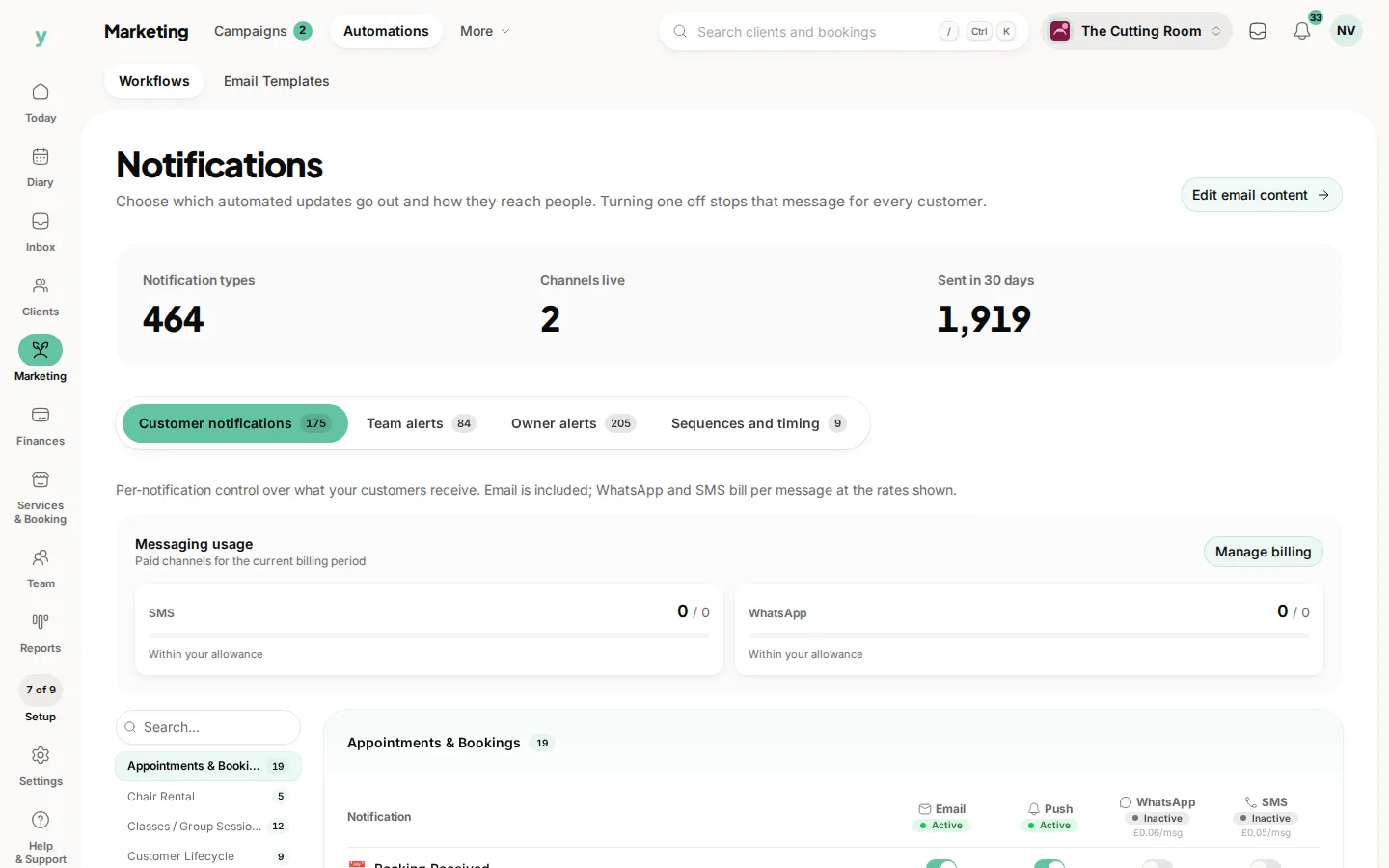
Find these under Marketing, then Automations, with the channel grid under Notification channels. The tab is Customer notifications. You need the Edit settings permission.
The four channels
- Email: On by default and free to send.
- Push: On by default for customers who have your app and have allowed notifications.
- SMS: Off by default. Turn it on per message type when you want texts.
- WhatsApp: Off by default. Turn it on per message type when you want WhatsApp messages.
So out of the box only email and push fire. Nothing goes out by SMS or WhatsApp until you switch it on, which means no surprise costs.
The channel grid
This is a simple grid of message types down the side and channels across the top. Tick a box to turn that channel on for that type, untick to turn it off. SMS and WhatsApp show the cost so you always know what a send will run to.
Getting SMS and WhatsApp going
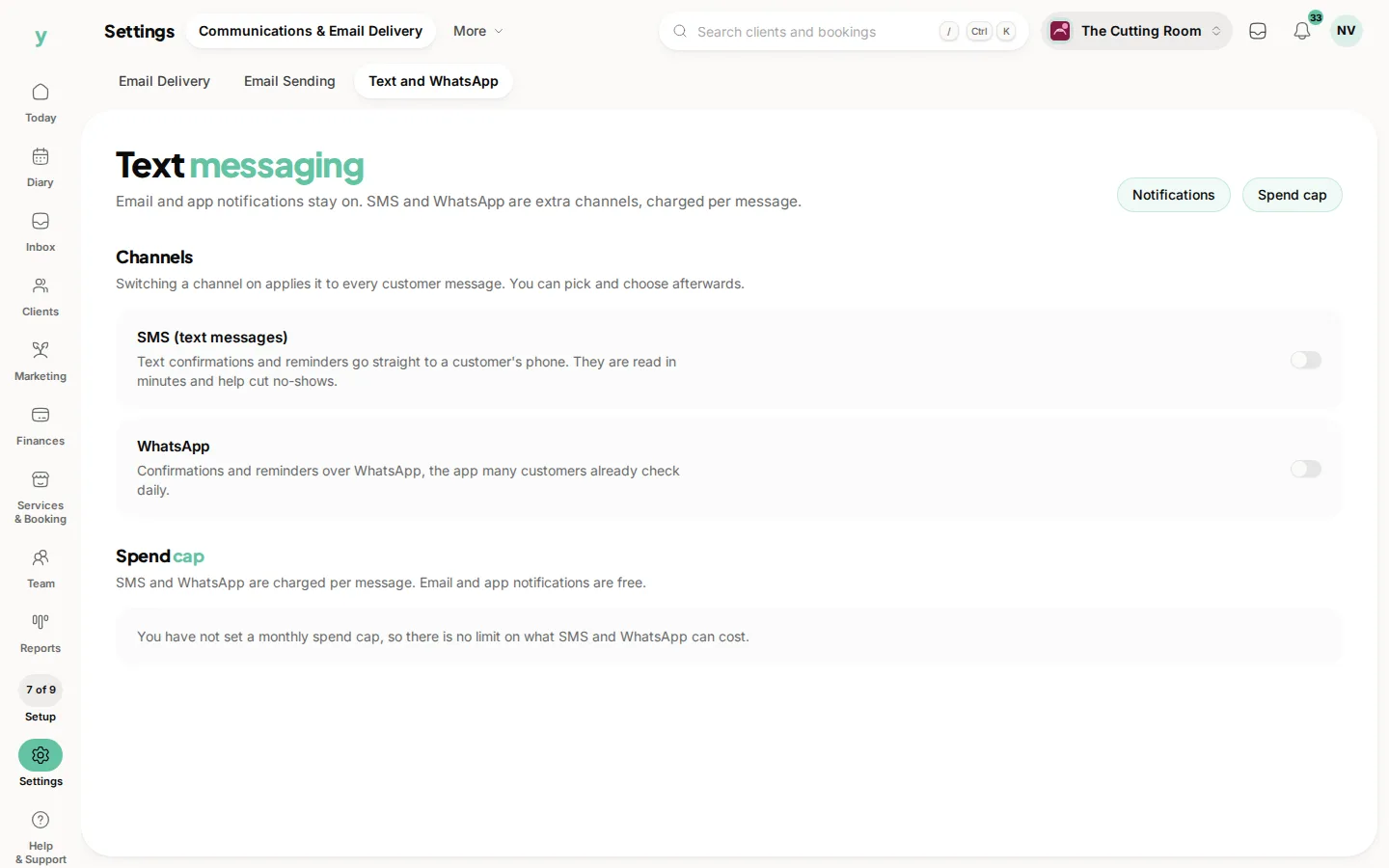
There is a guided messaging setup screen that walks you through switching these on for the first time. It is under Settings, then Communications & Email Delivery, then Text and WhatsApp. You can also set a monthly budget cap so spend never runs away from you.
Templates and timing
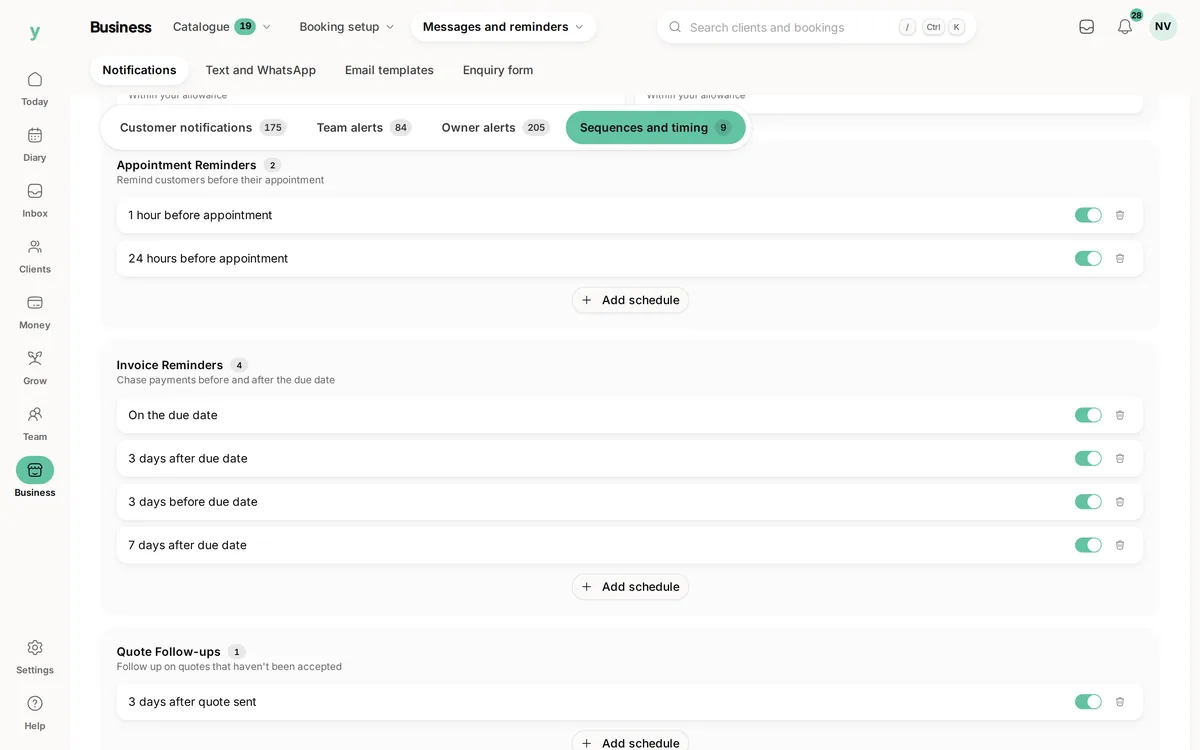
You can personalise the wording of the messages you send and set when reminders go out, for example a day before an appointment. Personalisation tags drop in details like the customer's name and appointment time.
Customers always control their own marketing consent, so promotional messages only ever reach people who have opted in.
Common questions
Which channels are on by default?
Email and push. SMS and WhatsApp stay off until you enable them, because they cost per message.
Can customers opt out of reminders?
No. Confirmations, reminders and receipts are part of the booking. Marketing is separate and only goes to people who have opted in. Promotional opt-in is on the client record.
Where do I change the wording?
Marketing, then Automations, then Email Templates.