
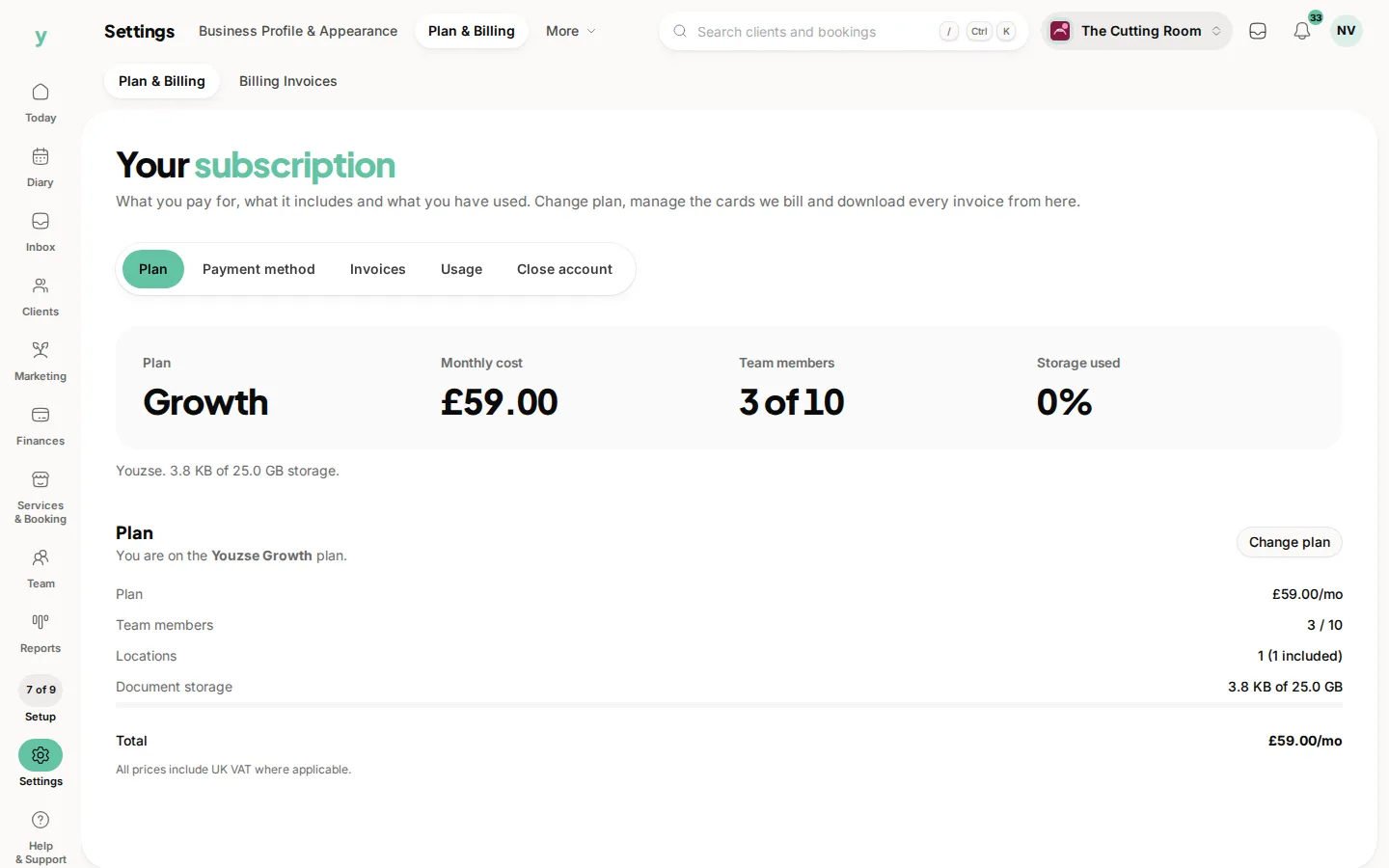
Everything to do with your subscription lives under Settings, then Plan & Billing. Only people with the Manage billing permission can reach it, which by default is the owner.
What you can do
See your plan
Your current plan and subscription status are shown at the top, so you always know where you stand.
Change plan
Browse the available plans and switch up or down when your needs change. Moving to a bigger plan unlocks more features straight away.
Payment methods
Add, remove or set a default card. For your security, adding or changing a card asks you to confirm your password first.
Invoices
View your subscription invoice history and download any invoice as a PDF for your records or your accountant.
Billing portal
For deeper subscription management you can open the secure billing portal, where card and subscription details are handled safely.
A word on commission
Youzse charges your plan fee. You keep 0% commission on new clients won through Youzse. Growing your business through Youzse never costs you a cut of the booking.
Messaging spend
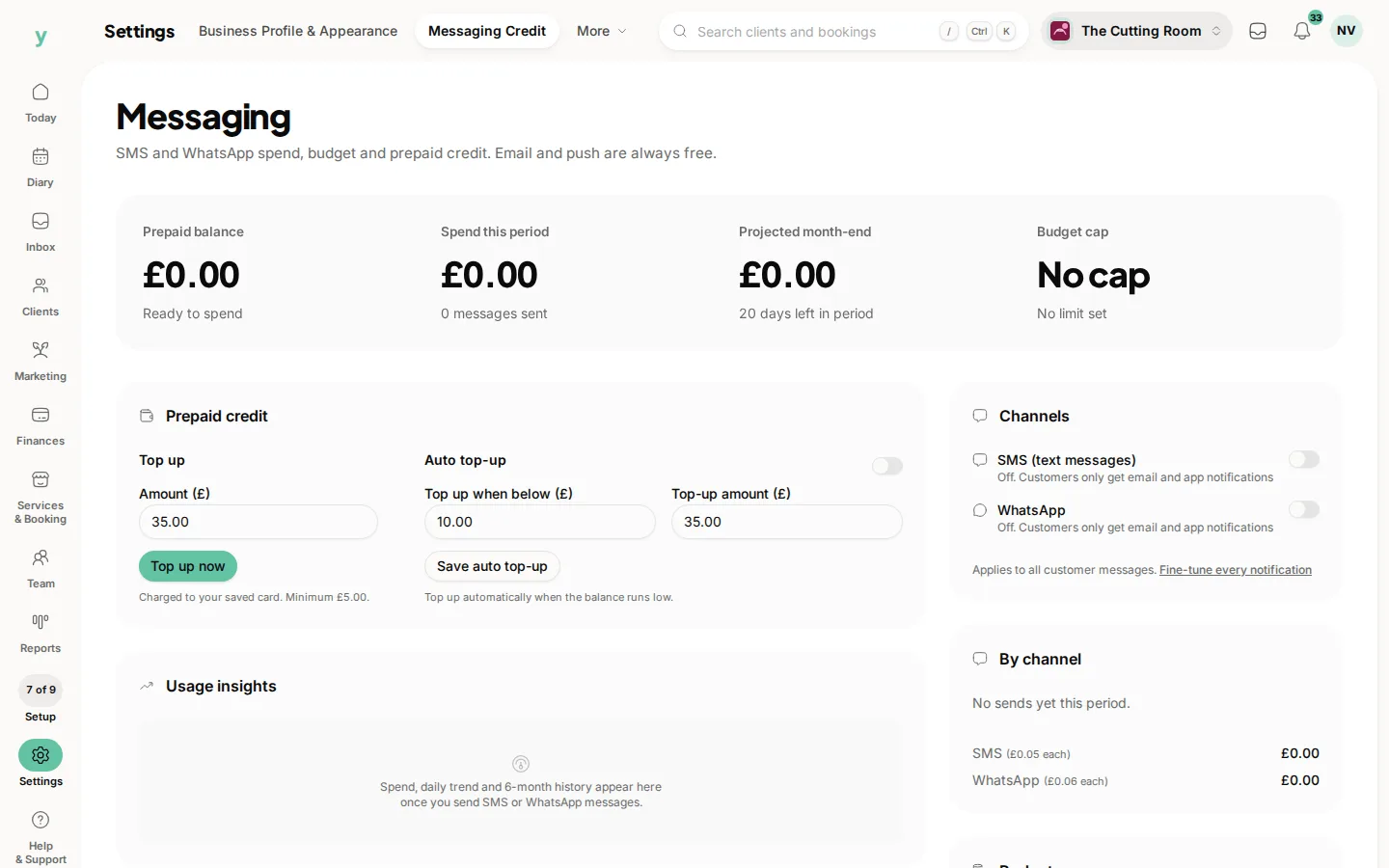
SMS and WhatsApp messages to customers carry a small per-message cost on top of your plan. You can review this messaging spend and set a monthly budget cap under Settings, then Messaging Credit, so costs stay predictable. Email and push notifications are included.
If a payment fails
Keep a valid card on file so your subscription stays active. If a payment does not go through, add or update your card and we will try again.
Common questions
Where do I see what my plan includes?
Settings, then Plan & Billing. It is also where a missing feature is usually explained.
Can I change plan?
Yes, from the same place. Your data is unaffected and gated features appear or disappear accordingly.
Where are my billing invoices?
Under Settings, then Plan & Billing, then Billing Invoices, where you can download them for your accounts.