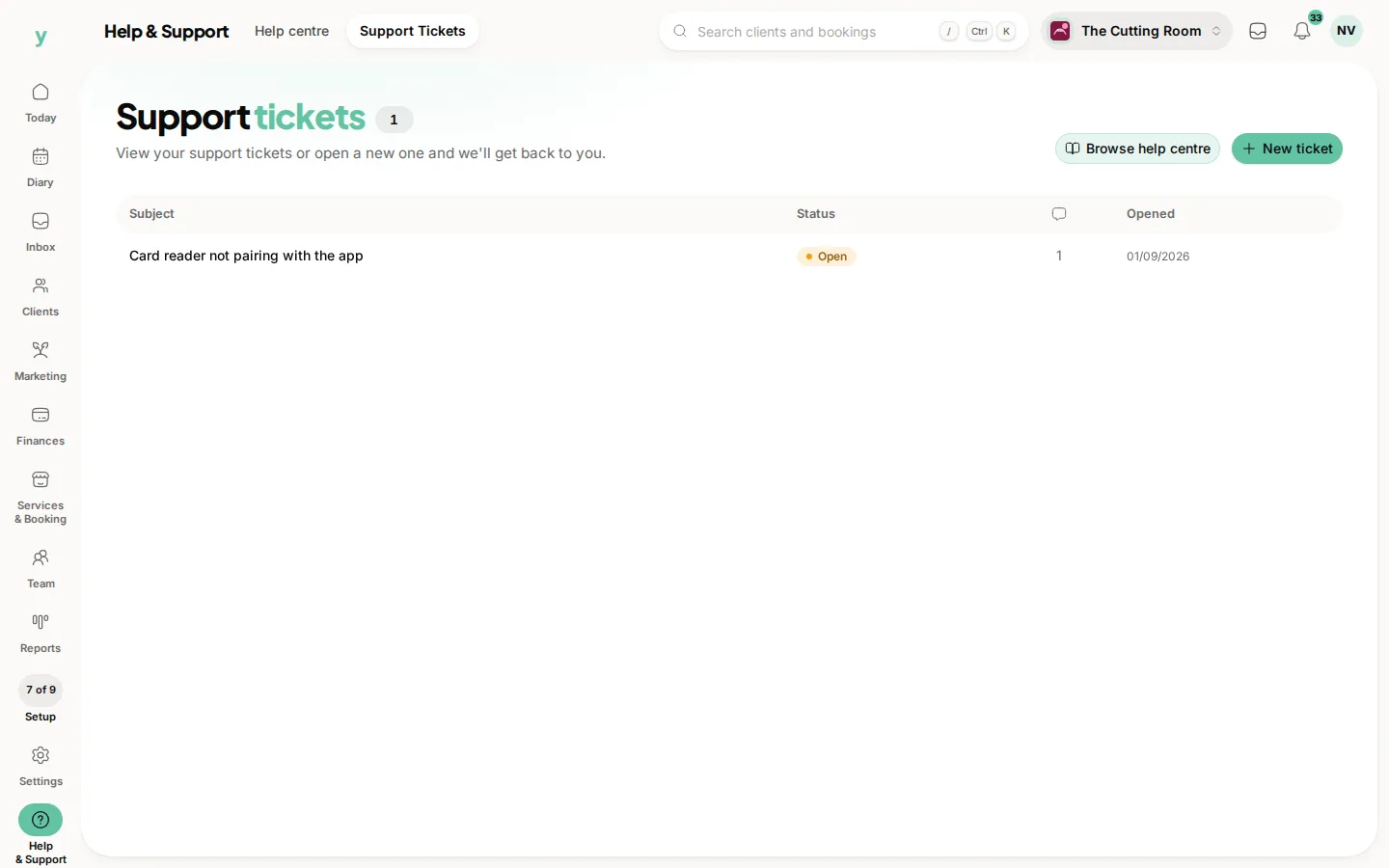
Refresh the page first. If it is still wrong, check the change actually saved, then wait a few minutes for pages that are cached for speed.
The usual causes
- The change was typed but not saved
- Your browser is showing a stored copy of the page
- A public page is cached briefly, so it updates shortly rather than instantly
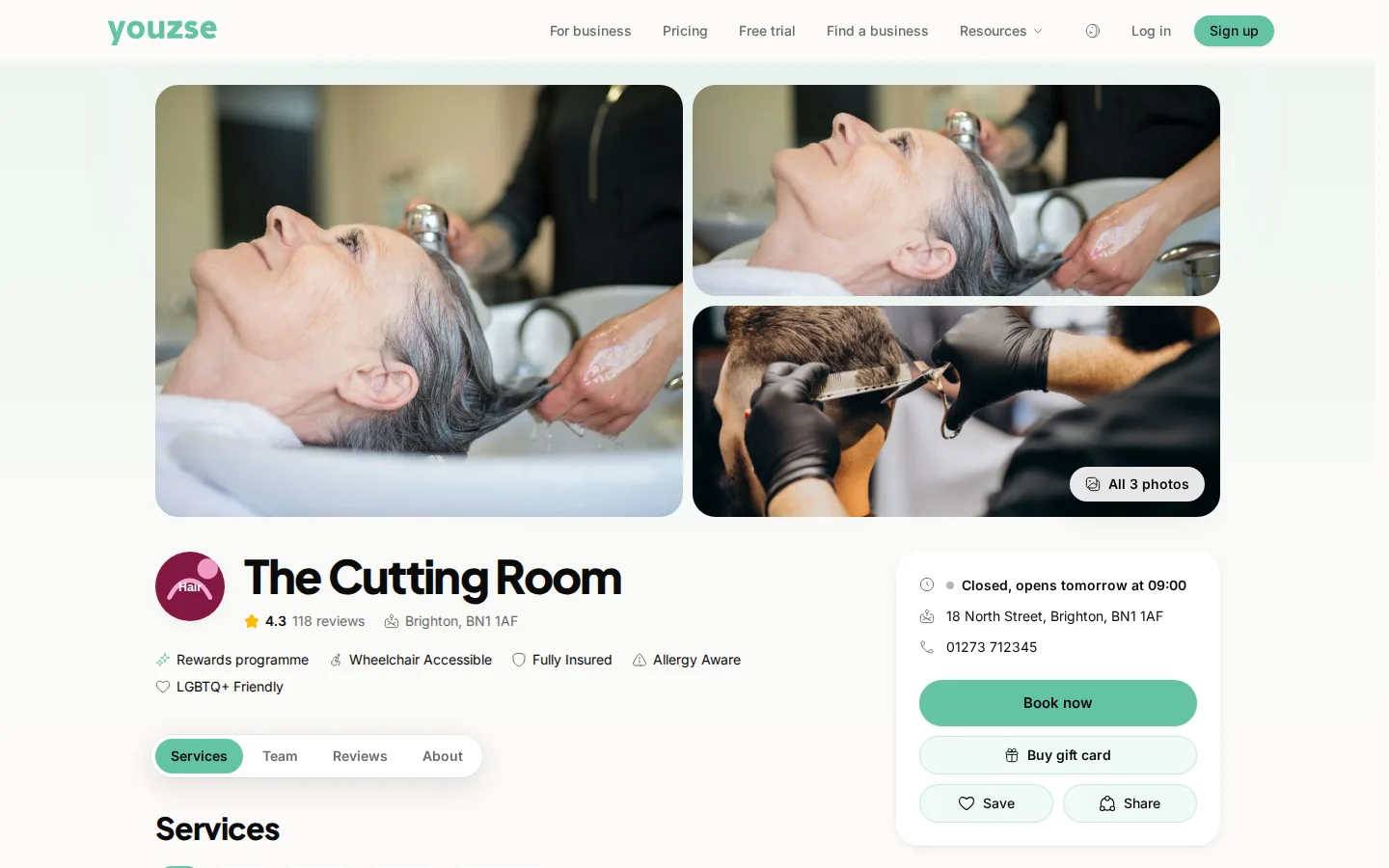
- The change was made somewhere other than where you are looking
A proper refresh
A hard refresh forces the browser to fetch the page again rather than reuse what it has. On most browsers that is holding shift while clicking reload.
Public pages are cached
Your public page is stored briefly so it loads quickly for customers. A change appears within a short time rather than the same second. That is deliberate and it is what keeps the page fast.
Two people editing at once
If a colleague is changing the same thing, the last save wins. Where something keeps reverting, ask whether somebody else is in there.
Common questions
How long should I wait before worrying?
A few minutes for a public page. Anything inside the system should be immediate after a refresh.
It reverted after I saved. Why?
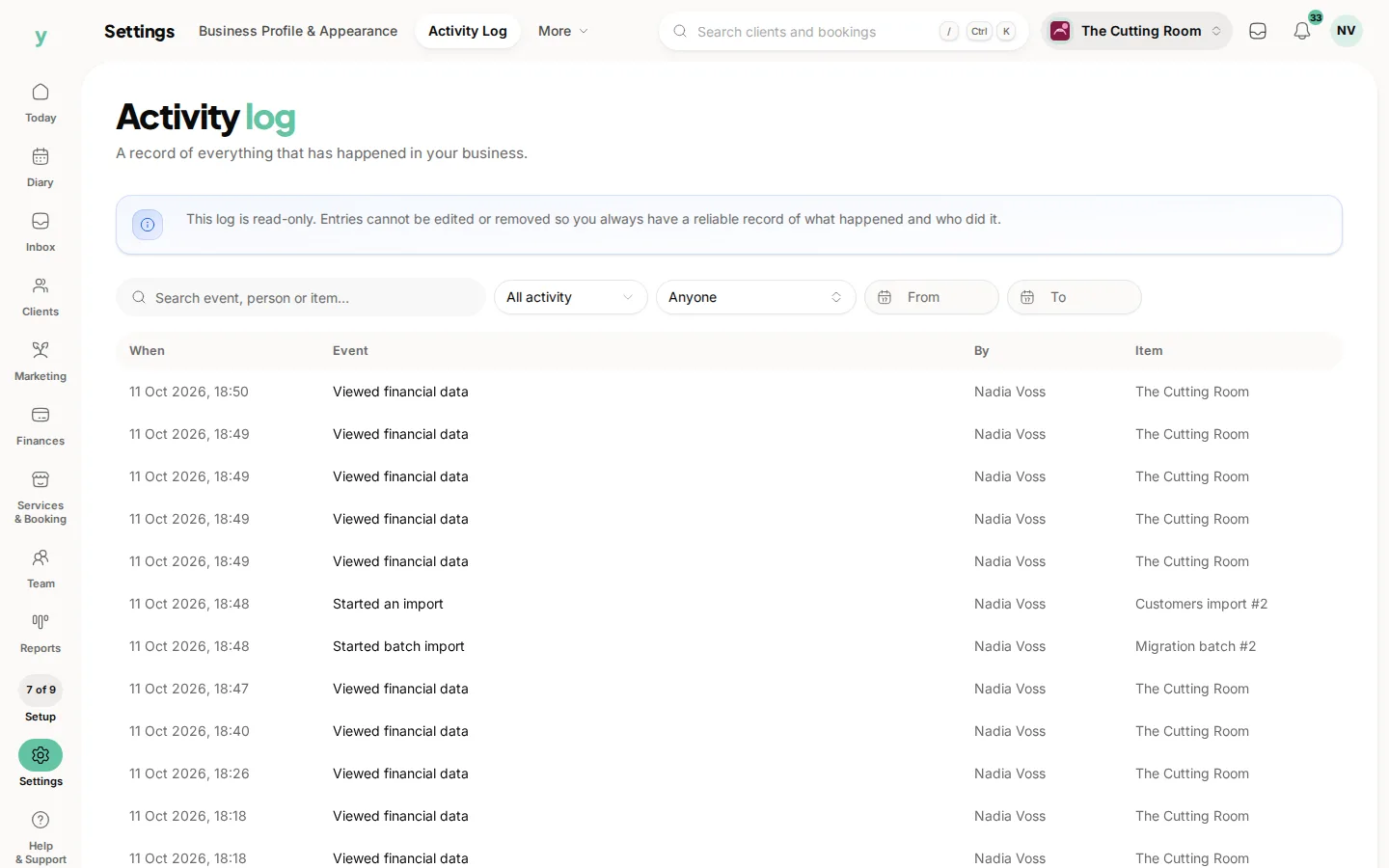
Either it did not save or somebody else saved over it. Check the activity log. It is under Settings, then Activity Log.
Nothing is updating anywhere. What now?
Sign out and back in, then contact support if it persists.