
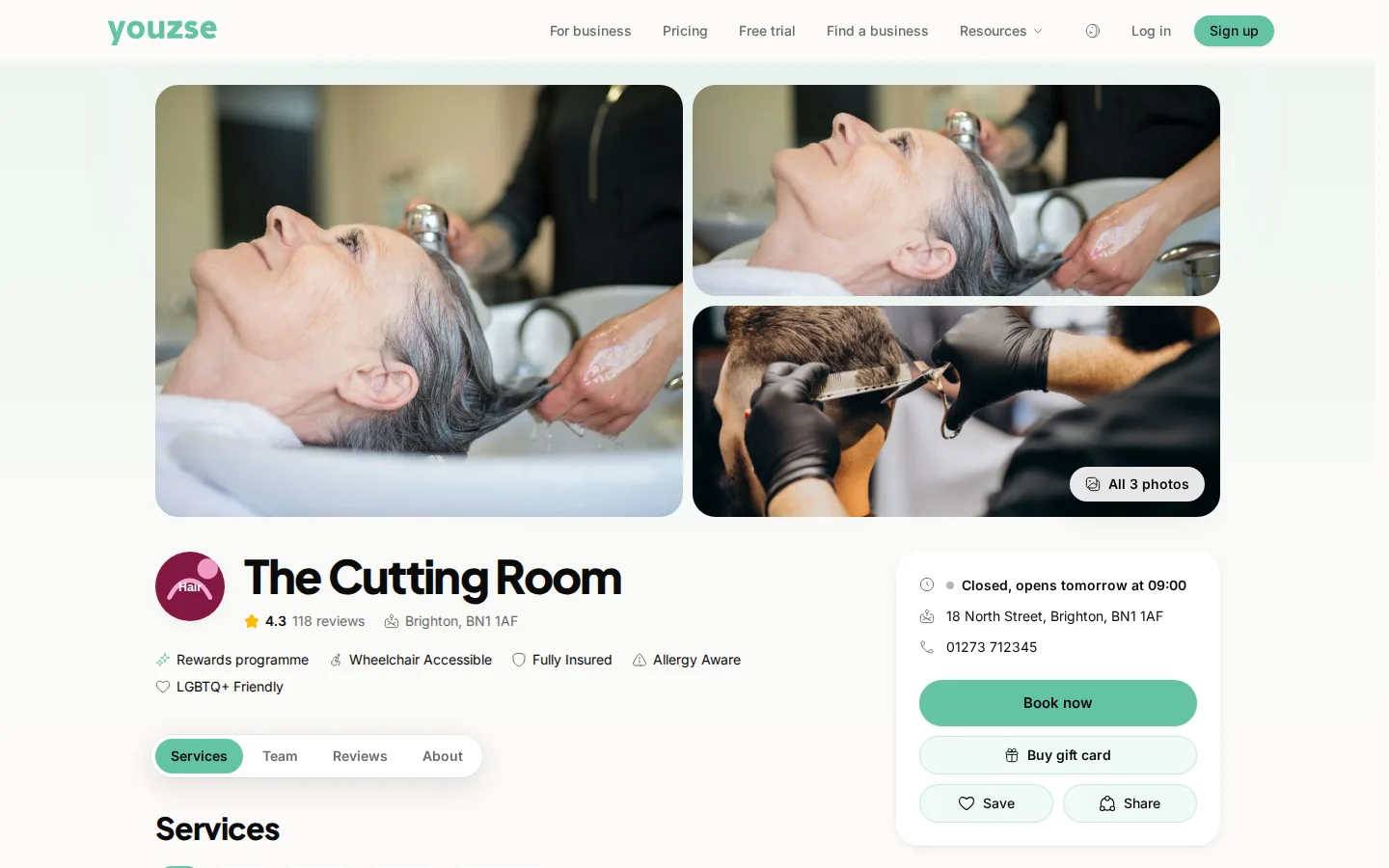
Open your public page in a private browser window. That shows you what customers see rather than what your browser remembered.
Why a private window
Normal browsing keeps a copy of pages you have visited. You can be looking at yesterday's version of your own page while every customer sees the new one or the other way round.
Work through it
- 1Check the change was actually saved rather than left in a form
- 2Open your public page in a private window
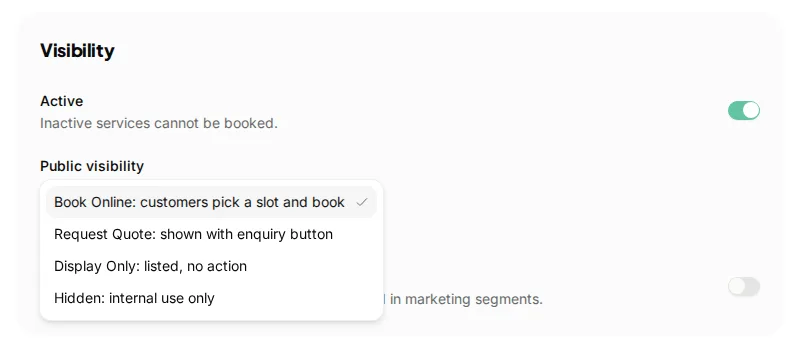
- 3Check the service or staff member is set to show publicly
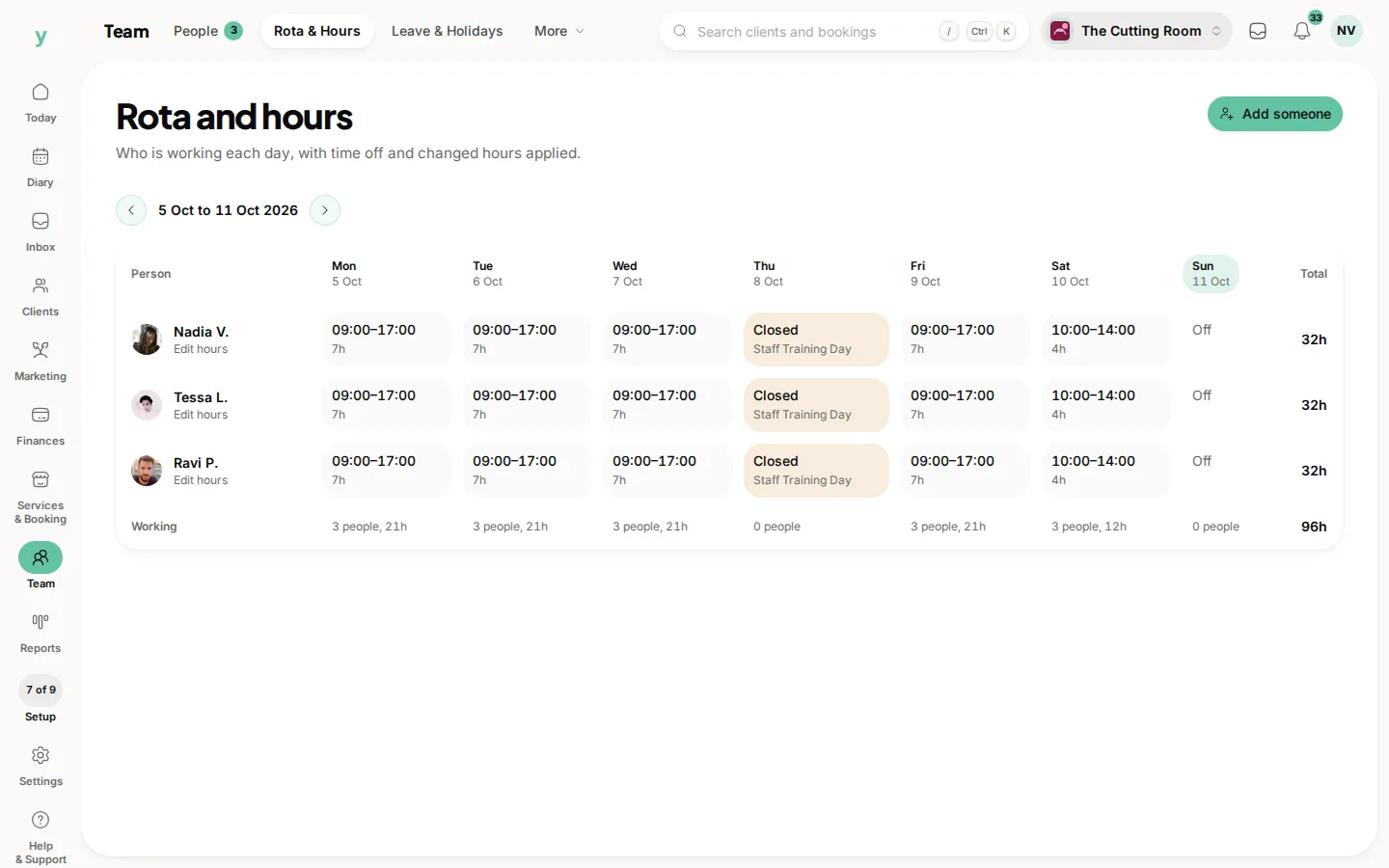
- 4Check the person has working hours and is assigned to the service
Things hidden on purpose
A service can be set not to show publicly, which is right for work you only book yourself. If a service is missing from your page, check that first.
Prices and descriptions
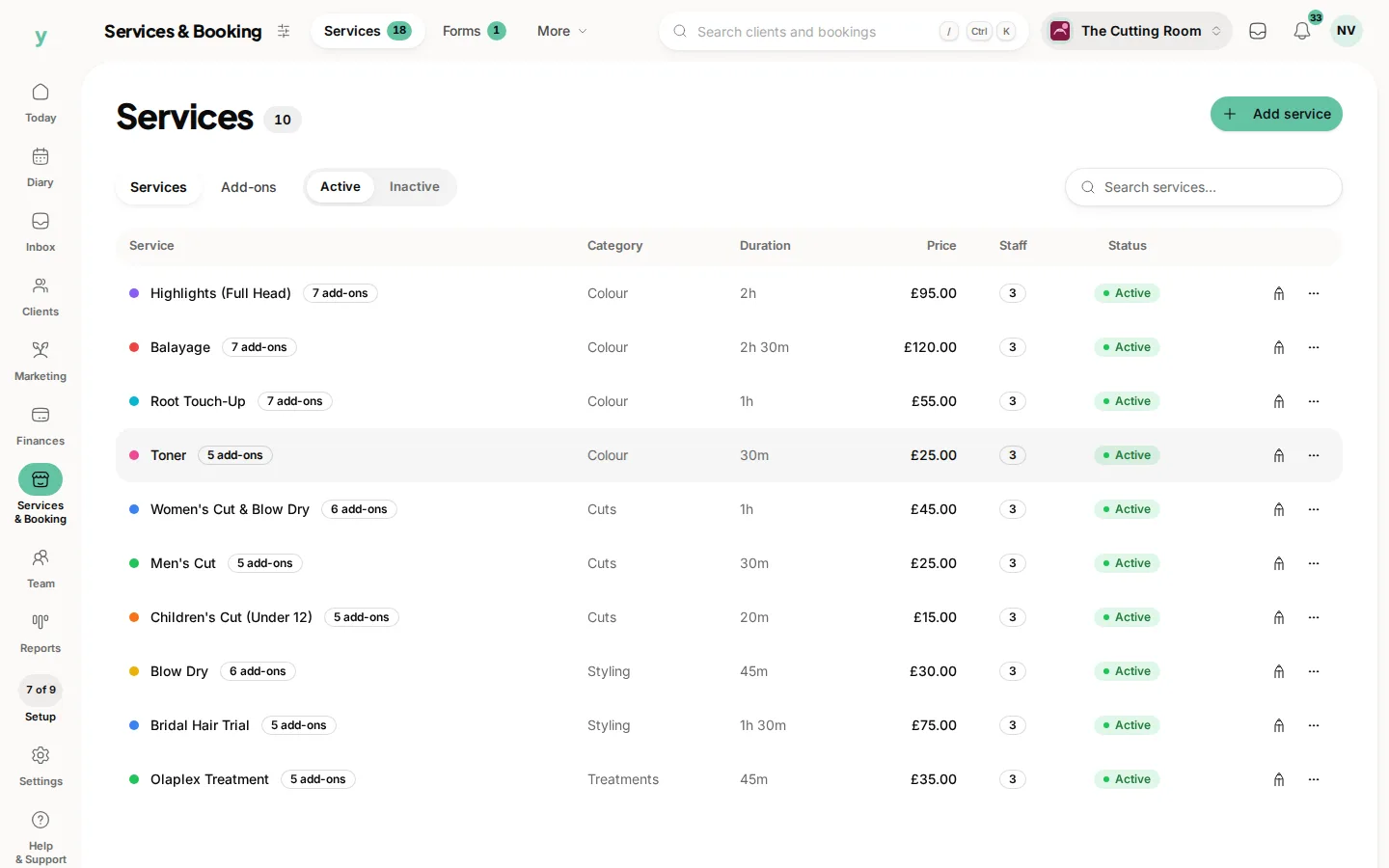
These come from the service record. Change them under Services & Booking, then Services rather than anywhere else.
Common questions
I changed a price and the old one is showing. Why?
Your browser is showing a stored copy. Check in a private window.
A staff member is missing from my page. Why?
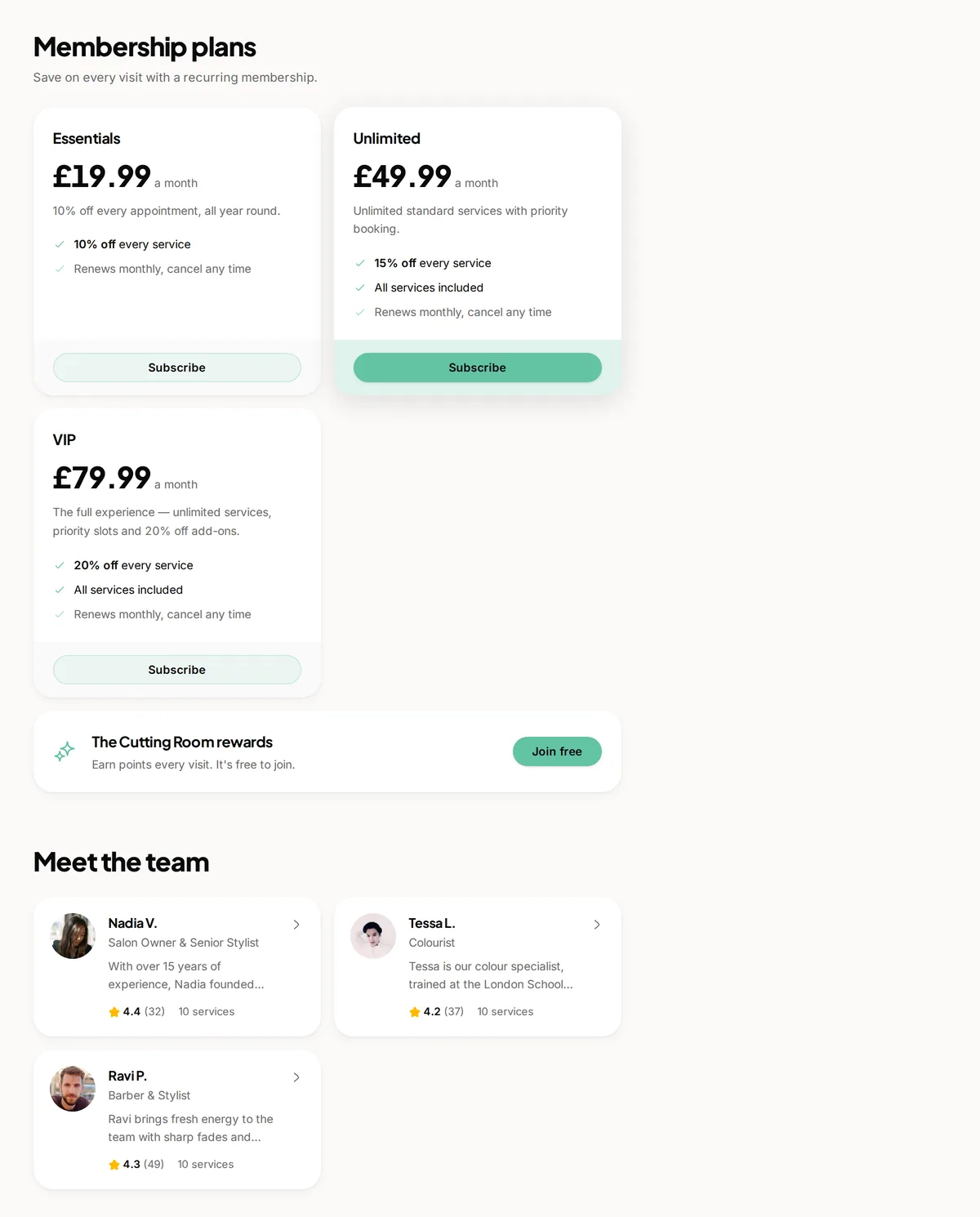
Either they are not assigned to that service, they have no working hours or their profile is not set to show publicly.
It looks right for me and wrong for a customer. What now?
Ask them to reload the page. If it persists, contact support with a screenshot.