Three checks, in this order. The address on their record, the delivery record, then whether the notification is switched on at all.
The checks
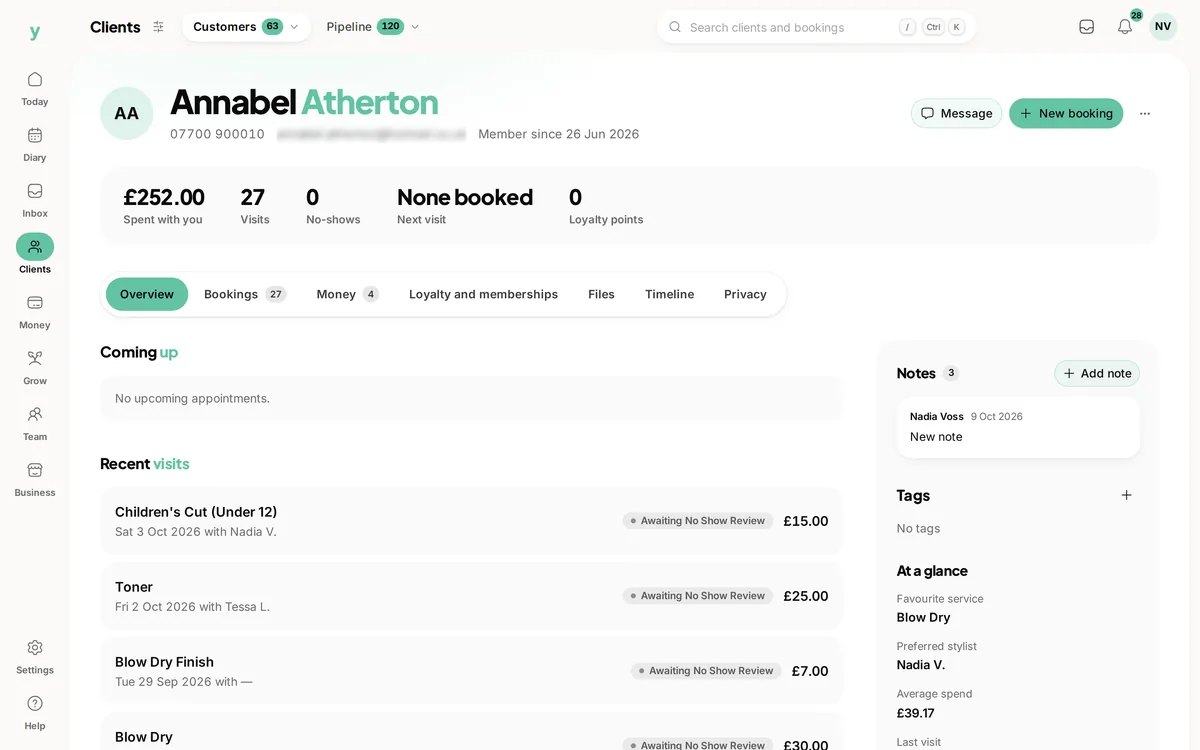
- 1Open the customer and read the email address carefully, character by character
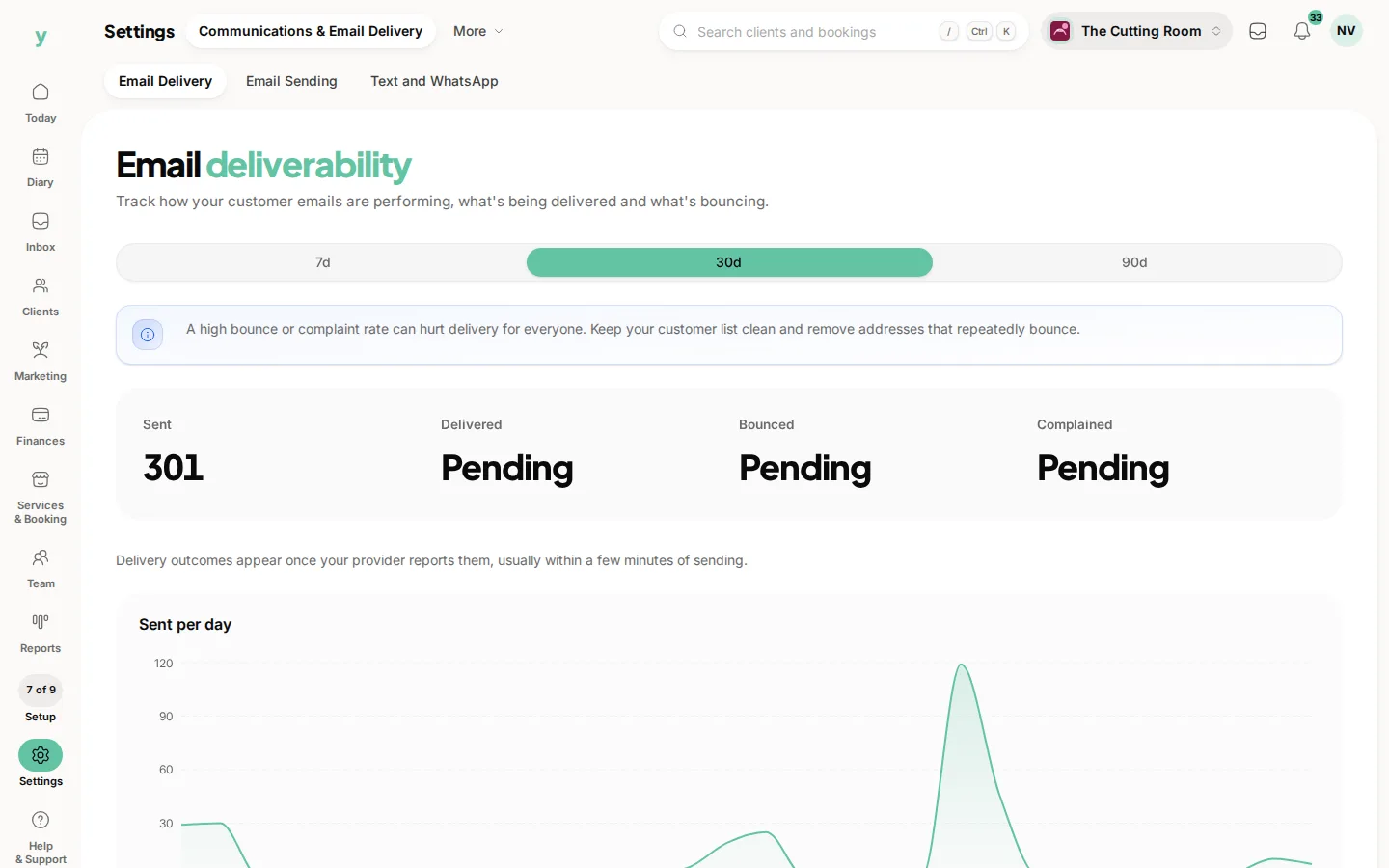
- 2Open Settings, then Communications & Email Delivery, then Email Delivery and look for the message
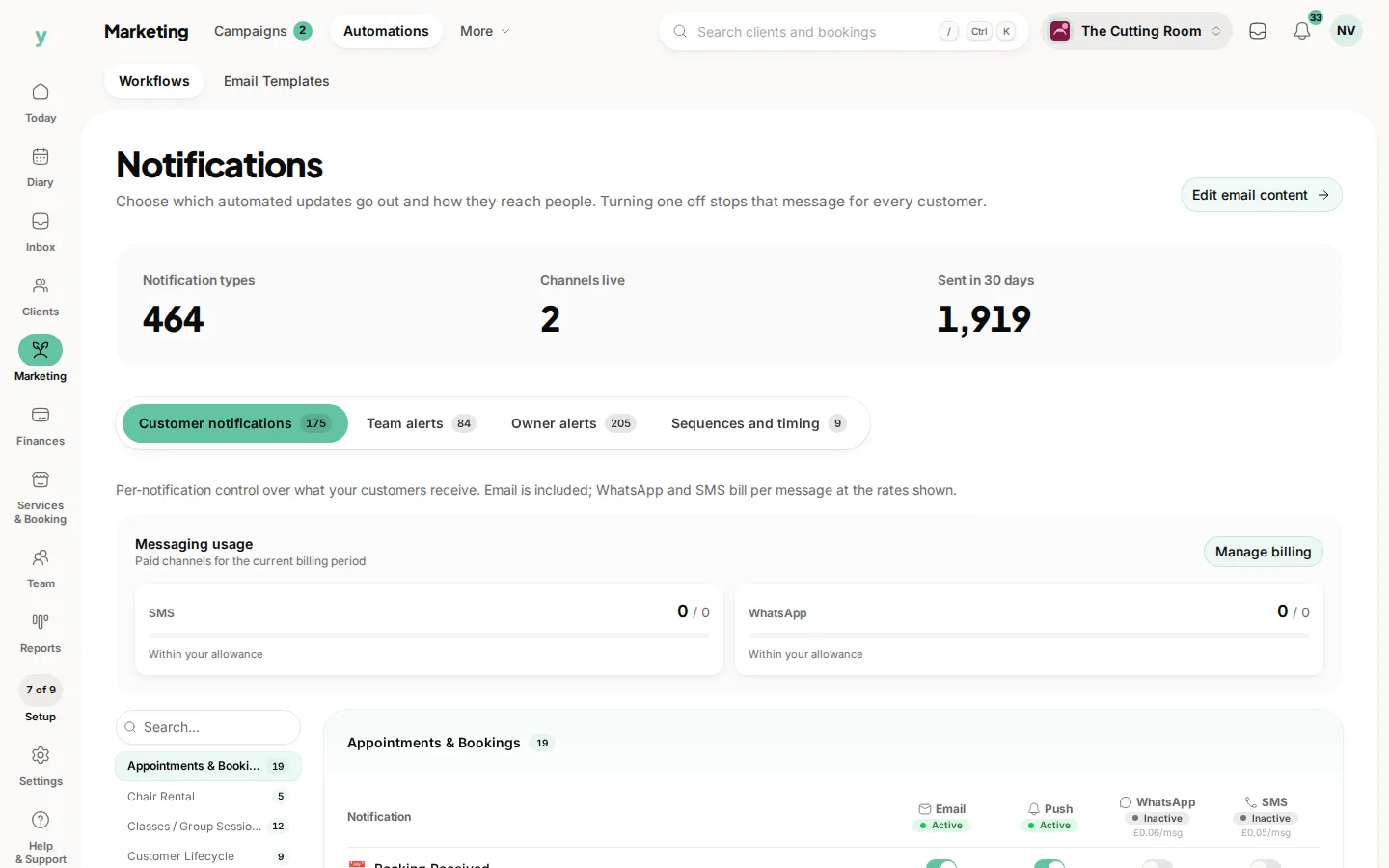
- 3Open Marketing, then Automations and confirm confirmations are enabled
- 4Ask the customer to check spam and junk
Nearly always a typo
Gmial instead of gmail, a missing letter in a domain, a space on the end. It looks right at a glance and fails every single time.
If it bounced
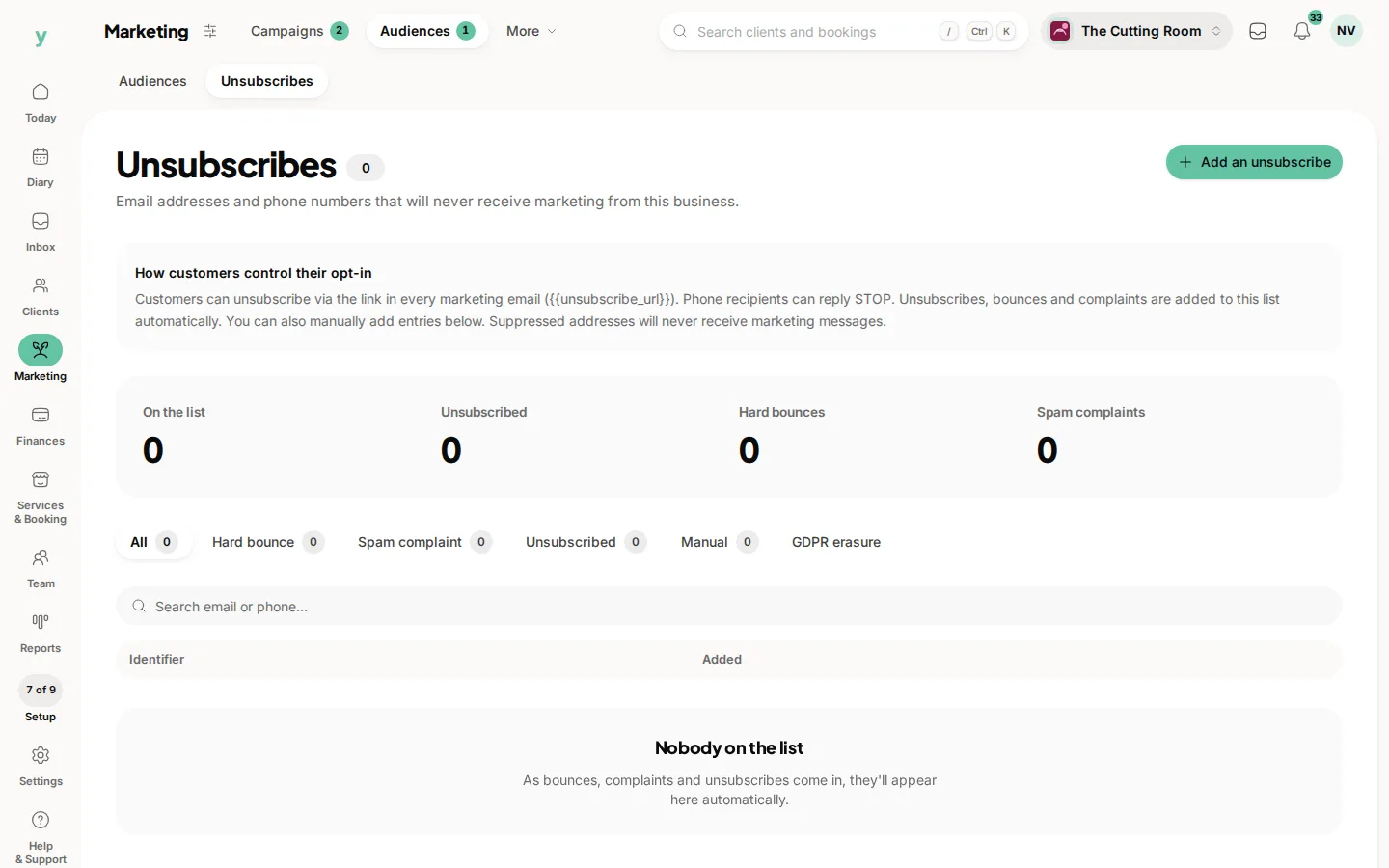
The address is wrong or no longer exists. Correct it on the record, because a hard-bounced address is suppressed and will not be tried again.
If it was delivered
It reached their mail server, so it is in a spam folder or a filter. Ask them to search their whole mailbox rather than just the inbox.
Reassure them meanwhile
Tell them the booking is confirmed regardless. Somebody who does not have the email mainly wants to know they still have the appointment.
Common questions
Can I resend a confirmation?
Correct the address and resend from the booking.
Why does this keep happening to the same customer?
Their address is wrong on their record or their provider is filtering you. Ring them and confirm the address.
All my customers are affected. What now?
Check the notification is switched on, then look at the deliverability figures, then contact support.