
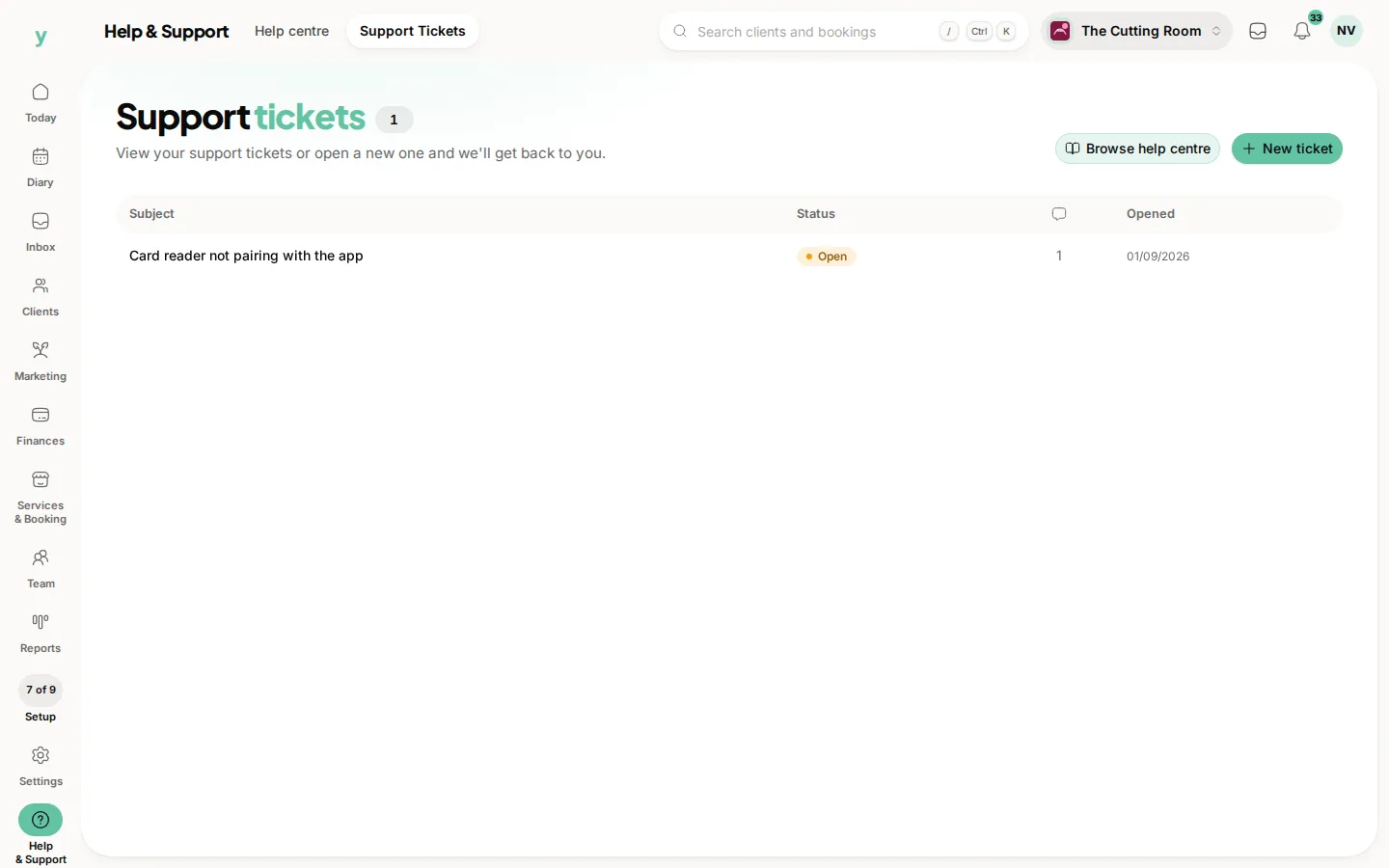
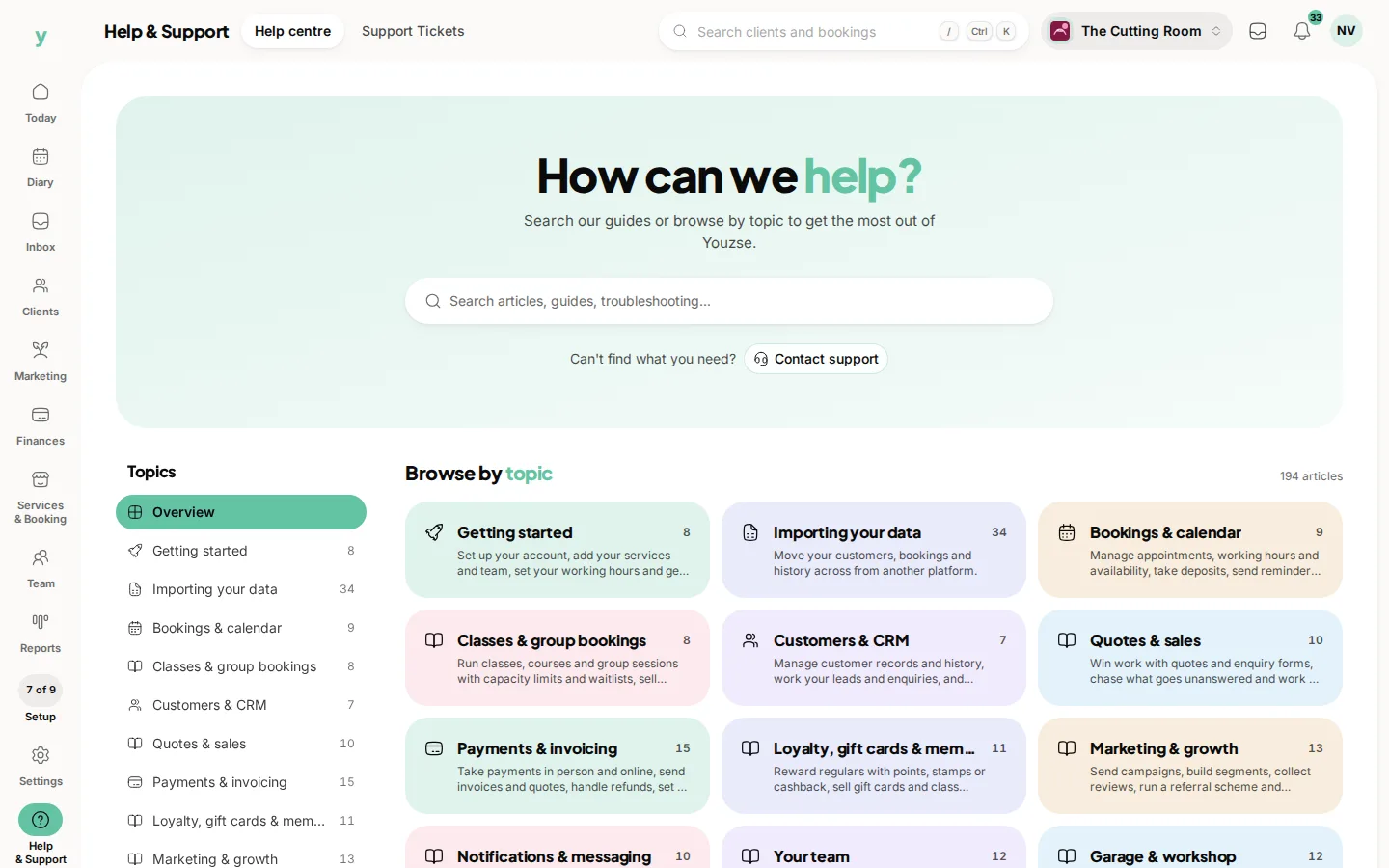
Open Help at the foot of the rail, then Support tickets. The rail reads Help & Support and the pill is Support Tickets. You can also reach it from Support in the account menu at the top right. The more specific you are, the faster this goes.
What to include
- What you were doing, with the page you were on
- What you expected to happen
- What happened instead
- When it happened and whether it happens every time
- A screenshot, which is worth more than three paragraphs
Names and references help
The customer's name, the booking date, the invoice number. Something that identifies the exact record turns a search into a lookup.
Before you get in touch
Check the troubleshooting articles for the obvious ones. Availability problems are almost always working hours and missing pages are almost always a permission.
What not to send
Do not send passwords. Support will never ask for one and anybody who does is not support.
If something is urgent
Say so and say why. A booking page nobody can use on a Saturday morning is not the same as a report column you would like renamed.
Common questions
Where is Support?
Under Help & Support, next to Help centre. It is also in the account menu at the top right.
Do I need to log a ticket for a question?
Try the help centre first. If it is not covered, ask, because a question nobody could answer from the docs usually means the docs need improving.
Can support see my data?
Access to your account is controlled and audited. Support will ask before doing anything in your account rather than assuming.