
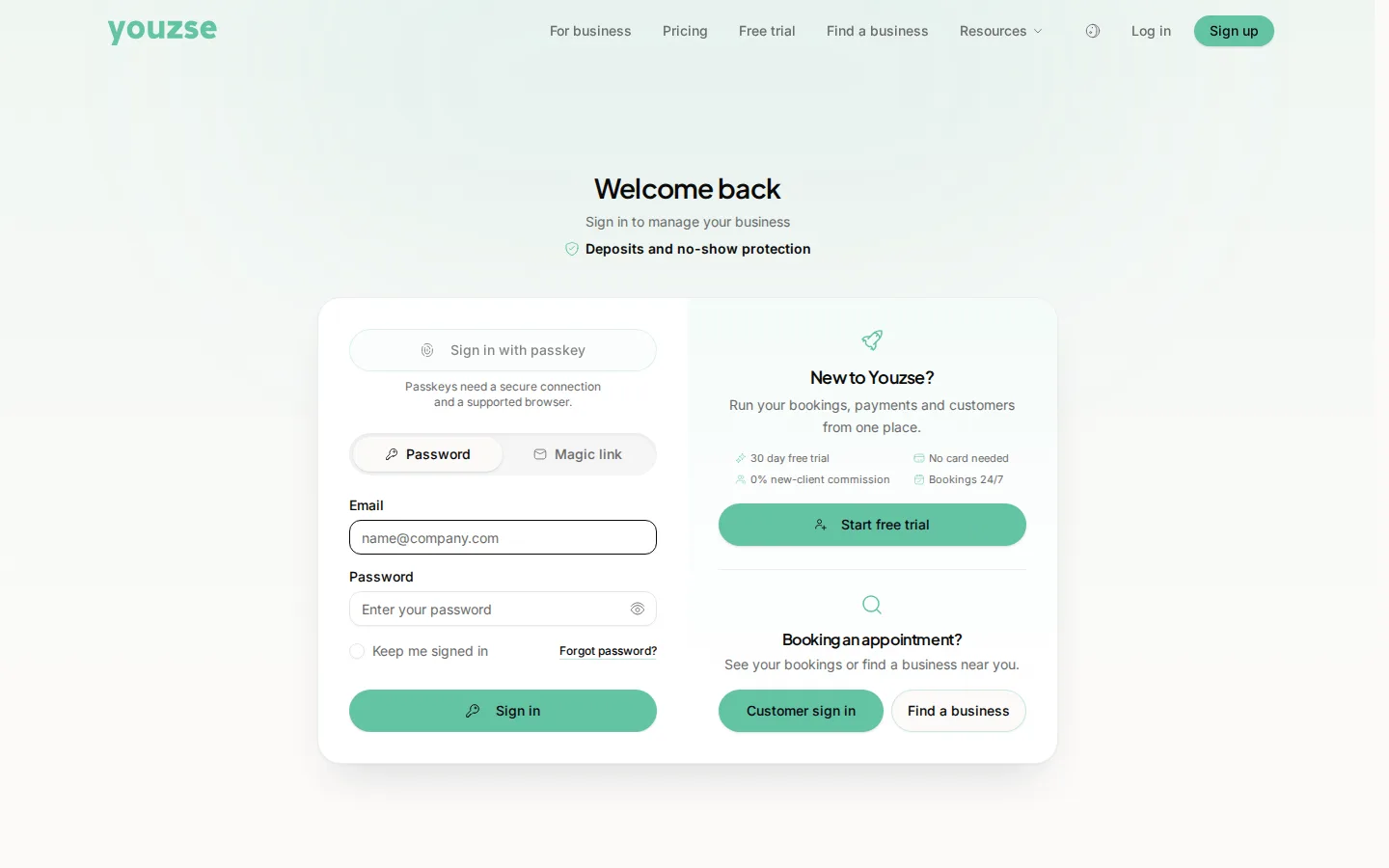
Use the password reset on the sign-in page. If the password is fine and two-factor is the obstacle, use one of your recovery codes.
Work through it
- 1Check you are using the right email address, since people often have two
- 2Reset your password from the sign-in page
- 3If the reset email does not arrive, check spam
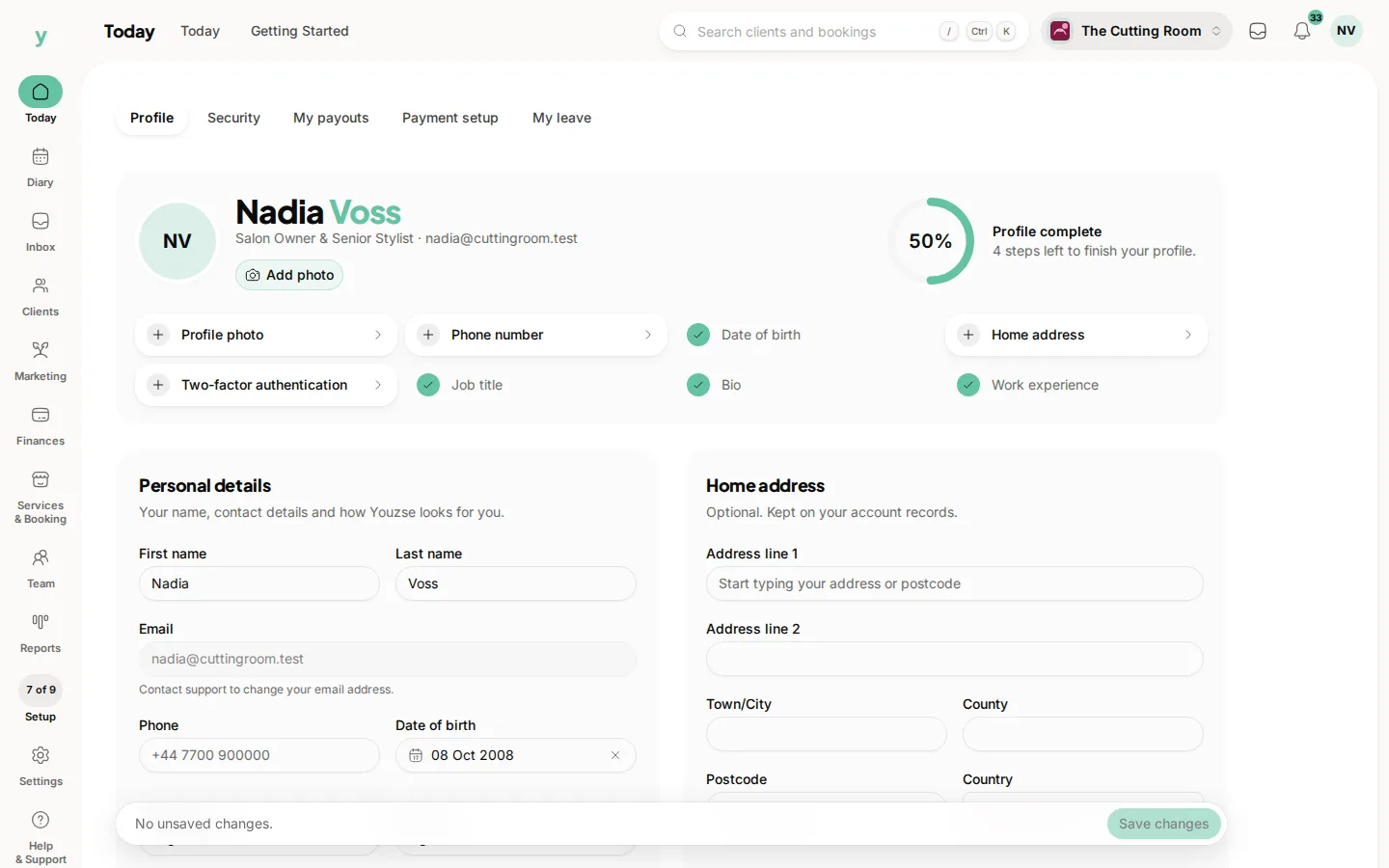
- 4If two-factor is the problem, use a recovery code
- 5If you have no recovery codes left, contact support
Recovery codes
These are the codes you were given when you switched two-factor on. They exist precisely for a lost or wiped phone. If you have never saved them, do that now while you can still sign in.
A new phone
Two-factor lives on the device rather than in the cloud. Set it up again on the new phone before wiping the old one if you can and use a recovery code if you cannot.
Repeated failed attempts
Sign-in is rate limited after several failures, which is deliberate. Wait a few minutes rather than trying harder.
Common questions
I have no recovery codes and a new phone. What now?
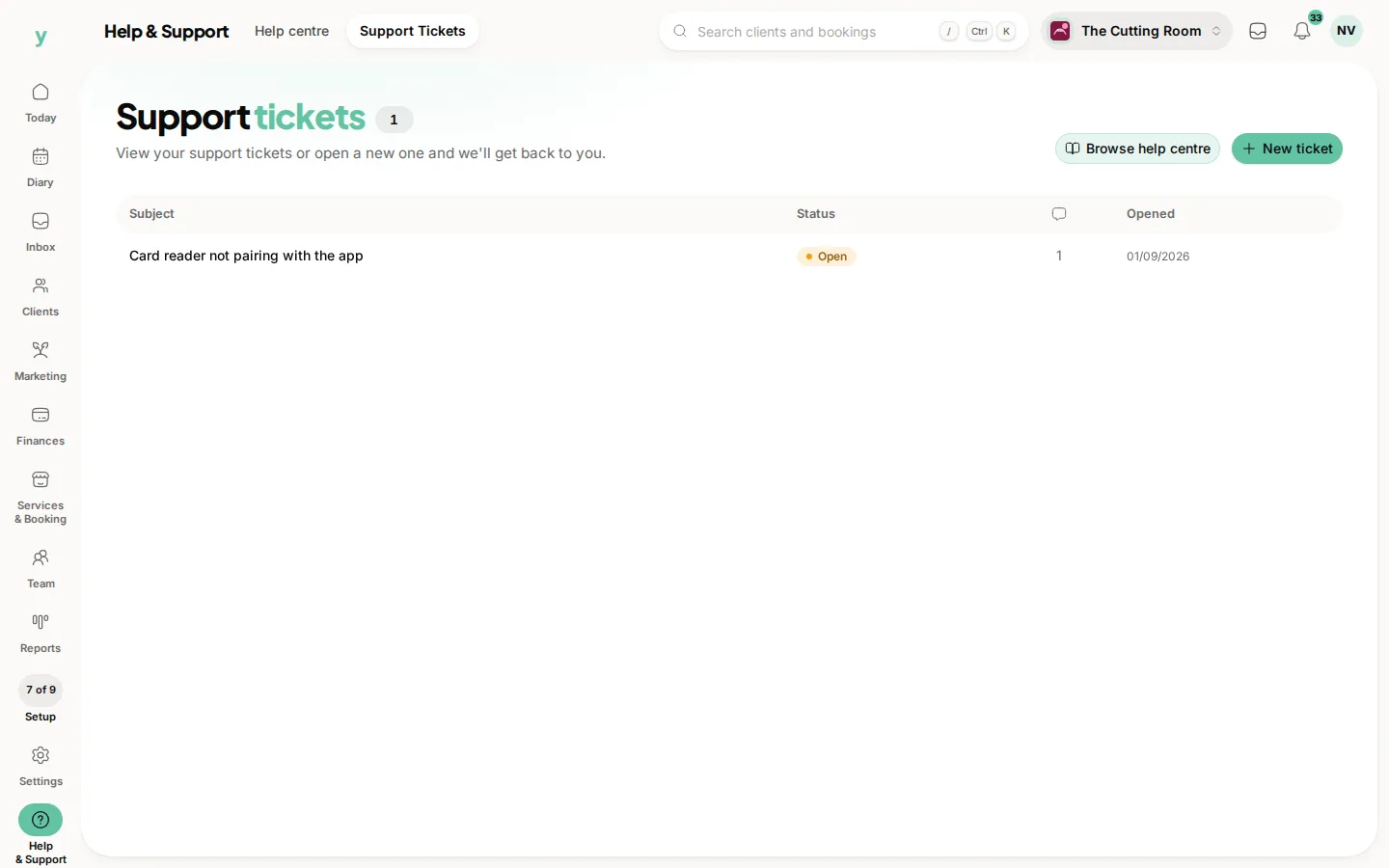
Contact support. Expect to prove who you are, because the alternative would make two-factor pointless.
Why was I signed out?
Sessions expire for security. Signing in again is normal rather than a fault.
Can somebody else reset my password for me?
No. Reset links go to your own email address, which is what makes them safe.