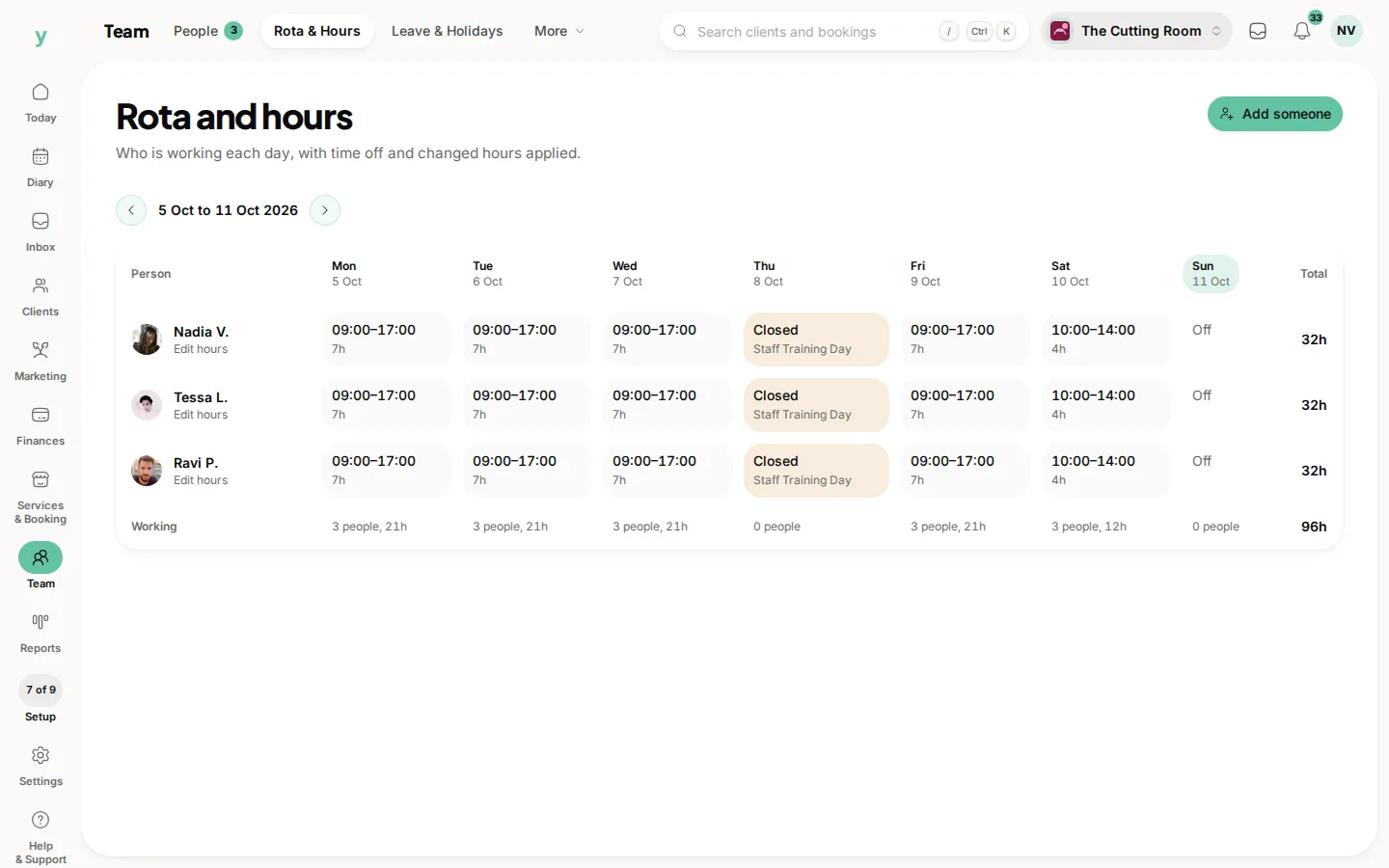
Nine times in ten it is working hours. Check those first, then whether anybody is assigned to the service, then your booking rules.
Work through it in order
- 1Go to Team, then Rota & Hours and check the person has working hours set for the day in question
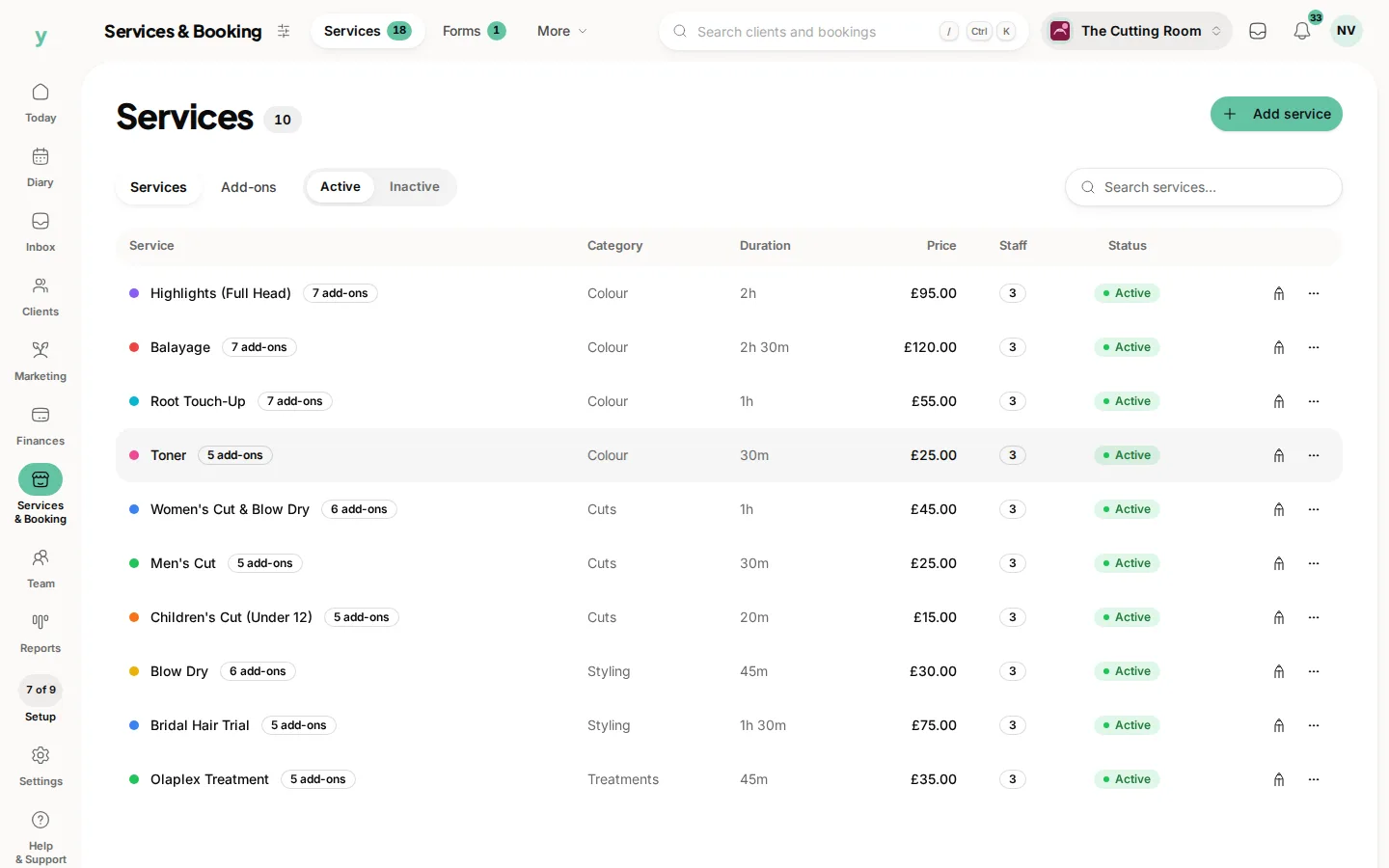
- 2Go to Services & Booking, then Services and check somebody is assigned to that service
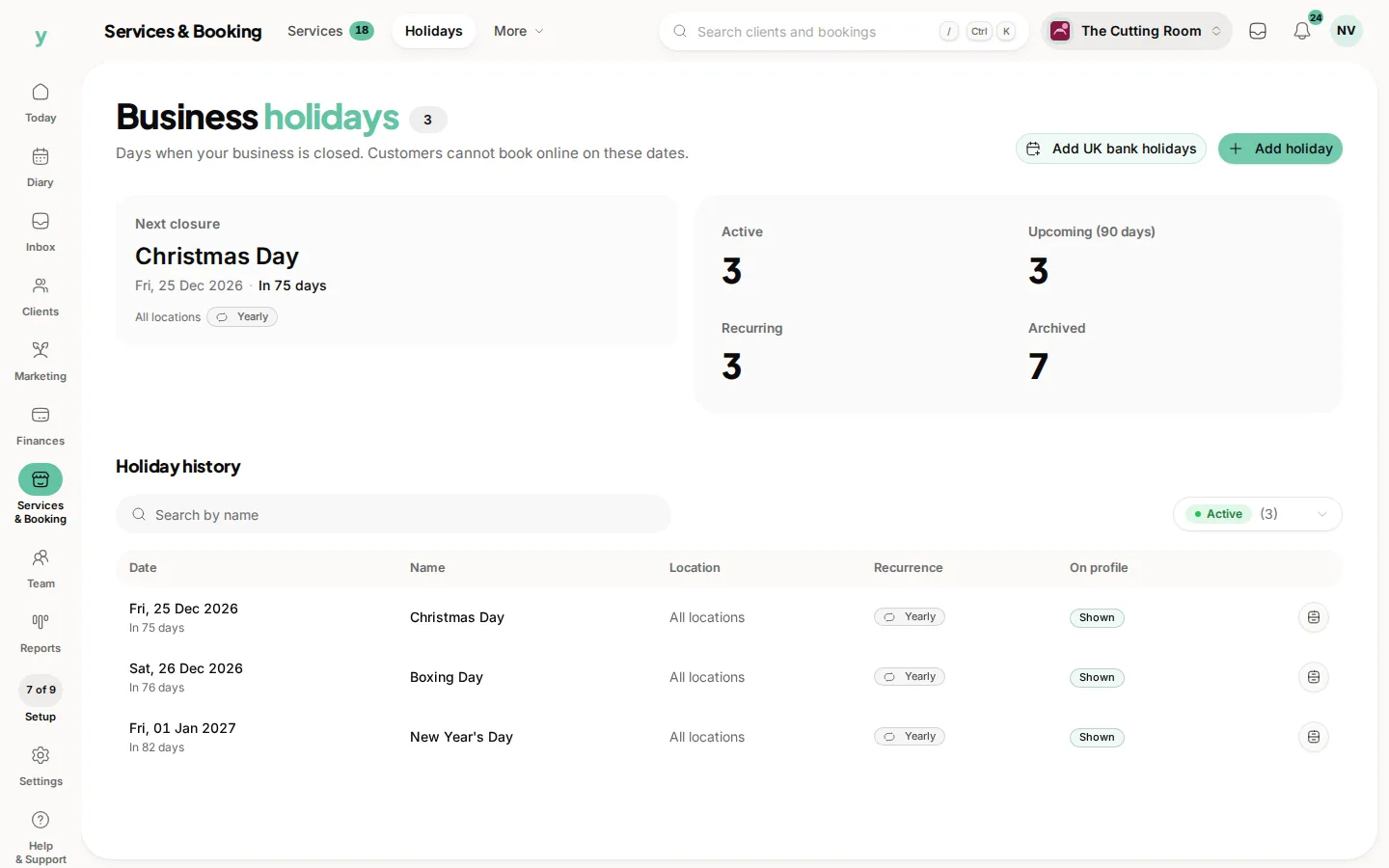
- 3Check the day is not a business holiday. Go to Services & Booking, then Holidays
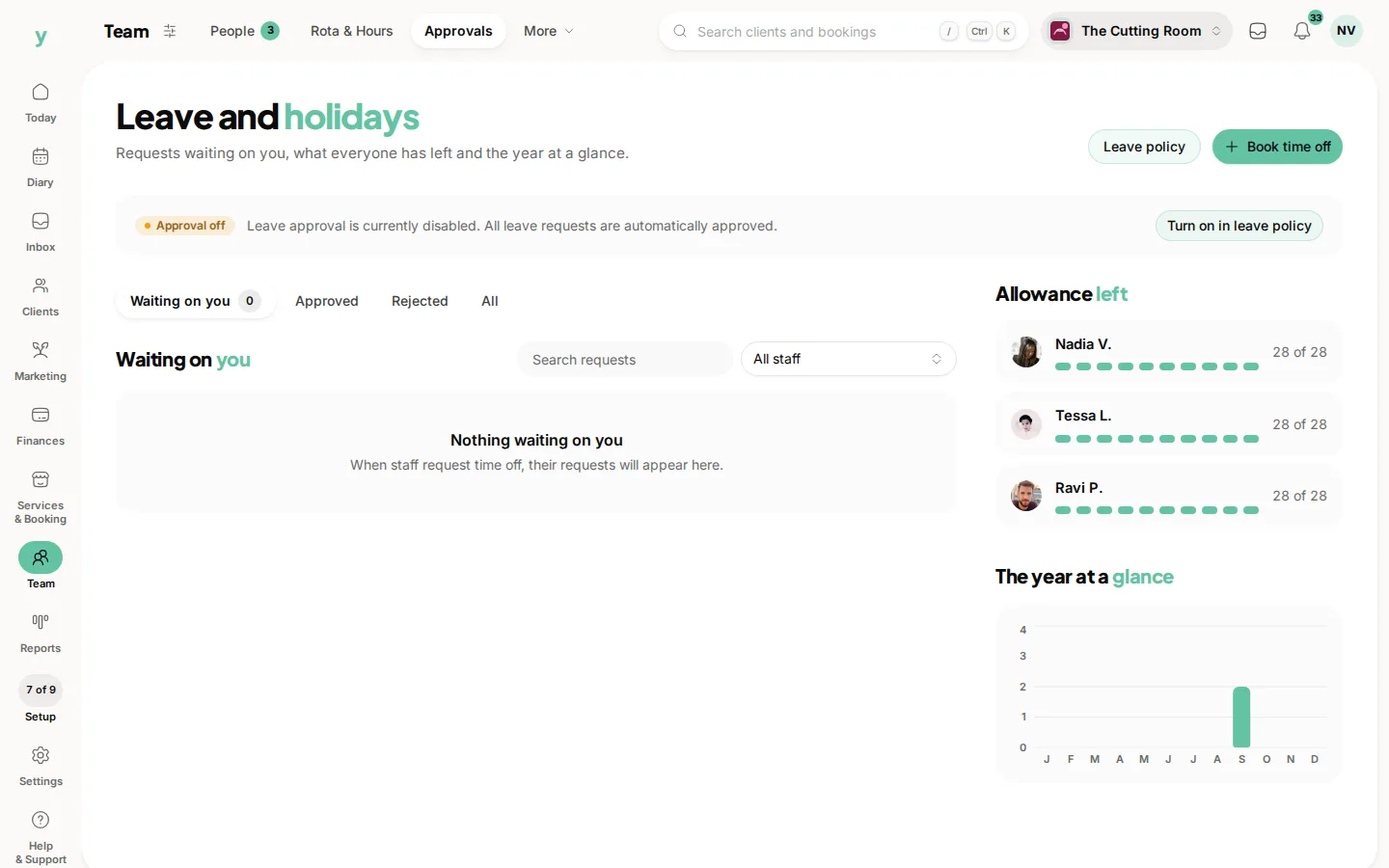
- 4Check nobody has time off covering it. Go to Team, then Leave & Holidays
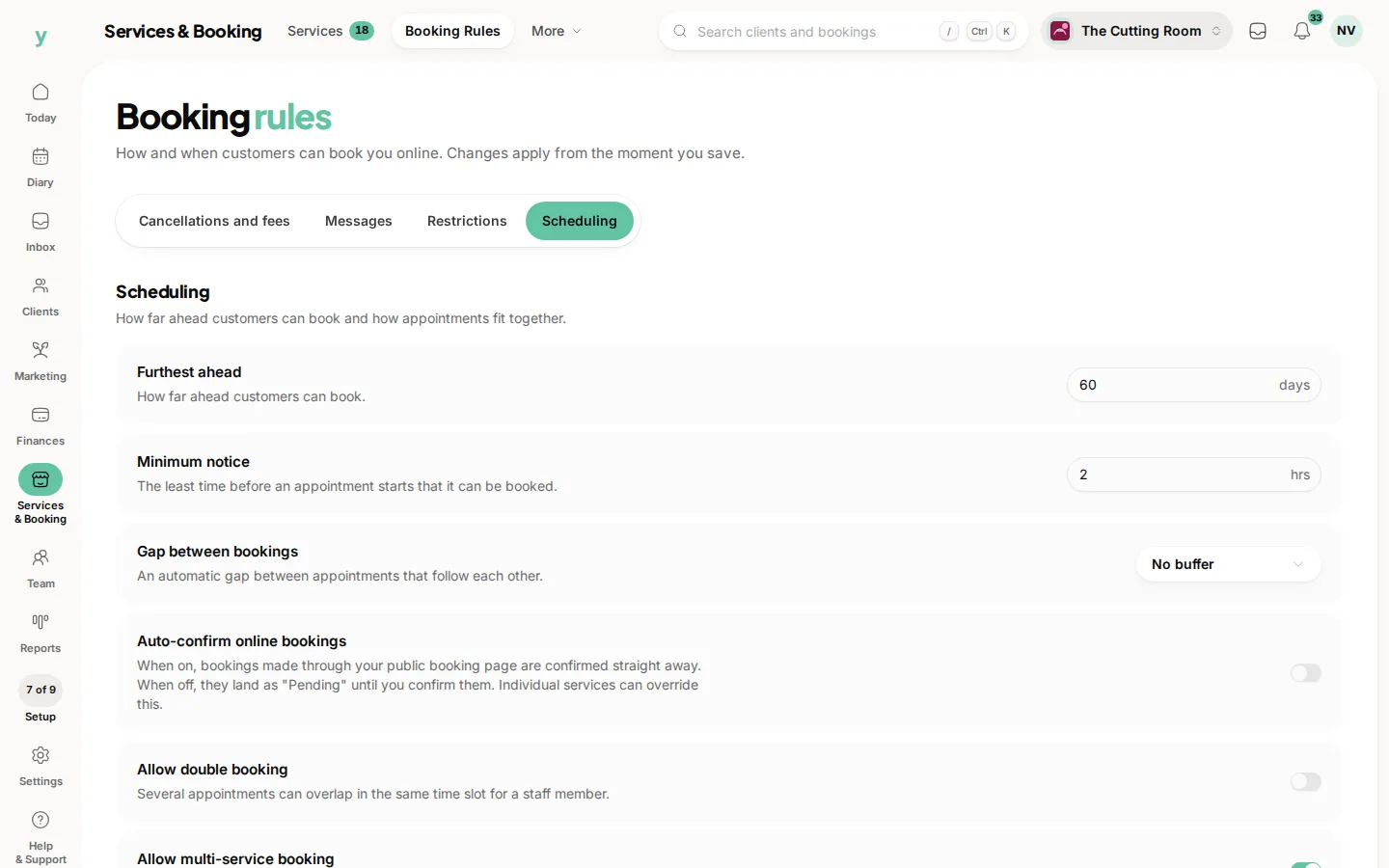
- 5Check your booking rules for a notice period longer than you meant. Go to Services & Booking, then Booking Rules
The notice period catch
A rule requiring forty-eight hours' notice means today and tomorrow show nothing. That is working correctly and it looks exactly like a fault. If you want same-day bookings, the notice period is what to change.
How far ahead can people book
If your booking window is short, dates beyond it show nothing. Somebody trying to book three months out sees an empty calendar.
Test it yourself
Open your own public page in a private browser window and try to book. Seeing what a customer sees settles most of these in a minute.
Common questions
It works for one staff member and not another. What is different?
Their working hours or the services they are assigned to. Compare the two people.
Slots show for next week but not this week. Why?
Your notice period. It is doing what it was set to do.
Everything looks right and there are still no slots. What now?
Check your business hours as well as the staff hours. Both have to allow the slot.