
Services are the things customers book, a haircut, a full valet, a boiler service, a training session. Each one has a name, a length and a price. That is what powers your booking page and your calendar.
A note on wording
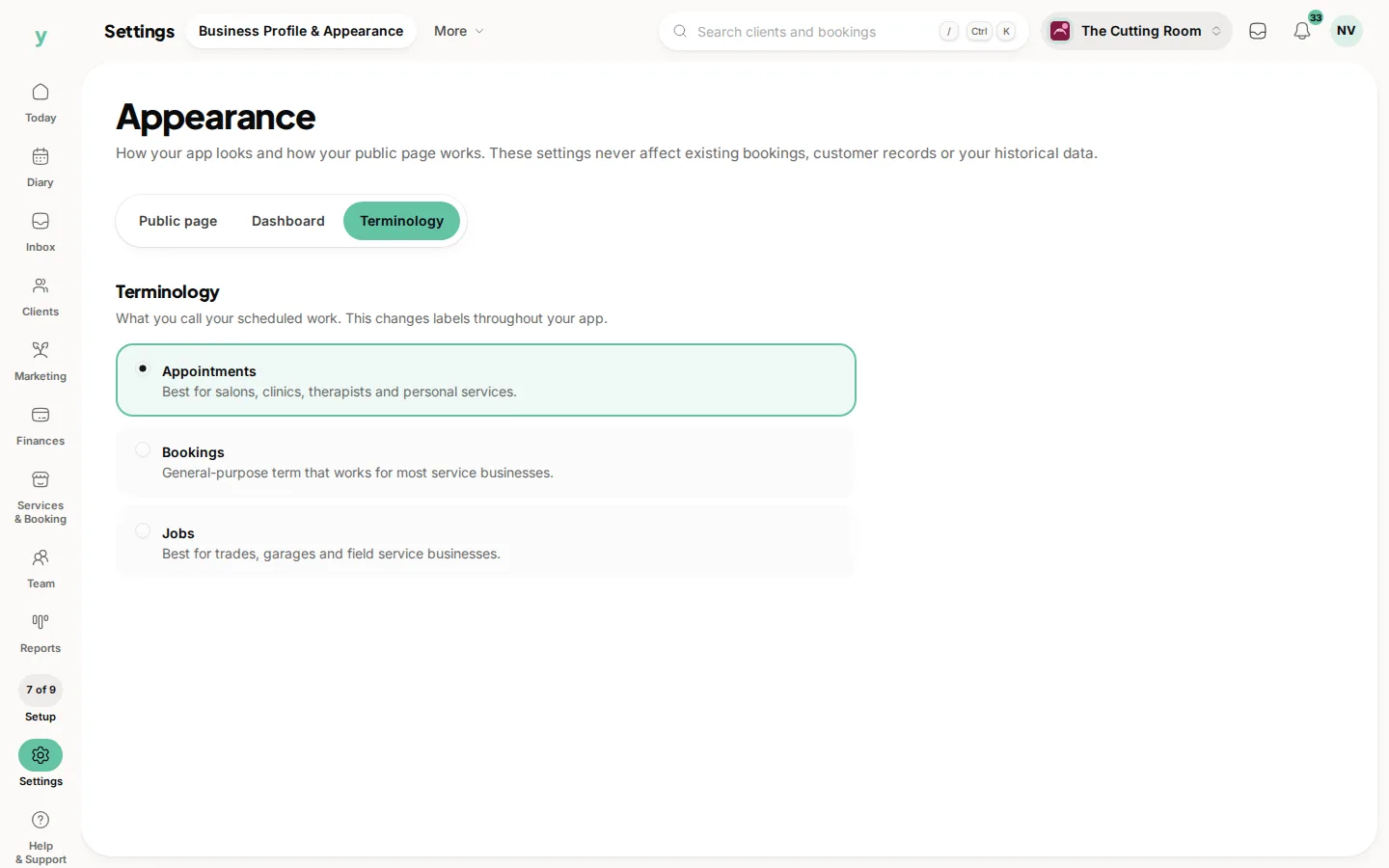
Youzse changes its wording to suit your trade. Salons and clinics see these as services, while garages and trades can switch the label to jobs under Settings, then Business Profile & Appearance. Whatever you call them, they work the same way.
Where to find it
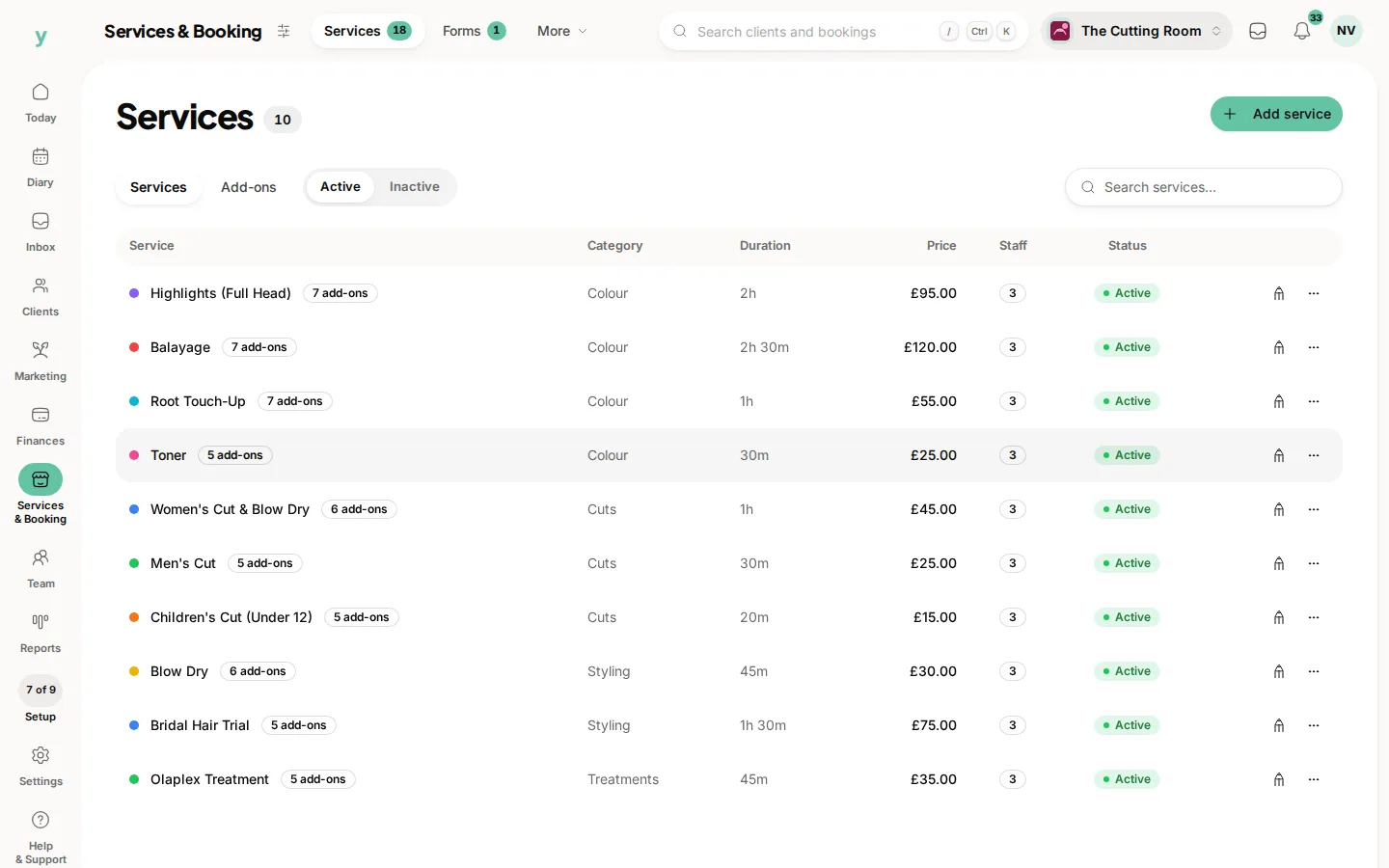
Go to Services & Booking, then Services, then add your first one.
What to set for each service
- Name: what the customer recognises, for example Haircut, Full Valet or Boiler Service
- Description: a short line on what is included
- Duration: how long it takes, this is what blocks out your calendar
- Price: what you charge or leave it as from a price if it varies
Getting the length right matters
The duration decides how much time each booking takes up, so be realistic. If a job usually runs over, build that in. It keeps your day from bunching up.
Who can do it
You can choose which team members offer each service. That way customers only get offered staff who actually do that work.
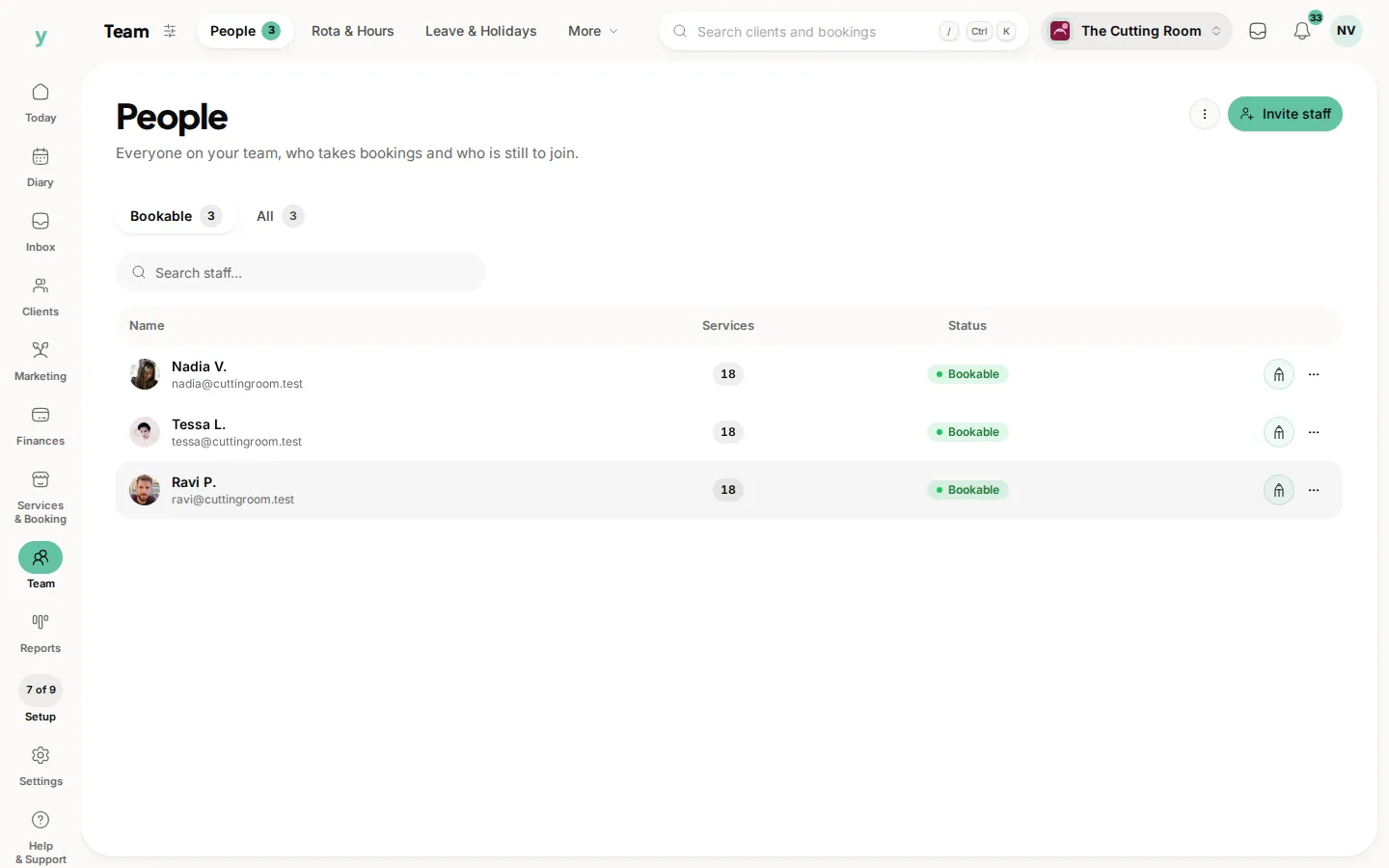
You can reorder, duplicate or hide services at any time, so start with your most popular ones and add the rest later. Next, add the people who carry out the work.
Common questions
Can I hide a service from my public page?
Yes. A service can be set not to show publicly, which suits work you only ever book yourself.
How do I charge more for a senior member of staff?
Create it as a separate service assigned only to them, so your booking page is honest about what each person costs.
Do I have to set a duration?
It is worth it, because the duration is what generates realistic slots. Without one your diary will not reflect how long the work takes.