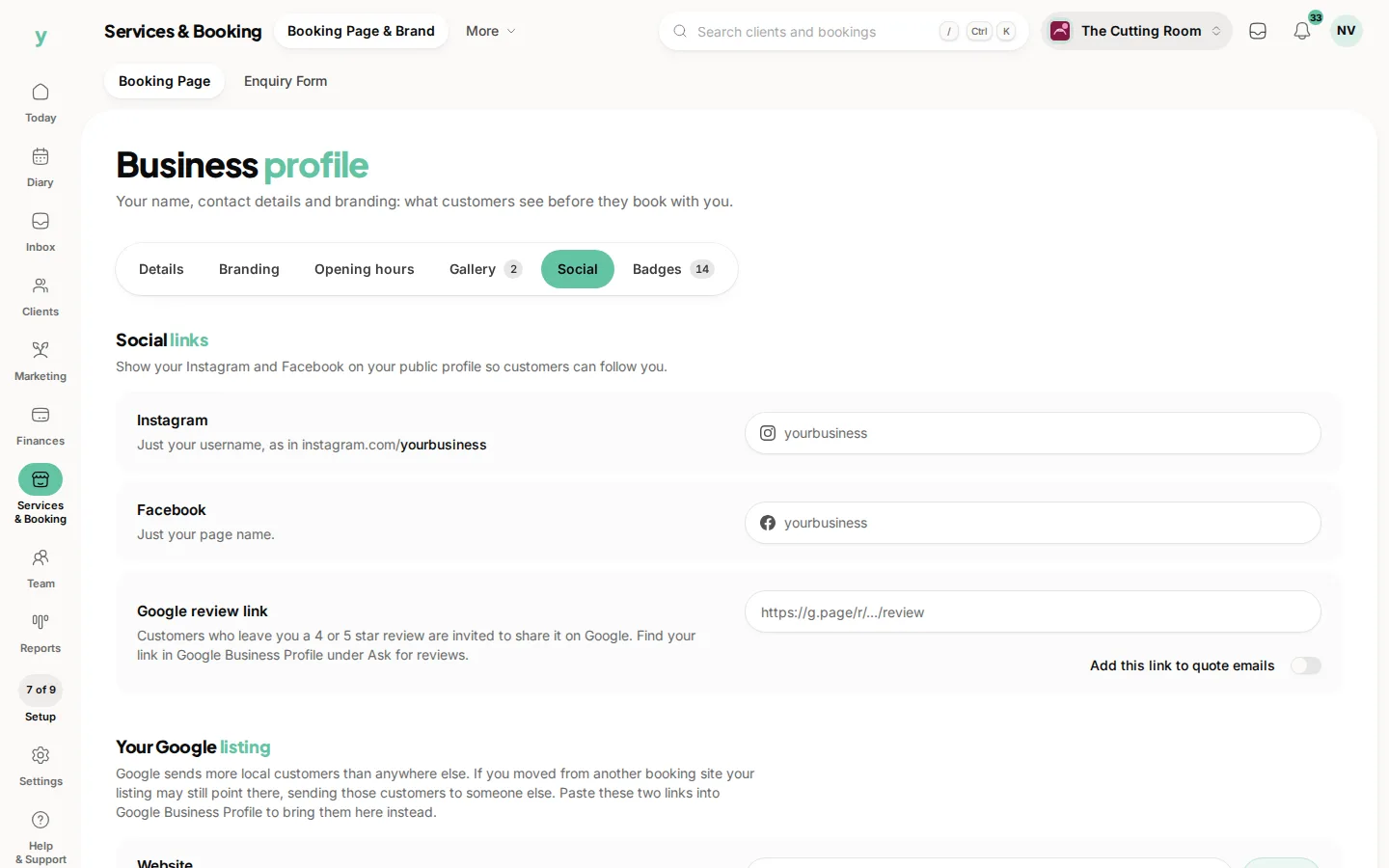
Your business profile is what customers see when they land on your page, so it is worth a few minutes to get it right. You set most of this during sign-up, but you can change any of it whenever you like.
Where to find it
Go to Services & Booking, then Booking Page & Brand. This is the home for your name, logo, cover image, contact details and review links.
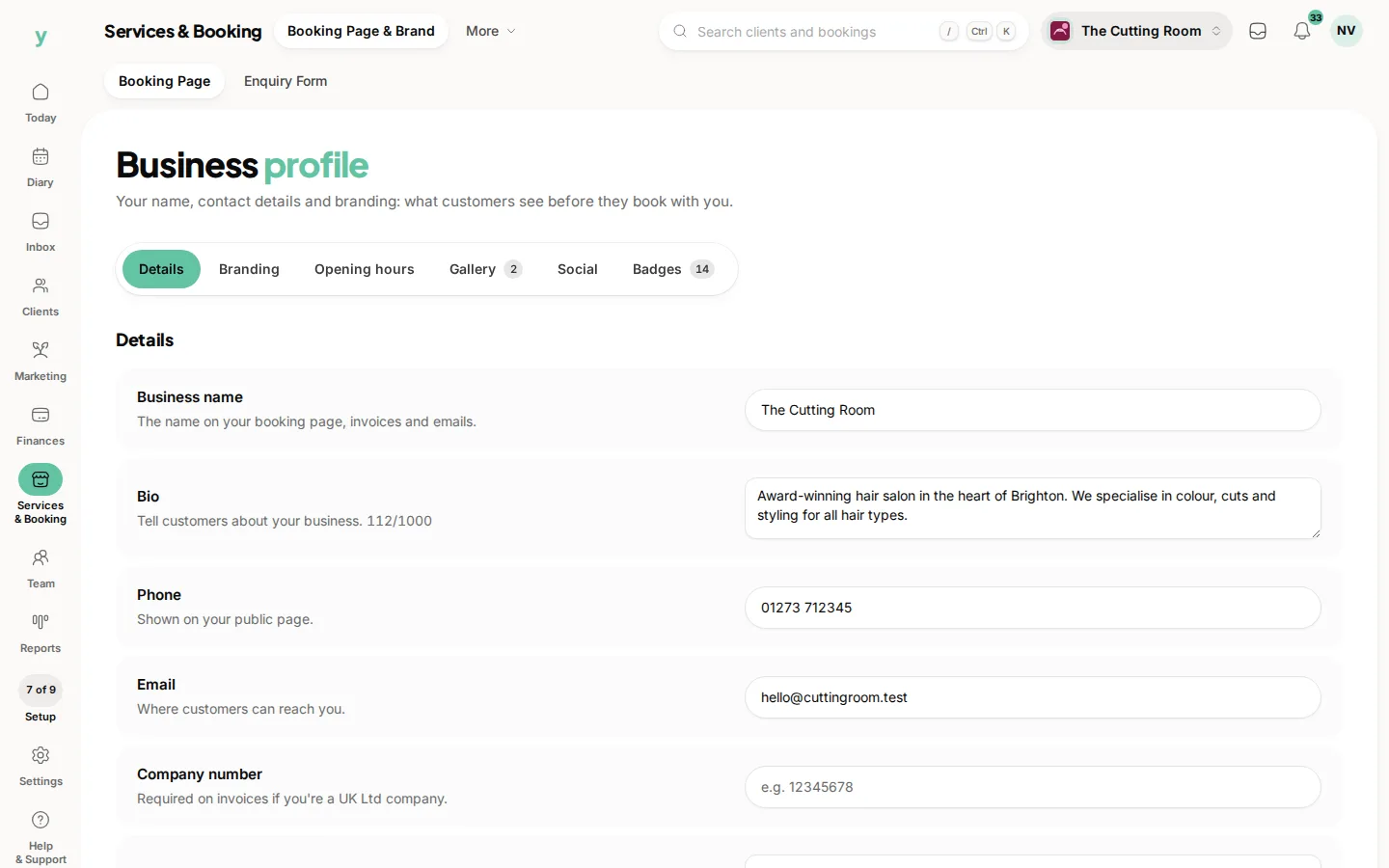
What to fill in
- Business name: the name customers will recognise
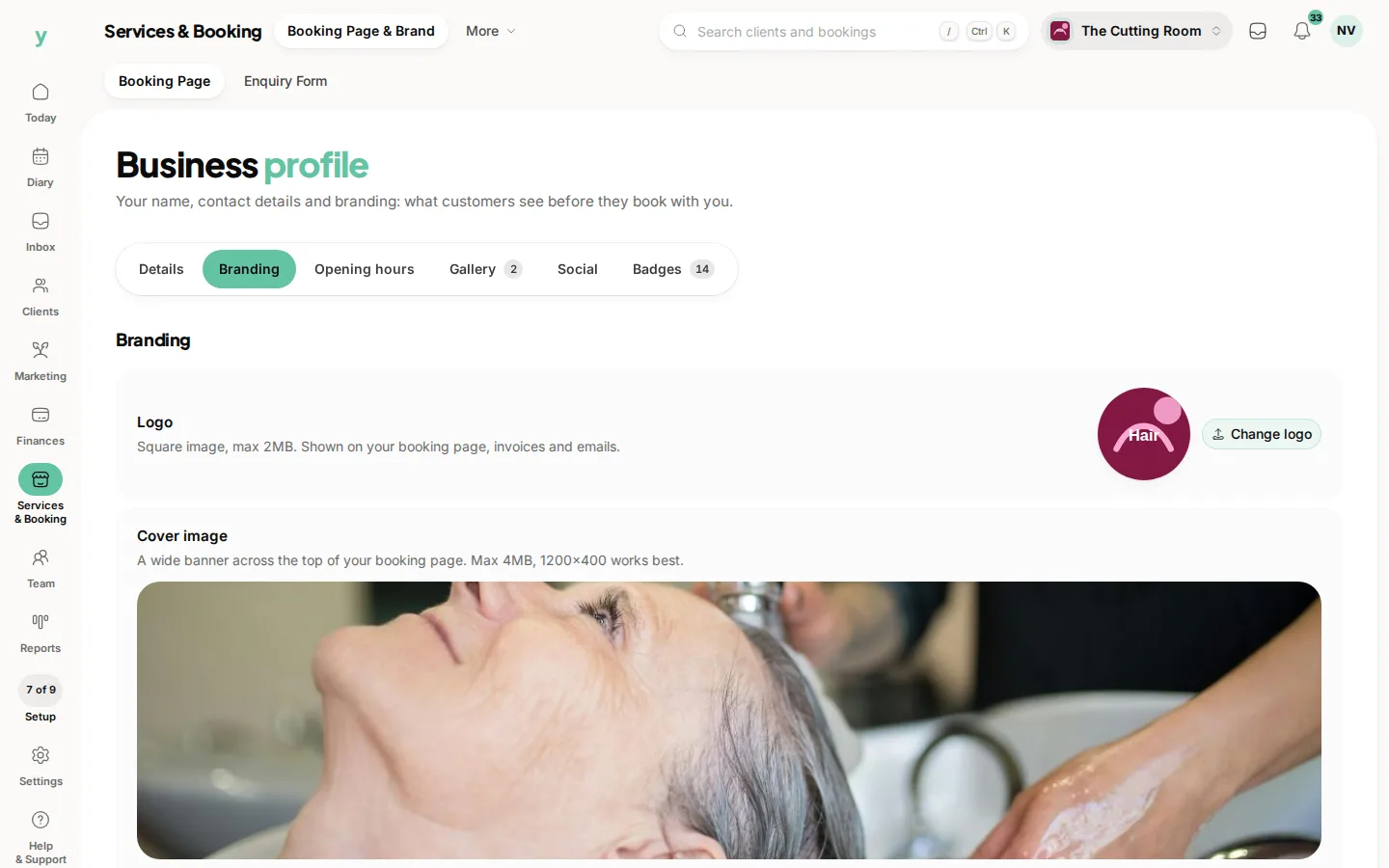
- Logo: a square image works best, it shows on your page and on confirmations
- Cover image: a wider banner photo for the top of your page
- Contact details: phone and anything else you want customers to see
- Google review link: paste this in so happy customers can leave you a review in one tap
Your location and hours
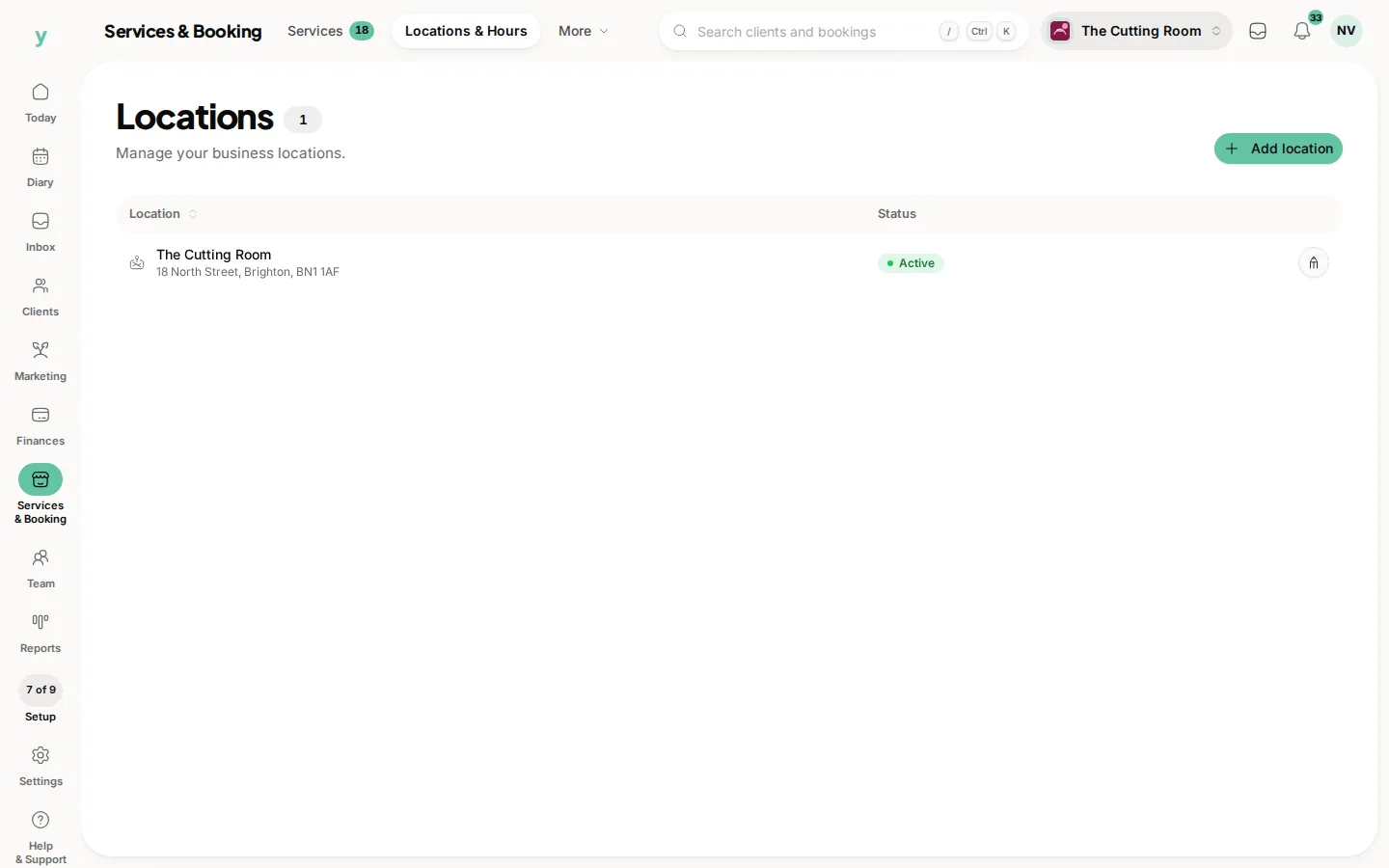
Your address and opening hours live under Services & Booking, then Locations & Hours. Your address shows on your page and helps local customers find you, so keep it accurate. If you have more than one site you can add each one here.
A quick tip on photos
Good images make a real difference. A clear logo and a warm cover photo of your space tell people they are in the right place before they read a word.
Once your profile is looking good, move on to adding your services so customers have something to book.
Common questions
Where do I change my business name and logo?
Services & Booking, then Booking Page & Brand. Your address and opening hours live under Services & Booking, then Locations & Hours.
What size should my logo be?
A square image works best, because it shows on your page and on the confirmations customers receive.
Why add a Google review link?
It lets a happy customer leave you a Google review in one tap and Google reviews are what show in search and maps.