Before you point customers at your page, it is worth a quick run through the essentials. Youzse keeps a setup list for you on the Getting started screen (Today, then Getting Started), which ticks items off as you complete them. Here is what is worth getting done first.
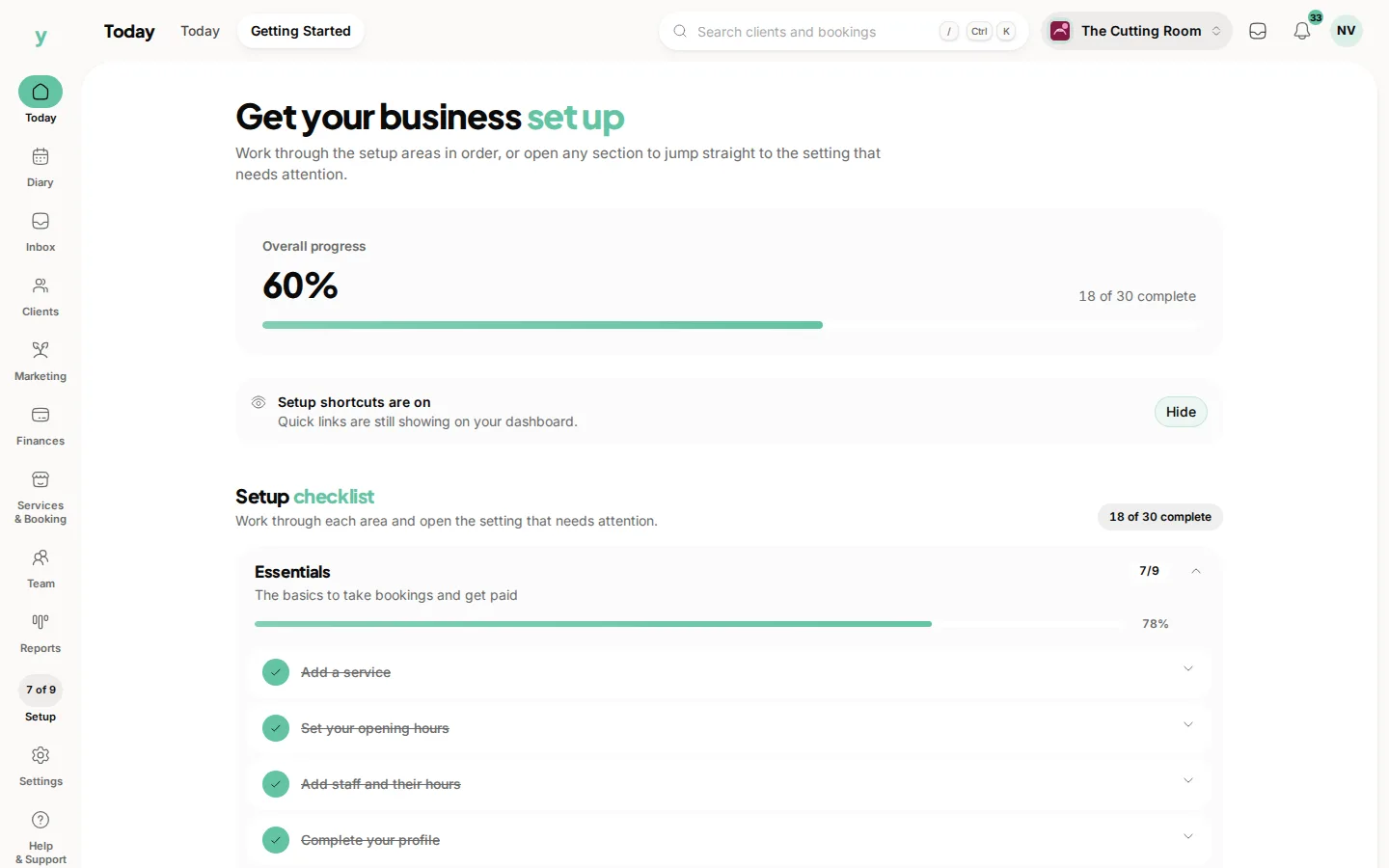
The essentials
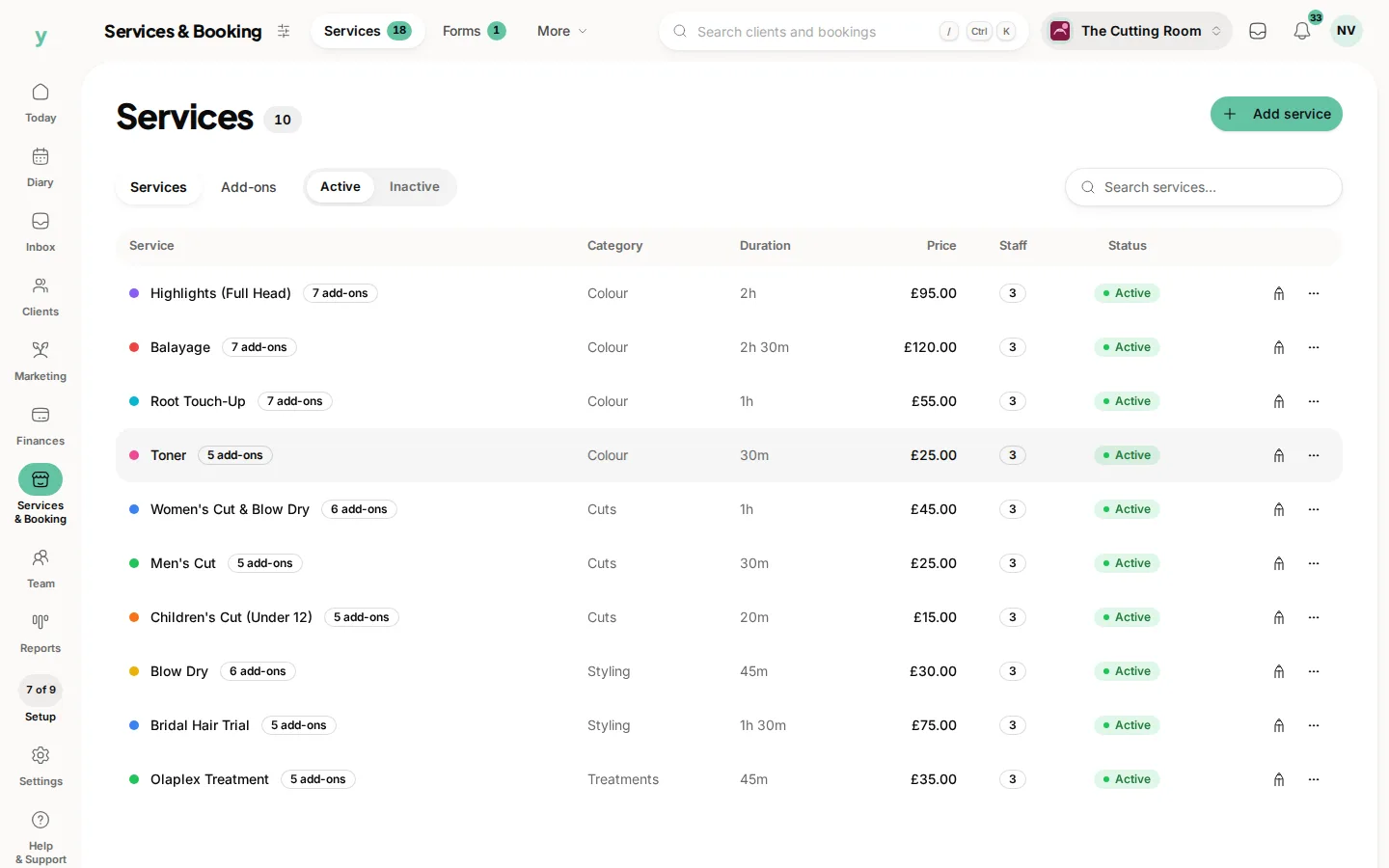
- Add a service: at least one service or job so there is something to book
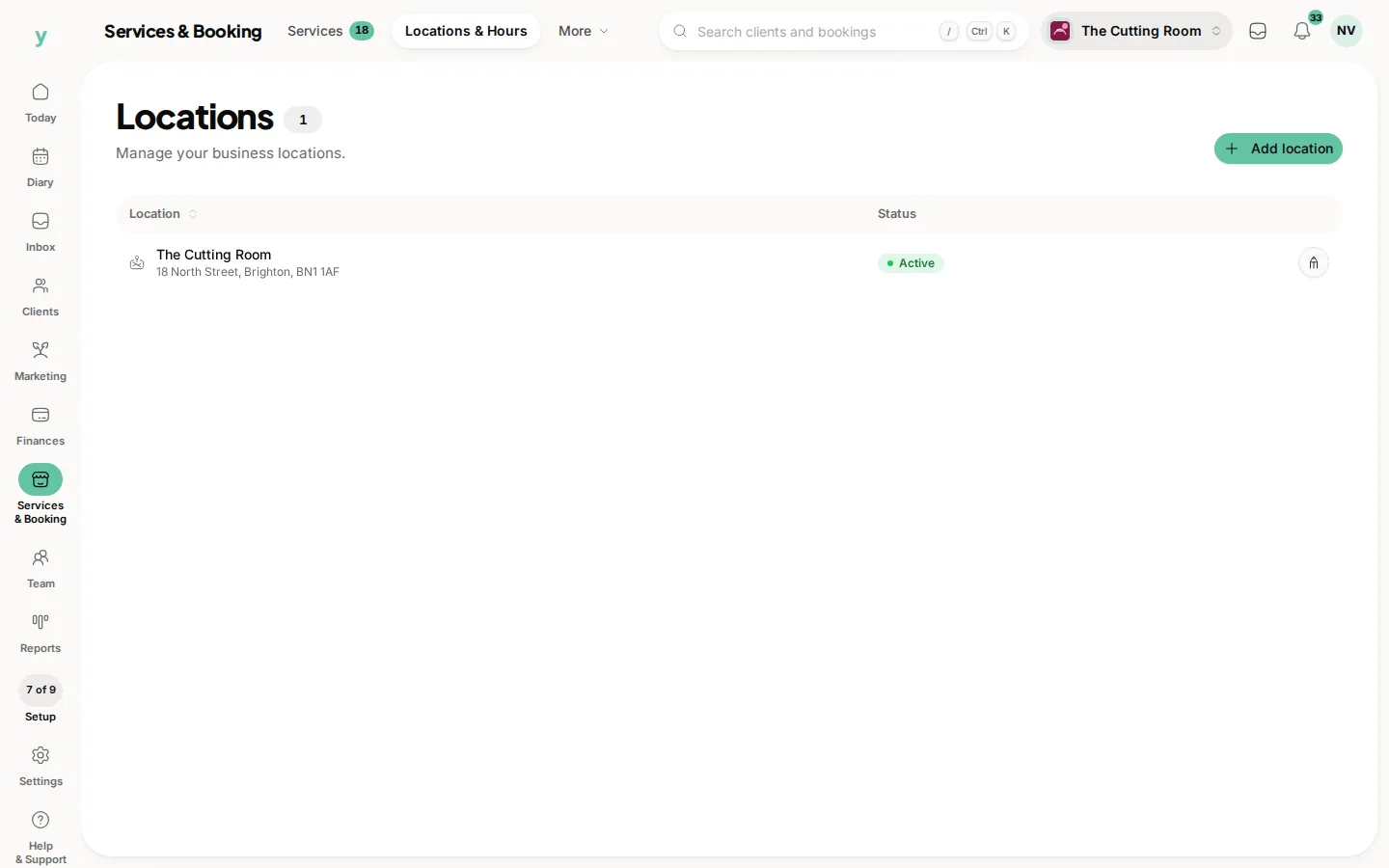
- Set your opening hours: under Services & Booking, then Locations & Hours
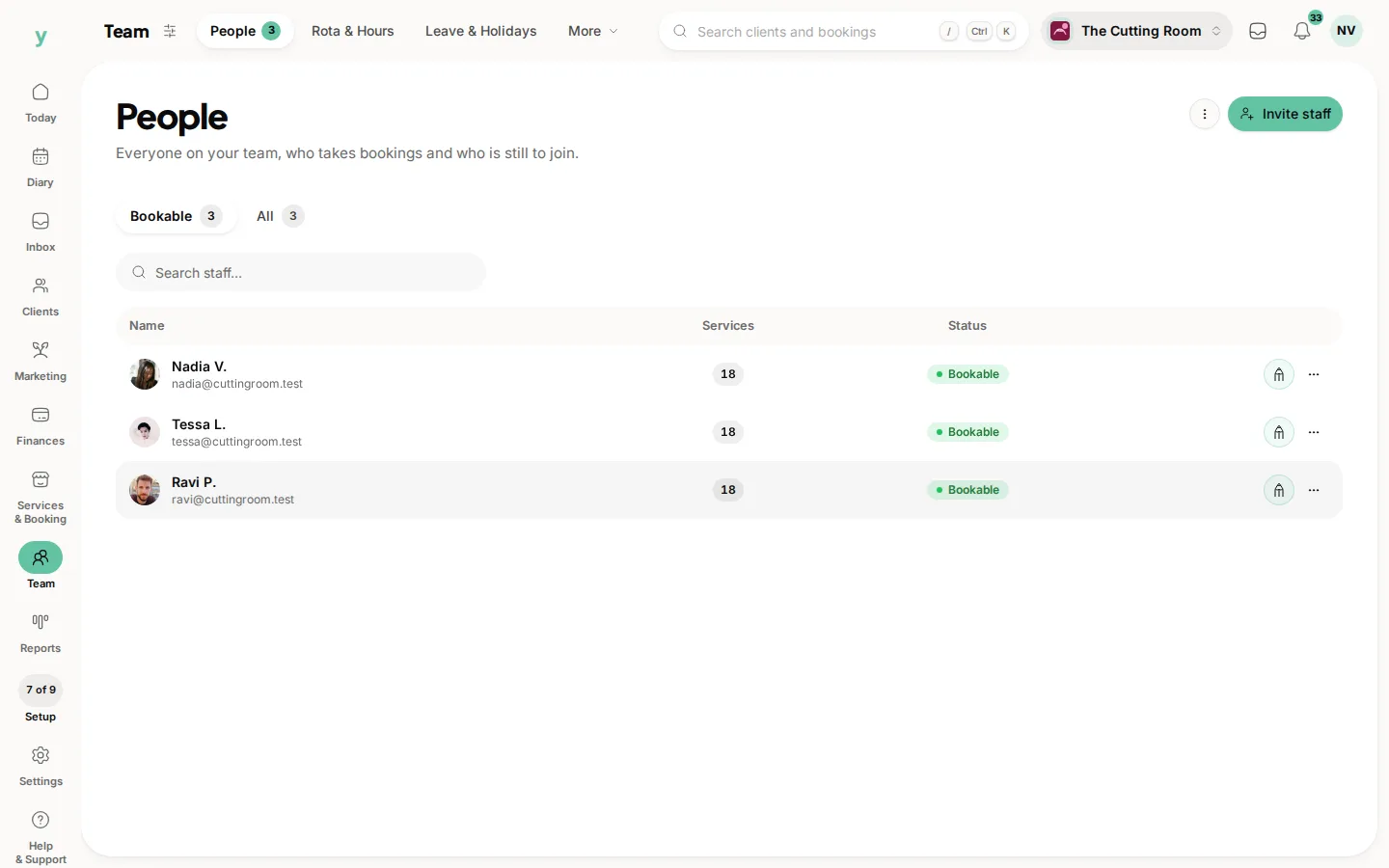
- Add your team and their hours: so customers can book the right person
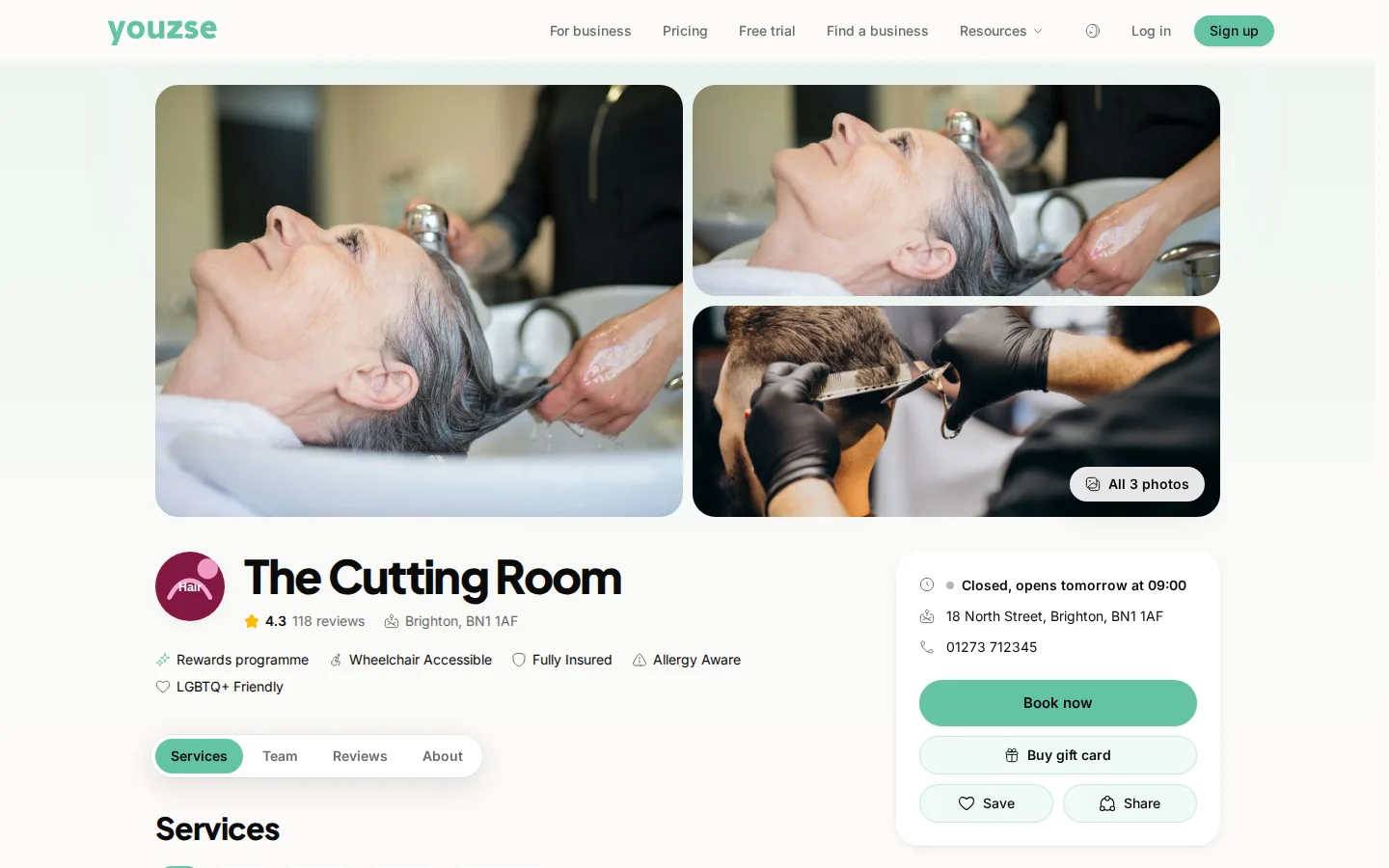
- Complete your profile: name, logo, cover image and contact details
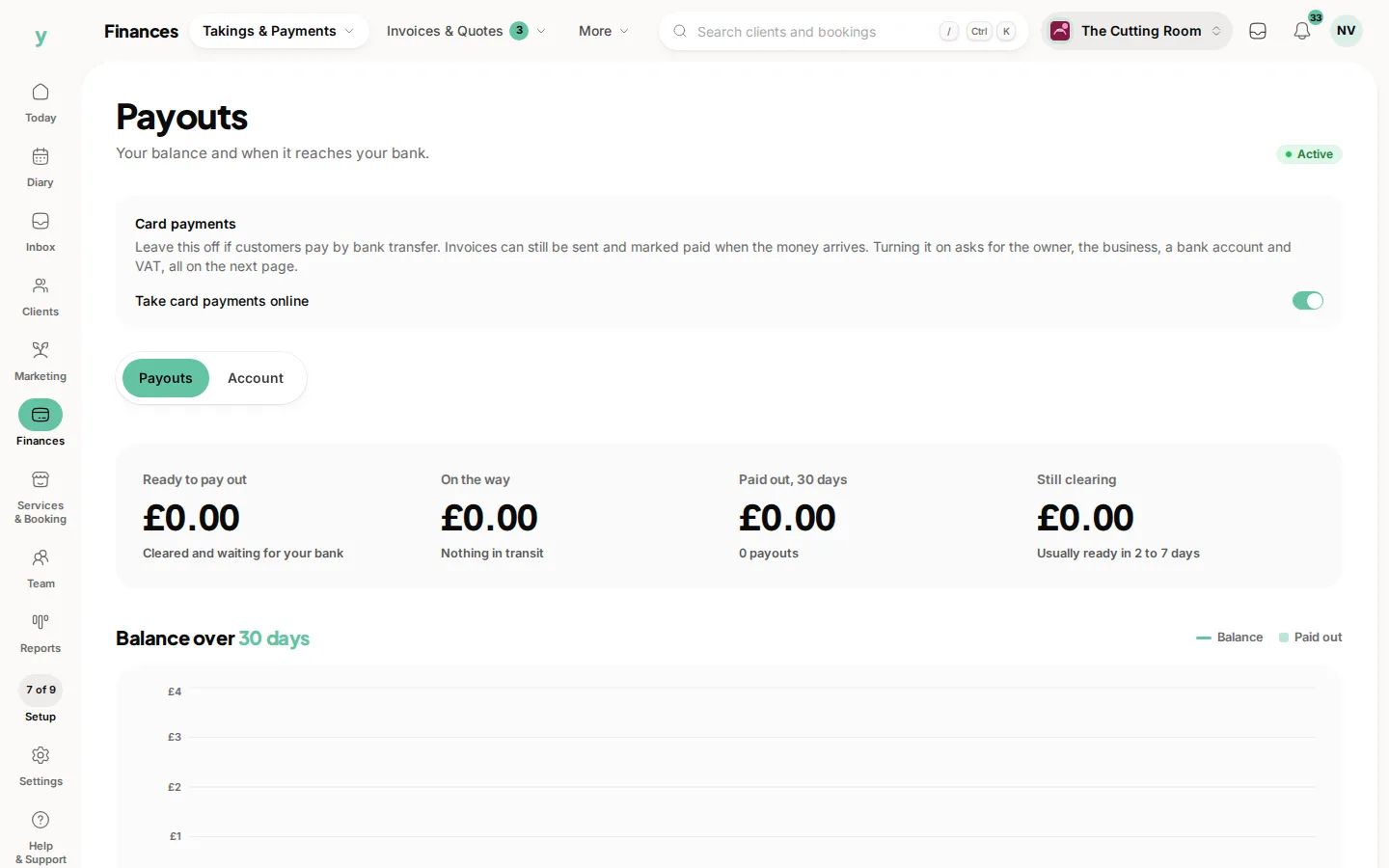
- Connect online payments: so you can take deposits and get paid online
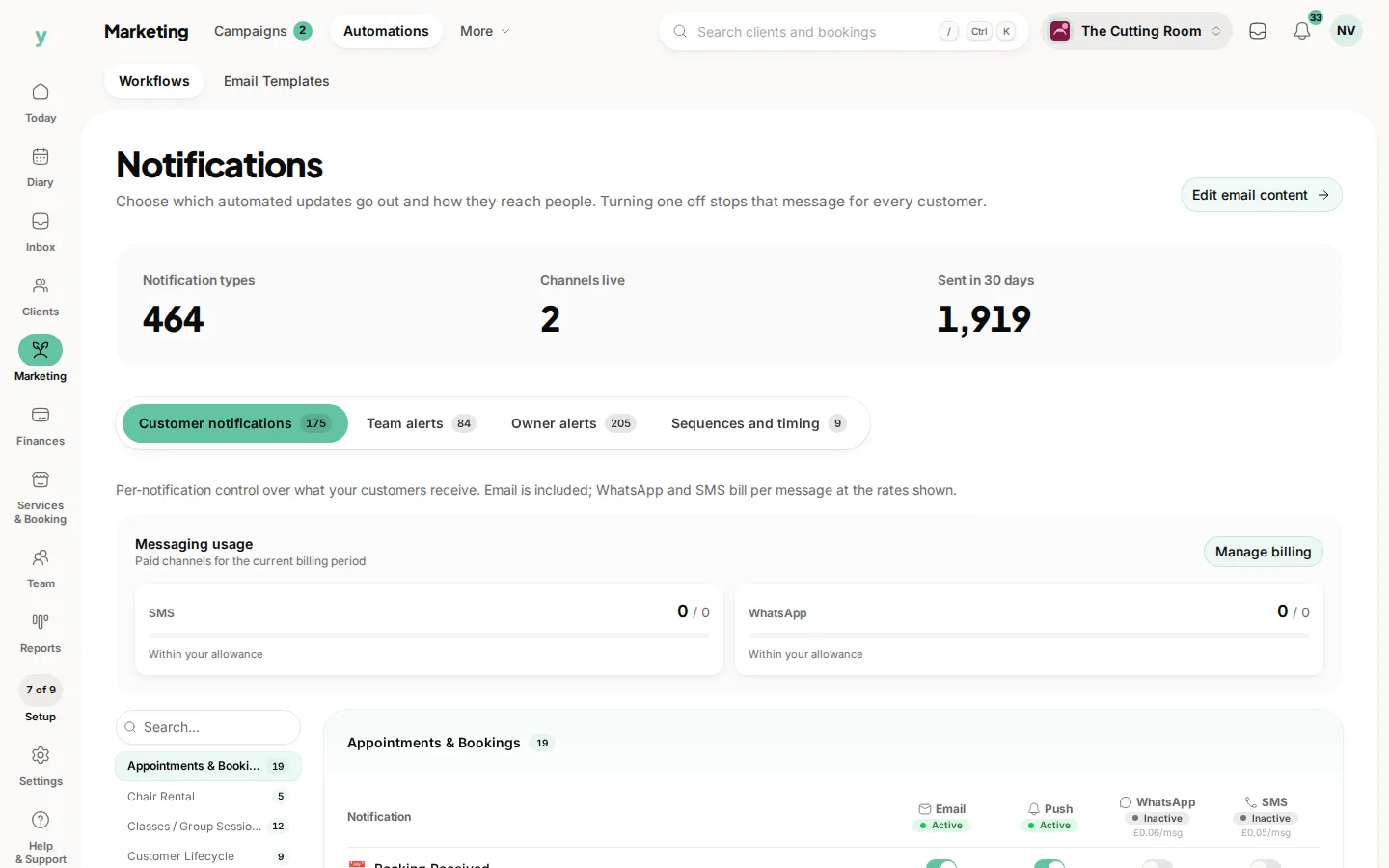
- Choose your notifications: decide which alerts you receive and on which channels
- Review your booking rules: how far ahead and how close to the day people can book
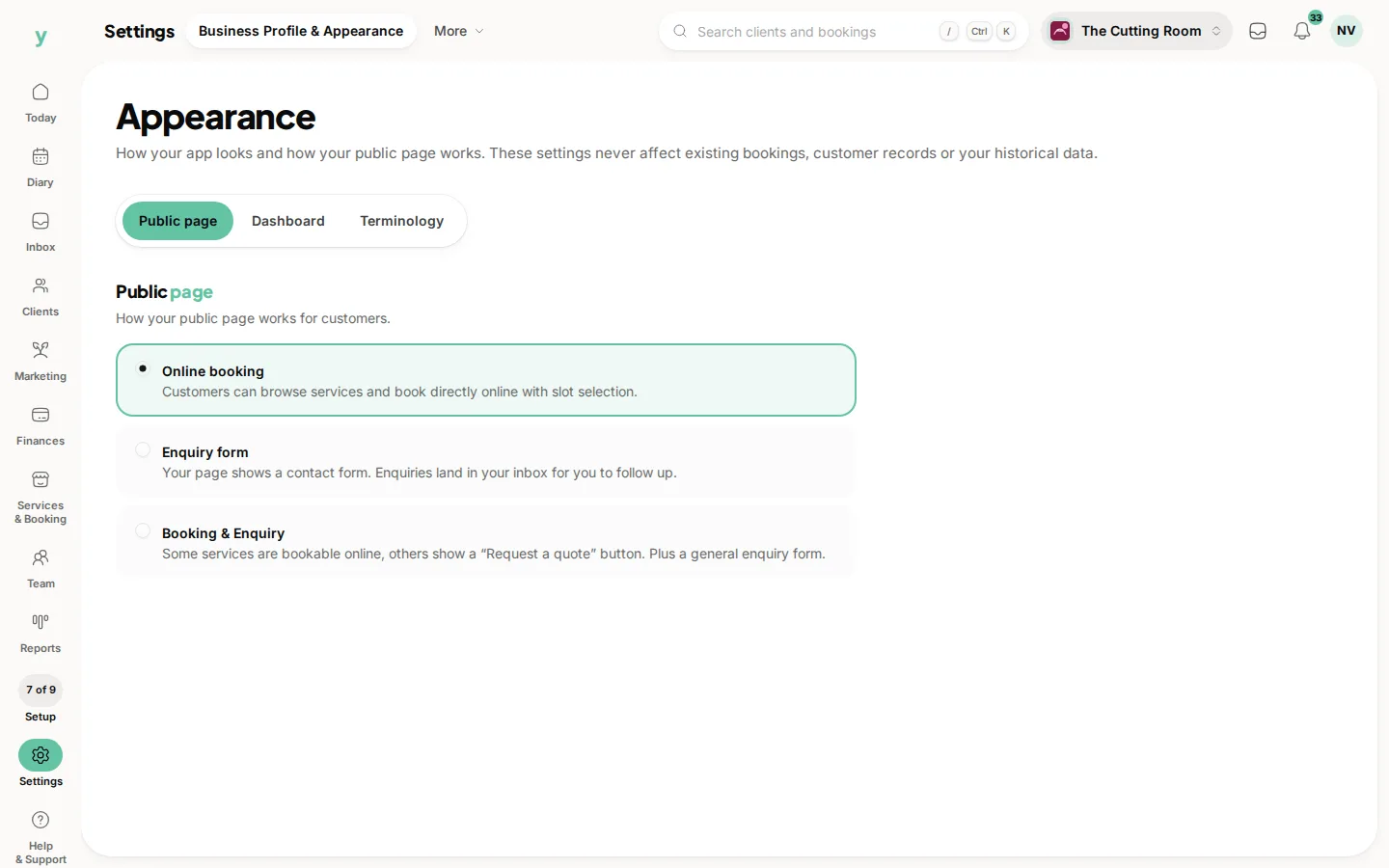
- Publish your booking page: pick booking, enquiries or both
When you are ready to get paid
- Confirm your payout details so money reaches your bank
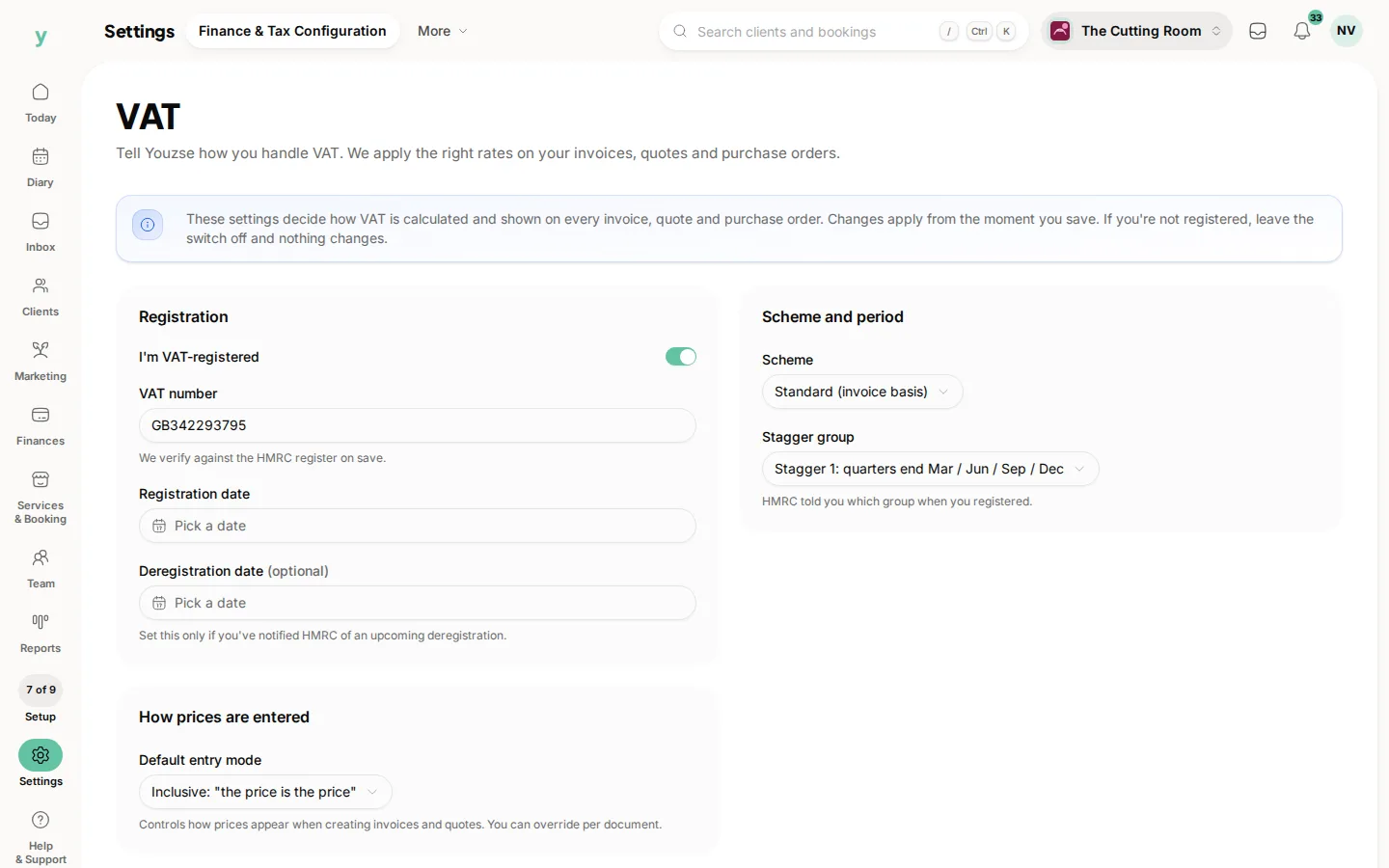
- Set up VAT if you are registered
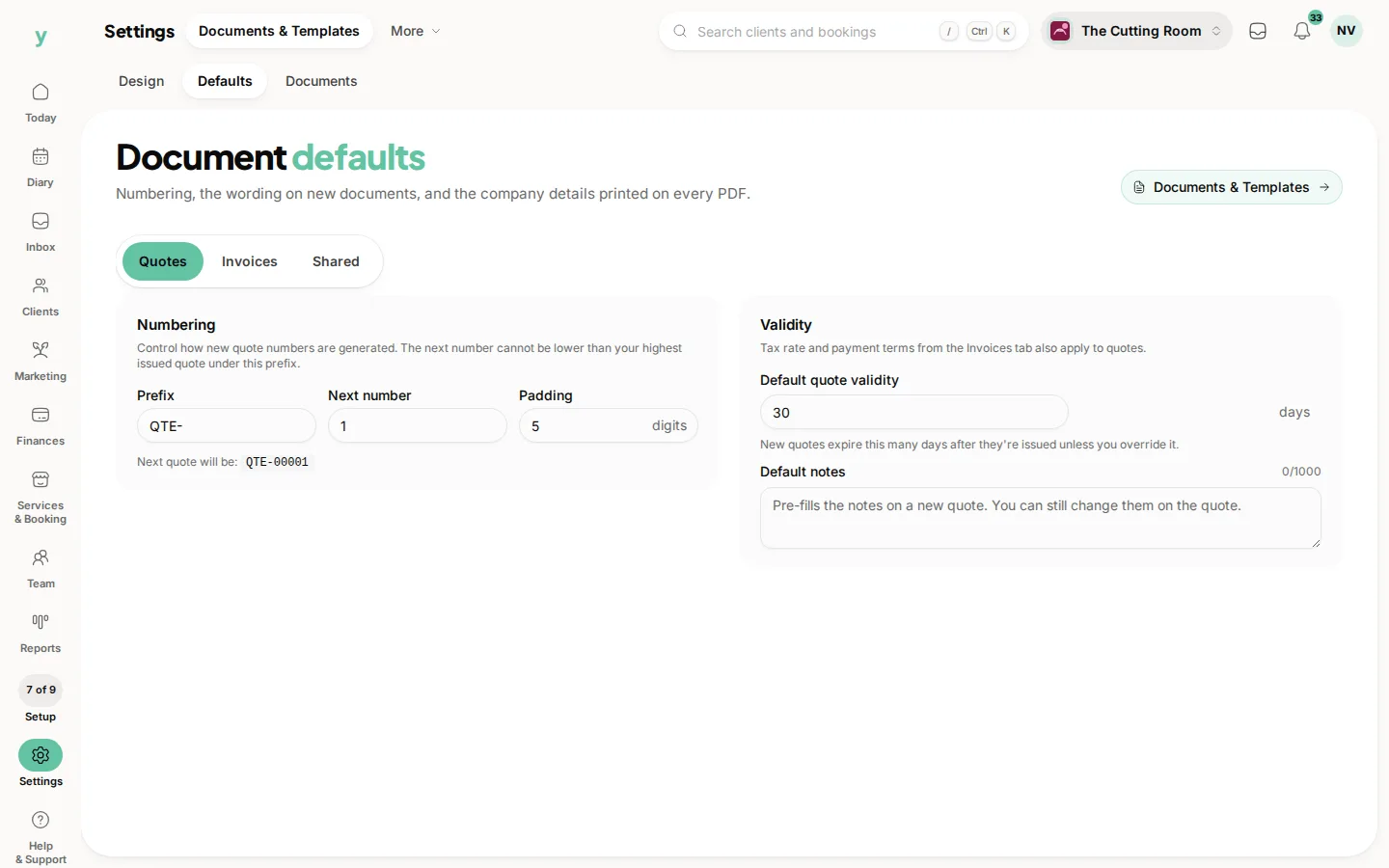
- Set your invoice defaults
Worth doing soon after
- Import your existing customers so their history comes with them
- Add photos to your page
- Invite the rest of your team
Take it in order and you will be live in good shape. The setup list on the Getting started screen is the easiest way to keep track, each item links straight to the right place. There is no need to finish everything before you open, the essentials are enough to start taking bookings.
Common questions
What is the minimum before I go live?
A business profile, your services with prices, your hours and at least one person assigned to each service.
Should I take a test booking first?
Yes. Book yourself through your own public page and read the confirmation that arrives. It catches most setup mistakes.
Do I need online payments switched on to start?
No. You can take bookings and be paid however you do now and connect payments when you are ready.