
Welcome. Youzse is one place to run the booking, customer and payment side of your business, whether you cut hair, fix cars, train clients or look after pets. This article gives you the lie of the land so you know what to set up and in what order.
What you can do with Youzse
- Take bookings through your own public page, day and night
- Keep a calendar of everything that is happening across your team
- Hold all your customer records, notes and history in one place
- Send invoices, take deposits and get paid online
- Send booking confirmations and reminders automatically
- Run loyalty, gift cards, memberships and discounts when you are ready
The good news on fees
when a new client finds you through Youzse and books, you pay 0% commission on that booking. The clients you win are yours to keep.
Where to start
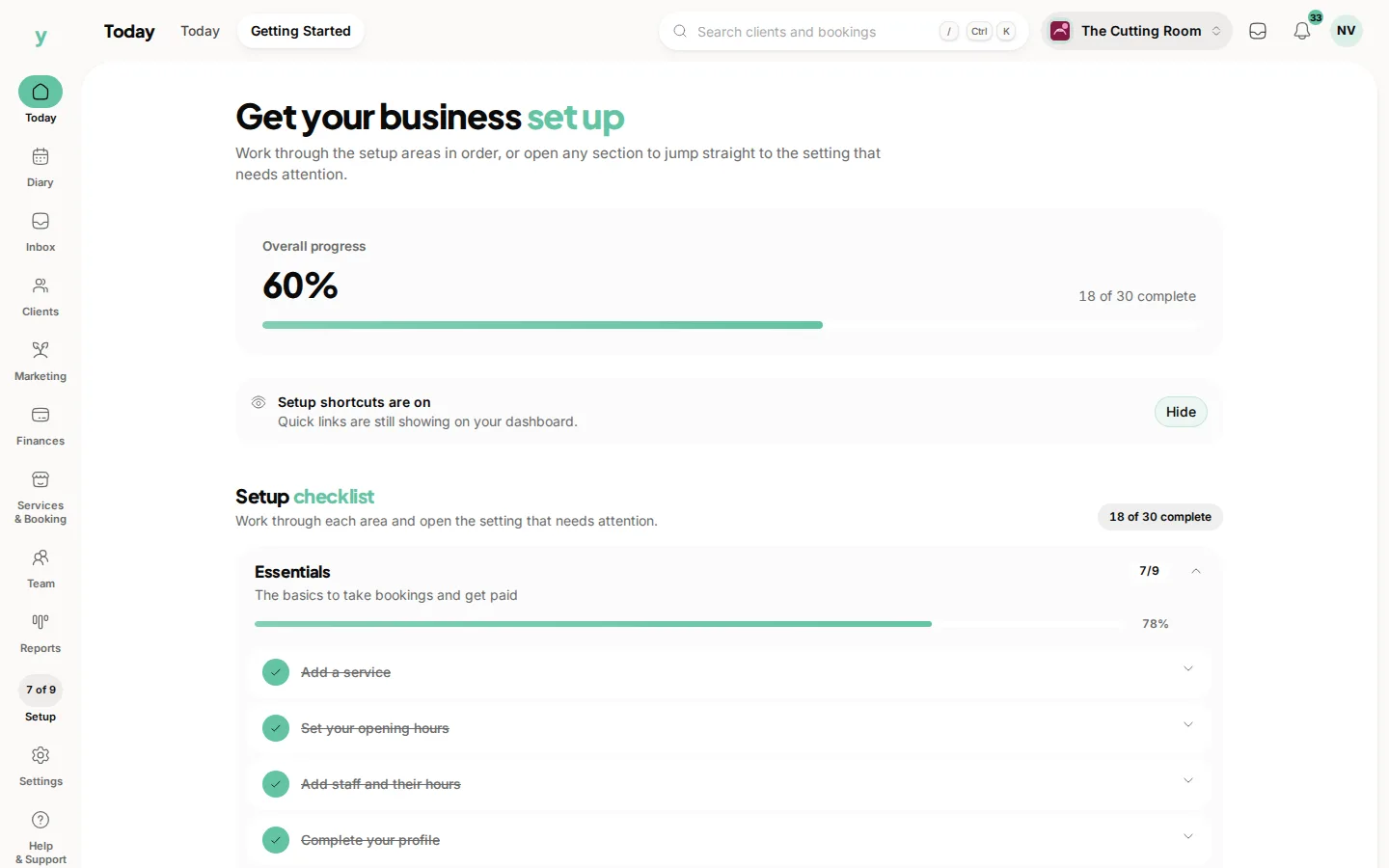
You will already have answered a few questions when you signed up, your business details, your address, your opening hours and the data protection bits. That gets your account live. From there a short setup list walks you through the rest.
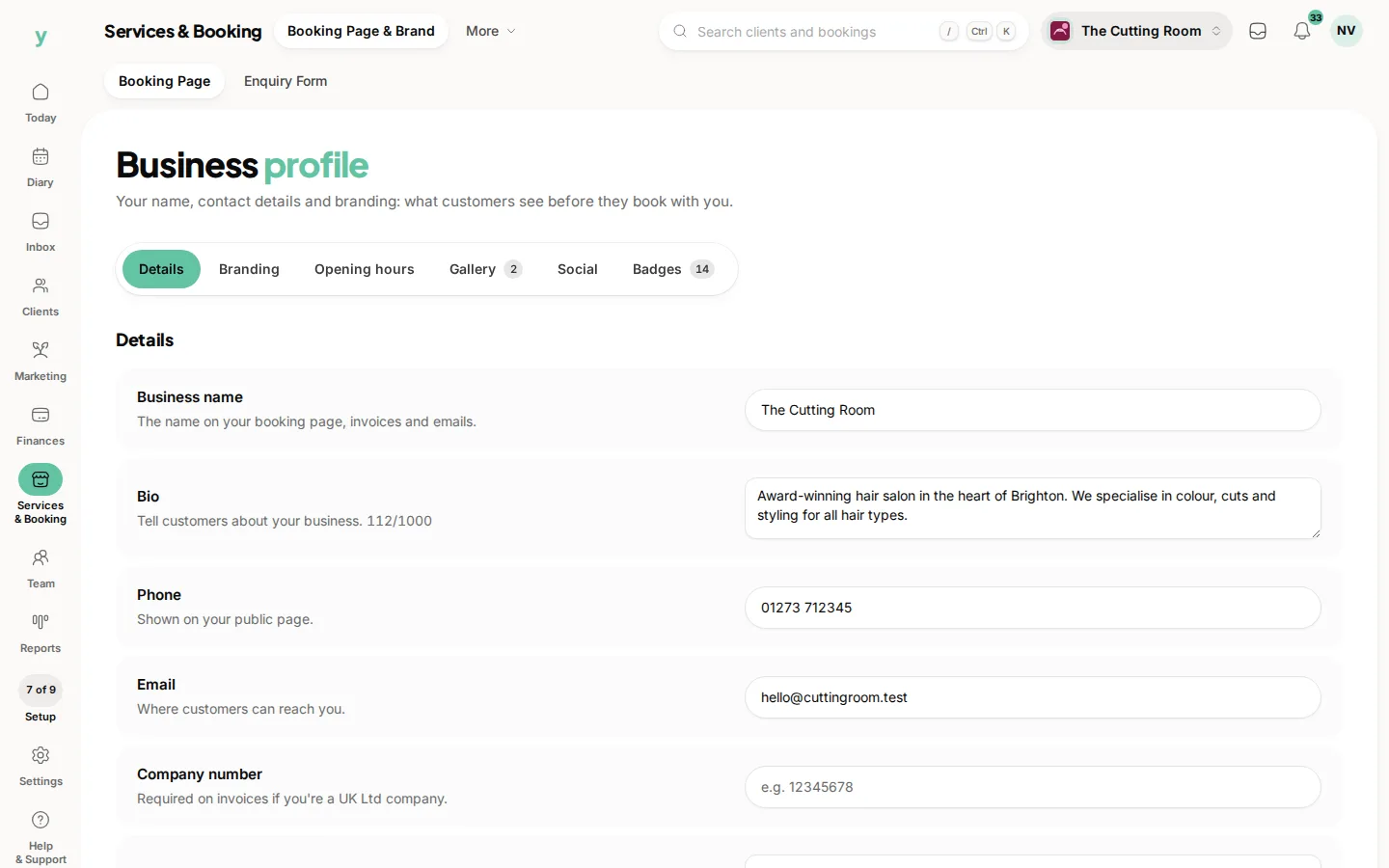
- 1Finish your business profile so your page looks the part
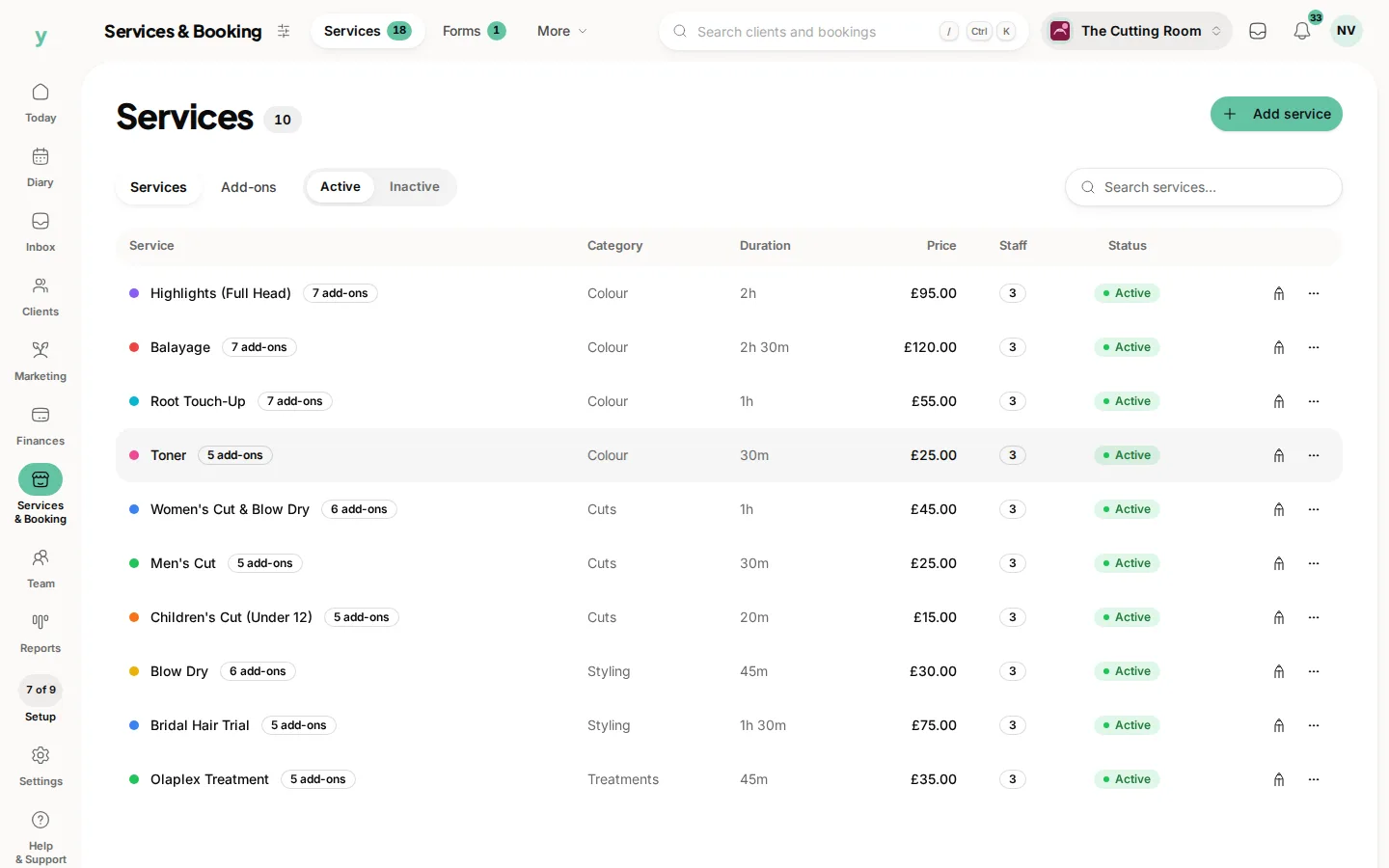
- 2Add the services or jobs you offer
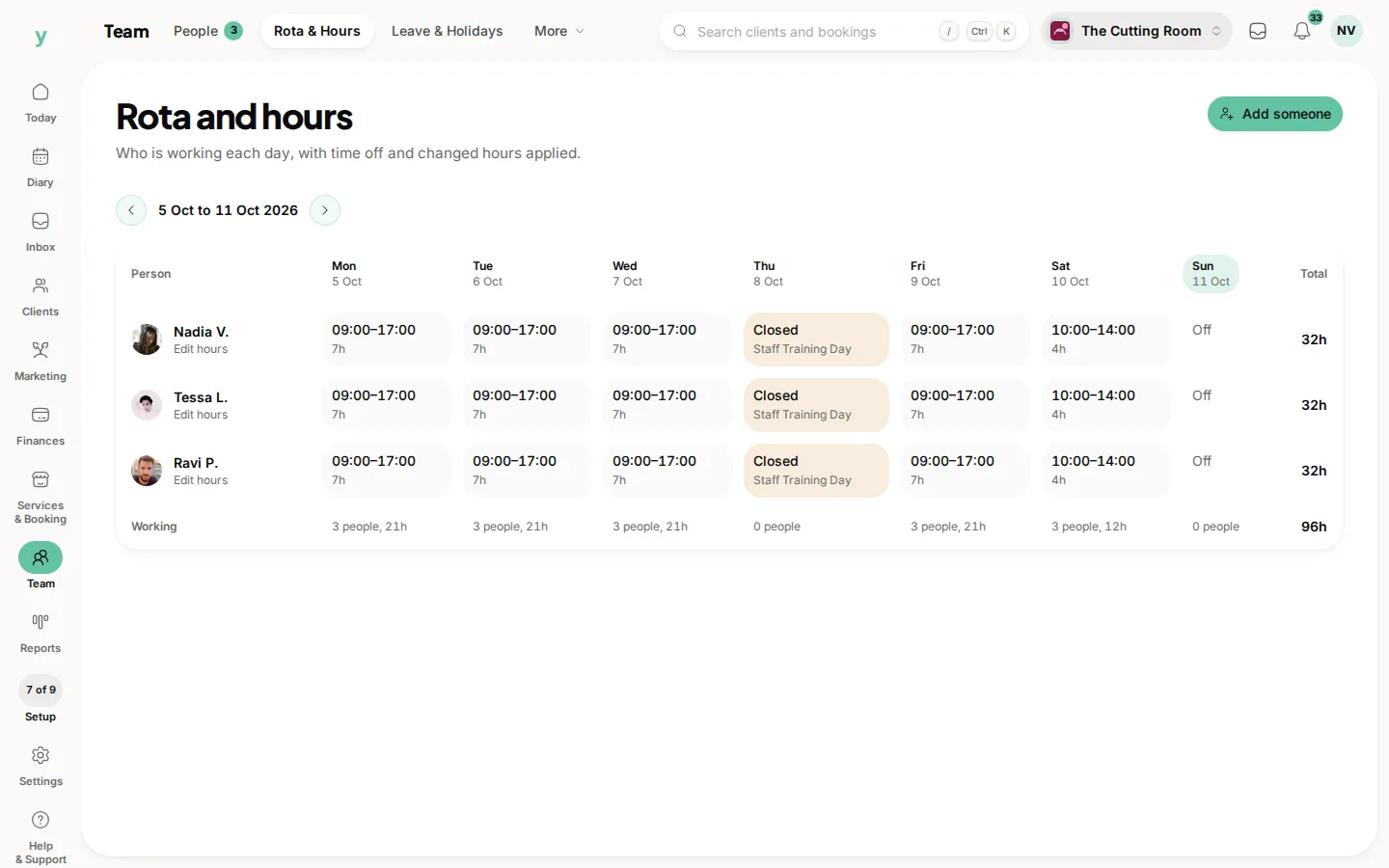
- 3Add your team and their working hours
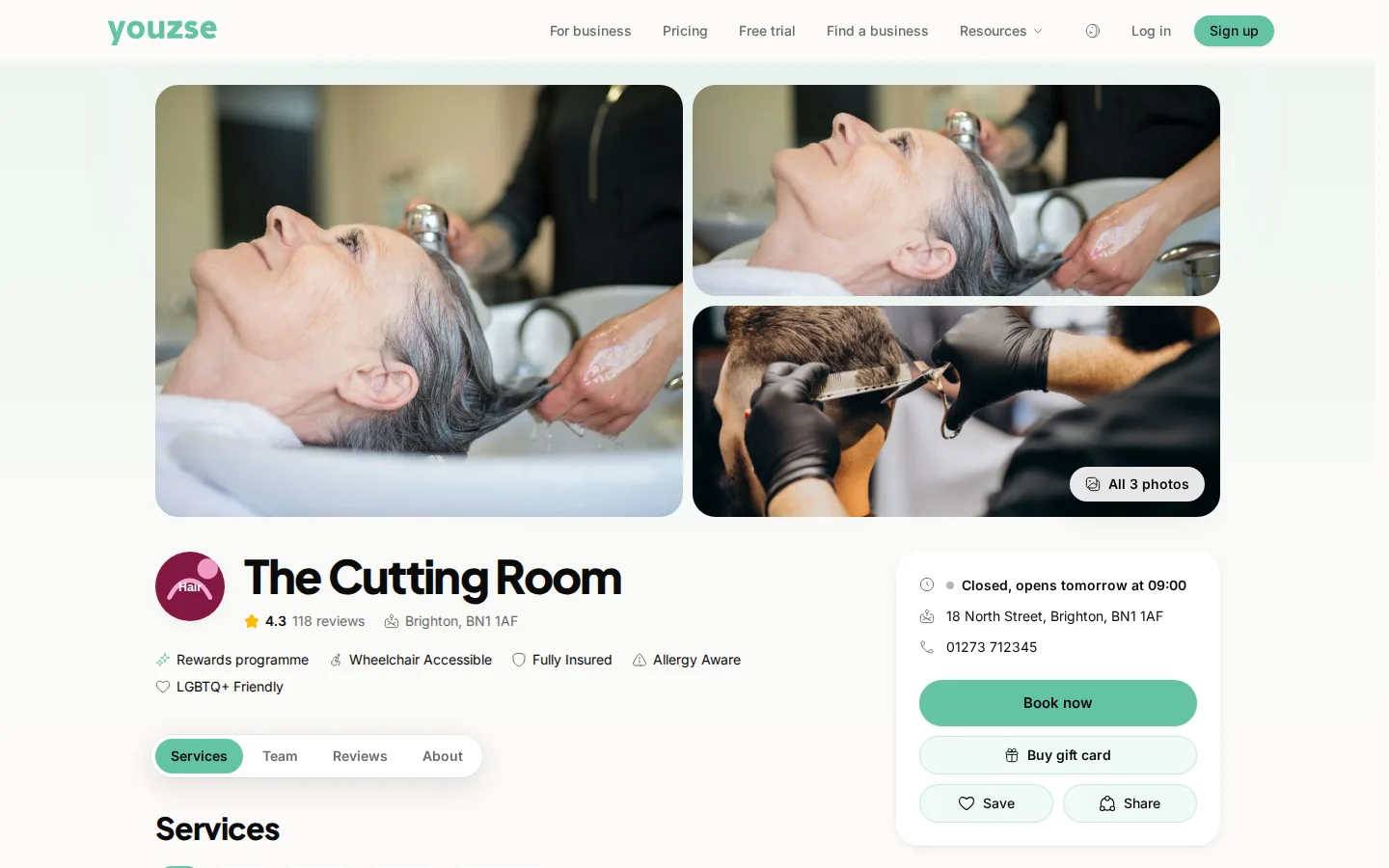
- 4Check your public booking page
- 5Connect online payments when you are ready to take money
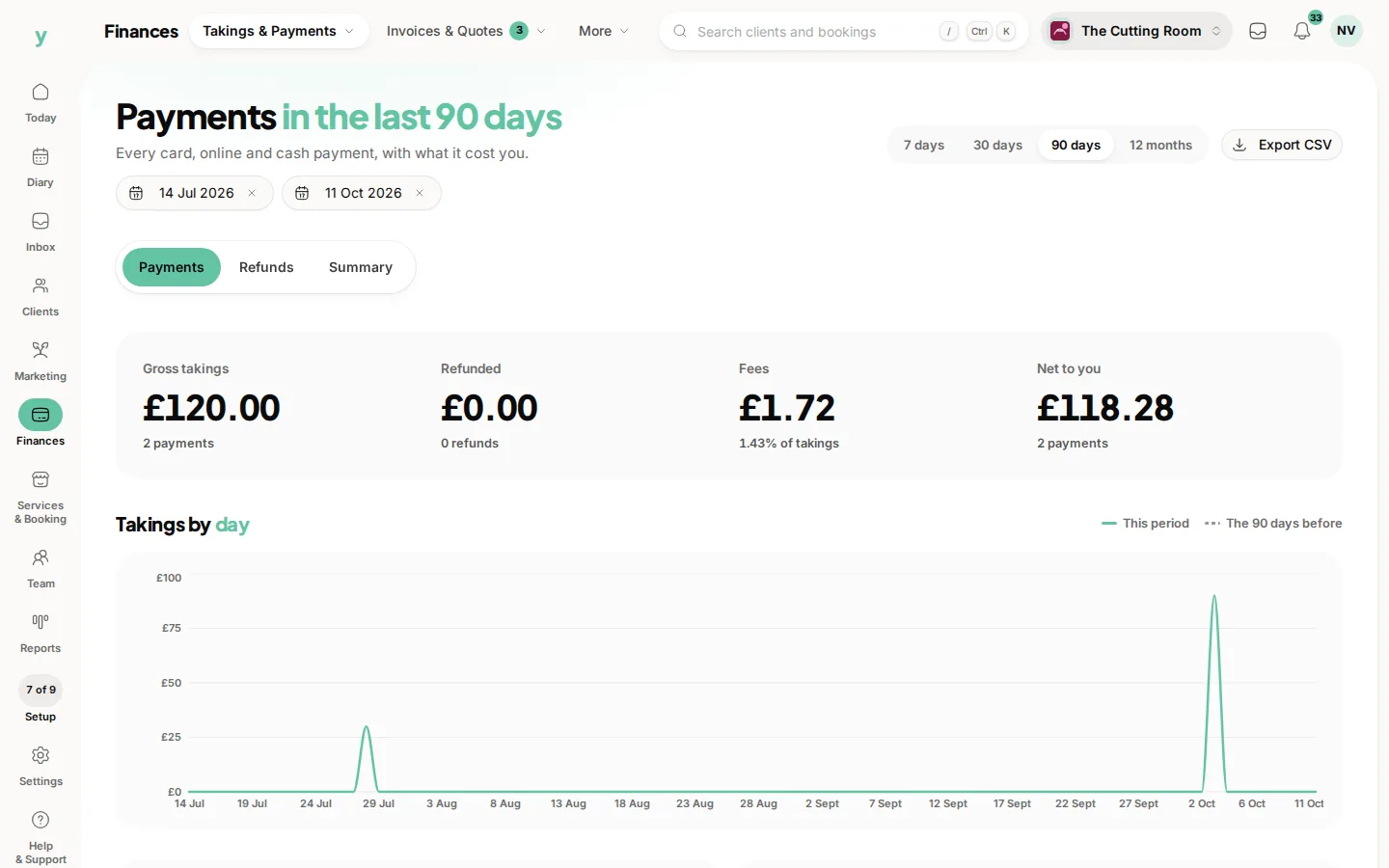
You do not have to do it all at once. Work through it at your own pace and come back to this category any time you get stuck.
Common questions
Do I have to set everything up before I can take a booking?
No. A business profile, one service and your hours are enough to take your first booking. Everything else can wait.
How long does setup take?
Most businesses are taking bookings within an hour. Bringing customers across from another system adds a little more.
What does 0% commission on new clients mean?
When somebody finds you through Youzse and books, you pay no commission on that booking. The client is yours to keep.