
Your hours are what decide when customers can book. Get them right and your booking page only ever offers times you can actually work. There are two layers to it, your overall opening hours and each person own hours.
Your opening hours
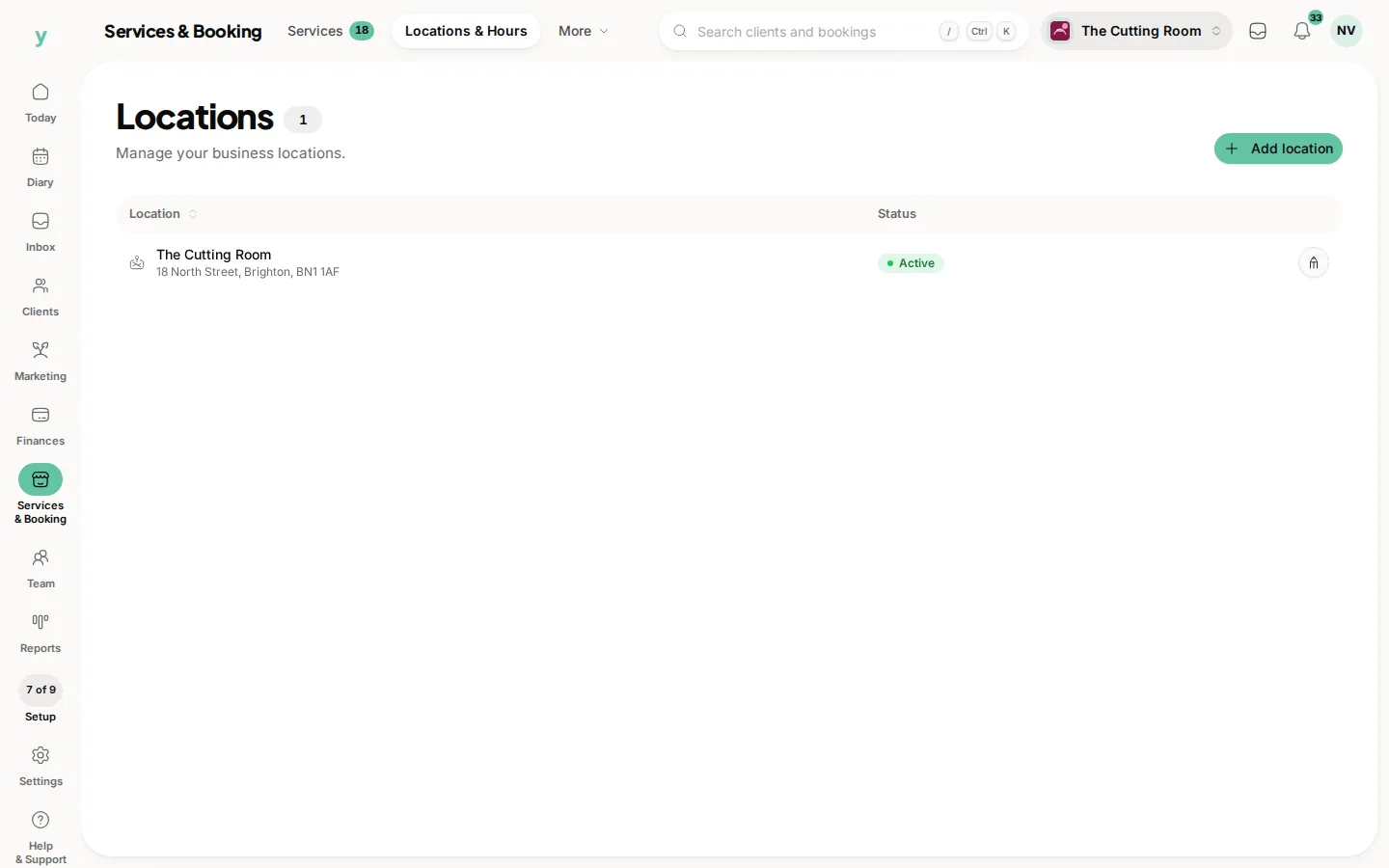
Go to Services & Booking, then Locations & Hours and open the hours for your location. Set the days you are open and the times for each. If you close for lunch or only open some days, set that here. If you have more than one site, each one has its own hours.
Each person hours
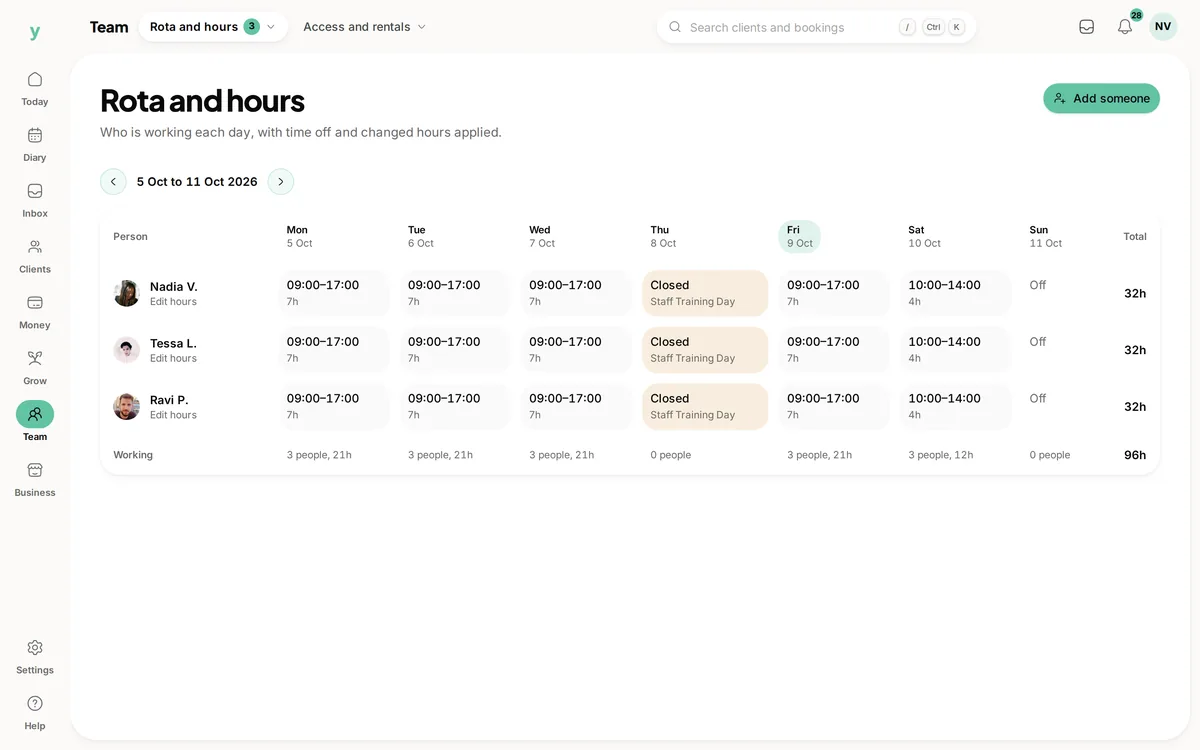
On top of your opening hours, every team member has their own working hours. Go to Team, then Rota & Hours and set when each person works at each location. A customer can only book a person when both your business and that person are open.
Time off and one-off changes
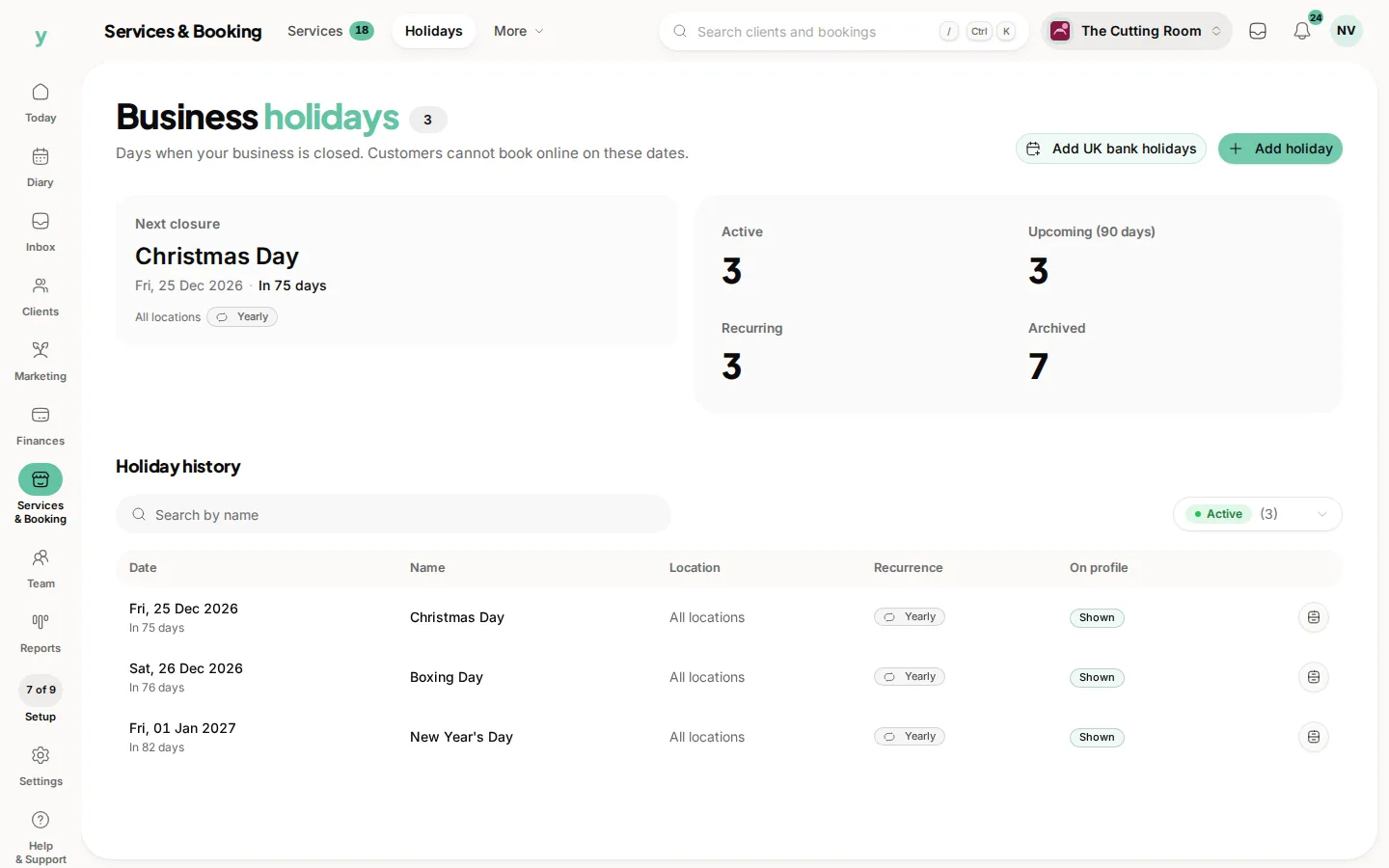
Life happens, so you can add overrides for individual days, a bank holiday, a training day, a late start. These sit on top of the normal pattern and stop bookings landing when you are away. You can set a single day or a range.
A few things worth checking
- Do your team hours match your opening hours or are there gaps
- Have you blocked any known closures coming up
- Does the length of your services leave room between bookings
Tip
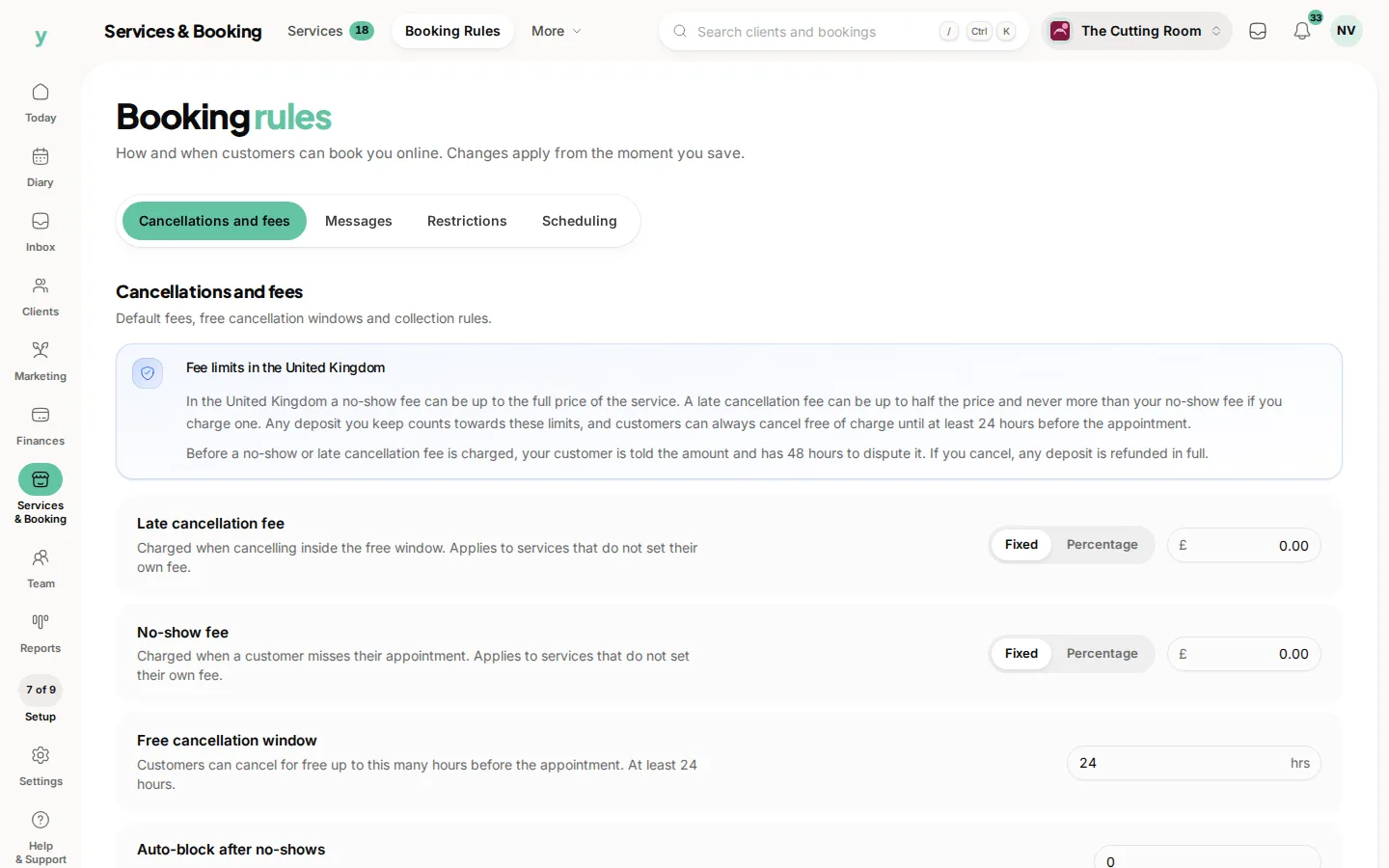
think about how far ahead and how close to the day people can book. Those booking rules live under Services & Booking, then Booking Rules. They work alongside your hours to protect your diary.
Common questions
Why is nobody bookable on a particular day?
Almost always because that person has no working hours set for it. Check the staff hours before anything else.
What is the difference between business hours and staff hours?
Business hours say when you are open. Staff hours say when each person works. A slot needs both to allow it.
Can I still add a booking outside working hours?
Yes. Working hours govern what customers can book online, not what you can put in the diary yourself.