
Loyalty runs in one of three modes
points, stamps or cashback. Go to Marketing, then Loyalty, to set yours up and pick the mode that matches how you want to reward people.
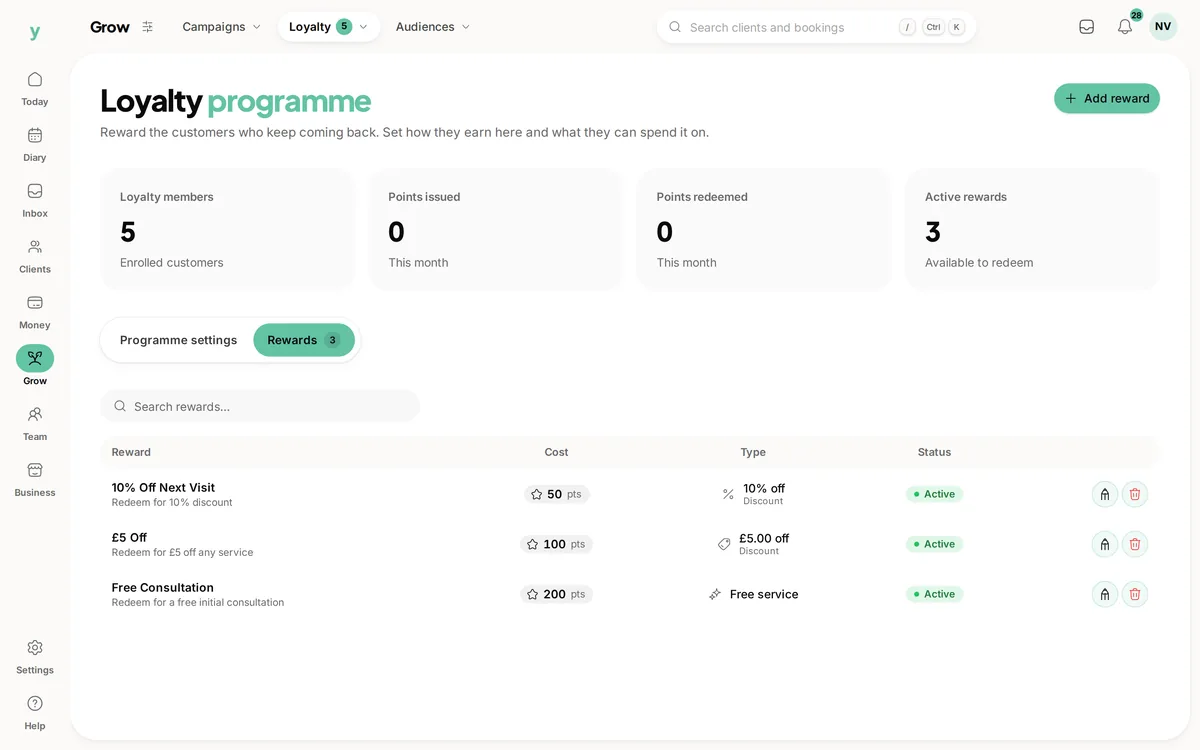
The three modes
- Points, where customers earn a number of points for every pound they spend and swap them for rewards you define
- Stamps, where each visit earns a stamp and a set number of stamps earns a reward
- Cashback, where a percentage of each spend comes back as credit towards future work
Which to choose
Stamps suit anyone whose customers buy roughly the same thing each time, like a barber or a dog groomer. Everyone understands a stamp card because everyone has had one.
Points suit a varied menu where spend differs a lot between visits, so a cut and a full colour do not earn the same reward.
Cashback suits higher-value, less frequent work like garages and trades. A percentage back is easy to understand and needs no reward menu at all.
You can change your mind
Balances already earned keep the unit they were earned in, so switching mode later does not corrupt what customers have built up. It is still worth choosing carefully, because explaining a change to regulars is the awkward part.
Common questions
Can I run points and stamps at the same time?
No. One scheme with one mode, which is what makes it simple enough for customers to follow.
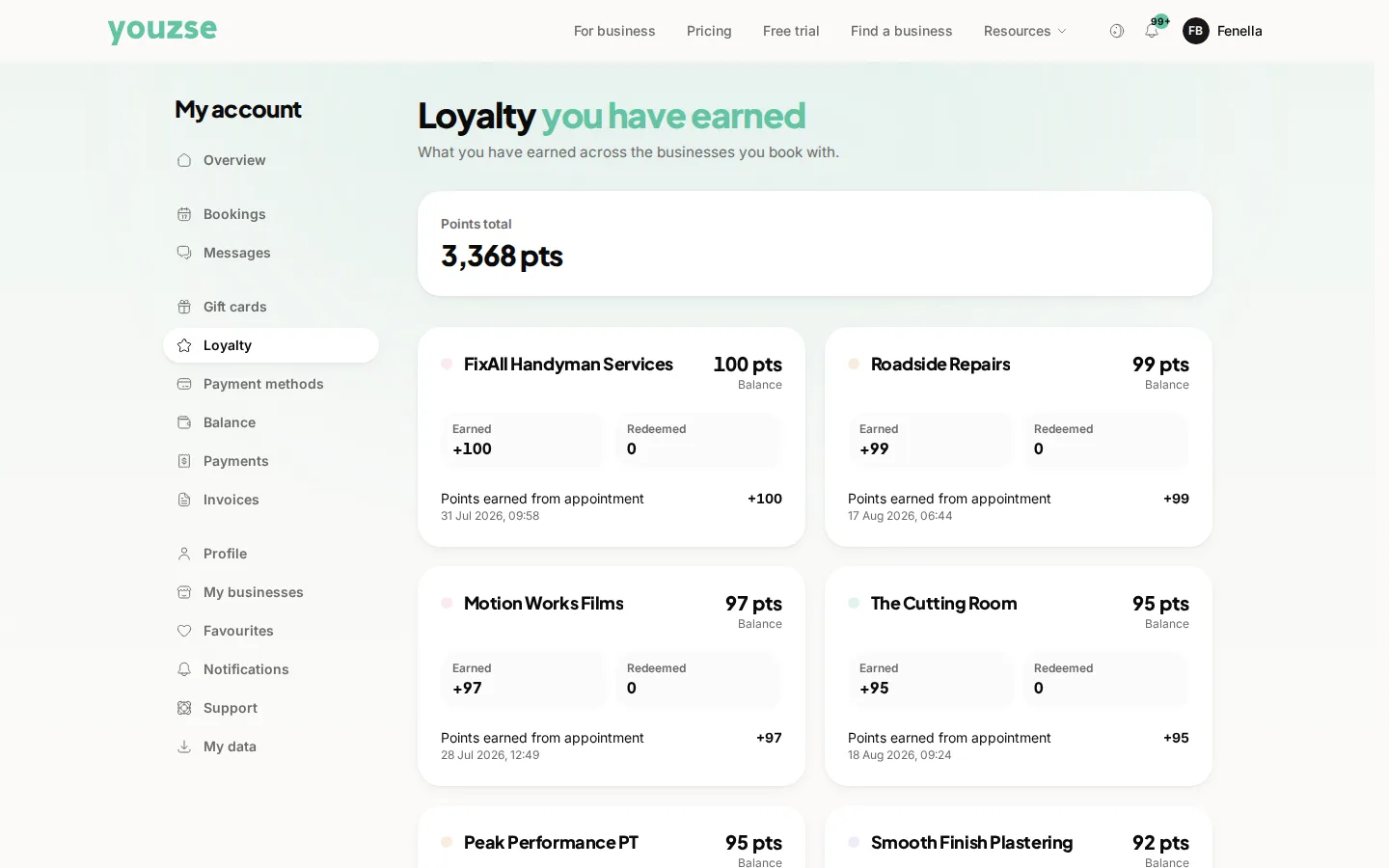
Do customers see their balance?
Yes. Their balance with your business shows in their account, so they can see how close they are to a reward.
Does loyalty cost me anything to run?
The feature is part of your plan. The cost is whatever you choose to give away.