
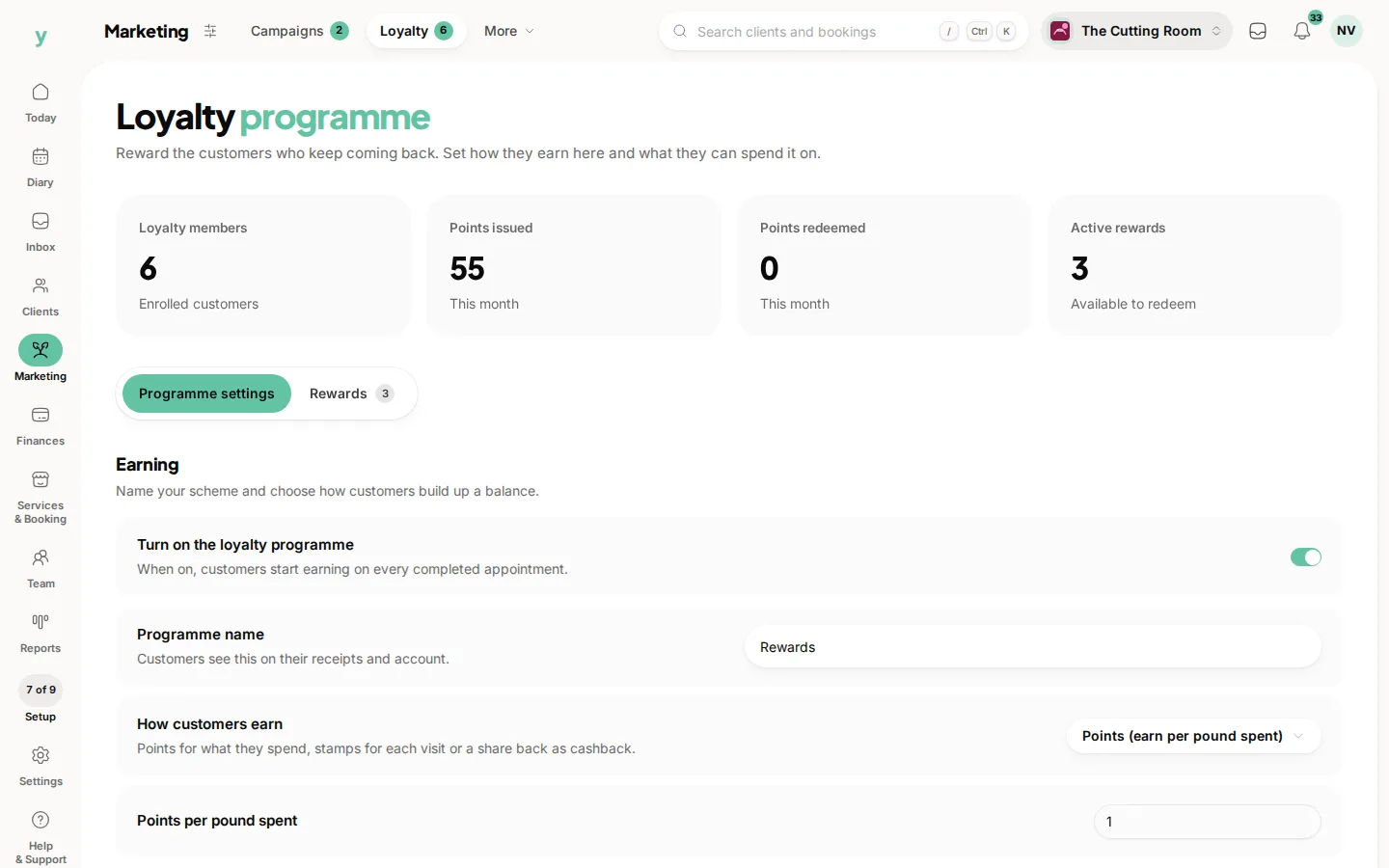
In stamps mode you set two numbers
how many stamps a visit earns and how many stamps earn the reward. Go to Marketing, then Loyalty.
The classic setup
One stamp per visit and a reward at ten. Customers understand it without being told, which is most of the value.
Choosing the threshold
Base it on how often people really come. If your regulars visit monthly, a reward at ten stamps is nearly a year away and nobody will chase it. Six is a better target for a monthly service, ten for something weekly.
More than one stamp per visit
You can award more than one, which is a way to run a promotion. Double stamps in January fills a quiet month without discounting your prices.
No paper card
The balance follows the customer rather than a card in a wallet, so it cannot be lost, forgotten or forged. Customers see how many stamps they have in their account.
Common questions
Does a bigger spend earn more stamps?
No, stamps are per visit. If you want spend to matter, points is the mode you want.
What if someone books two services in one visit?
It is one visit and one stamp. Stamps count attendances rather than lines on a bill.
Can I wipe a card that has been abused?
Yes, balances can be adjusted. It is worth a conversation first, because usually it is a misunderstanding rather than an abuse.