
Rewards are applied when you take payment. Open the booking, apply the reward, and the balance comes off the customer record automatically.
Checking a balance
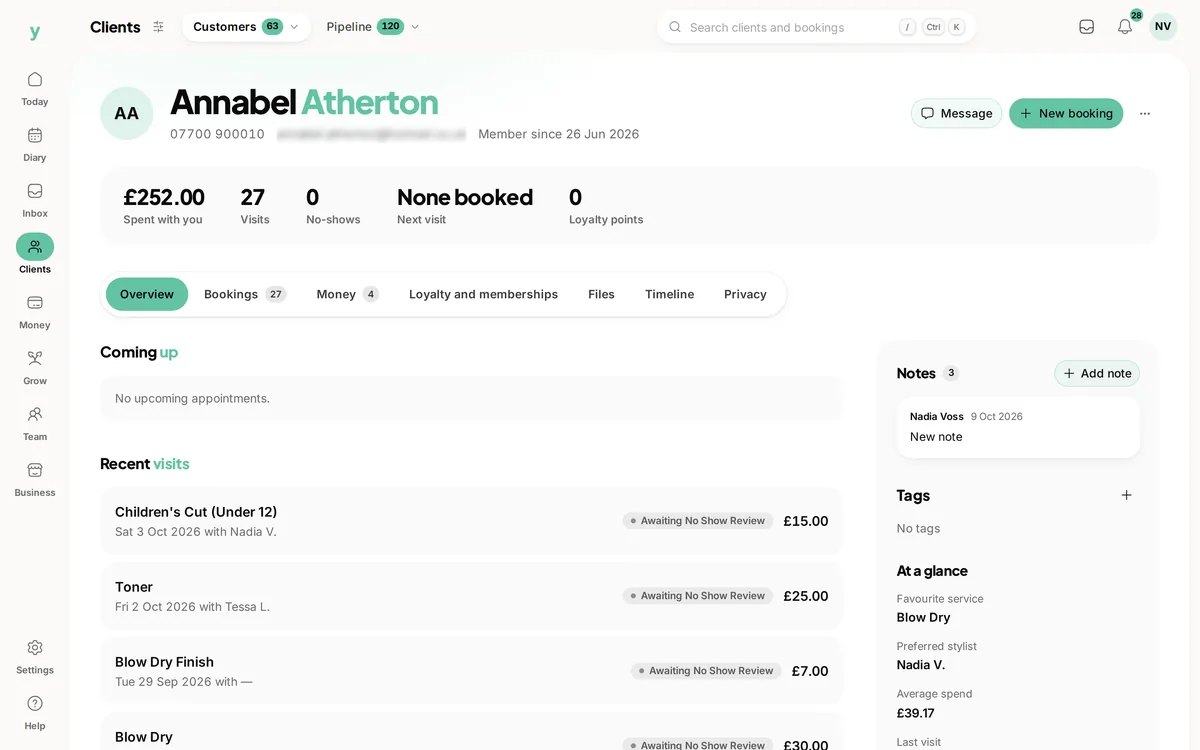
Open the customer record. Their balance and how close they are to the next reward are on it, which is worth a glance before you take payment so you can mention it.
Mention it out loud
A customer who is told they have earned something will use it and come back for the next one. A customer who never hears about it forgets the scheme exists, and you have given away nothing but goodwill you never claimed.
If a balance looks wrong
Check when the scheme was switched on, because nothing is earned before that. Then check whether points have expired. Balances can be adjusted by hand where something genuinely went wrong.
Common questions
Can a customer redeem their own reward online?
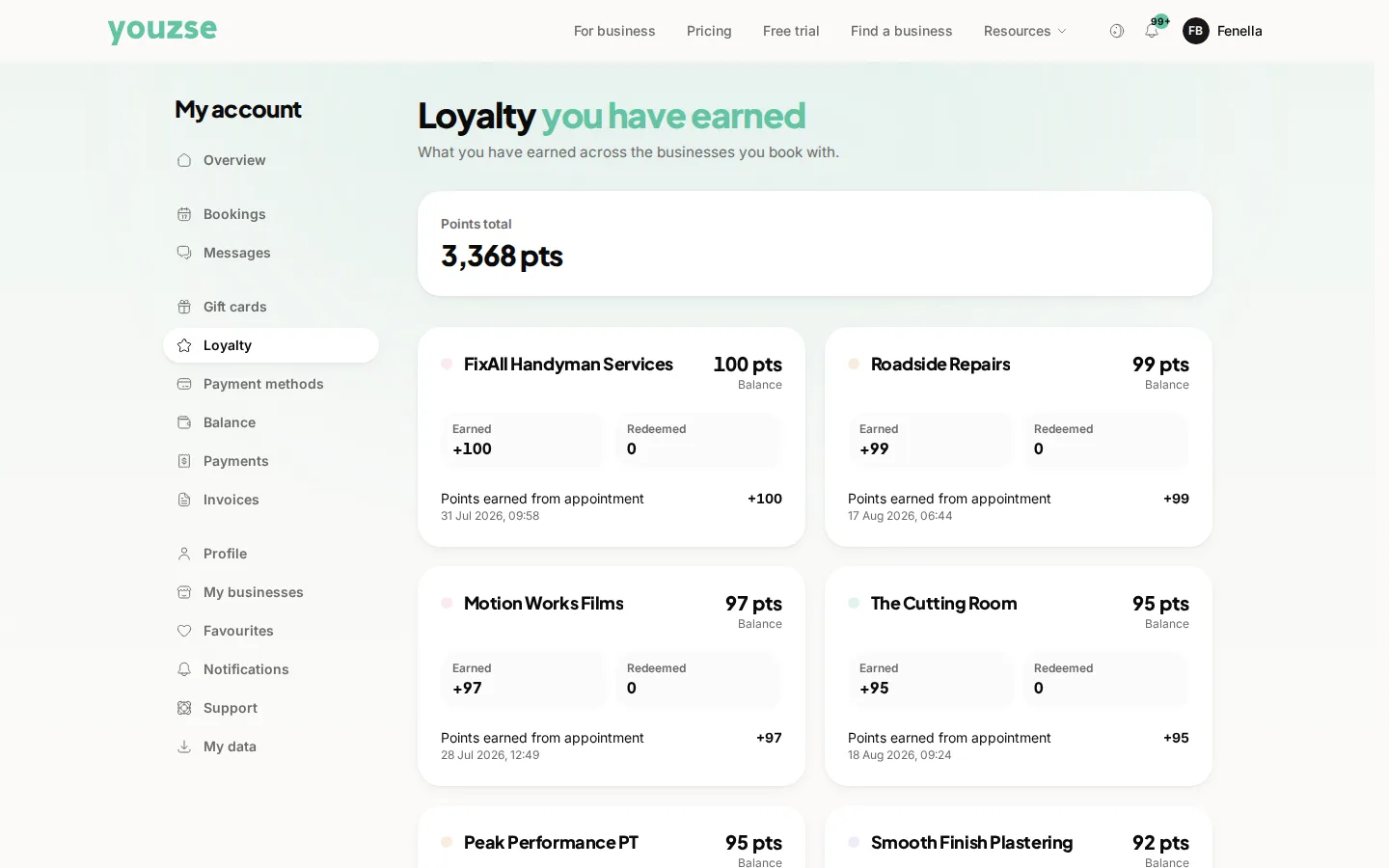
Rewards are applied at payment. Their balance is visible in their account so they know what they have.
What if they want to save up instead?
Then do not apply it. Balances carry forward, subject to any expiry you have set.
Can I refuse a reward at busy times?
You can, but blackout rules customers do not expect are how schemes get a bad name. Better to price the reward so you are happy to honour it always.