Youzse for barbers

Online booking, walk-ins and no-show protection for barber shops, with no commission on new clients.

2 min readUpdated

Youzse keeps a barber shop moving. Whether you run one chair or a full team, the calendar shows the day ahead and lets clients book the barber they always ask for.
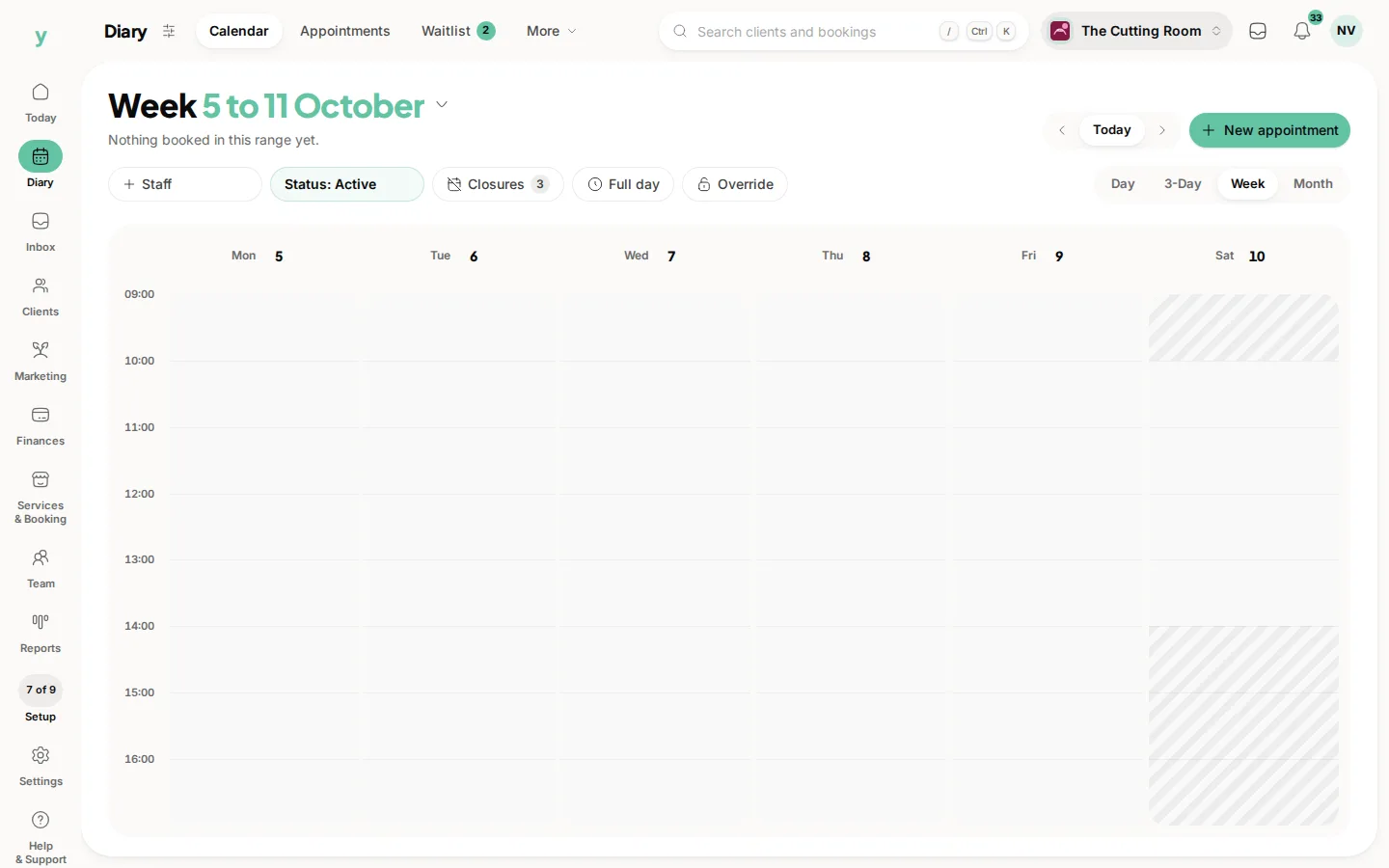
Diary, then Calendar, in week view. Day, 3-Day, Week and Month sit at the top right.

What it does for you

Book your favourite barber
Clients pick the barber they want and the service they are after, so regulars keep their seat and new faces find a slot that fits.

Walk-ins and appointments together
Manage booked chairs and walk-ins side by side. The diary stays honest even on a busy Saturday.

Deposits stop the empty chair
Take a card deposit on the bookings that get missed most. A no-show no longer means lost money.

Client history at a glance
See what each client had last time so you can pick up the conversation and the cut without missing a beat.

Manage it from your phone
Youzse works on mobile, so you can check the next appointment between clients.

Getting set up

  1. 1Set up your shop profile with your location and opening hours.
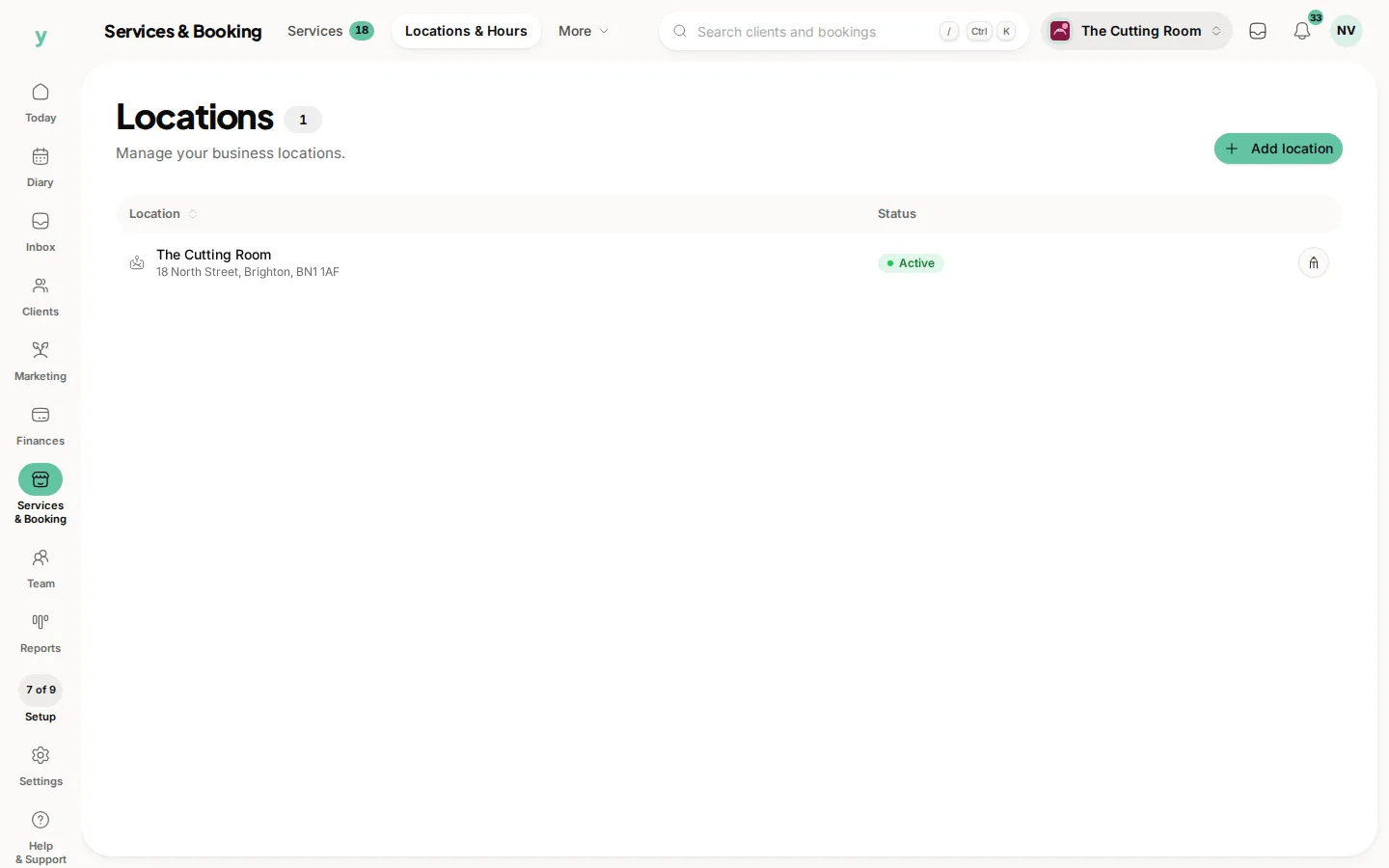
Services & Booking, then Locations & Hours. Each site is listed here. Open one to set the hours customers can book.
  1. 2Add your cuts and trims with the right durations.
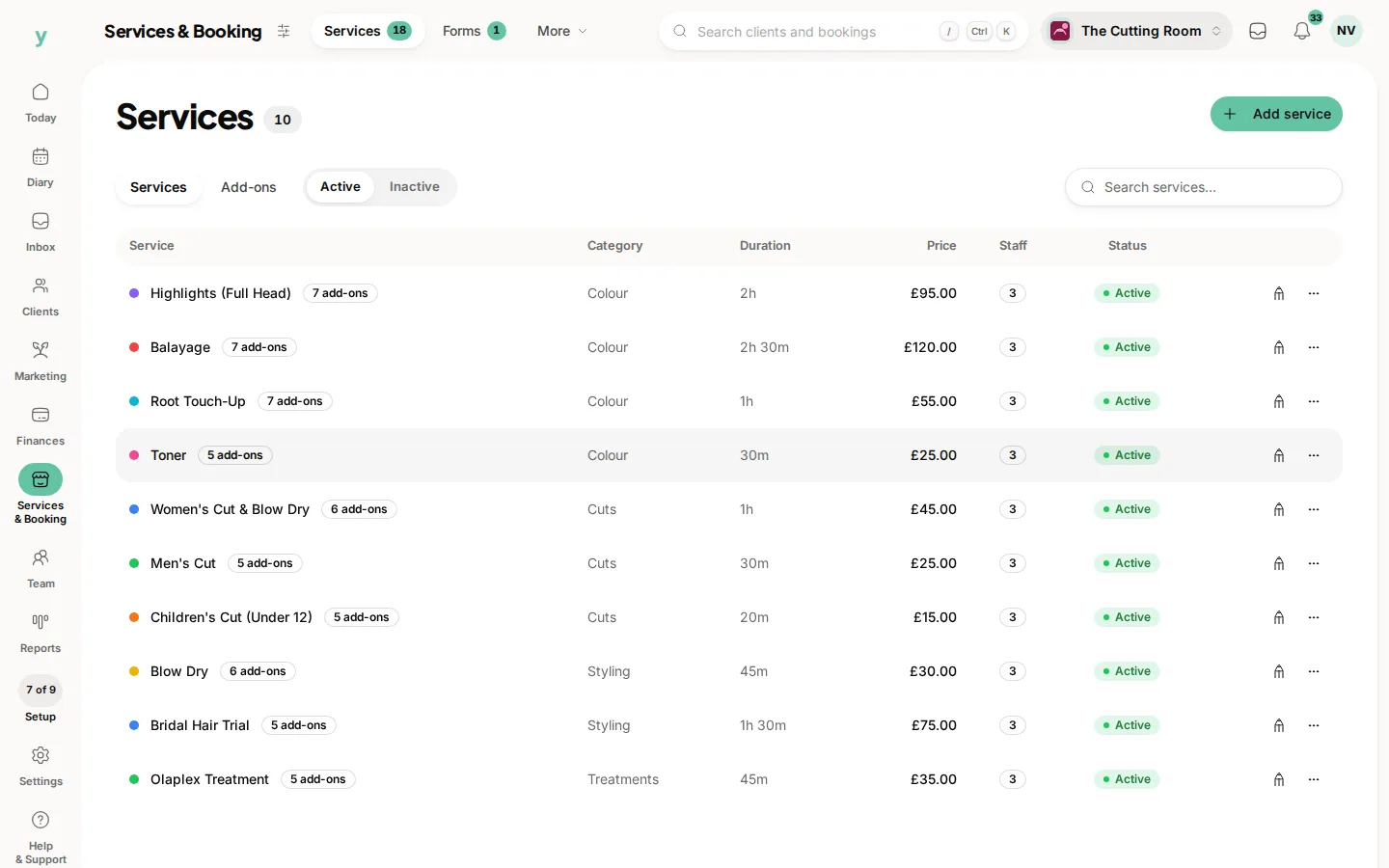
Services & Booking, then Services. Duration and price are what the booking page and the diary use.
  1. 3Add each barber so clients can choose who they want.
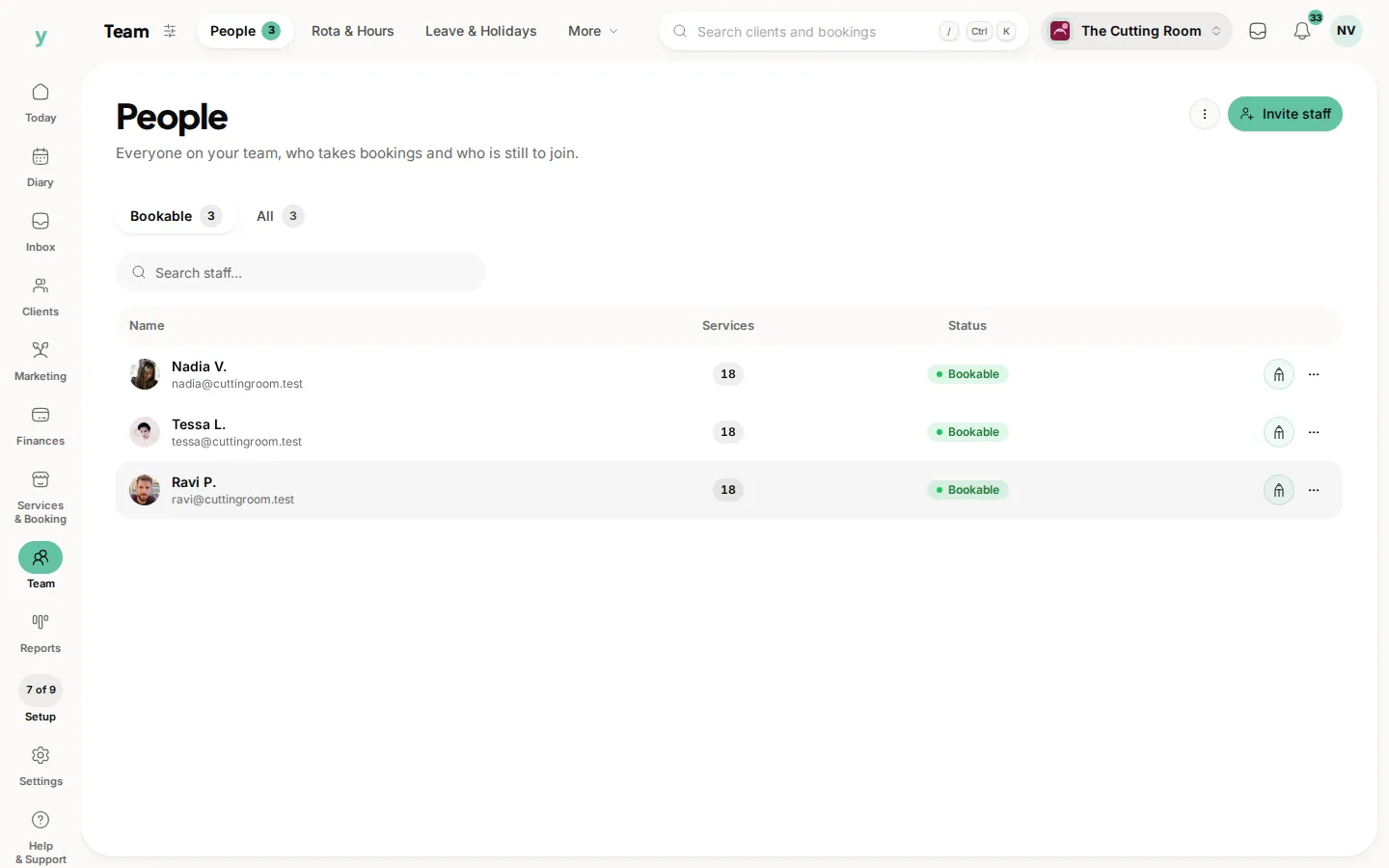
Team, then People. Invite someone from here. Bookable means a customer can choose them.
  1. 4Turn on deposits and share your booking link.
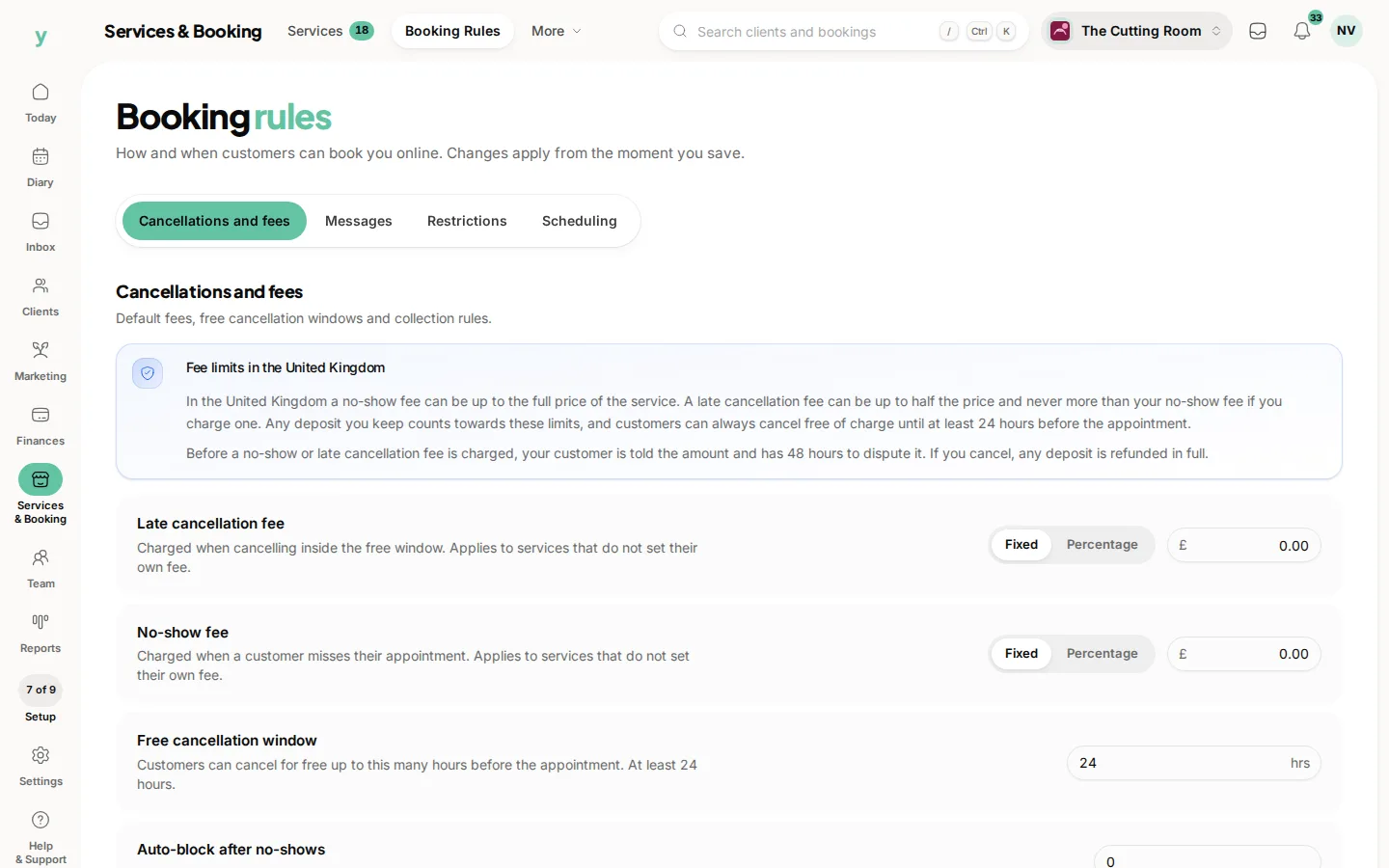
Services & Booking, then Booking Rules, on Cancellations and fees. Late fees, no-show fees and the free cancellation window.

There is 0% commission on new clients won through Youzse. One simple subscription, and the chair stays yours.

Common questions

Does it handle walk-ins as well as bookings?

Yes. Add a walk-in yourself and it sits in the diary alongside online bookings.

What stops no-shows?

Reminders first, then deposits on the appointments where a gap really costs you.
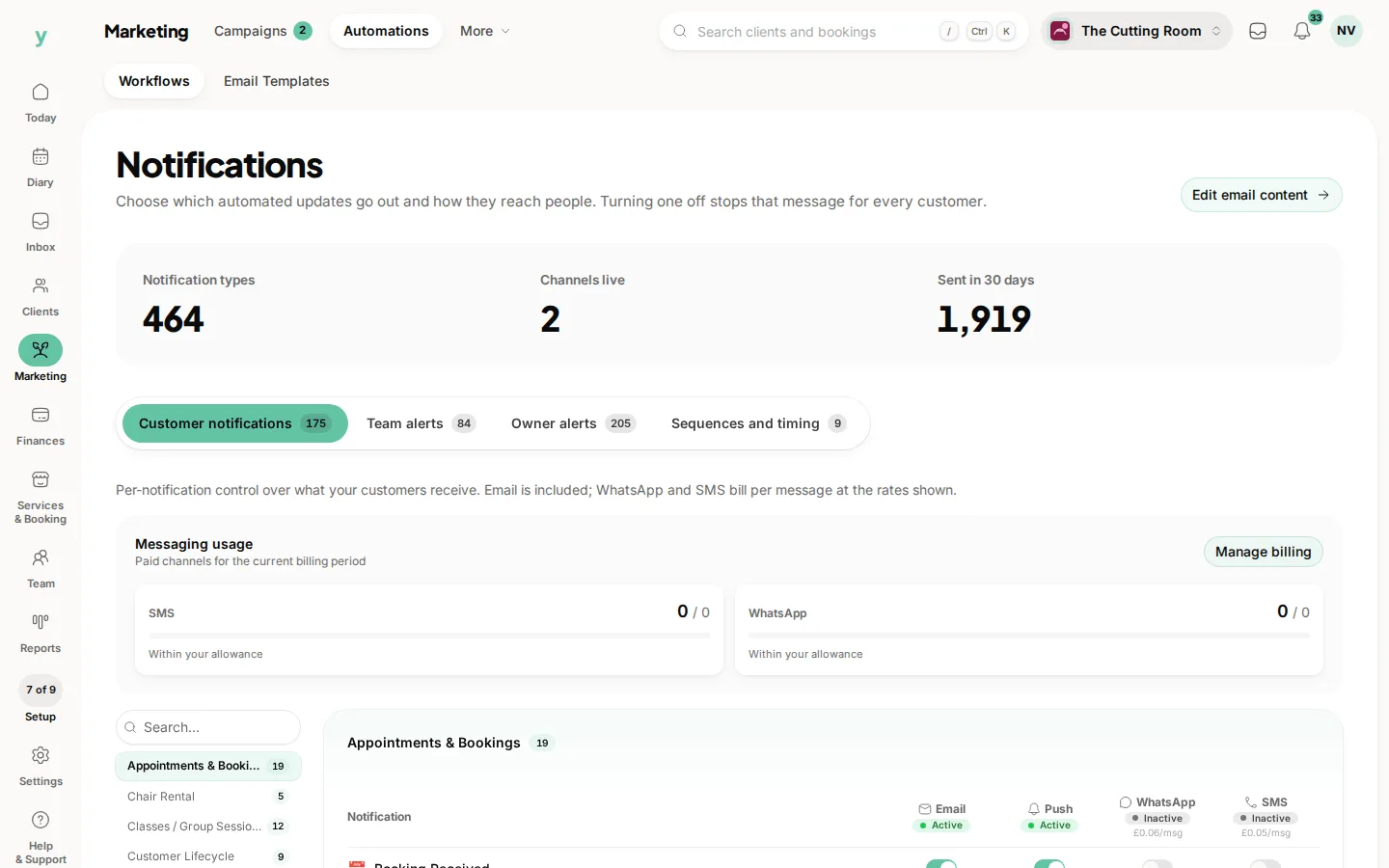
Marketing, then Automations, then Workflows, with customer messages, team alerts and sequences and a channel on each row.

Is there commission on new clients?

No. A new client who finds you through Youzse and books costs you 0% commission on that booking.

Topics

IndustryBarbersGrooming

Did this answer your question?

We value your privacy

Cookies keep Youzse running, improve the platform and help deliver relevant content. Read our privacy policy and cookie policy.