Youzse for garages (Garage Pro)

Garage Pro: DVLA and MOT lookups, a live workshop board, parts ordering and online bookings.

3 min readUpdated

Garage Pro is Youzse built for the motor trade. It runs the whole job, from the online booking to the payment, and it actually understands what an MOT is. Garages, MOT centres, mobile mechanics, tyre fitters and valeters all run on it.

What it does for you

DVLA and MOT lookups
Type in the registration and Youzse pulls the make, model, colour, year, fuel type, MOT status and expiry and tax due date. The vehicle is attached to the job before it reaches the ramp.
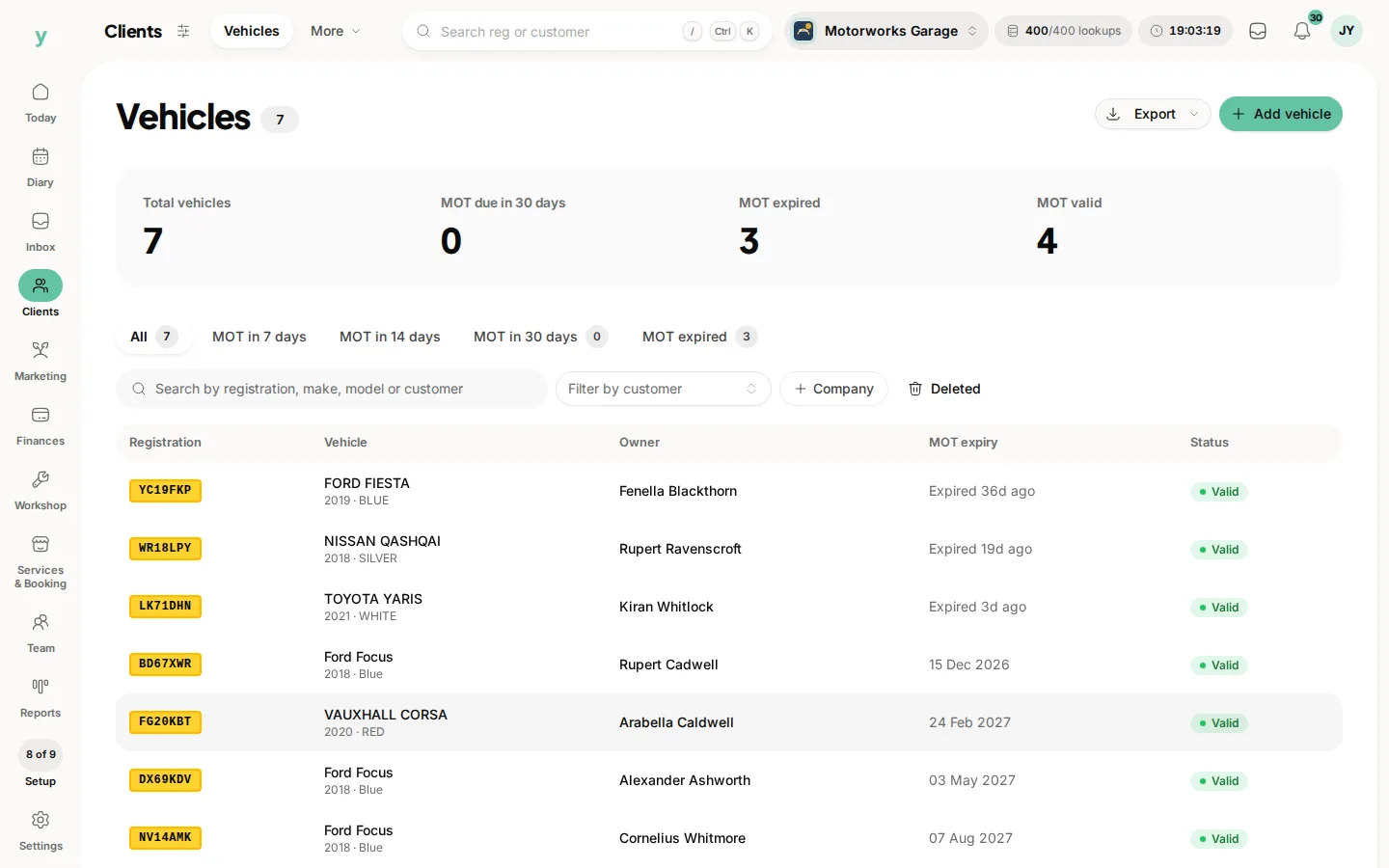
Clients, then Vehicles. Each vehicle belongs to the customer who keeps it.

Live workshop board
Track every job across the floor through booked, checked in, in progress and completed. Assign a bay and your mechanics clock on and off automatically.
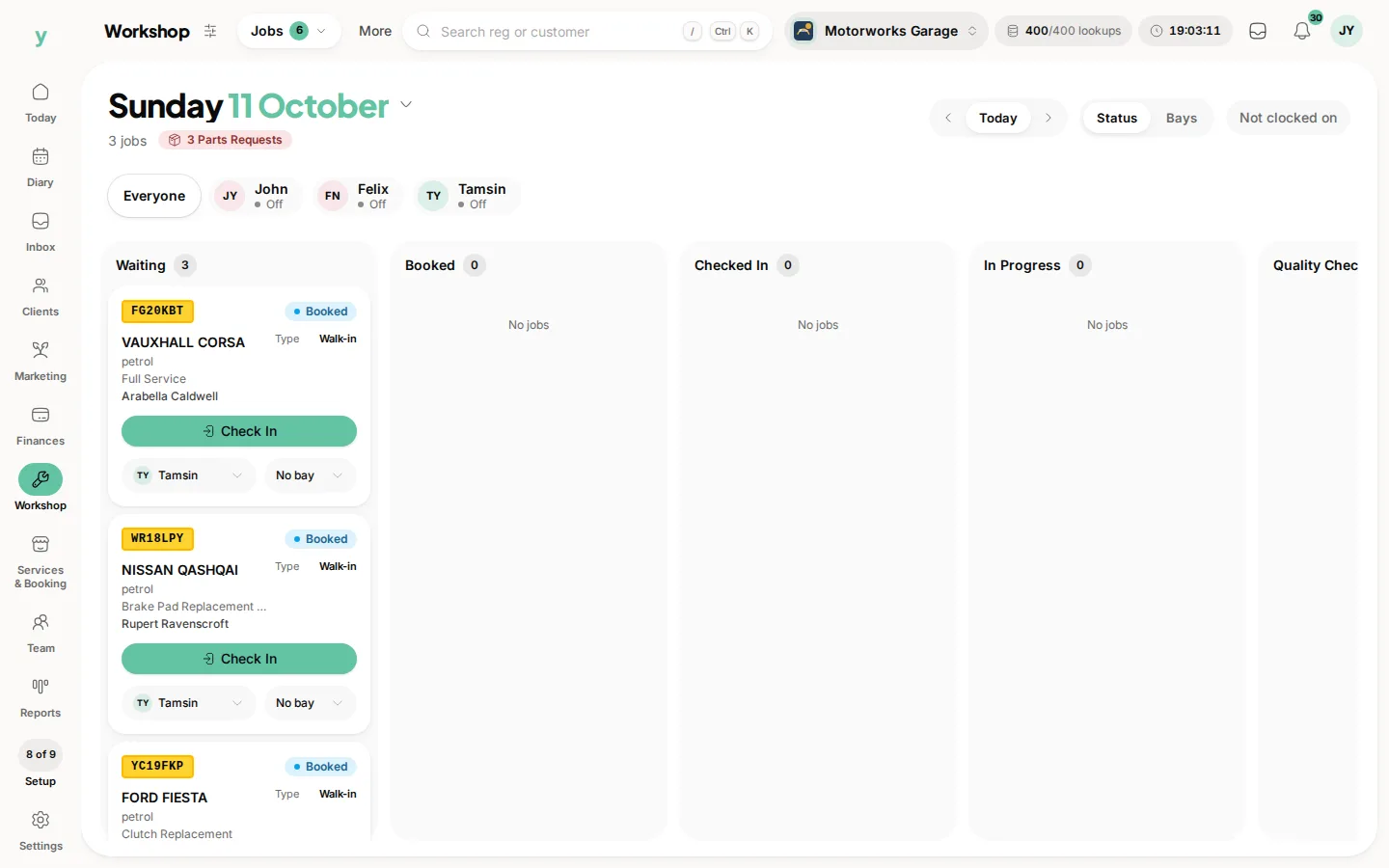
Workshop, then Jobs, then Job Board, where jobs move across as they are checked in, worked on and finished.

Vehicle health checks
Build an electronic vehicle health check (EVHC) against a job so the customer sees exactly what needs doing and why.
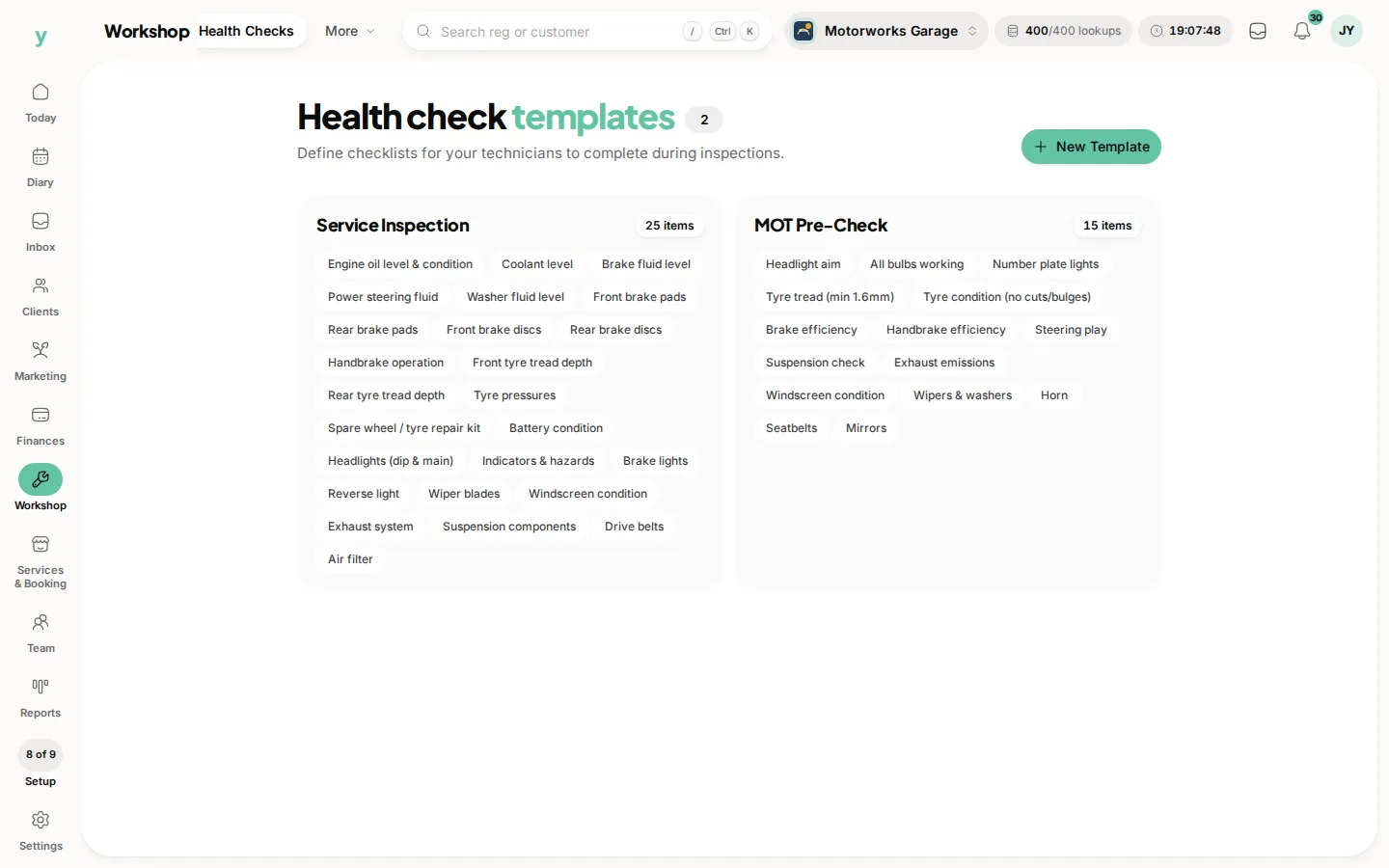
Workshop, then Health Checks. Templates a technician fills in, such as a service inspection or an MOT pre-check.

Online bookings and reminders
Customers book MOTs, services and repairs online, and automated MOT and service reminders bring them back when they are due.

Quotes, parts and payment
Send a quote the customer approves from their phone, raise parts requests and purchase orders to your suppliers, then invoice with UK VAT and take card payment.
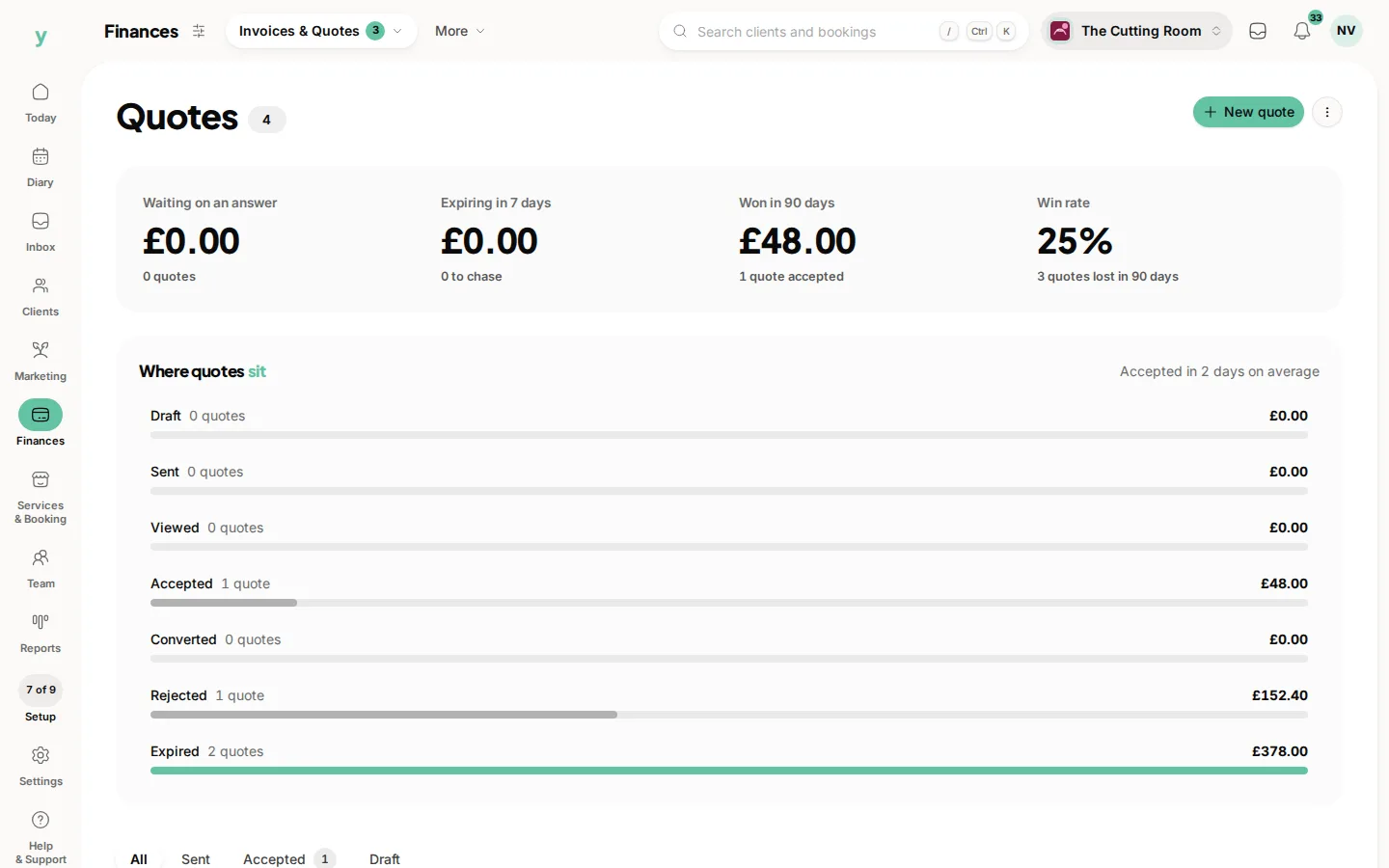
Finances, then Invoices & Quotes, then Quotes. Create one here and the customer can accept it from the email.

Getting set up

  1. 1Set up your workshop profile, bays and opening hours.
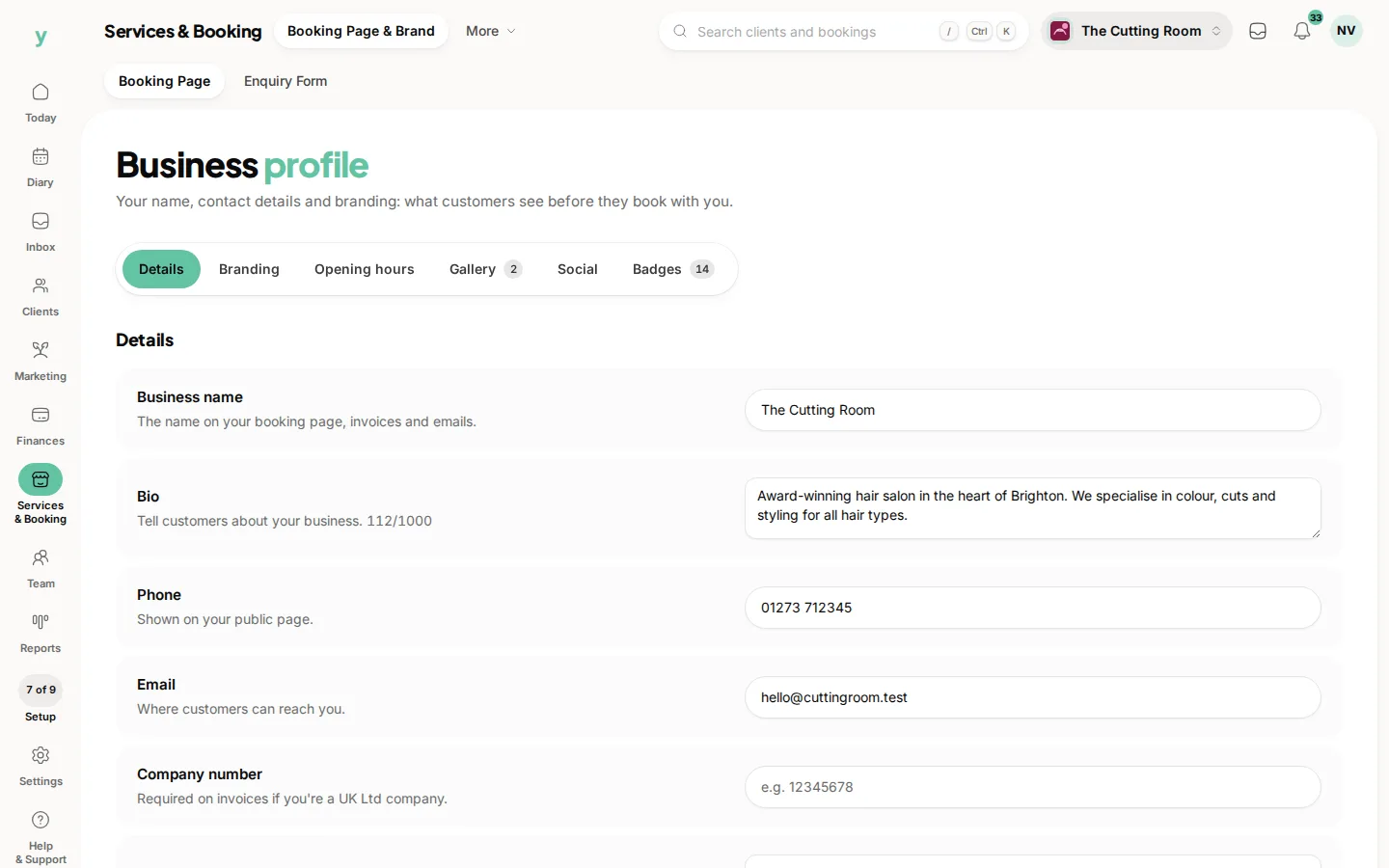
Services & Booking, then Booking Page & Brand, on Details. Name, logo, cover and contact details.
  1. 2Add your services, like MOT, full service and diagnostics.
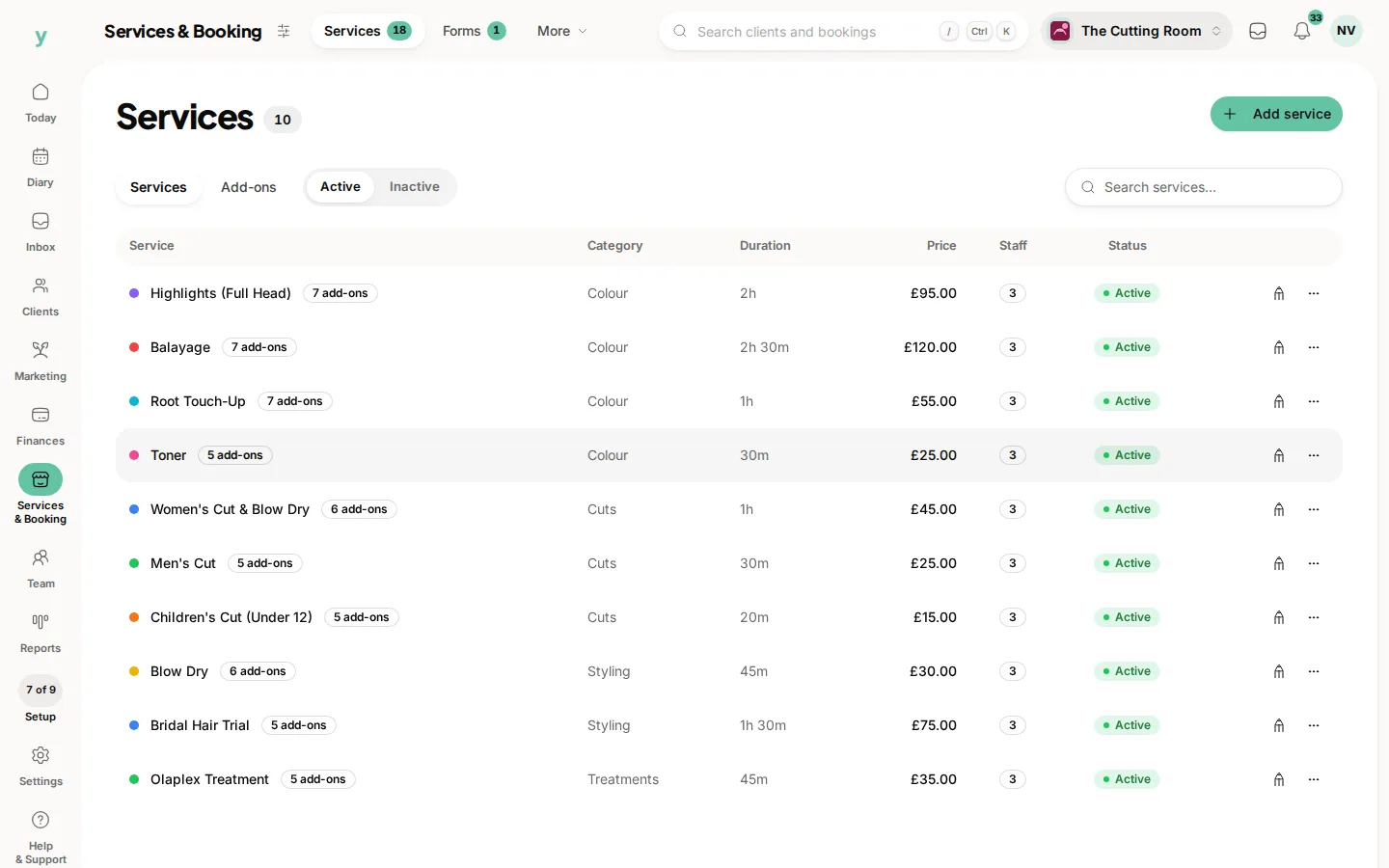
Services & Booking, then Services. Duration and price are what the booking page and the diary use.
  1. 3Share your booking link so the diary fills around the clock.
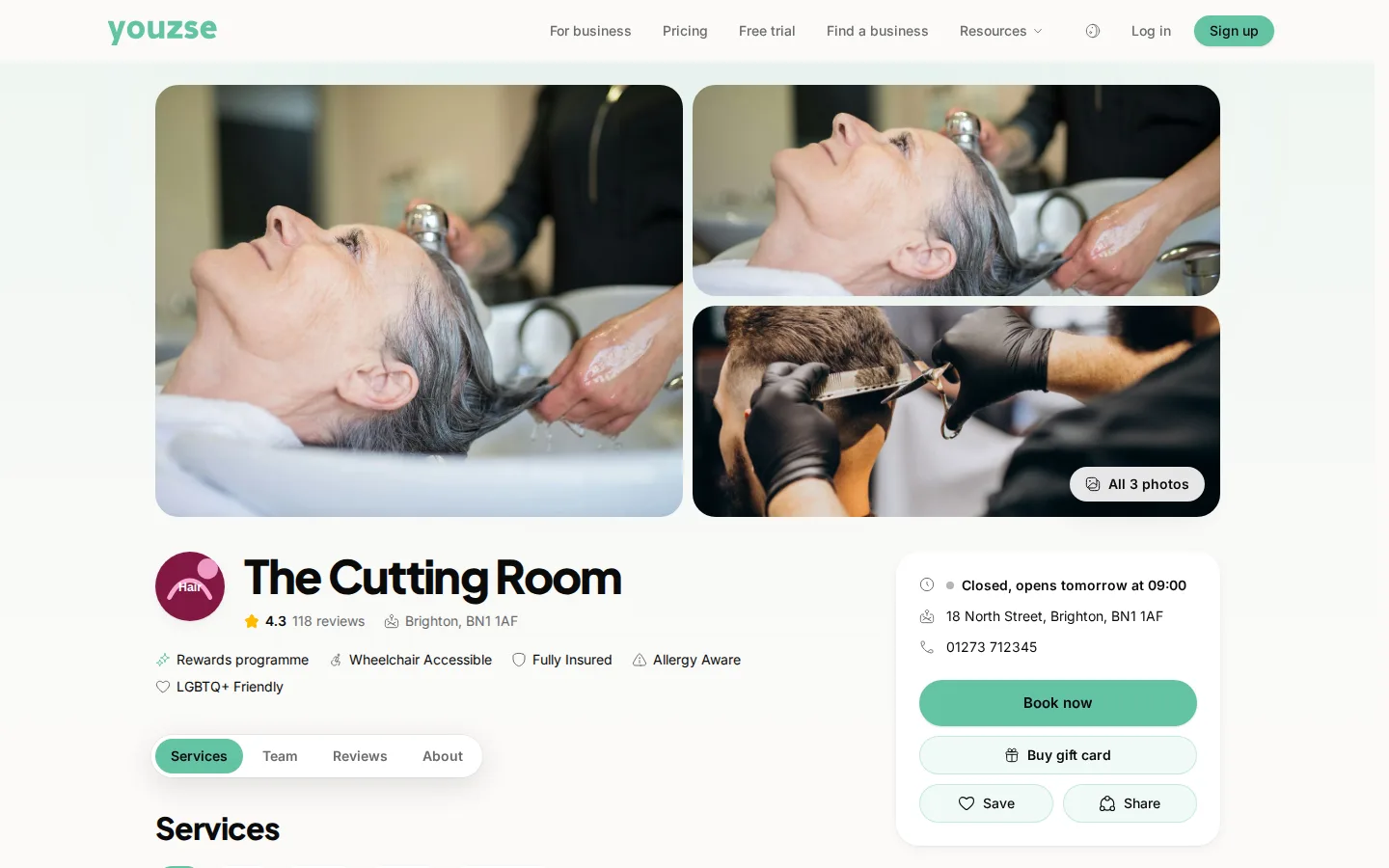
The public page a customer opens. Photos, badges and Services, Team, Reviews and About.

You keep 0% commission on new clients won through Youzse, on one monthly subscription that grows from a single bay to a multi-site centre.

Common questions

Do I get MOT reminders?

Yes, on Garage Pro, using the due date from the vehicle lookup rather than a spreadsheet you maintain.
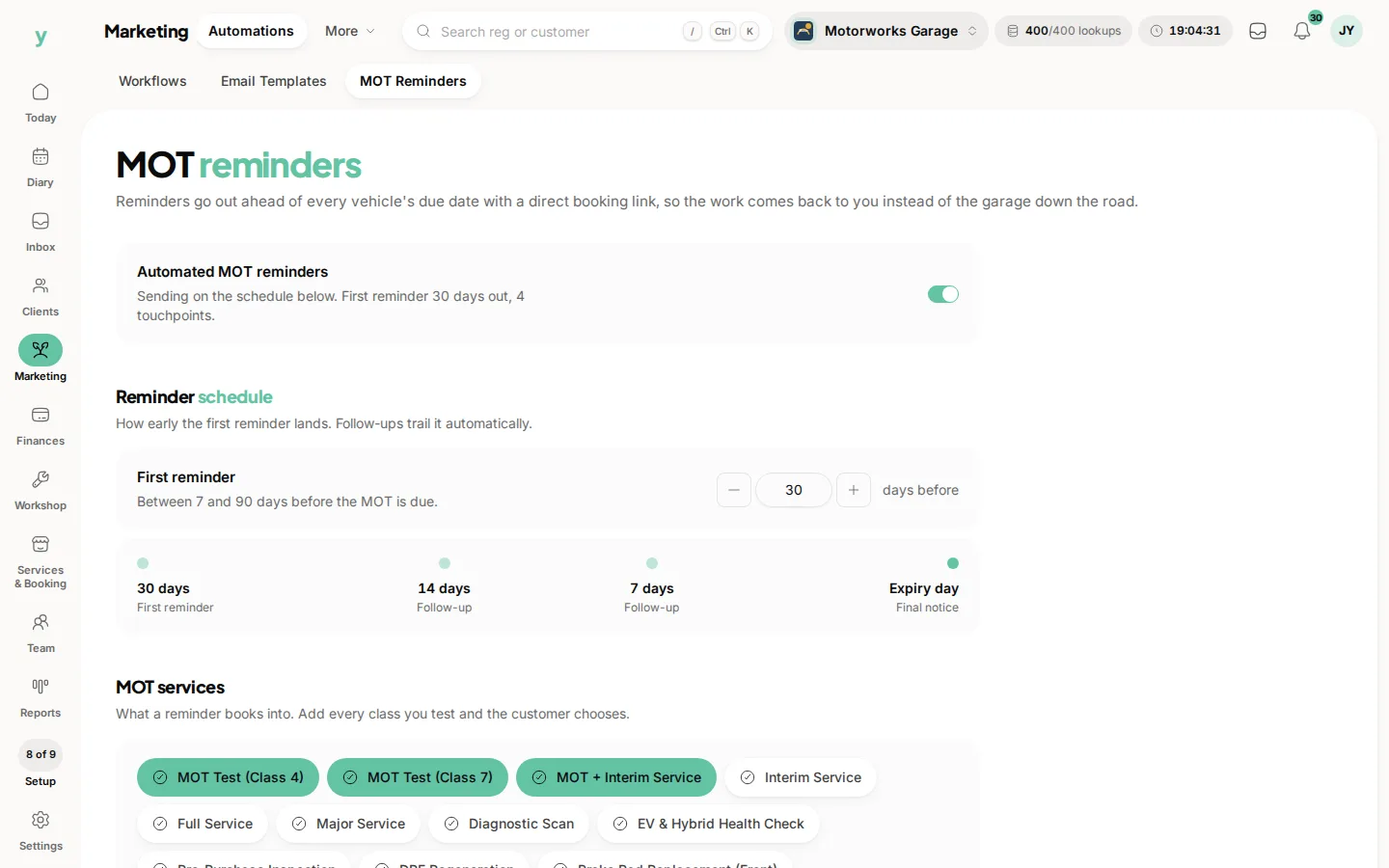
Marketing, then Automations, then MOT Reminders. When a customer is asked to book the next MOT.

Can I look up a vehicle from the registration?

Yes. Make, model, specification and MOT information come back automatically.

Does it handle parts and suppliers?

Yes, on Garage Pro, with a parts catalogue, part requests and purchase orders.
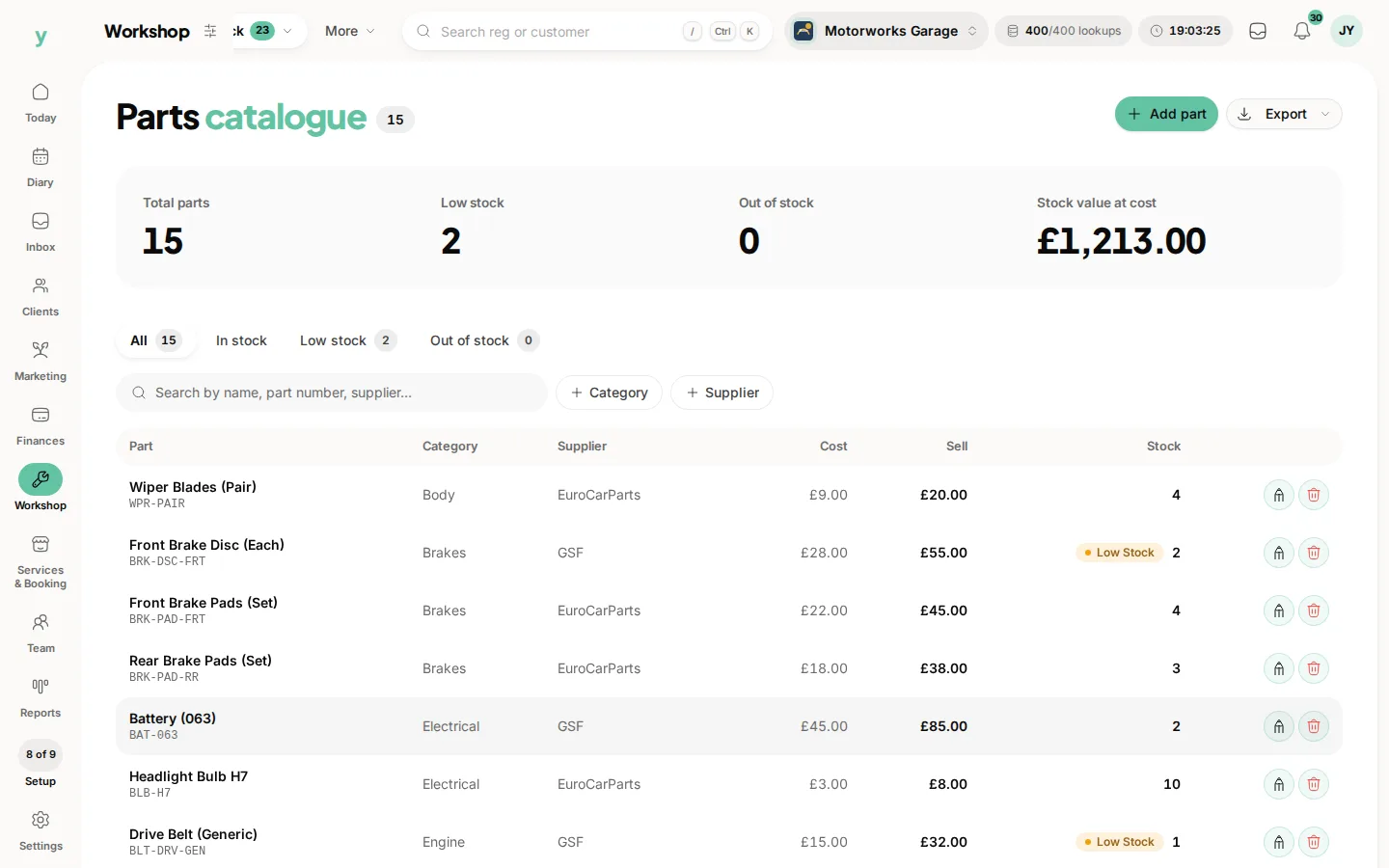
Workshop, then Stock, then Parts. The catalogue you price jobs from.

Topics

IndustryGaragesAutomotiveGarage proMOT

Did this answer your question?

We value your privacy

Cookies keep Youzse running, improve the platform and help deliver relevant content. Read our privacy policy and cookie policy.