
Youzse speaks your language. For plumbers, electricians, builders, roofers and other trades, the work is organised as jobs rather than appointments, and the layout follows your pipeline from first enquiry to paid invoice.
What it does for you
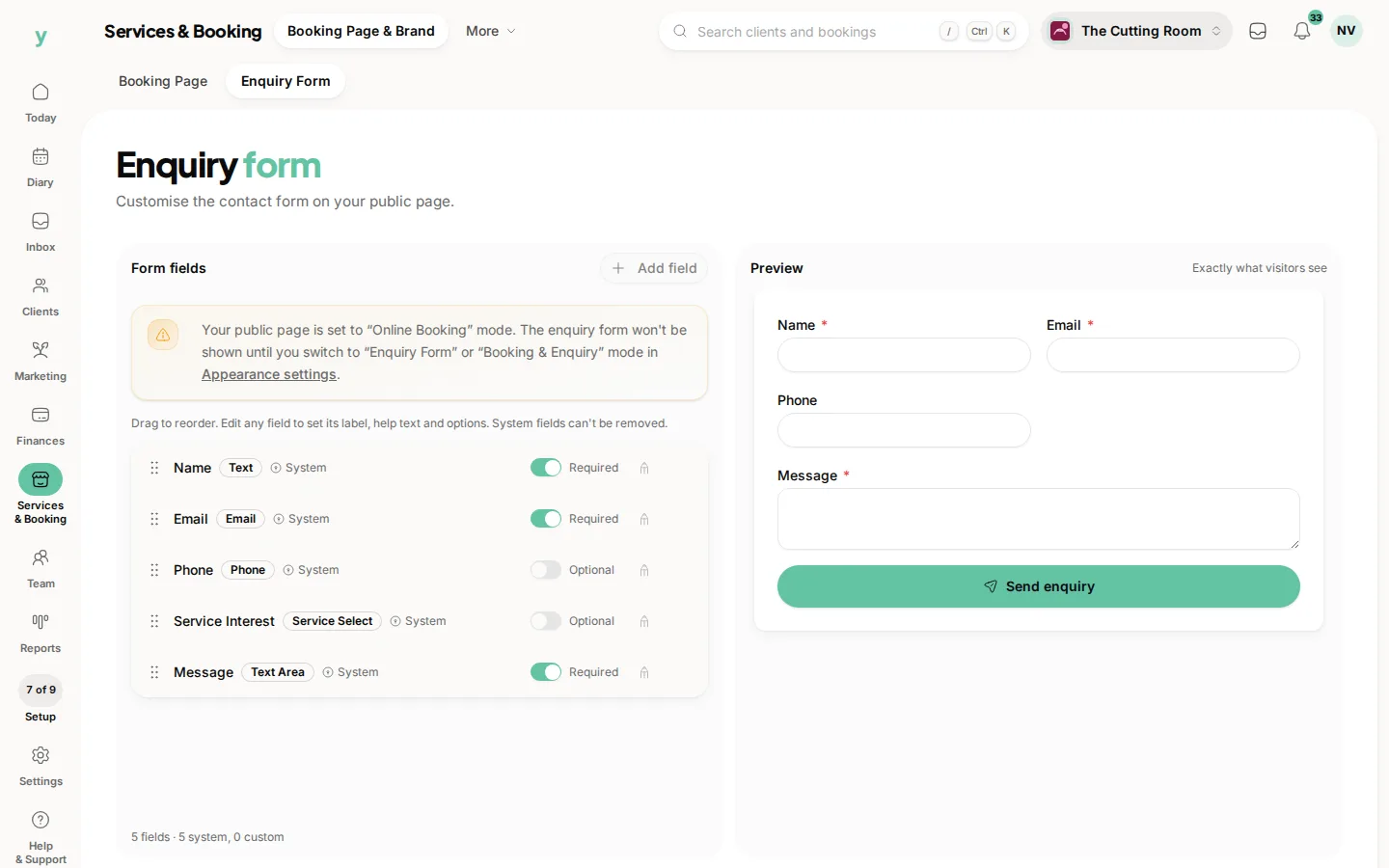
Capture the enquiry
Customers send you the job details from your public page, including the property address, how urgent it is and photos of what needs doing. Nothing gets lost in a missed call.
Quote the work properly
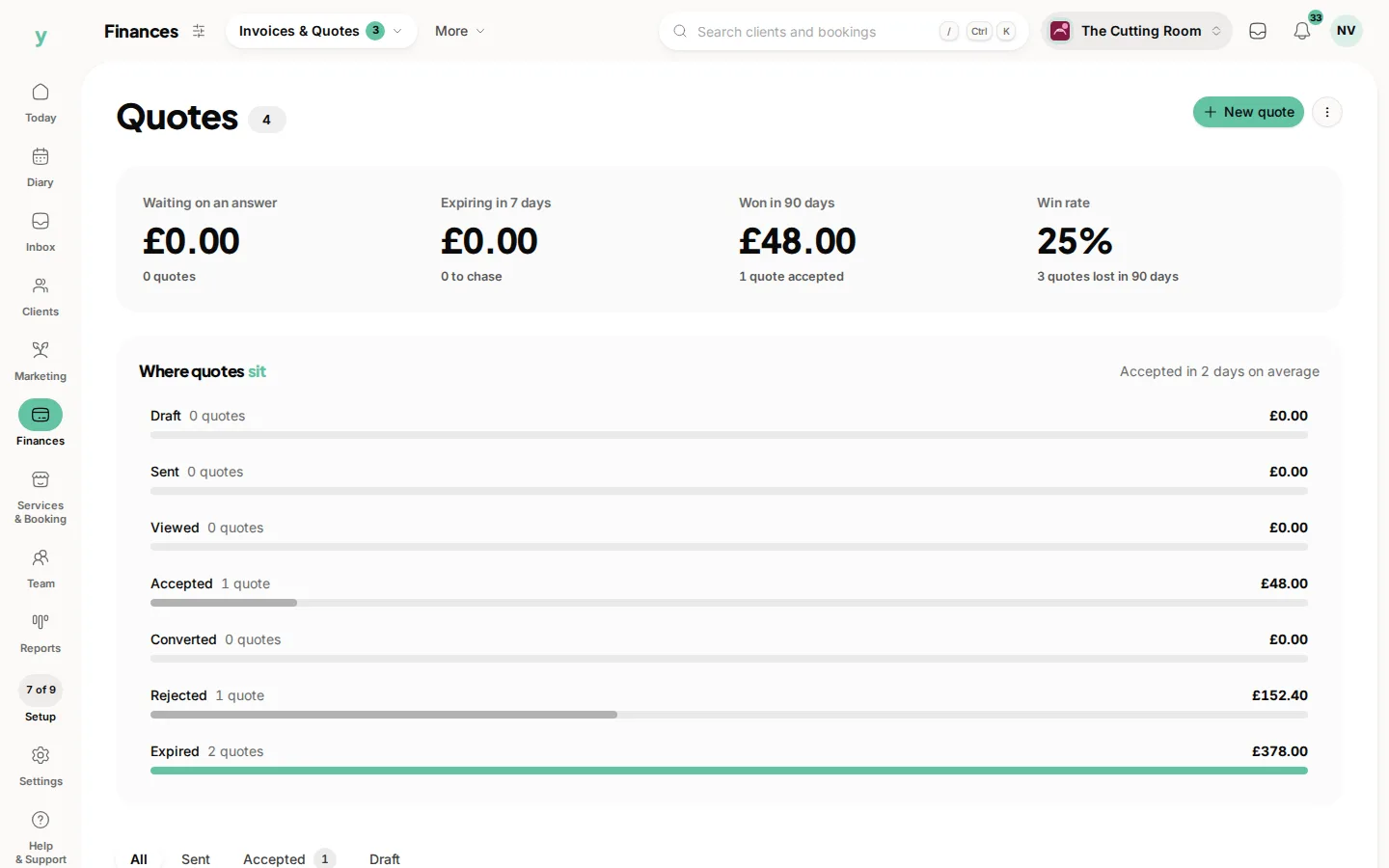
Build professional quotes with itemised lines, then send them for the customer to approve. When they say yes, convert the quote to an invoice in one step.
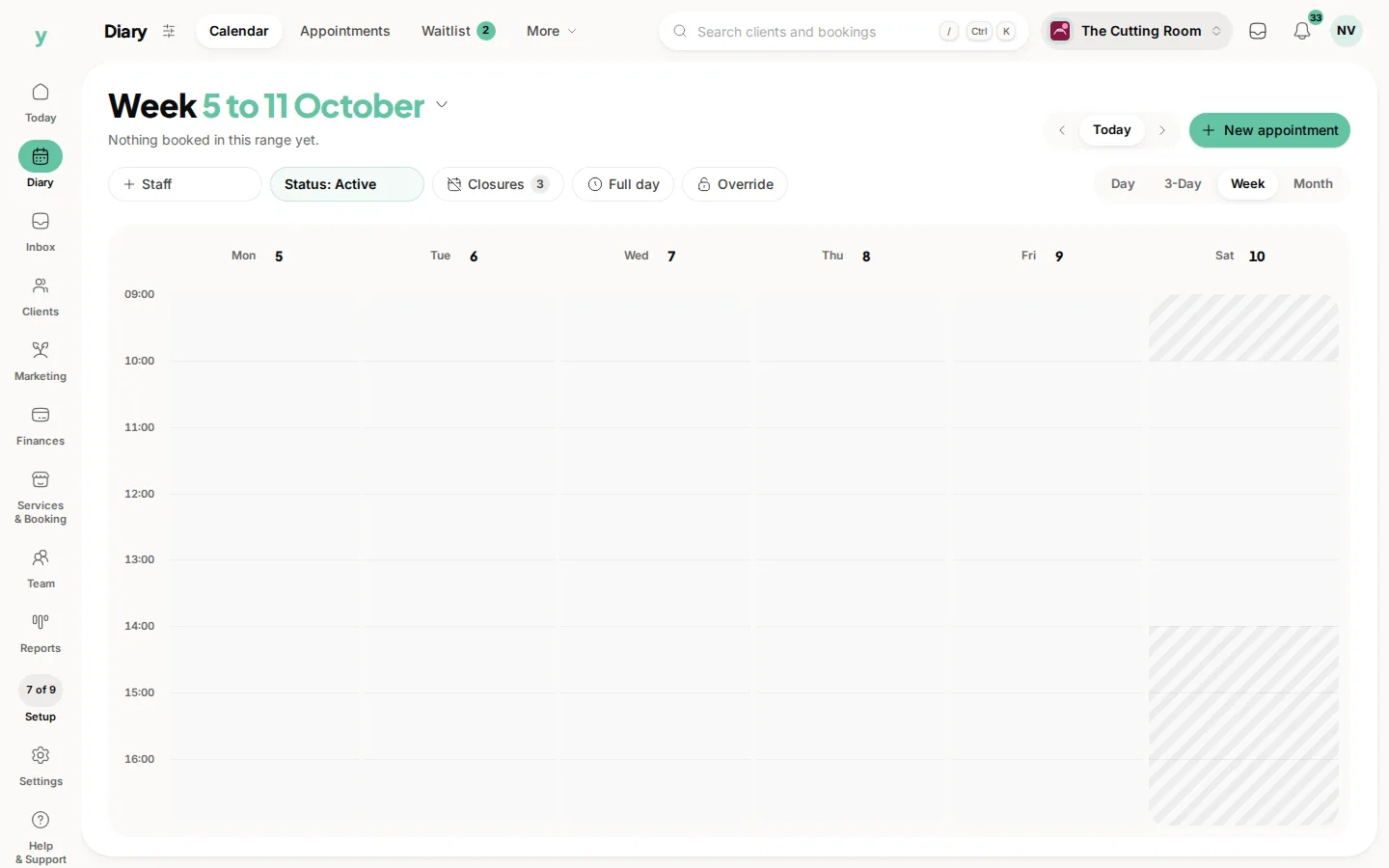
Schedule across sites
See your jobs on the calendar and keep track of who is where, even when you are running several sites at once.
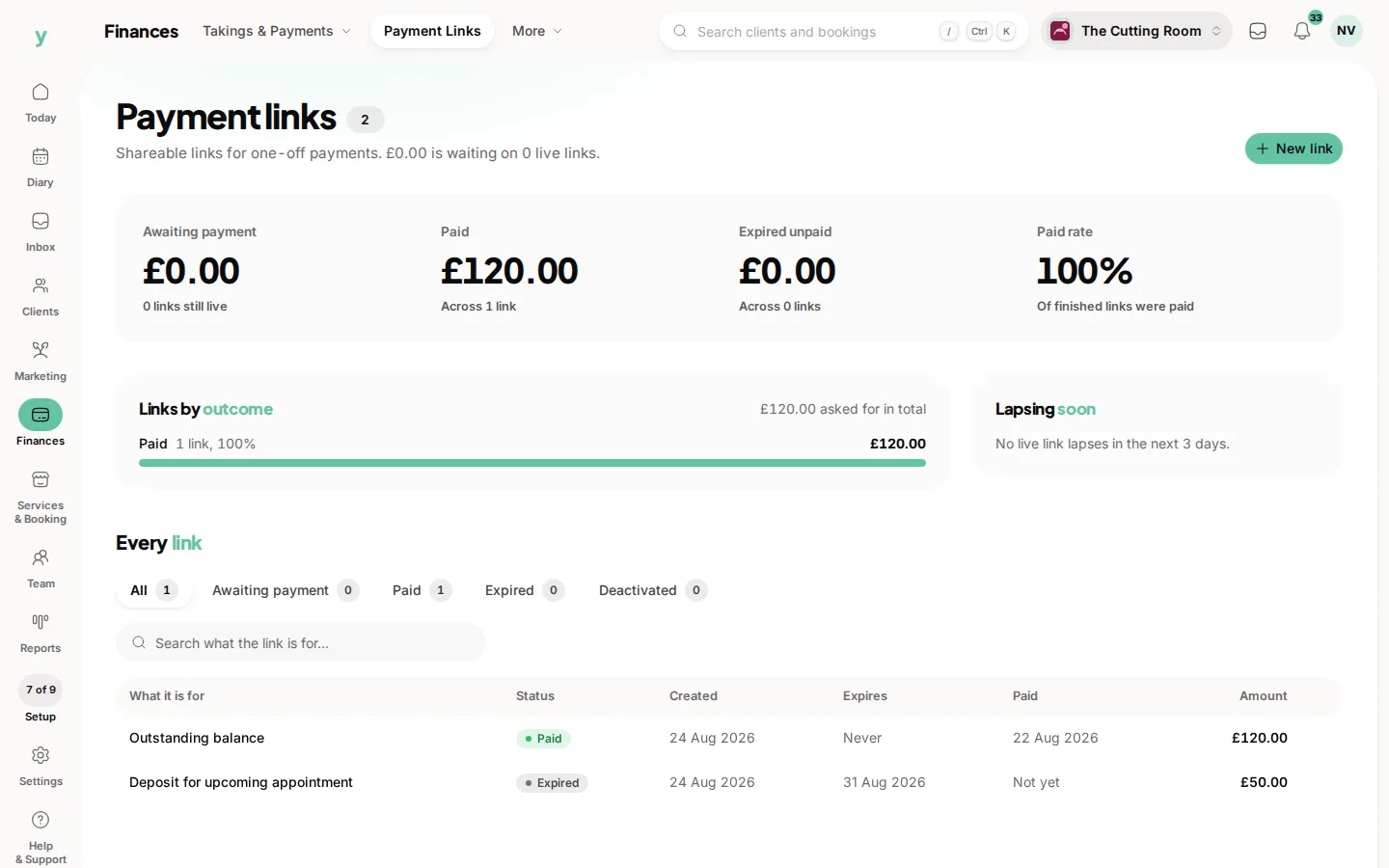
Get paid
Collect a deposit before work begins, then invoice with UK VAT and take card payment through a secure link. See at a glance what is paid and what is overdue.
Keep customer records
Every customer carries their site addresses and job history, so a return visit takes seconds to set up.
Getting set up
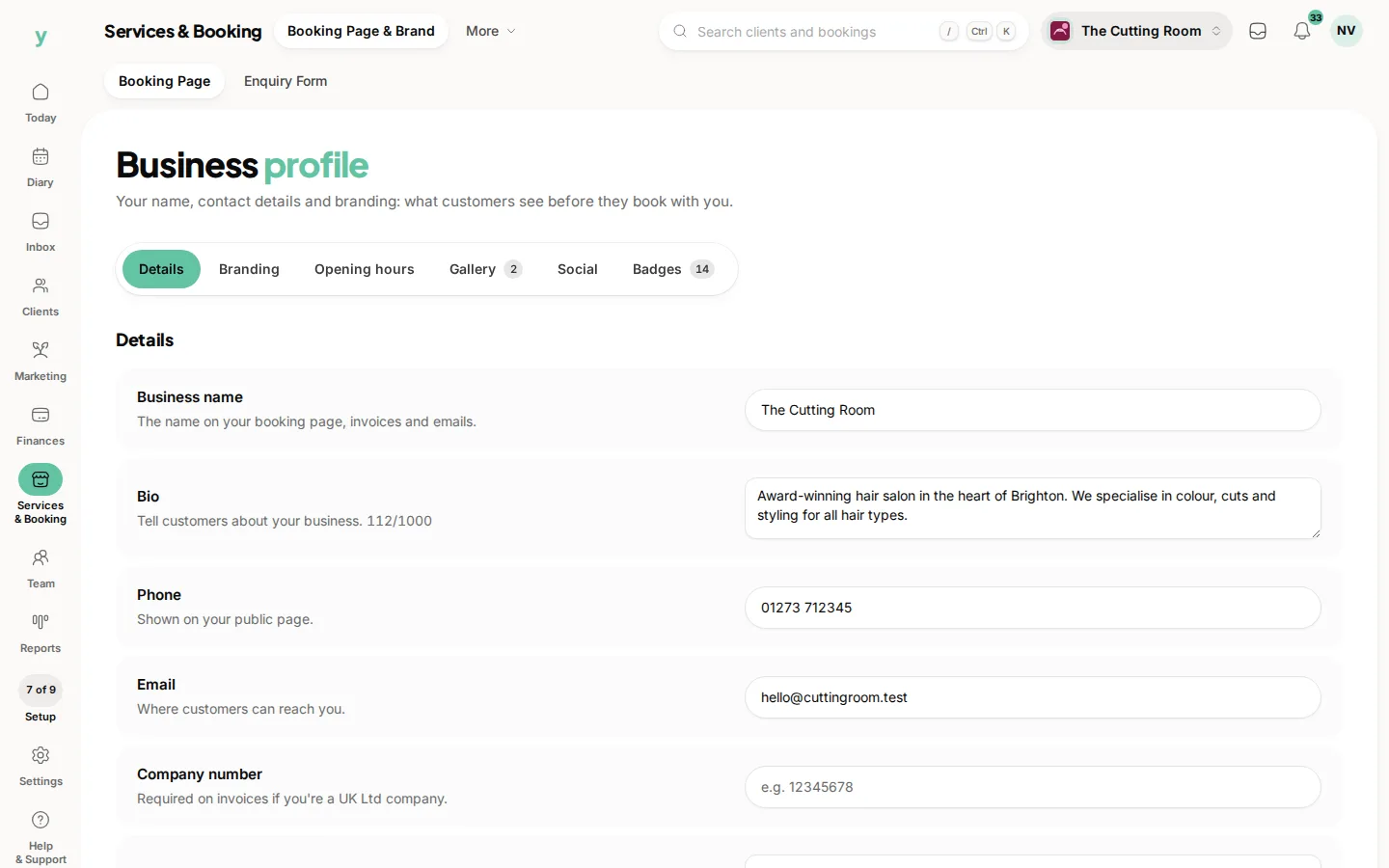
- 1Set up your business profile with your trade and service area.
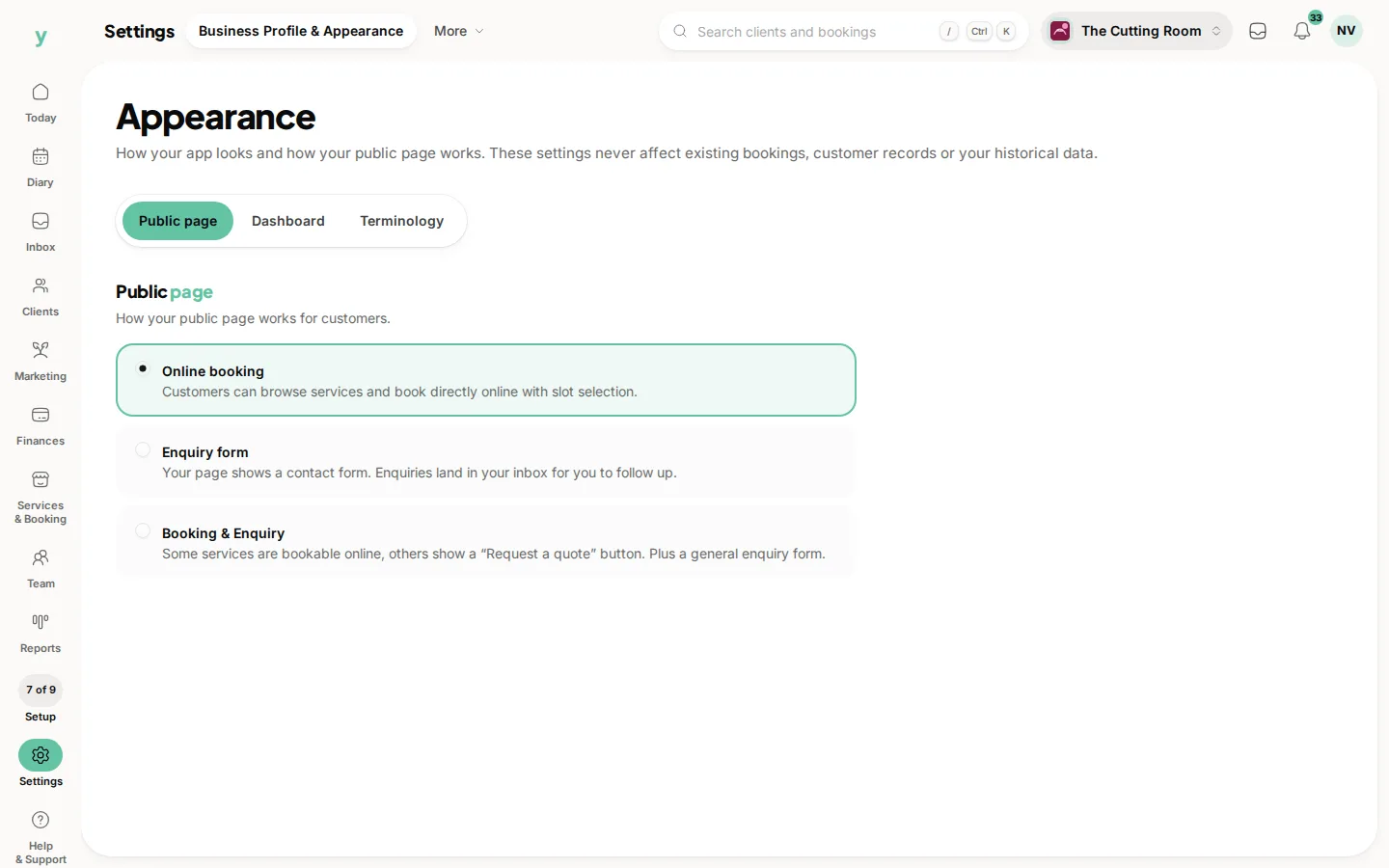
- 2Decide which work is bookable online and which is quote only.
- 3Send your first quote and convert it to an invoice when it is accepted.
There is 0% commission on new clients won through Youzse. The work you win stays yours.
Common questions
Can I quote before booking the work in?
Yes. Send a quote, and convert it to a booking or an invoice once it is accepted.
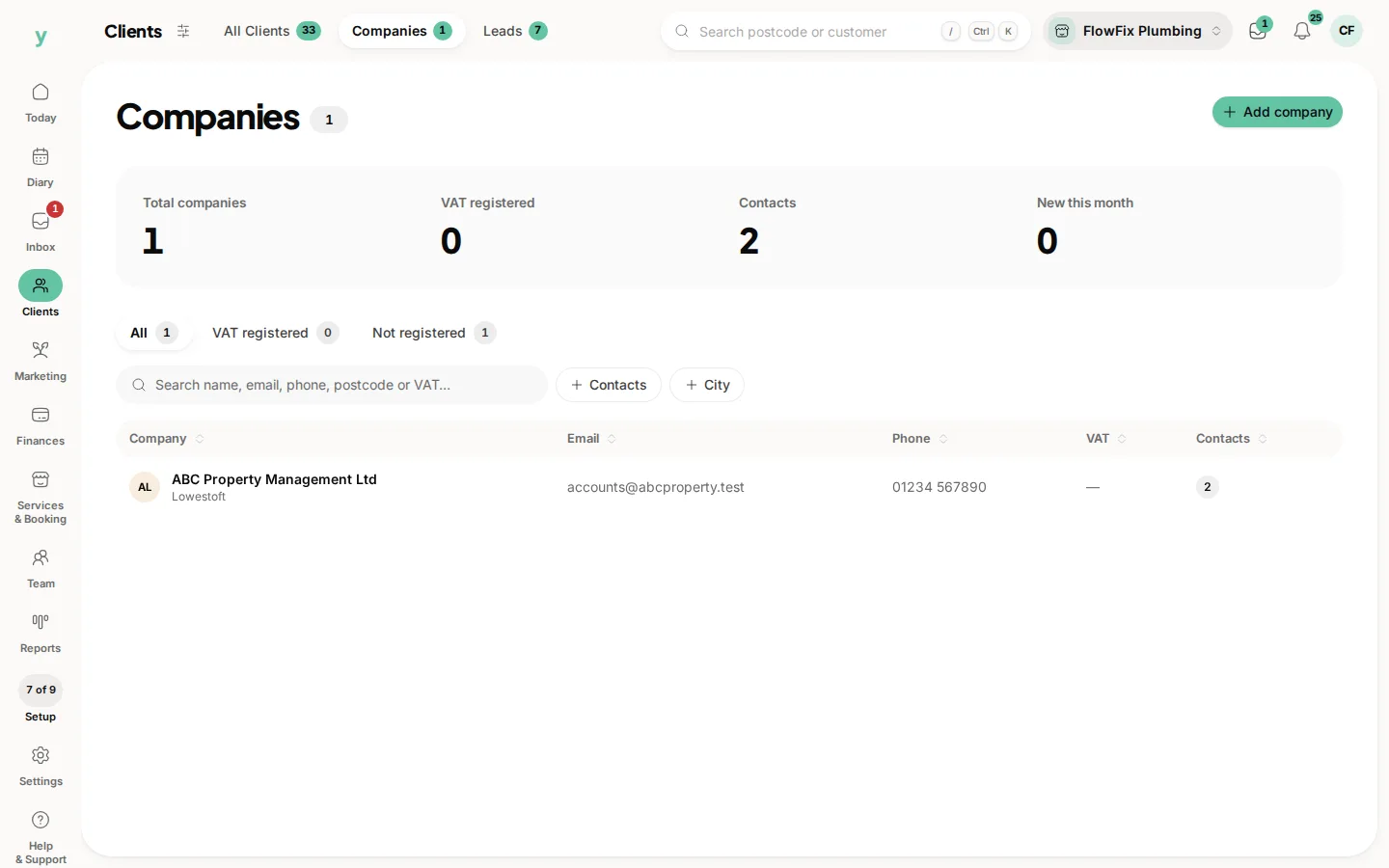
Can I invoice a business rather than a person?
Yes, using company records with their own billing address and VAT number.
Does it work on a phone on site?
Yes. Quotes, invoices and payments can all be handled from a phone between jobs.