
An invoice is the bill you send a customer for work you have done. On Youzse you raise the invoice once the job is complete, then send it for payment and track it through to paid.
Creating an invoice
- 1Go to Finances, then Invoices & Quotes, then Invoices and create a new invoice or raise one straight from a completed booking.
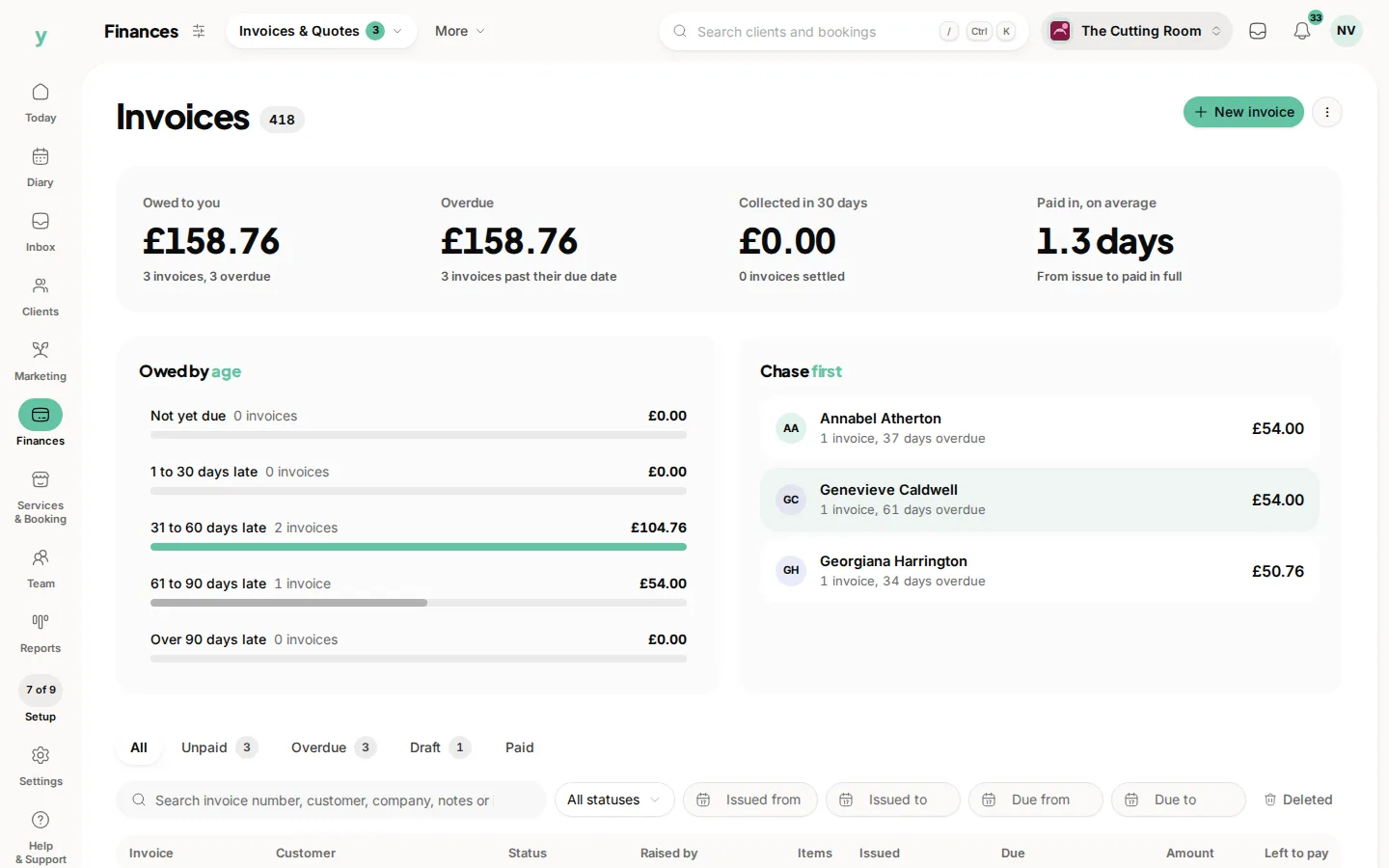
- 2Choose the customer. Their company details are carried through automatically for business customers.
- 3Add line items with a description, quantity and price. VAT is worked out per line based on your settings.
- 4Check the totals, then save.
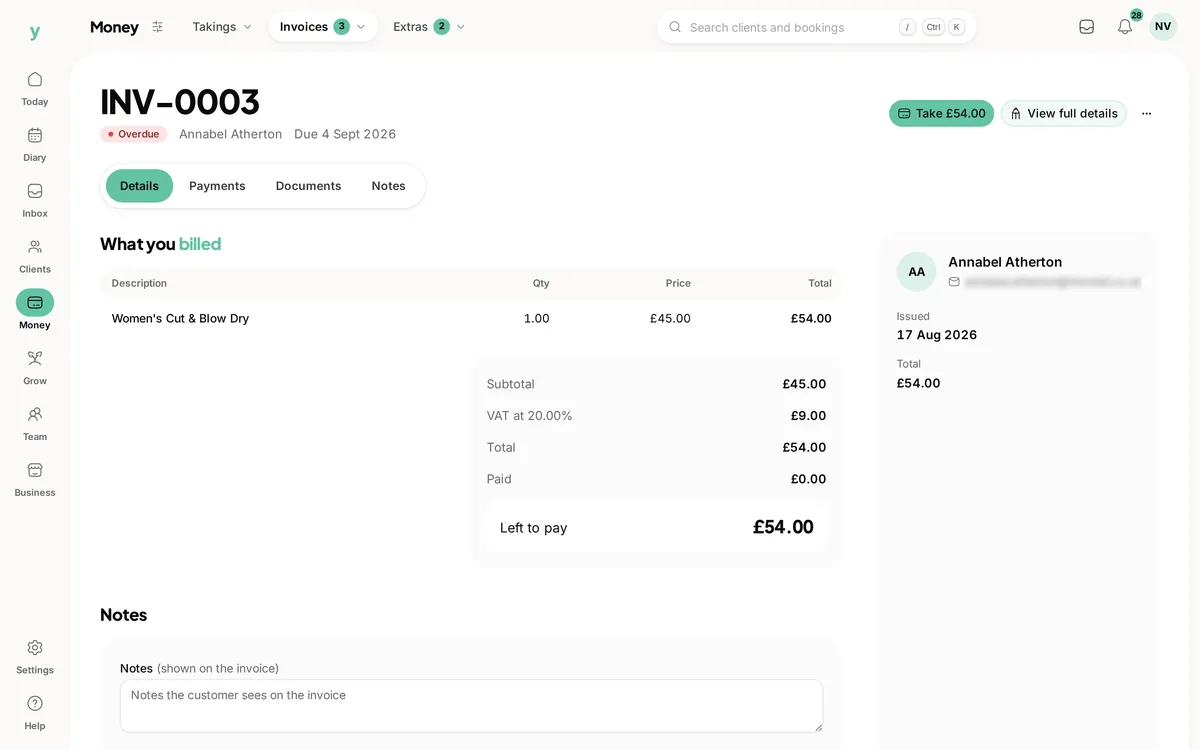
Raising an invoice from a booking pulls in the service and price for you and credits any deposit already taken so the customer is only billed the balance.
Sending it
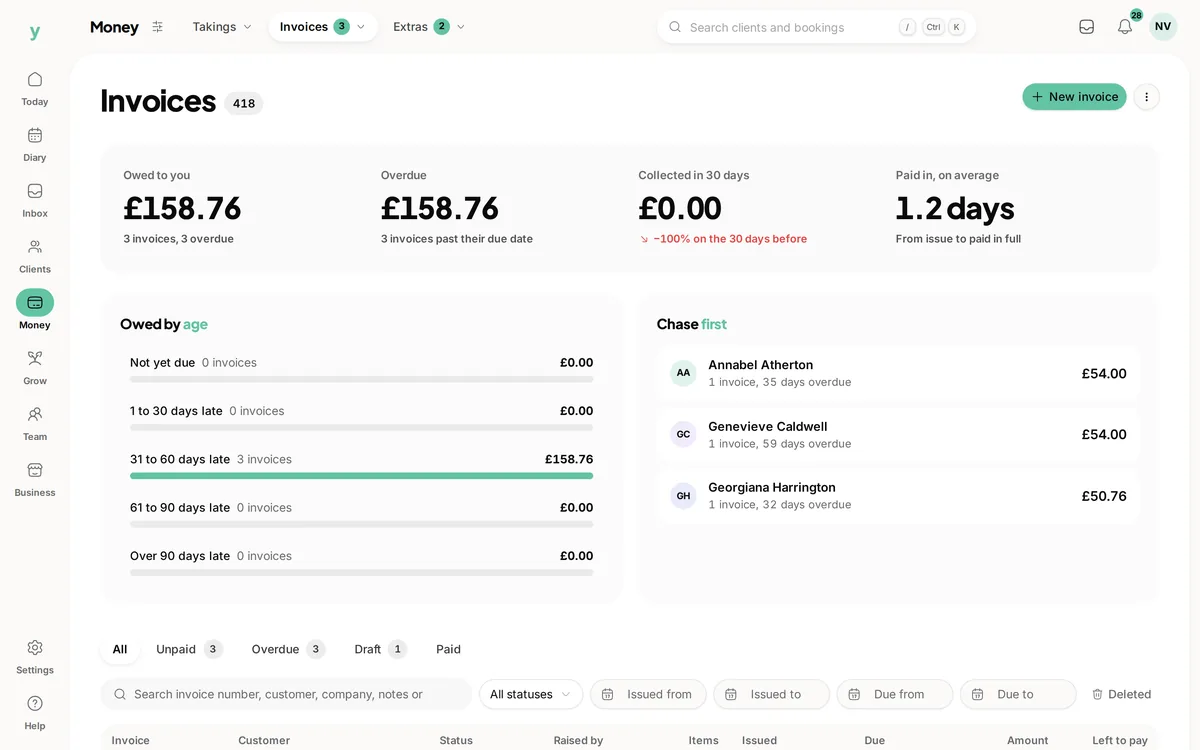
Select Send to email the invoice to the customer. The invoice needs a customer with an email address, at least one line item and a total above zero. Once sent, its status moves to sent, then to viewed when the customer opens it.
Getting paid
- The customer can pay online through the link on the invoice
- You can record a payment taken by cash, card or bank transfer
- Part payments are supported, with the status showing part paid until the balance clears
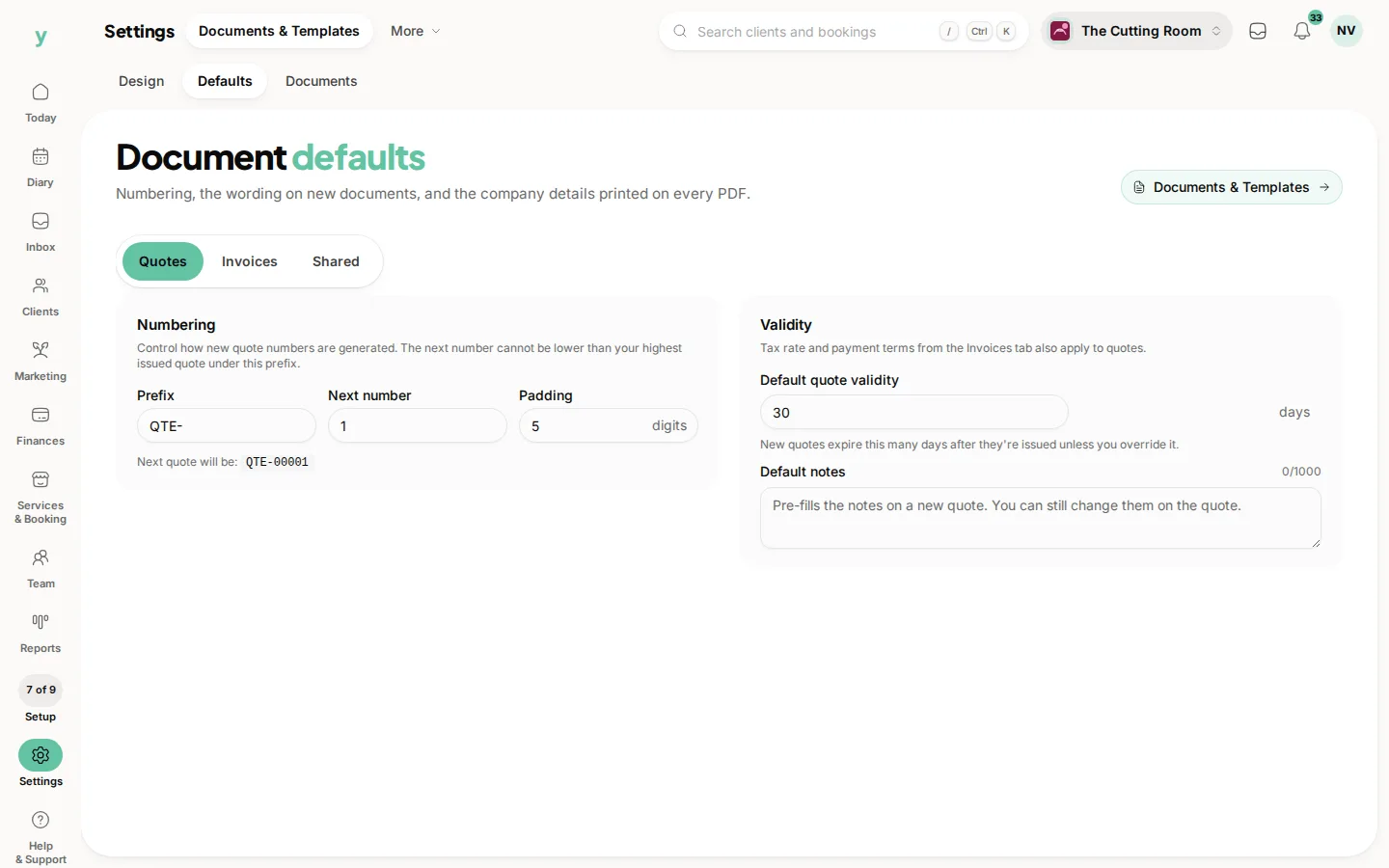
You can set default payment terms and a due date under Settings, then Documents & Templates, then Defaults, so every invoice carries them automatically. If you need to cancel an unpaid invoice, choose Void invoice. You can duplicate an invoice to reuse its details or choose Revert void on one that was voided in error.
Common questions
When should I invoice?
On completion for work whose final figure can move. Take a deposit up front to protect the slot.
Can a customer pay from the invoice?
Yes. The invoice carries a payment link, so they can settle it without ringing you.
How do I keep my invoice numbering?
Set your next number under Settings, then Documents & Templates, then Defaults, particularly after importing history.