
A quote is a priced proposal you send before any work begins. The customer can accept or decline it and once accepted you can turn it straight into a booking or an invoice.
Creating a quote
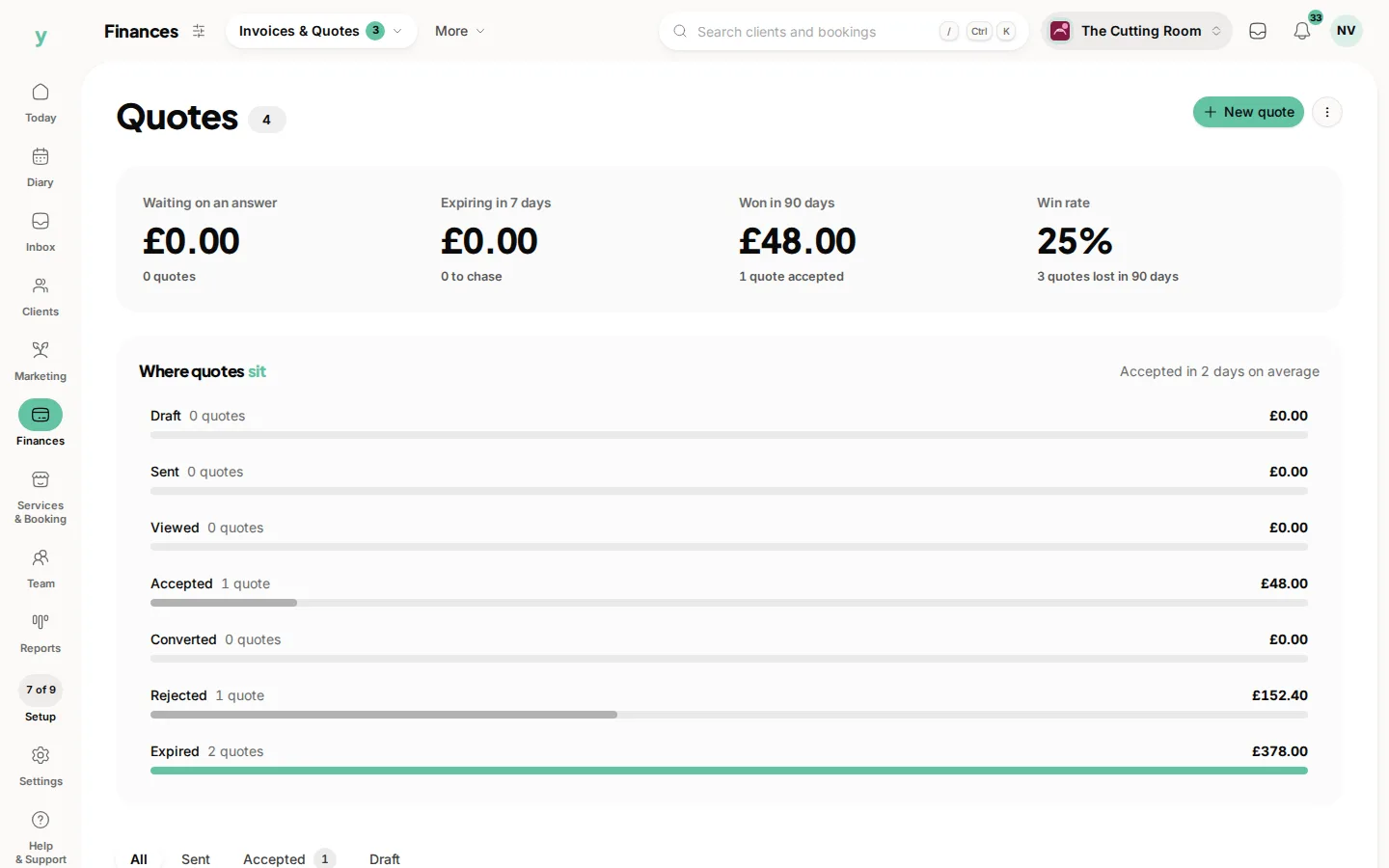
- 1Go to Finances, then Invoices & Quotes, then Quotes and create a new quote.
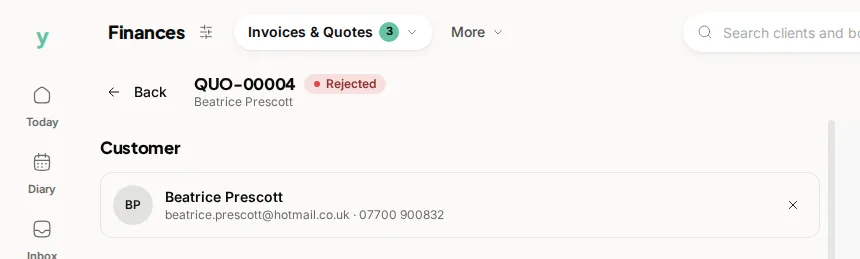
- 2Choose the customer. Company details are carried through automatically for business customers.
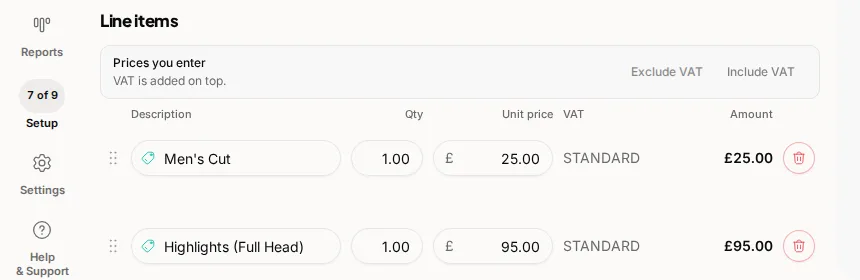
- 3Add line items with a description, quantity and price. VAT is worked out per line from your settings.
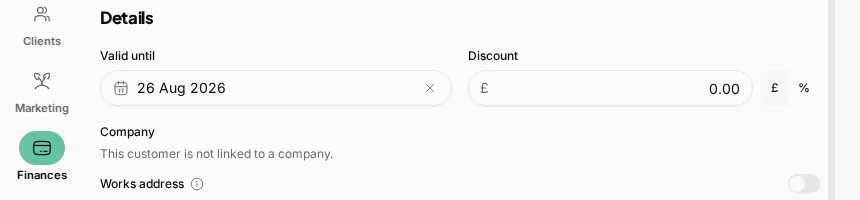
- 4Set how long the quote is valid for, then save.
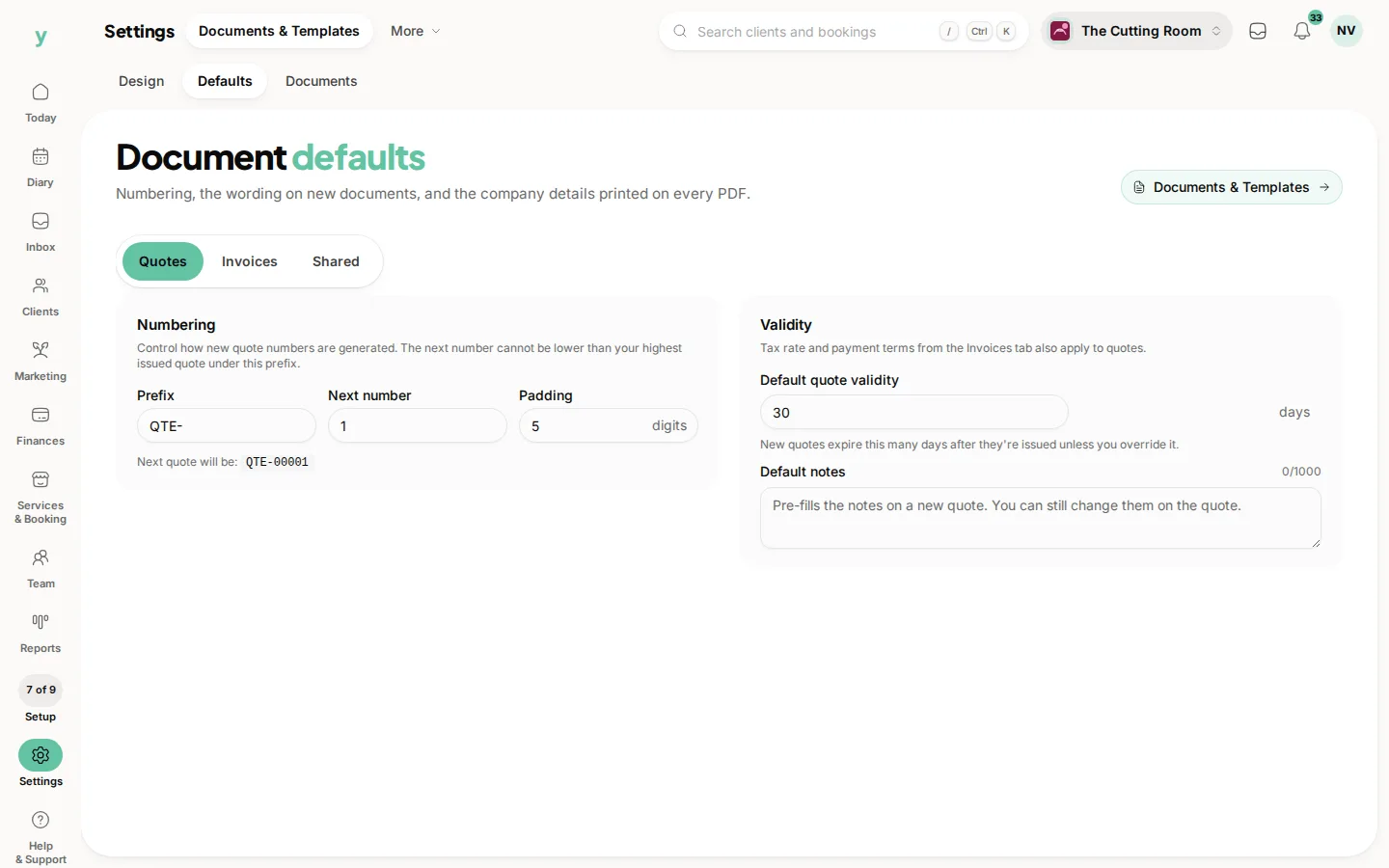
You can set a default validity period under Settings, then Documents & Templates, then Defaults, so every quote carries an expiry date without extra work.
Sending it
Select Send to email the quote to the customer. The quote needs a customer with an email address, at least one line item and a total above zero. Its status moves to sent, then to viewed once the customer opens it. If you revise the items on a quote you have already sent, the customer is told it has changed.
When the customer responds
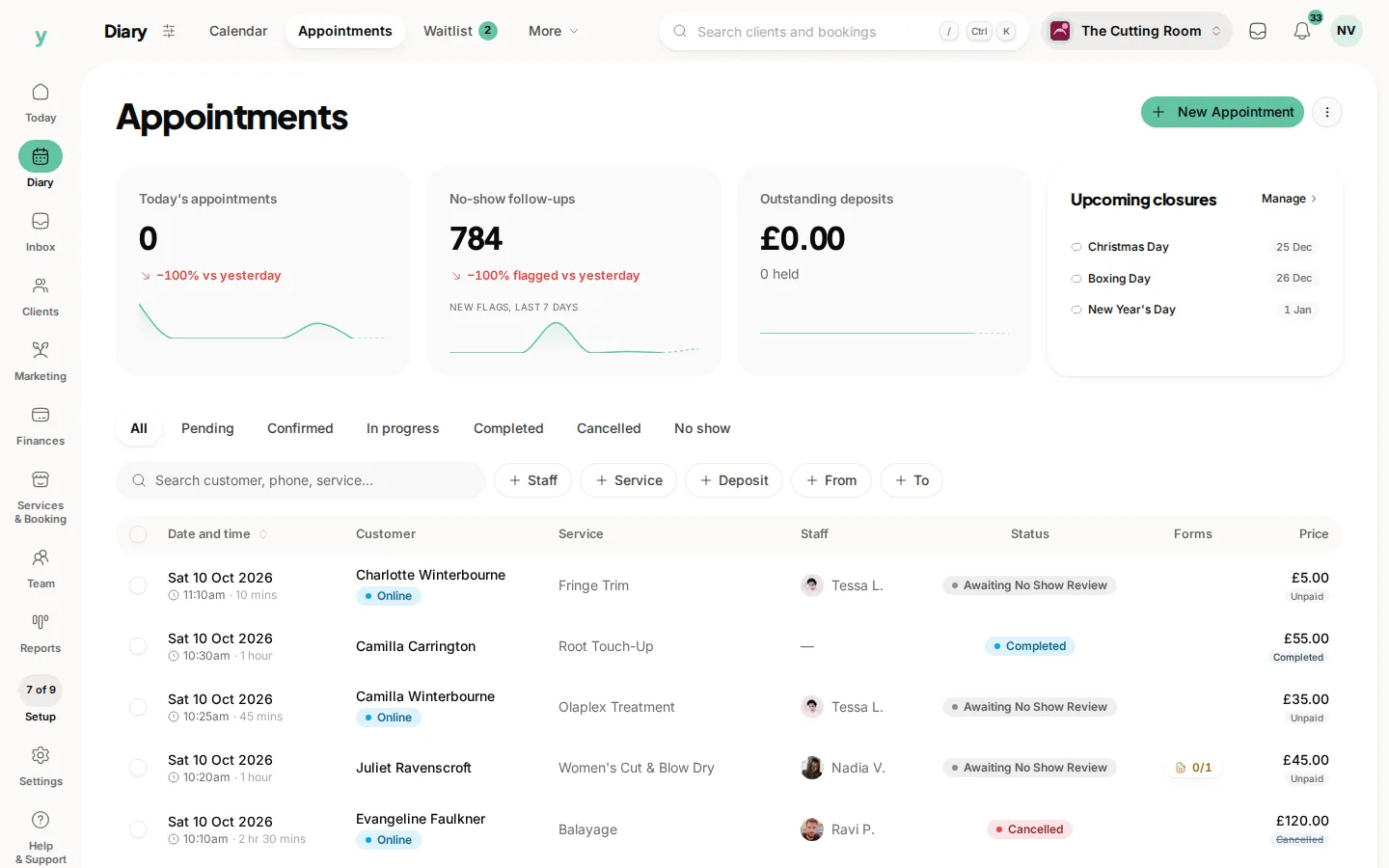
- Accepted quotes can be converted into a booking, with a date and staff member
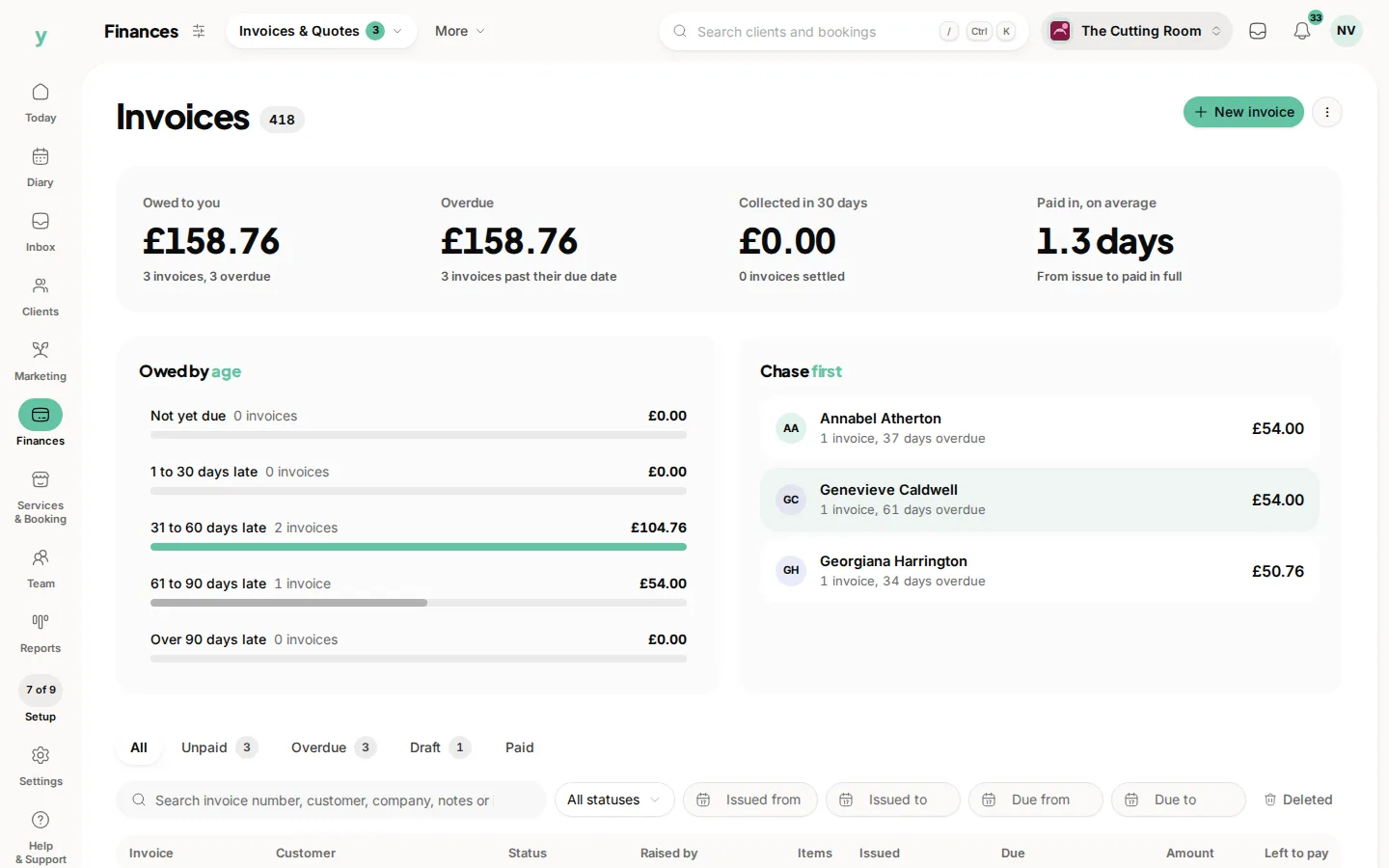
- Accepted quotes can also be converted into a draft invoice that matches the quote line for line
- Declined quotes record the reason. You can reopen one if the customer changes their mind
You can duplicate a quote to reuse its details for a similar job. A quote can only be converted once, so you always have a clear trail from quote to job to invoice.
Common questions
Can a customer accept a quote themselves?
Yes, from the link in the email and the status updates automatically.
Can a quote become a booking?
Yes. An accepted quote converts into an invoice or into an appointment, carrying its lines across.
I deleted a quote by mistake. Is it gone?
No. Go to Finances, then Invoices & Quotes, then Quotes, choose Deleted and choose Restore.