
Youzse is built to be shaped around how you already work rather than the other way round. Most of it can be changed and none of it needs a developer or a support ticket.
This article is the map. Each section links to the full guide.
Your dashboard
Pick which widgets appear, drag them where you want them and resize them. Owners can also set the starting dashboard for the whole team. On the app you choose a separate set of widgets for your phone home screen, because a phone and a desk monitor are not the same job.
Your menu
The rail down the left holds the categories and the menu across the top holds their pages. You decide what the little number beside a menu item counts or switch it off, from the small sliders beside the section name. On the app you choose which three items sit in the bottom tab bar.
Your wording and layout
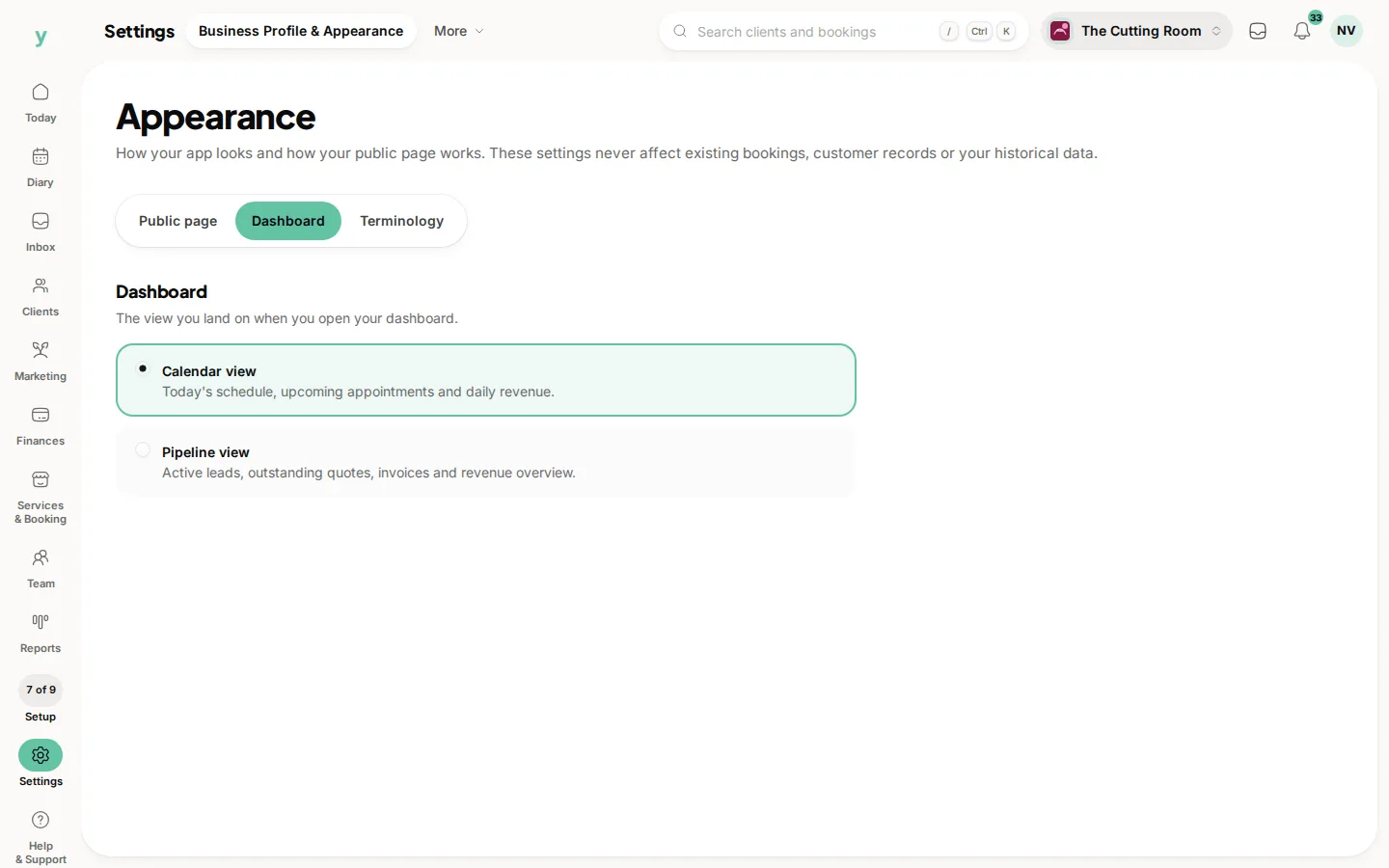
Call your work appointments, bookings or jobs and every label in the product follows. Choose a calendar, pipeline or workshop dashboard. Decide whether your public page takes bookings, collects enquiries or does both.
Your features
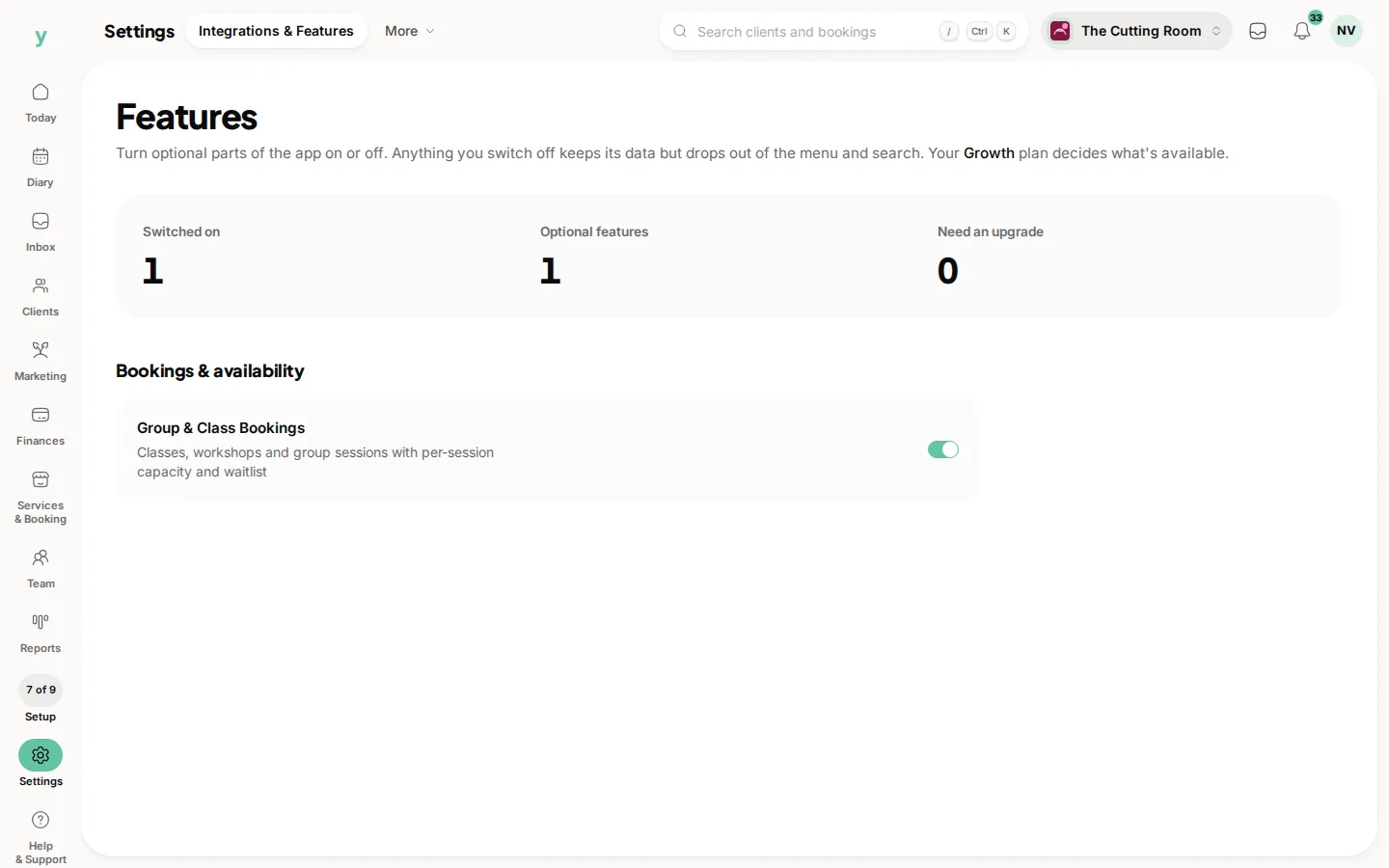
Optional features can be switched off if they clutter your day and switched back on later with nothing lost.
Your documents
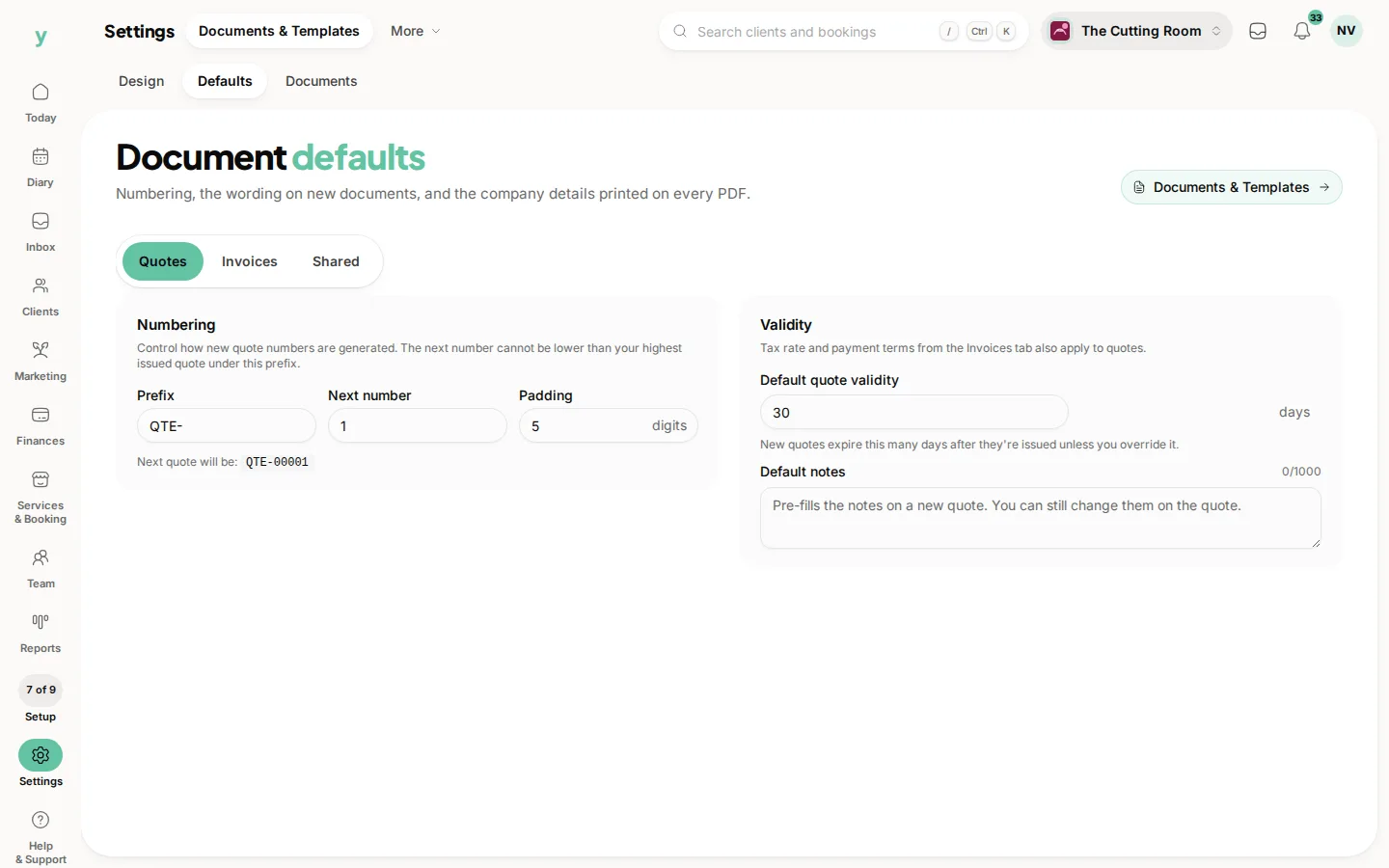
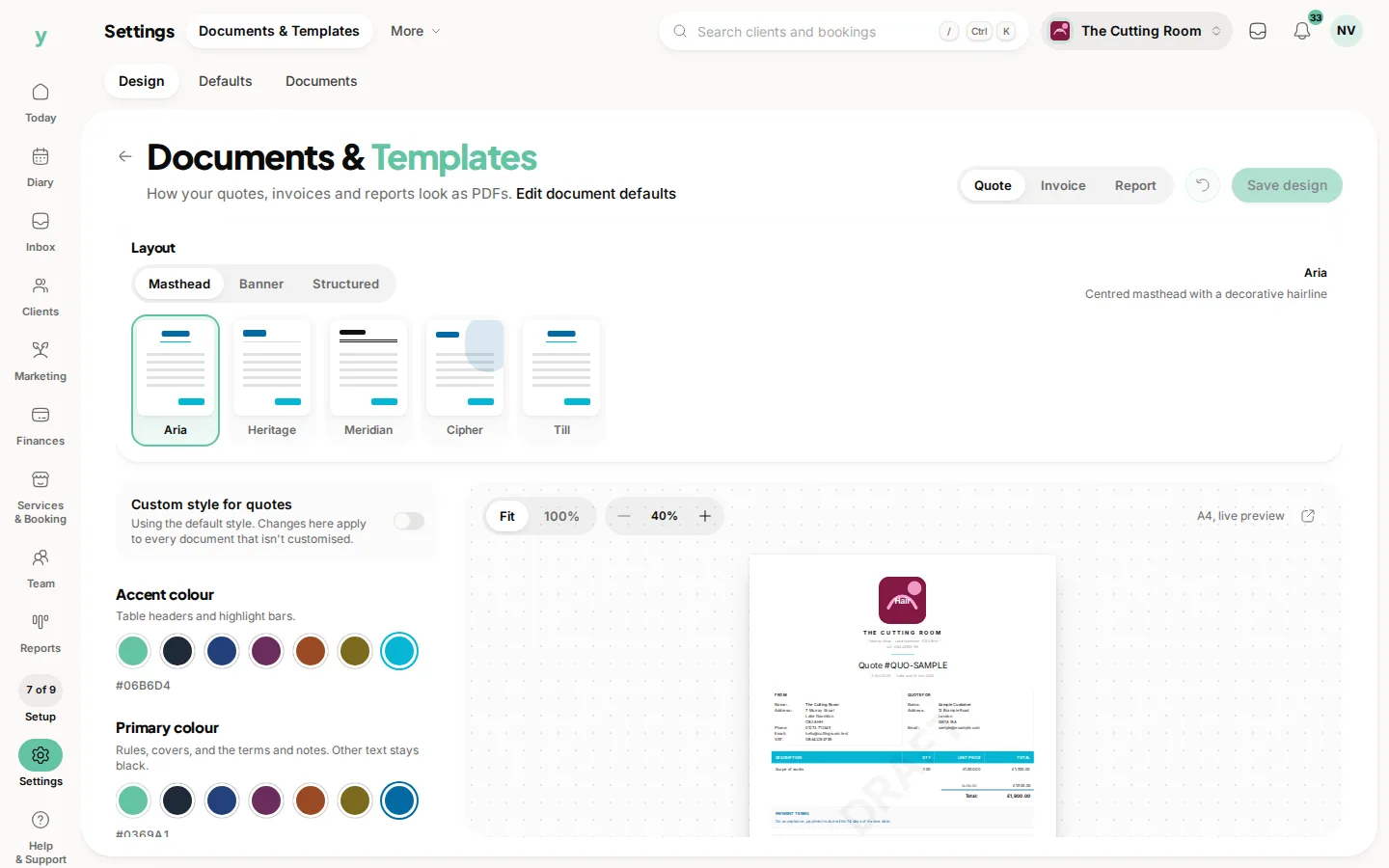
Design your invoices, quotes and reports with fifteen layouts, your own colours, your own typeface and your logo, then set what appears on them. Separately, set your numbering, your payment terms, your bank details and the small print that goes on every document.
Your brand
Your logo, cover image, bio, gallery and contact details live in your business profile. They drive your public page and everything customers receive.
What customers hear from you
Which notifications go out, on which channel and when, plus the wording of the emails themselves.
Who sees what
Roles and permissions decide what each person can reach. The menu only shows each person the pages their role allows.
On the app
Two places hold all of it. More, then App Customisation covers your home screen widgets, your tab bar, your theme and your public page. More, then Business Settings covers the rest, including Features, PDF Template and Document Defaults.
Anything that applies to the whole business is the same setting on both, so a change made between jobs on your phone is live on the web before you get back.
Common questions
Do I need a paid plan to customise things?
No. Layout, menu counts, wording and document design are part of the product on every plan. Some individual features and some dashboard widgets are tied to a plan. Those are labelled where you choose them.
Will customising anything affect my existing data?
No. These controls change how things are presented to you and how documents look from now on. Bookings, customers, invoices and history are untouched.
Does my customisation apply to my team as well?
It depends which one. Menu counts, feature switches, document design and document defaults apply to everyone in the business. Your dashboard arrangement and your phone tab bar are yours alone, unless you are an owner setting the team default.
Where do I find all of this?
Business wide options are spread across Services & Booking, Finances and Settings in the rail. The dashboard and the menu counts are changed where you use them, from the dashboard toolbar and the small sliders beside the section name.