
If a switch is greyed out or a control is missing, nothing is broken. Youzse splits customisation into two kinds and the second kind is deliberately kept to a small number of people.
Personal and open to everyone
- Your dashboard on the web: which widgets, where they sit, how big they are.
- Your home screen and your tab bar on the app.
- Your theme, your language and your profile details.
- Your app lock, your password and your active sessions.
Nobody needs to give you permission for any of that. See what you can set for yourself for the full list.
Business wide and behind the Edit settings permission
- What the count beside each menu item shows.
- The dashboard layout, the terminology and how your public page behaves.
- Which optional features are switched on.
- The PDF template and the document defaults.
- The business profile, notifications and everything else under Settings.
Each of these reshapes the product for everybody, which is why one careless afternoon should not be able to do it. Owners and managers have the permission by default.
What it looks like when you do not have it
On the web a switch is greyed out, a choice does not save or the settings page simply is not in your menu. On the app the row carries a padlock and tells you when you tap it. Neither is an error worth reporting.
What to ask for
Two options. The first is usually quicker. Ask an owner to make the change, since most of these are set once and forgotten. Or ask to be given the Edit settings permission, which an owner can do by changing your role or building a custom role under Team, then Roles & Access.
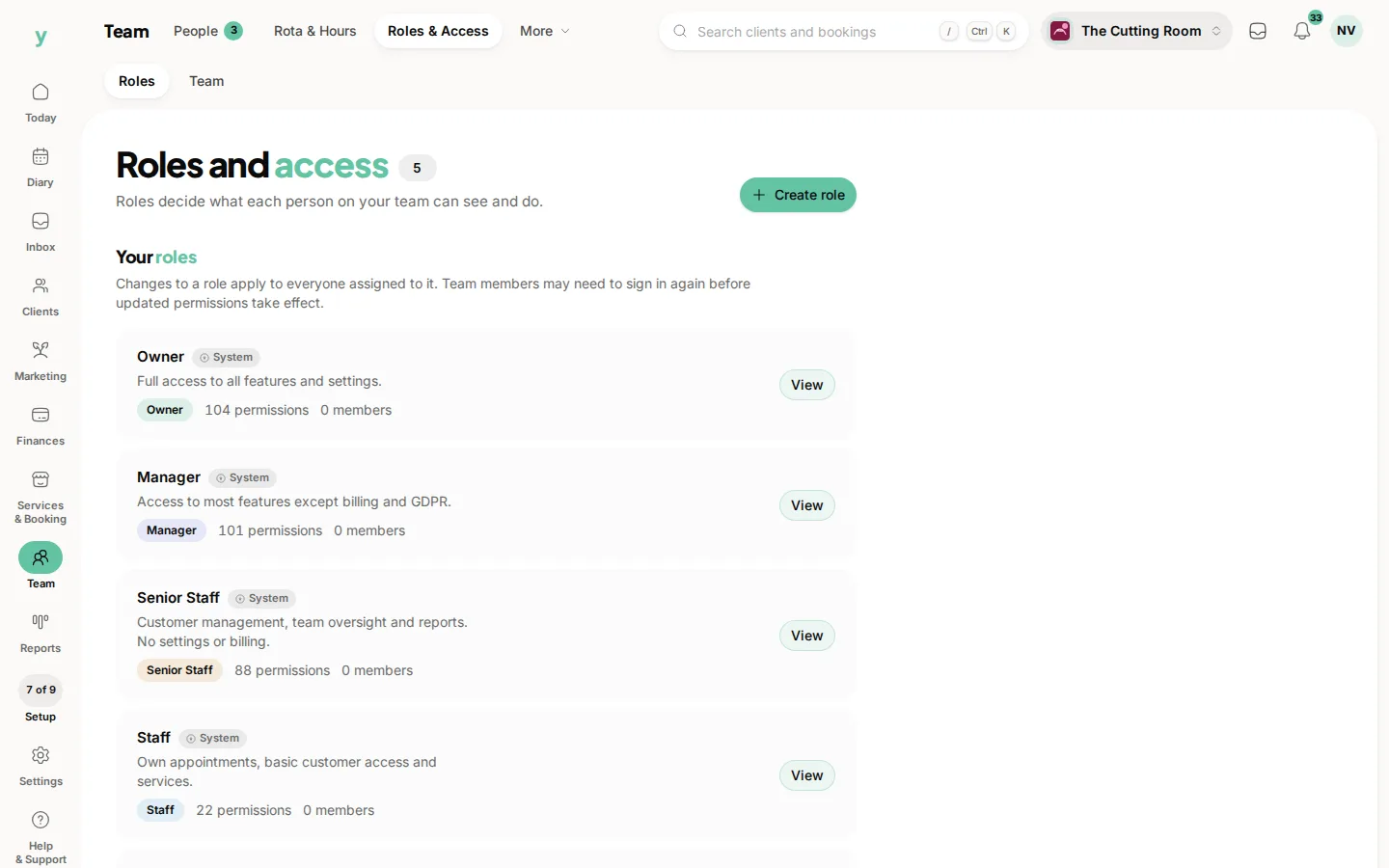
Be specific about which one you need. Edit settings is a broad permission covering billing adjacent screens as well as the cosmetic ones, so an owner may reasonably prefer to make the single change for you.
Not everything greyed out is about permissions
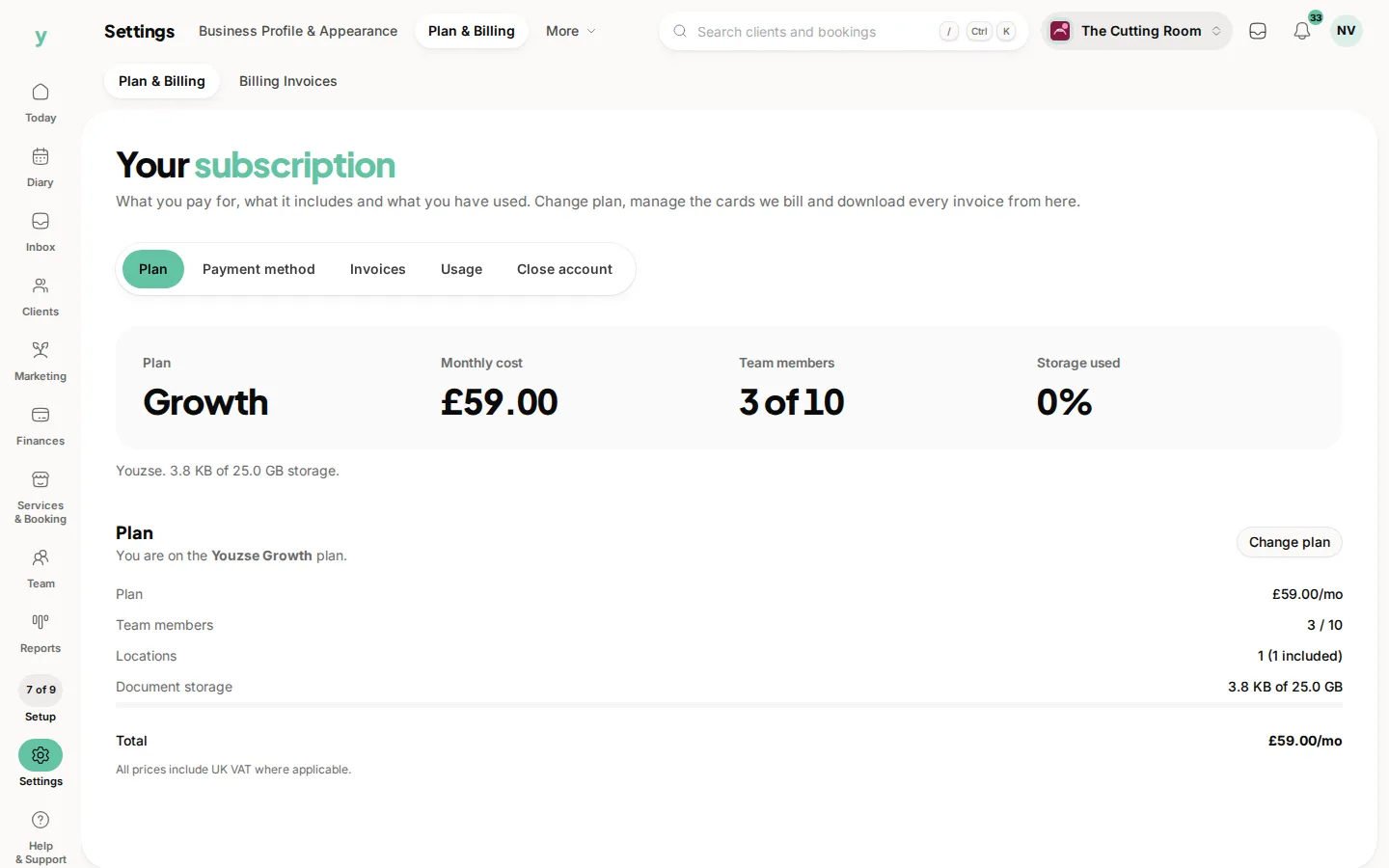
Some things are missing because of the plan rather than your role. A dashboard widget listed under Locked or a feature showing an upgrade badge is not something an owner can grant you. That needs a plan change.
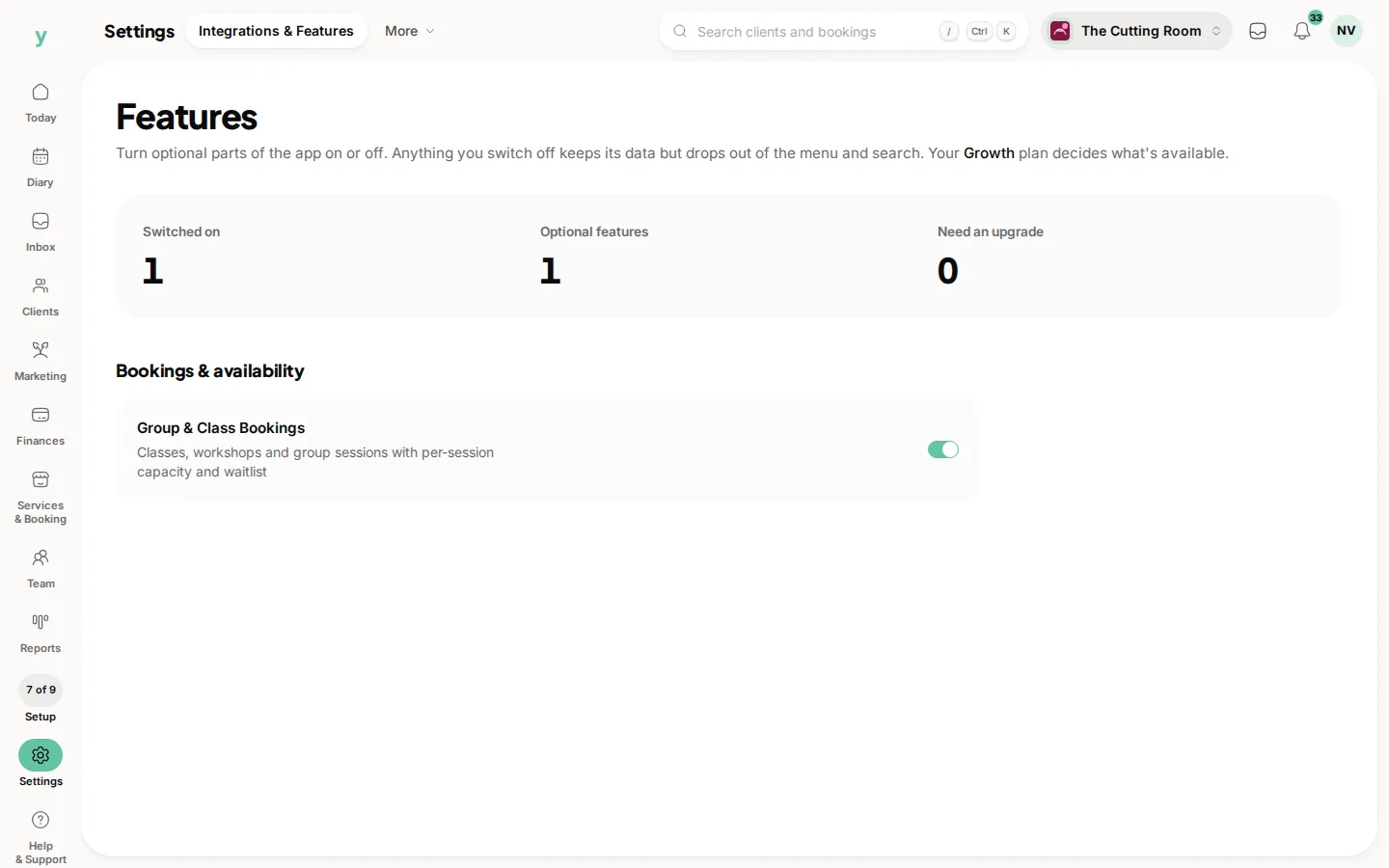
Others are missing because a feature is switched off for the business or because the page belongs to a product line you are not on, such as the workshop screens on Garage Pro.
One thing worth knowing
The menu follows your role. If a page is missing from your menu and a colleague sends you a link to it, it will only open if your role allows it, so a link is no way round a permission.
On the app
The same rules apply. More, then App Customisation holds your personal choices and More, then Business Settings holds the business wide ones with a padlock on anything your role does not cover. A change an owner makes on the web shows on your phone straight away.
Common questions
Why can my colleague change the menu counts and I cannot?
They have the Edit settings permission and you do not. It is a role setting rather than anything to do with how long you have been there.
Can I take a menu item out just for me?
No. The web menu shows every page your role allows, the same way for everyone. Your dashboard, your app home screen and your app tab bar are the parts you can trim for yourself.
I was able to do this last week and now I cannot.
Your role or its permissions have probably changed. Permission changes take effect the next time you act, so it can appear mid shift. Ask an owner what changed.
The switch is there but nothing happens when I use it.
Check whether the feature belongs to your plan. A control that looks available but refuses to save is usually a plan limit rather than a fault. The page will normally say so.
Who counts as an owner?
The person whose account the business was created under, plus anyone given the Owner role. Managers hold most of the same permissions apart from billing and GDPR.