
A garage does not book appointments and a clinic does not take jobs. Youzse lets you set the language and the layout so the product reads like your trade.
You will find all three under Settings, then Business Profile & Appearance. You need the Edit settings permission.
Public page
The Public section decides what a customer can do when they land on your page.
- Online booking: they browse your services and book a slot themselves.
- Enquiry form: they send you a message and you follow it up.
- Booking and enquiry: some services are bookable, others show a request a quote button. There is a general enquiry form as well.
Switching to enquiry only turns online booking off for your customers, so Youzse asks you to confirm before it does.
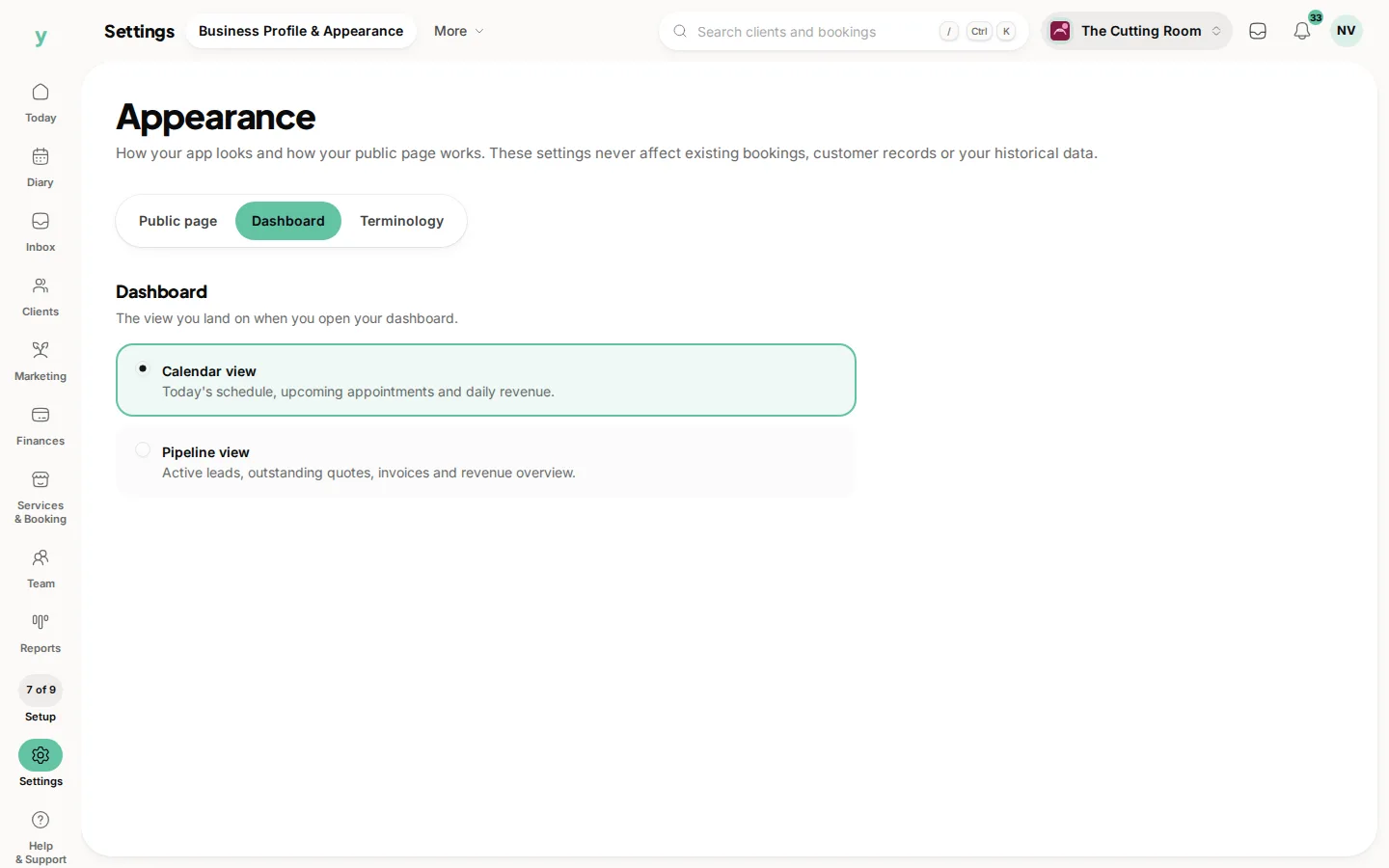
Dashboard
Choose the view you open on.
- Calendar view: today's schedule, upcoming appointments and daily revenue. Best if your day is driven by the diary.
- Pipeline view: active leads, outstanding quotes, invoices and a revenue overview. Best if your work arrives as enquiries you have to win.
- Workshop view: the workshop board, MOT due list, bay utilisation and mechanic hours. Available on Garage Pro.
Your layout also decides which widgets are offered, so changing it changes the menu of things you can put on your dashboard.
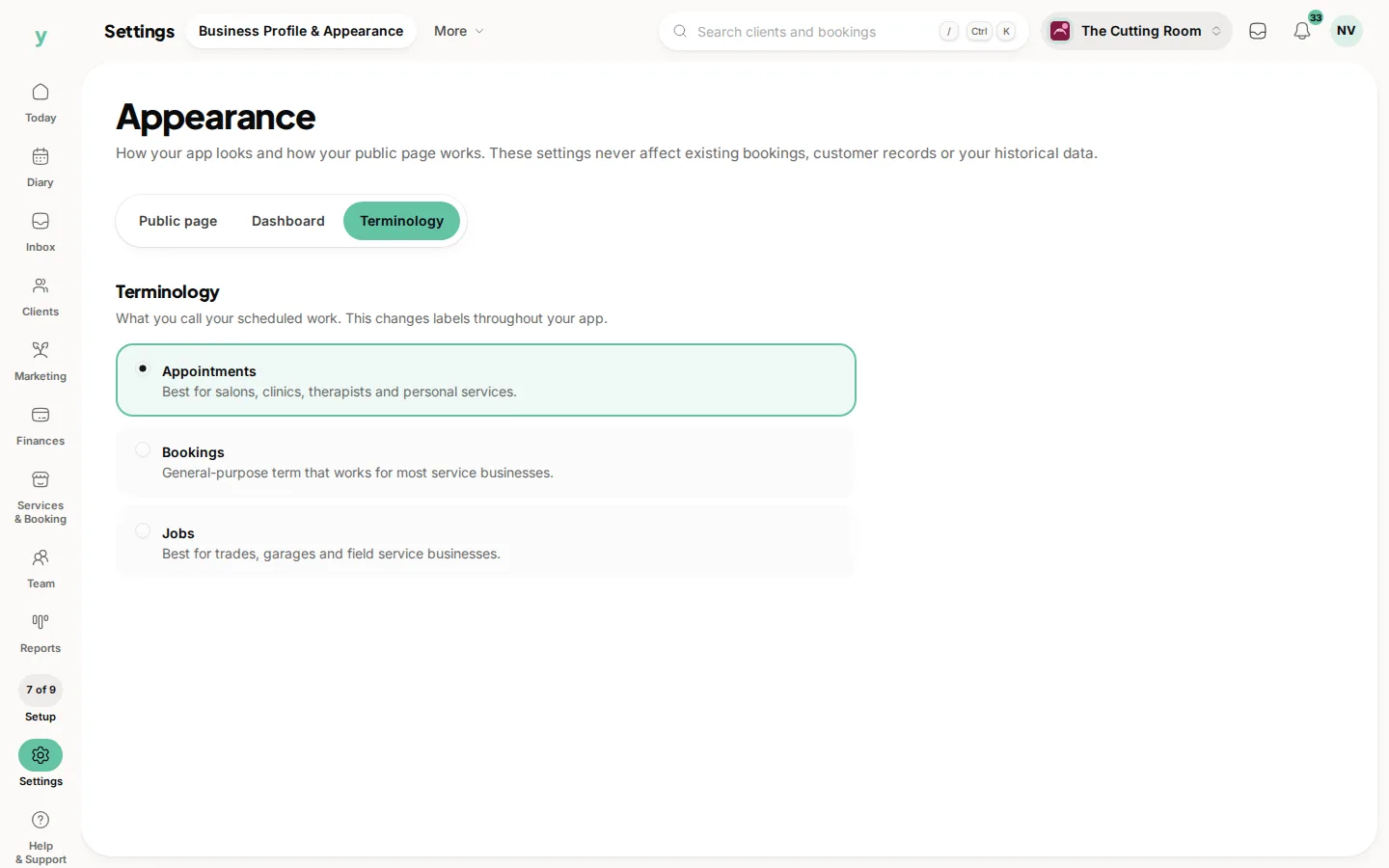
Terminology
Pick appointments, bookings or jobs and every label in the product follows.
- Appointments suits salons, clinics and therapists.
- Bookings is the general purpose choice and suits most service businesses.
- Jobs suits trades, garages and field service.
None of these three settings touches your data. They change what you see and how your page behaves from now on. Existing bookings, customers and history are exactly as they were.
On the app
Go to More, then App Customisation. Appearance there covers your dashboard layout and your theme, which can follow your phone or be fixed to light or dark. Theme is a personal choice on that device. Public Page sits in the same list and needs the Edit settings permission, since it changes what customers see.
Common questions
Will changing my terminology rename anything my customers have already received?
No. It changes labels in the product and in what you send from now on. Documents already issued are unchanged.
Can different staff use different terminology?
No. Terminology is one choice for the business, so everybody is speaking the same language.
Does turning on enquiry only mode delete my services?
No. Your services stay exactly as they are and become bookable again the moment you switch back.
Can I use the workshop dashboard without Garage Pro?
No. The workshop view is built on the workshop board, MOT data and bay utilisation, which are Garage Pro features.
Is dark mode available on the web?
Yes. Open the account menu, your picture or initials at the top right and choose Dark mode or Light mode. The theme on My account can also follow your device.